



Usar un instrumento externo

Con
John Watson
Qué incluye el curso
14 lecciones (1h 39m) · 2 gratis
01. Primeros pasos y configuración del equipo
11:07
02. Generar ideas con MIDI - introducción al MIDI
Lección gratis6:12
03. Grabar una guía rítmica sencilla
7:41
04. Grabar audio: configuración y niveles
6:21
05. Grabar audio
6:25
06. Usar un instrumento externo
Estás aquí3:27
07. Crear la línea de bajo
11:05
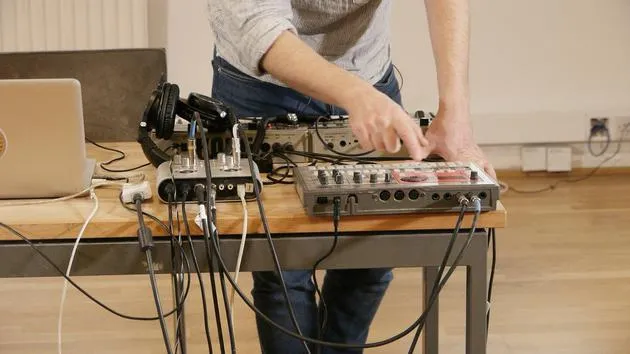
08. Añadir una parte rítmica más
2:50
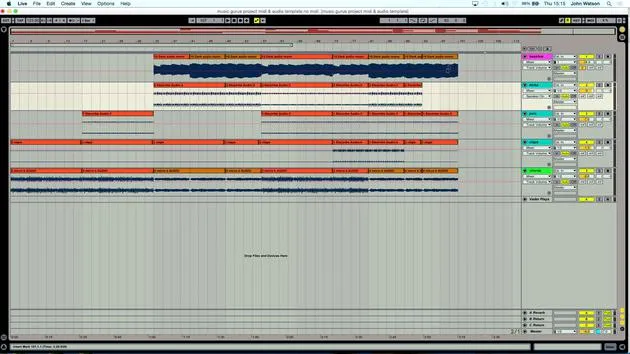
09. Premezcla y Vista de Sesión
9:59
10. Estructura de la canción y vista de arreglo
8:47
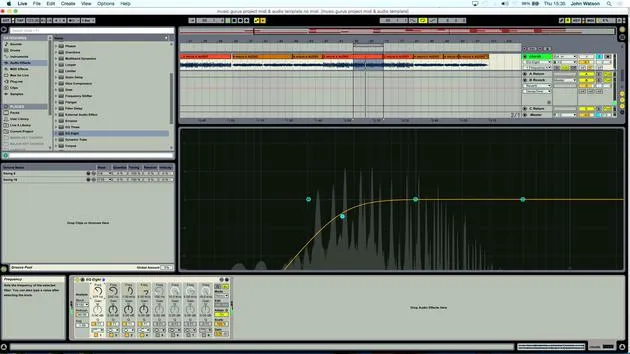
11. Mezcla: ecualización y compresión
7:37
12. Efectos espaciales
4:40
13. Efectos de modulación
5:26
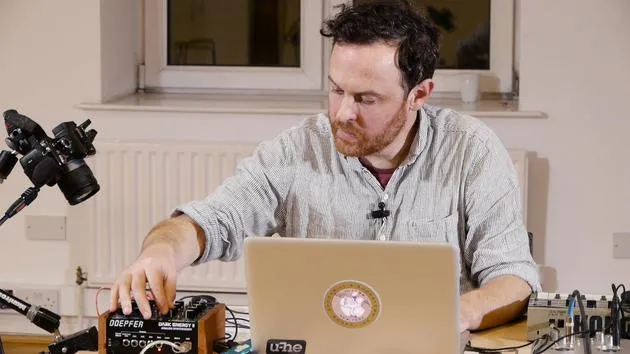
14. BONUS: Crear una línea de bajo con el Doepfer Dark Energy II
Lección gratis7:26
Transcripción de la lección
Adding Excitement with Drums
Okay, the next thing to do is to add another drum layer. I feel it's getting a little bit dull, so I need to introduce some more excitement in terms of the drums.
Loading a New Pattern
I'm going to load up a different pattern here. These are patterns that I've pre-programmed already, which is a whole subject in itself. I'll move on to something that I've stored here on C41.
Input Adjustments
Since I've only got the two inputs on my sound card, I need to swap these inputs over. I'm going to come into the outputs here and play a little pattern. This new pattern has more of a "bossanova" feel to it.
Matching Tempos
Now, how can I make this work with this track?
-
Match the Tempo:
- I'll set the tempo to 123. That's perfect.
-
Consider Existing Beats:
- I've already recorded a beat with the kick drum, so I'll probably omit the kick drum from this new beat. Otherwise, it's going to sound too heavy on the bass frequencies.
-
Adjusting Volume:
- I'll use the volume control, click on the drum sound, and turn its volume down.
- This way, I've got something much more light and breezy that can work on top of our track.
Integration
If I come over to what we've set up already, I feel that this works quite nicely. So, I'm going to pop that in.
Duplicating the Drum Track
What I'm going to do here now is very easily:
- Right-click and duplicate my drum track.
- This means it will have the same settings.
- Delete the clips that I made earlier since I don't need them at all.
Recording the New Patterns
Now I can just arm this track and record these patterns.
- Same procedure again: click Record and then Play.
That's probably going to be enough there. I'll double-click like so and set my loop brace around those two points.
Listening to the Result
Let's have a listen.
So far, that's working pretty well at the moment!
14 lecciones
1h 39m de lecciones en vídeo estructuradas
Funciones de vídeo avanzadas
Ralentiza, repite un pasaje, sigue la partitura
Móvil, tablet y ordenador
Practica donde quieras
Garantía de satisfacción 100%
30 días de garantía de devolución
Conoce a tu gurú
Conoce a tu gurú
Tras hacer prácticas con Dave Allen, productor de Depeche Mode y The Cure, John se sintió inspirado para estudiar Tecnología Musical en Londres. Su carrera musical despegó tras un exitoso fichaje por CookShop Records, con el que publicó 9 sencillos y un álbum en 2007 que recibió críticas entusiastas de Q, Uncut y Lowdown Magazine, además de sonar en XFM y Radio One.
John empezó a formarse como ingeniero de sonido en el estudio Bonafide en 2005, donde perfeccionó su talento, y ese mismo año fundó Jackdaw Recordings. Ha colaborado con numerosos artistas de éxito y, en 2007, comenzó a tocar para el músico pop Patrick Wolf, actuando en salas de primer nivel tanto en el Reino Unido como a nivel internacional, incluidos The Astoria y el Shepherds Bush Empire.
Desde su estudio londinense, John ahora compone música, con dos lanzamientos más en CookShop, se ocupa de la ingeniería de sonido para artistas destacados y crea diseño sonoro para anuncios de televisión, cine, teatro y vídeo corporativo.
Esa infrecuente combinación de compositor, productor e ingeniero de estudio en activo es justo lo que John aporta a su enseñanza. En Creative Composition & Production in Ableton Live y Creative Sampling & Production in Ableton Live, te muestra cómo transforma ideas en bruto en temas terminados y listos para publicar: la composición, el sampleo, el diseño sonoro y el saber hacer práctico de la ingeniería que hay detrás de un disco profesional.







