



Grabar audio: configuración y niveles

Con
John WatsonPrepárate para grabar audio en Ableton Live: armar una pista, comprobar los niveles y las preferencias clave que debes ajustar antes de pulsar grabar.
Qué incluye el curso
14 lecciones (1h 39m) · 2 gratis
01. Primeros pasos y configuración del equipo
11:07
02. Generar ideas con MIDI - introducción al MIDI
Lección gratis6:12
03. Grabar una guía rítmica sencilla
7:41
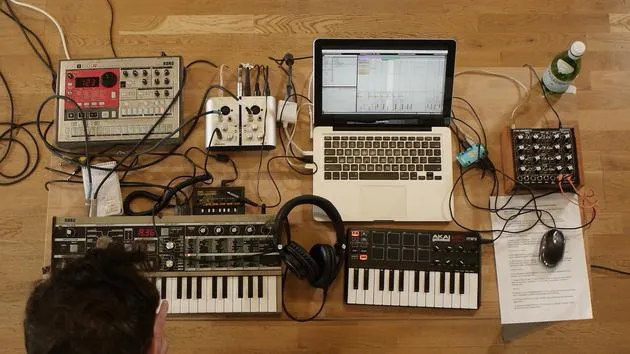
04. Grabar audio: configuración y niveles
Estás aquí6:21
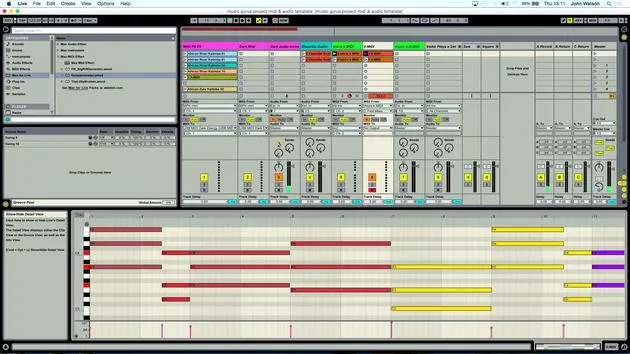
05. Grabar audio
6:25
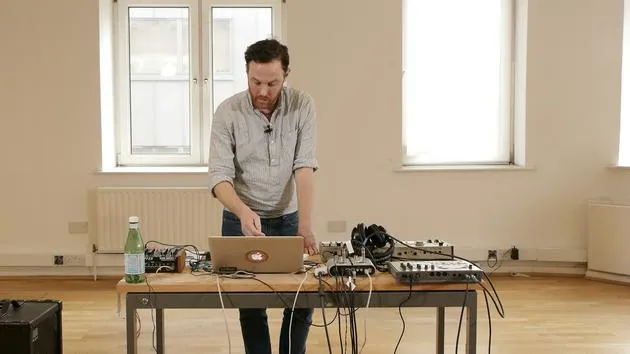
06. Usar un instrumento externo
3:27
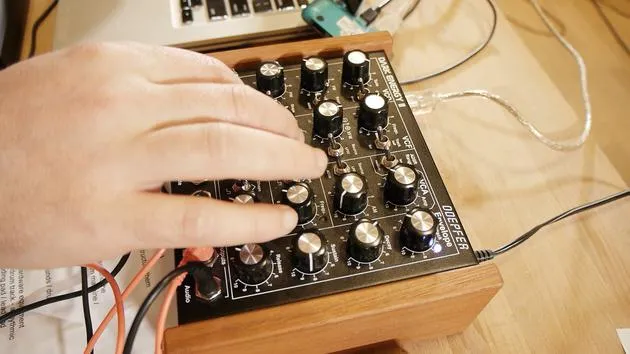
07. Crear la línea de bajo
11:05
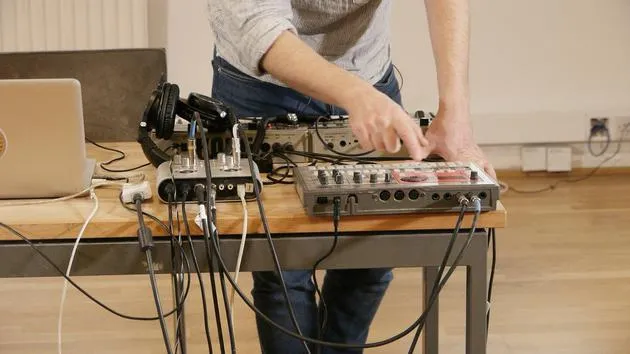
08. Añadir una parte rítmica más
2:50
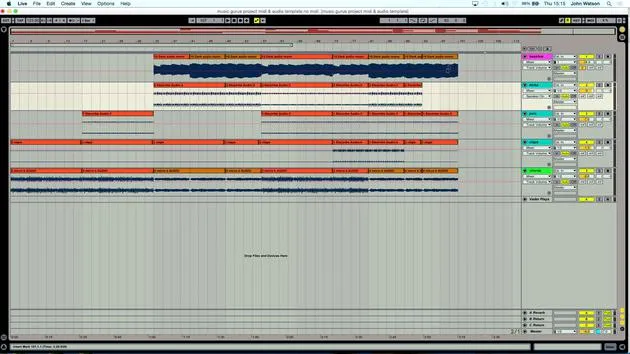
09. Premezcla y Vista de Sesión
9:59
10. Estructura de la canción y vista de arreglo
8:47
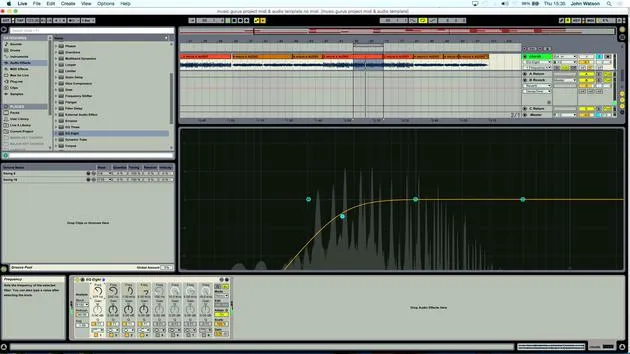
11. Mezcla: ecualización y compresión
7:37
12. Efectos espaciales
4:40
13. Efectos de modulación
5:26
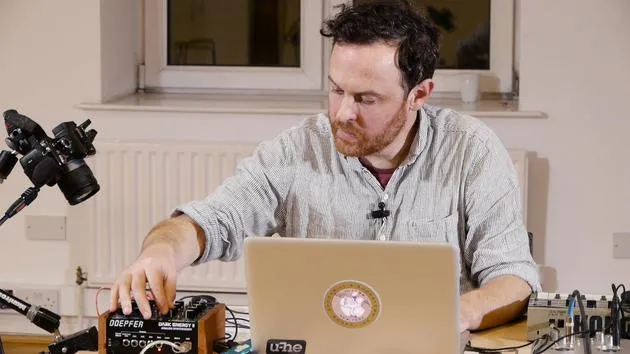
14. BONUS: Crear una línea de bajo con el Doepfer Dark Energy II
Lección gratis7:26
Transcripción de la lección
Music Lesson: Recording and Quantizing MIDI Tracks
So, I've got my basic guide track done. Let's unplug. I'm going to go back into the MicroKorg here and have a little jam to see if I can come up with something new.
Adjusting MIDI Settings
- First, I need to make a few adjustments in my MIDI device:
- Click on the MIDI track.
- Lower the spread, maybe take that off for the moment.
Working with Chords
- I have a four-note chord, but I might actually shrink this down to a three-note chord just for now:
- This will help me generate the first set of ideas.
- I want to build up from the bottom up.
"When you arm a track to record into, your little stop button turns into a record button."
- I'm giving myself free rein regarding the length of my recording:
- Not limited to four or eight bars.
- I'll record until I find a section that works musically.
Recording Process
- I'm going to click the record button now.
"The first section I liked a little bit more than the second, I think."
- My MIDI notes are in there; that is the main thing.
Quantizing Notes
- Next, I will quantize these notes to align them with their grid positions:
- Press Command + A on the keyboard to select all notes.
- Then press Command + U to move them onto their grid positions.
"When dealing with quantize here, essentially, I want to make sure that some of the notes align properly; otherwise, it's going to sound a little bit weird."
- Let's also turn down the volume a bit.
Creating a Contrasting Motif
-
I've laid down that little motif, and I think I'll create a second one to contrast the first:
- This will also help with the structure.
-
Now, I'll duplicate the scene:
- This gives me one of each, and I'll delete the set of chords in the new scene.
-
On the first scene, this will play what I just recorded.
-
The second scene currently has only the beat, so I need to record another part:
- I'll hit record and have another jam, similar to earlier.
Final Steps
- My intention is that this will complement the first MIDI part:
- I'll again select my notes using Command + A and quantize them.
"This way, they lock to the grid, and it's going to sound a little smoother."
Use these tips to enhance your MIDI recording process for better sound clarity and musical structure!
14 lecciones
1h 39m de lecciones en vídeo estructuradas
Funciones de vídeo avanzadas
Ralentiza, repite un pasaje, sigue la partitura
Móvil, tablet y ordenador
Practica donde quieras
Garantía de satisfacción 100%
30 días de garantía de devolución
Conoce a tu gurú
Conoce a tu gurú
Tras hacer prácticas con Dave Allen, productor de Depeche Mode y The Cure, John se sintió inspirado para estudiar Tecnología Musical en Londres. Su carrera musical despegó tras un exitoso fichaje por CookShop Records, con el que publicó 9 sencillos y un álbum en 2007 que recibió críticas entusiastas de Q, Uncut y Lowdown Magazine, además de sonar en XFM y Radio One.
John empezó a formarse como ingeniero de sonido en el estudio Bonafide en 2005, donde perfeccionó su talento, y ese mismo año fundó Jackdaw Recordings. Ha colaborado con numerosos artistas de éxito y, en 2007, comenzó a tocar para el músico pop Patrick Wolf, actuando en salas de primer nivel tanto en el Reino Unido como a nivel internacional, incluidos The Astoria y el Shepherds Bush Empire.
Desde su estudio londinense, John ahora compone música, con dos lanzamientos más en CookShop, se ocupa de la ingeniería de sonido para artistas destacados y crea diseño sonoro para anuncios de televisión, cine, teatro y vídeo corporativo.
Esa infrecuente combinación de compositor, productor e ingeniero de estudio en activo es justo lo que John aporta a su enseñanza. En Creative Composition & Production in Ableton Live y Creative Sampling & Production in Ableton Live, te muestra cómo transforma ideas en bruto en temas terminados y listos para publicar: la composición, el sampleo, el diseño sonoro y el saber hacer práctico de la ingeniería que hay detrás de un disco profesional.







