



Grabar audio

Con
John WatsonGraba tus motivos más sólidos en Ableton Live, luego genera un patrón de bajo y extrae sus acordes a una nueva pista MIDI.
Qué incluye el curso
14 lecciones (1h 39m) · 2 gratis
01. Primeros pasos y configuración del equipo
11:07
02. Generar ideas con MIDI - introducción al MIDI
Lección gratis6:12
03. Grabar una guía rítmica sencilla
7:41
04. Grabar audio: configuración y niveles
6:21
05. Grabar audio
Estás aquí6:25
06. Usar un instrumento externo
3:27
07. Crear la línea de bajo
11:05
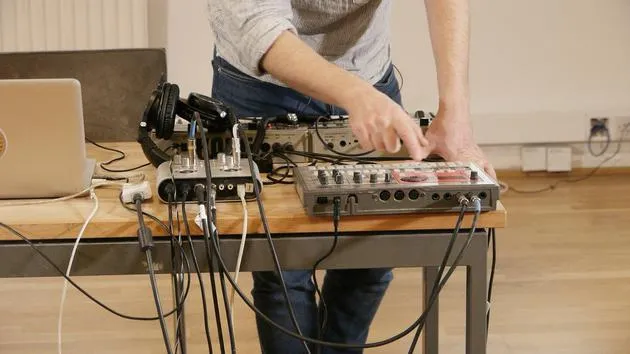
08. Añadir una parte rítmica más
2:50
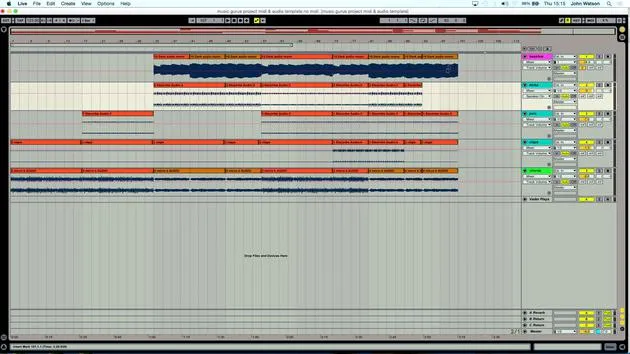
09. Premezcla y Vista de Sesión
9:59
10. Estructura de la canción y vista de arreglo
8:47
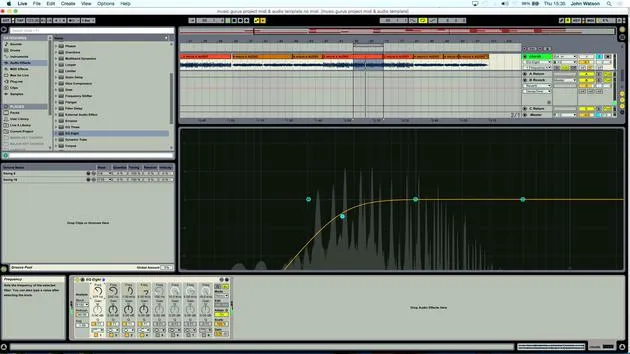
11. Mezcla: ecualización y compresión
7:37
12. Efectos espaciales
4:40
13. Efectos de modulación
5:26
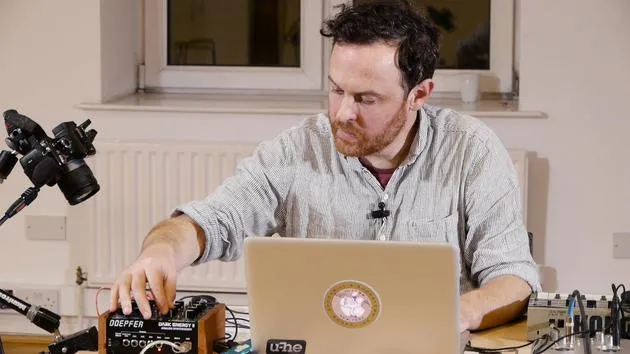
14. BONUS: Crear una línea de bajo con el Doepfer Dark Energy II
Lección gratis7:26
Transcripción de la lección
Generating a Bass Pattern
So what I also want to do here is I'd like to generate a bass pattern that will work with this.
Creating Another MIDI Track
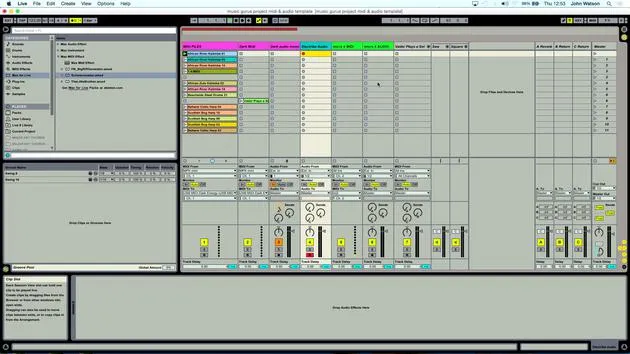
- I'm going to create another MIDI track, like so.
- I'm actually going to record the MIDI data that I've popped in here onto another track.
Extracting Chords
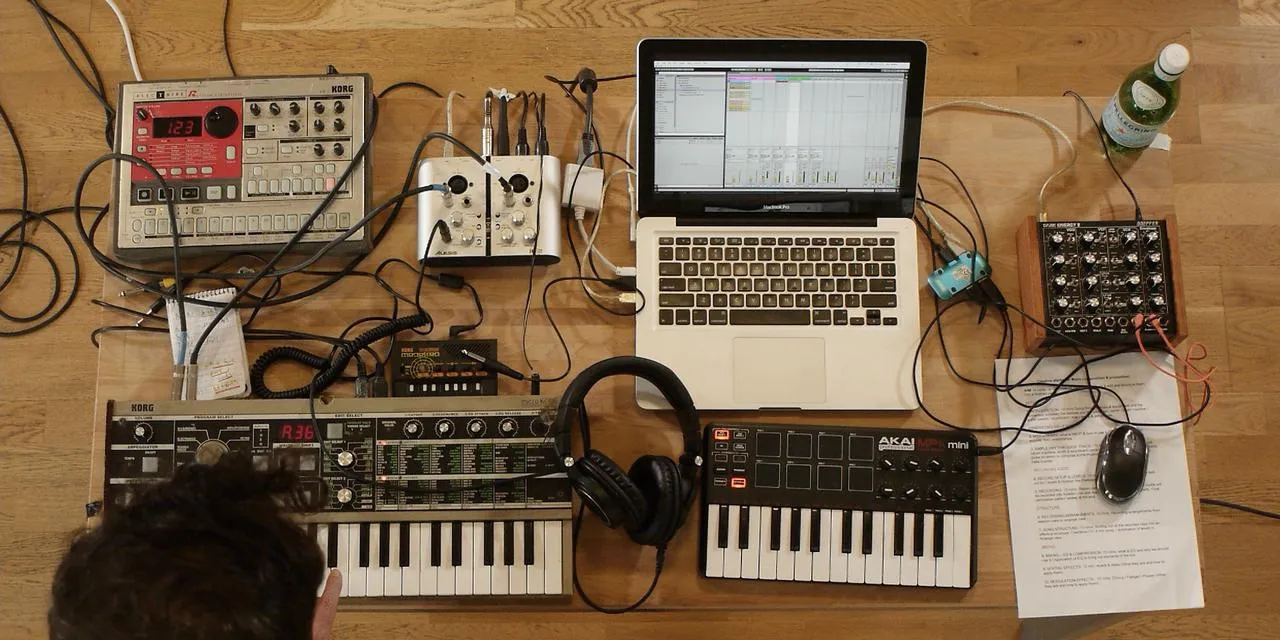
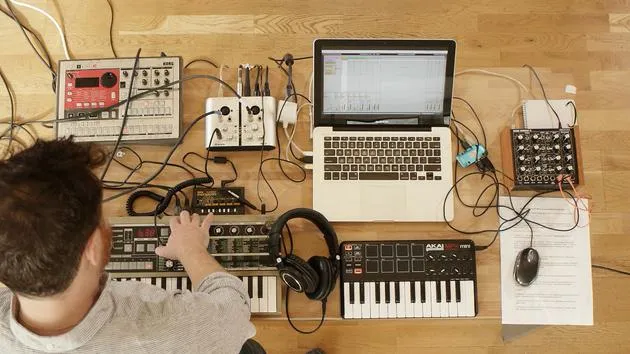
Okay, so this is where it might get a little bit confusing. Essentially, I've got here this MIDI device, the Schwarzenegger, and that is creating some chords.
- What I want to do is extract those chords onto a fresh MIDI track.
- Rather than just me individually playing notes that trigger chords, we're actually going to get the chords coming through as individual MIDI tracks.
Recording Chords
- I'm going to come in from the Microcorg MIDI and click the record button.
- I'll also click in, like so.
- Now, I'd like to record these two chords' MIDI information onto fresh MIDI tracks.
- Click Record like so.
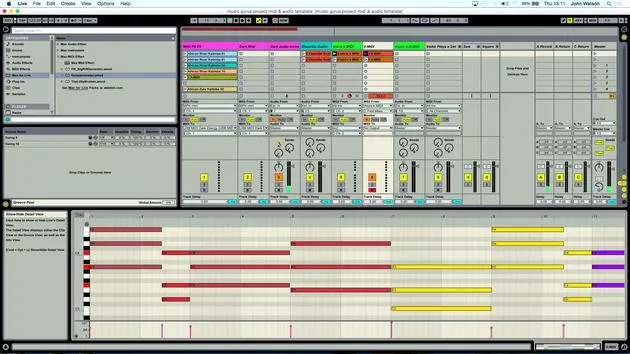
- You can see my chords actually being inputted onto this track.
Continuing the Recording
- That's one set recorded.
- Now, I'm going to move up to the first MIDI track that I had, and I'm going to record these ones in.
Let me just stop everything, like so. Then, I'll come in and record this line here.
- Again, what we're actually getting is the chord data going into these new MIDI tracks.
- This is going to give us a lot of flexibility now in terms of structuring the music, where we can cut individual notes out and play around with the arrangement of some of these chords.
Finalizing Chord Recording
Okay, so I've probably got enough there. That's working fine.
Generating a Bass Line
Next, I'd like to generate a little bass line as well. But first, I need to actually record the audio in so that we've got space to put this bass instrument.
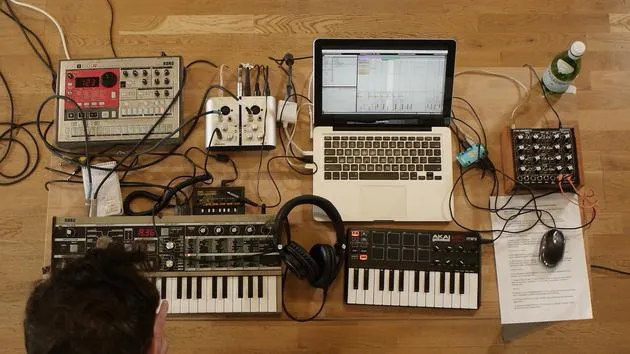
Note: Remember, this sound card has only two inputs, so I need to commit to recording this in as audio.
Recording Audio
- The first sound that I had was a 36, a much gentler chord. Let's play this.
- I've also got my beat, which I can use to keep variety.
I'm going to record the audio now from the Microcorg. I'm going to jump between a couple of different sounds again to keep variety in there and keep interest.
Setting Up for Recording
- I have my two MIDI parts ready.
- I'm going to go in with the first part.
Now I've got an audio track that I've already set up at the beginning.
- I'm going to come in and hit Record like so, and the MIDI notes will now play and come in as audio onto this track.
Counting the Bars
I'm just stopping there, counting in my head:
- 4 bars, 8 bars, I think I went for.
- How many have I got here at the minute? 4, 8, 12, 16 bars.
This has given me a little bit of variation. I was also adjusting some filter cutoff, just opening up the synth sound a little bit.
- But I've committed now, so I've got a piece of audio here.
Moving to the Second MIDI Clip
Now, I'm going to move on to the second MIDI clip and record this one in.
- I'm going to change the sound over; let's go for this one here.
Let's have a listen.
- Okay, so again, a brighter sound, it's just going to have a little bit more impact, a bit more positive, a bit more lift in the track.
- These two ideas are going to be great to play around with the structure.
Final Recording
I'm just going to hit Record.
- Okay, so there I've recorded the second part in.
- Again, what I've got here: 1, 2, 3, 4, 5, 6, 7, 8, another 16 bars from that clip.
14 lecciones
1h 39m de lecciones en vídeo estructuradas
Funciones de vídeo avanzadas
Ralentiza, repite un pasaje, sigue la partitura
Móvil, tablet y ordenador
Practica donde quieras
Garantía de satisfacción 100%
30 días de garantía de devolución
Conoce a tu gurú
Conoce a tu gurú
Tras hacer prácticas con Dave Allen, productor de Depeche Mode y The Cure, John se sintió inspirado para estudiar Tecnología Musical en Londres. Su carrera musical despegó tras un exitoso fichaje por CookShop Records, con el que publicó 9 sencillos y un álbum en 2007 que recibió críticas entusiastas de Q, Uncut y Lowdown Magazine, además de sonar en XFM y Radio One.
John empezó a formarse como ingeniero de sonido en el estudio Bonafide en 2005, donde perfeccionó su talento, y ese mismo año fundó Jackdaw Recordings. Ha colaborado con numerosos artistas de éxito y, en 2007, comenzó a tocar para el músico pop Patrick Wolf, actuando en salas de primer nivel tanto en el Reino Unido como a nivel internacional, incluidos The Astoria y el Shepherds Bush Empire.
Desde su estudio londinense, John ahora compone música, con dos lanzamientos más en CookShop, se ocupa de la ingeniería de sonido para artistas destacados y crea diseño sonoro para anuncios de televisión, cine, teatro y vídeo corporativo.
Esa infrecuente combinación de compositor, productor e ingeniero de estudio en activo es justo lo que John aporta a su enseñanza. En Creative Composition & Production in Ableton Live y Creative Sampling & Production in Ableton Live, te muestra cómo transforma ideas en bruto en temas terminados y listos para publicar: la composición, el sampleo, el diseño sonoro y el saber hacer práctico de la ingeniería que hay detrás de un disco profesional.







