



Grabar audio en la Arrangement View

Con
Isaac CotecEn qué se diferencia grabar audio en la Arrangement View de Ableton respecto a la Session View - armar una pista, ajustar la entrada y capturar una toma.
Qué incluye el curso
17 lecciones (1h 33m) · 1 gratis
Transcripción de la lección
Recording in Arrangement View
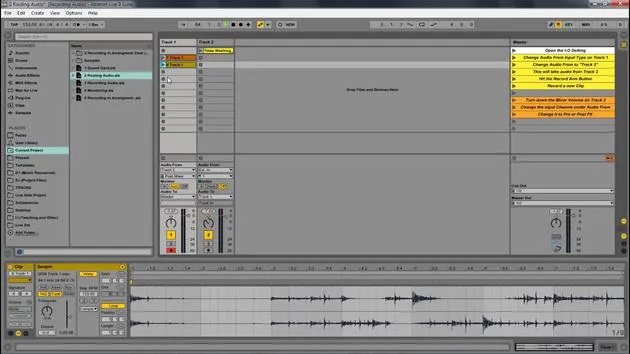
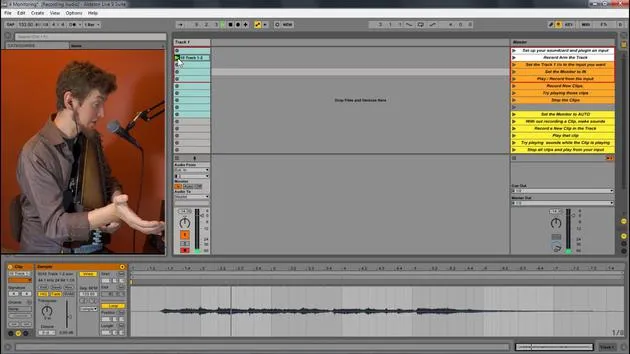
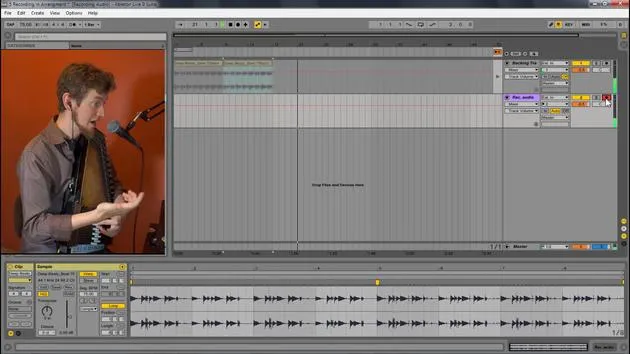
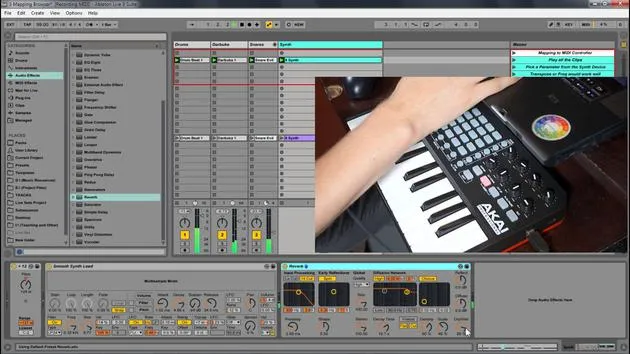
Now let's look at recording in Arrangement View. This is very similar to Session View, but there are a few differences. This image shows those different parts, and we need to understand this to record in Arrangement View.
Key Areas
- iOS Control - Located in a different area.
- Arm Button - Just like before.
- Arrangement Record - Essential for recording.
Steps to Record in Arrangement View
-
Initiate the Beat
Let's go back to Ableton and have this beat play. -
Set the Audio Input
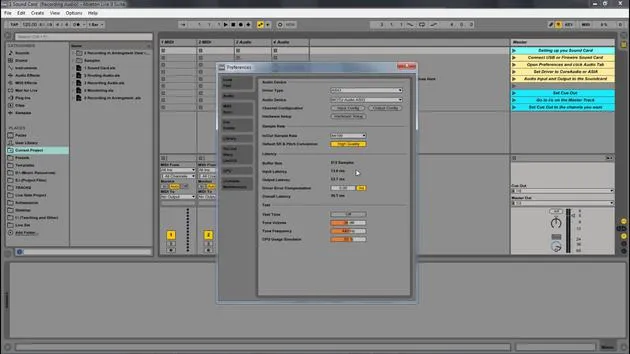
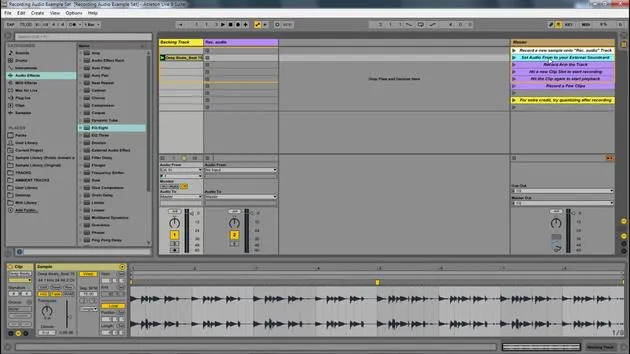
- Set the input to 2, which is my auto harp.
-
Preview in Session View
If I tab over, I'm still hearing that beat in Session View. -
Arm the Track
If I want to, I can arm this track. Now, we can hear the auto harp, but we're not recording yet. -
Hit the Record Arm Button
What I need to do is hit the record arm button up here for Arrangement. -
Record Your Part
Now, I can record. After I'm done playing my part on the auto harp, I stop it. -
Playback
Now, I can play it back, and there you go!
Summary
The only difference here is that you have to:
- Arm the track
- Hit record in Arrangement View
And there you have it, recording new audio into Ableton Live.
17 lecciones
1h 33m de lecciones en vídeo estructuradas
Funciones de vídeo avanzadas
Ralentiza, repite un pasaje, sigue la partitura
Móvil, tablet y ordenador
Practica donde quieras
Garantía de satisfacción 100%
30 días de garantía de devolución
Conoce a tu gurú
Conoce a tu gurú
Isaac Cotec es, posiblemente, ¡uno de los mejores formadores de Ableton del mundo! Mientras trabajaba en su propia música, empezó a enseñar técnicas de grabación, diseño sonoro y Ableton Live a alumnos particulares y, desde que obtuvo su certificación como Ableton Certified Trainer oficial, ha ayudado a miles de productores a mejorar su nivel y triunfar como músicos.
Isaac comenzó a producir música electrónica en 2005 con Psyche Sonics, un grupo experimental que trabajaba con la ciencia y la investigación de los binaural beats y la alteración de la consciencia a través del sonido. Tras salir de gira, siguió componiendo música bajo el alias Cotec y más tarde surgió como el artista Subaqueous, fusionando su pasado electrónico con técnicas de producción tanto futuristas como orgánicas. Hasta la fecha ha publicado 3 álbumes y 4 EPs.
Isaac es también fundador y gerente del sello discográfico Invibe Music, que representa a algunos de los mejores artistas de música electrónica del Pacífico Noroeste y se especializa en dance de midtempo.
En sus cursos de Ableton Live, Isaac comparte las técnicas de producción, diseño sonoro y composición que ha pasado años perfeccionando: justo las habilidades que emplea para convertir la chispa de una idea en un tema terminado.







