



Opciones de monitorización en Ableton Live

Con
Isaac Cotec
Qué incluye el curso
17 lecciones (1h 33m) · 1 gratis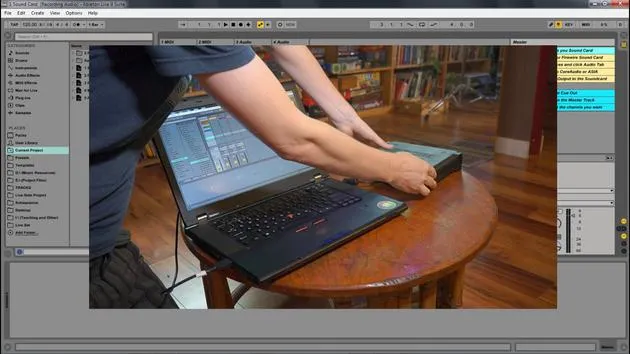
Transcripción de la lección
Understanding Monitoring Settings in Ableton Live
In this video, we're going to look at the different monitoring options available within Ableton Live. Monitoring lets you set how the track receives incoming audio. There are three different settings for monitoring: in, auto, and off.
Monitoring Settings
-
In
This setting will always play the track's input, regardless of whether a clip is playing or not.- Best suited for: An instrument that is plugged in and that you want to hear continuously.
-
Auto
This setting is active when the track is armed.- However, monitoring does not let an input signal through if a clip is playing.
- If you stop the playback of the clip, the input sound can be heard.
-
Off
This turns monitoring off altogether.- It does not allow any incoming instruments or input signals through.
- It will only playback clips.
Demonstration in Ableton Live
Let's look at these different monitoring settings with Ableton Live.
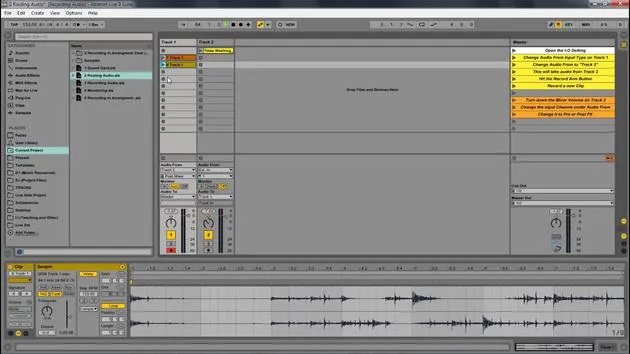
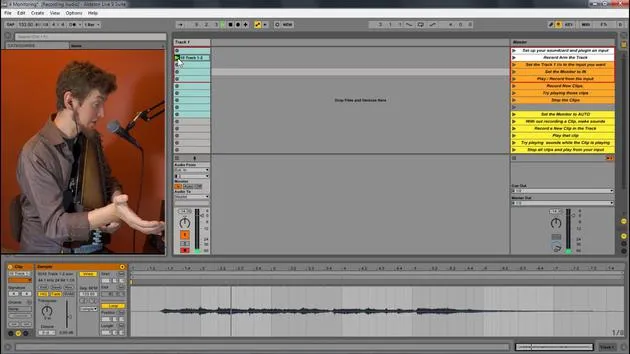
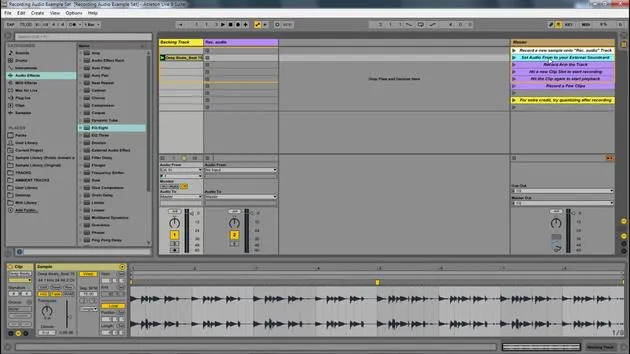
I have this live set open here, and I have these inputs from my external sound card.
- Input 1: My voice
- Input 2: My auto harp
I set the input to 2. For this, I plugged my second input, which is an instrument input within my MOTU. It's that yellow cord that runs all the way across to the back, connecting to a contact mic for the instrument.
Testing Monitoring Settings
-
Set to In
- Great, we can hear that.
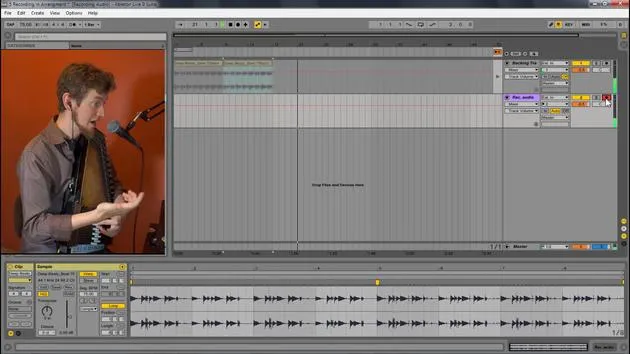
- Now I'm going to hit record and playback that clip.
- Notice we don't hear the clip at all, but we can still hear me playing. This is because we are set to input, which only allows the incoming signal.
-
Set to Auto
- Now, I can play back the clip.
- As I play the auto harp, we don't hear anything from it; we're just hearing the original clip.
- If I stop the playback, you can now hear the auto harp.
- Auto monitoring blends the signals: if a clip is playing, it won't allow the input signal to go out. But when the clip stops, the input sound is allowed through.
-
Set to Off
- Let's switch to off.
- Now, when I play my auto harp, we don't hear it through the speakers at all. But if I play back something I've recorded, we hear it.
- Off only plays pre-recorded clips or samples, not anything being played live.
Recording with Each Setting
- When I hit record with the off setting on, I won't hear anything while I'm recording.
- However, I will hear it once I play it back.
Summary
So, to summarize:
- In: Only allows track input.
- Auto: Plays either track input if no other clip is playing or will play the clip and not the input.
- Off: Only plays back clips; it does not play any input.
These are the different monitoring settings we have within Ableton Live.
17 lecciones
1h 33m de lecciones en vídeo estructuradas
Funciones de vídeo avanzadas
Ralentiza, repite un pasaje, sigue la partitura
Móvil, tablet y ordenador
Practica donde quieras
Garantía de satisfacción 100%
30 días de garantía de devolución
Conoce a tu gurú
Conoce a tu gurú
Isaac Cotec es, posiblemente, ¡uno de los mejores formadores de Ableton del mundo! Mientras trabajaba en su propia música, empezó a enseñar técnicas de grabación, diseño sonoro y Ableton Live a alumnos particulares y, desde que obtuvo su certificación como Ableton Certified Trainer oficial, ha ayudado a miles de productores a mejorar su nivel y triunfar como músicos.
Isaac comenzó a producir música electrónica en 2005 con Psyche Sonics, un grupo experimental que trabajaba con la ciencia y la investigación de los binaural beats y la alteración de la consciencia a través del sonido. Tras salir de gira, siguió componiendo música bajo el alias Cotec y más tarde surgió como el artista Subaqueous, fusionando su pasado electrónico con técnicas de producción tanto futuristas como orgánicas. Hasta la fecha ha publicado 3 álbumes y 4 EPs.
Isaac es también fundador y gerente del sello discográfico Invibe Music, que representa a algunos de los mejores artistas de música electrónica del Pacífico Noroeste y se especializa en dance de midtempo.
En sus cursos de Ableton Live, Isaac comparte las técnicas de producción, diseño sonoro y composición que ha pasado años perfeccionando: justo las habilidades que emplea para convertir la chispa de una idea en un tema terminado.







