



Understanding cabling, MIDI and Analog audio routing
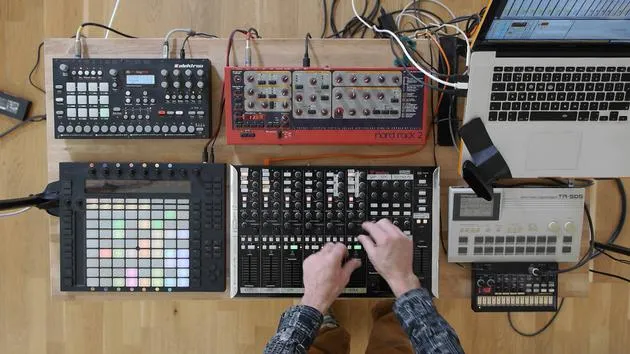
Mark Burnett recaps how controllers, synths and drum machines connect to Ableton Live, and how MIDI and analog audio signals flow between them.
What's in the course
16 lessons (2h 26m) · 2 free
01. Setting up the gear
1:29
02. Presentation of the instruments
Free lesson5:44
03. BONUS - Setting up an external instrument (Korg Volca Beats) in Ableton from scratch
Free lesson12:51
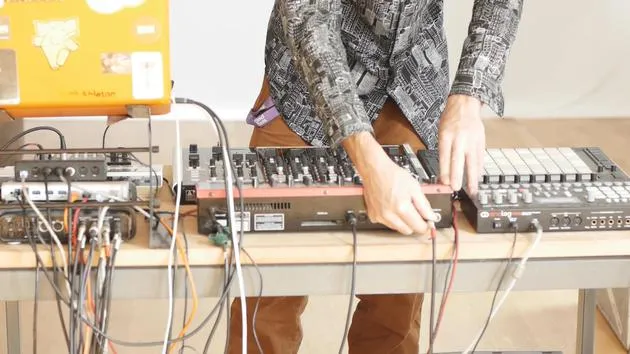
04. Understanding cabling, MIDI and Analog audio routing
You are here4:01
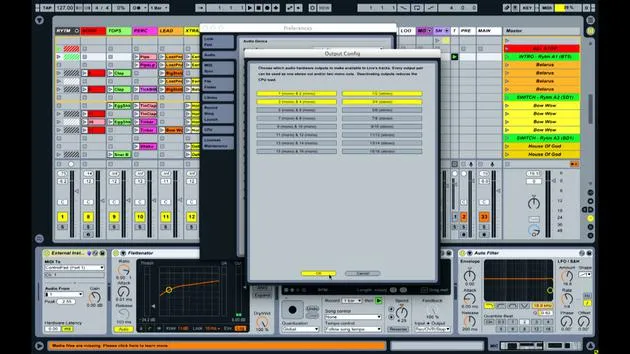
05. Setting up MIDI & Audio preferences in Ableton
10:44
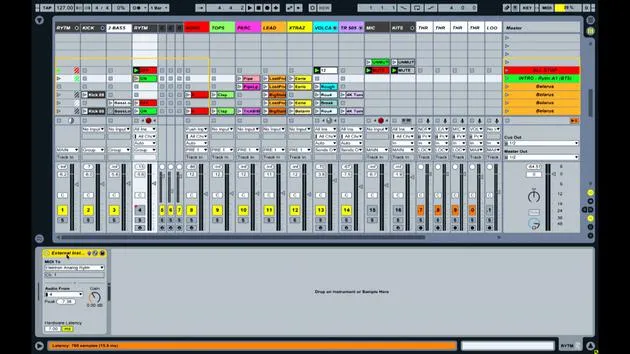
06. Setting up tracks & signal routing in Ableton live
6:46
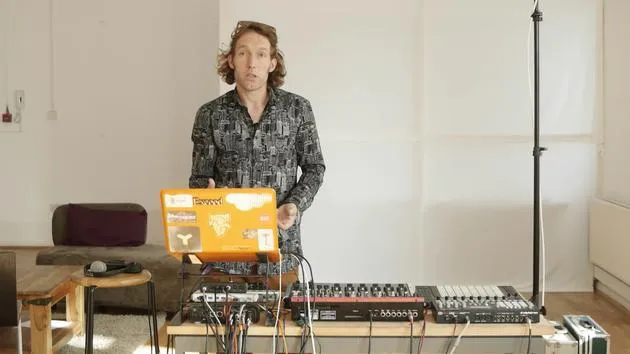
07. Setting up external instrument tracks in Ableton Live
8:33
08. Setting up a microphone track in Ableton Live
6:09
09. Setting up Thru-tracks and loopers
9:08
10. The set's secret weapon - movers and shakers
8:08
11. Output routing & Master FX
13:36
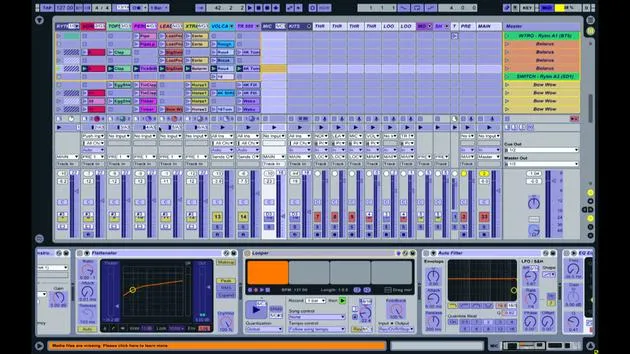
12. MIDI mapping, Racks & Macros (part 1)
14:16
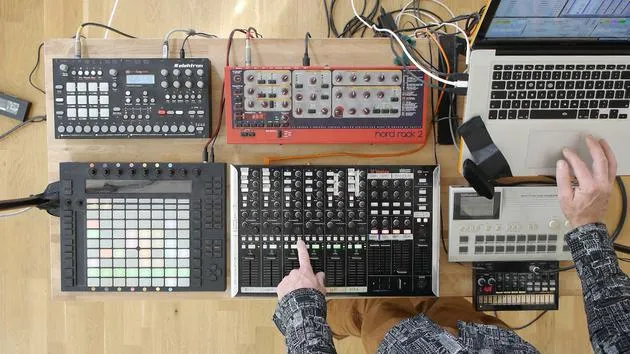
13. MIDI mapping, Racks & Macros (part 2)
12:35
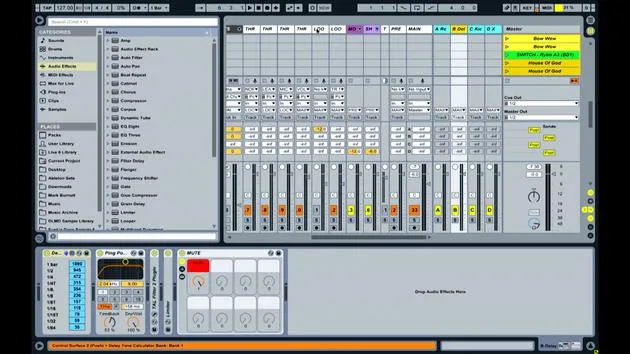
14. Delay track and delay times
3:33
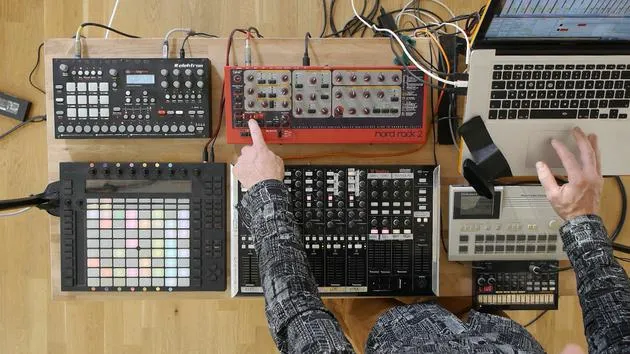
15. Program Changes & External Instruments
7:11
16. Set content & performance technique
21:23
Lesson transcript
Understanding MIDI Connections and Audio Signal Flow
Introduction
In this lesson, we'll explore how various music equipment is interconnected and how signals are transmitted between them.
Controllers
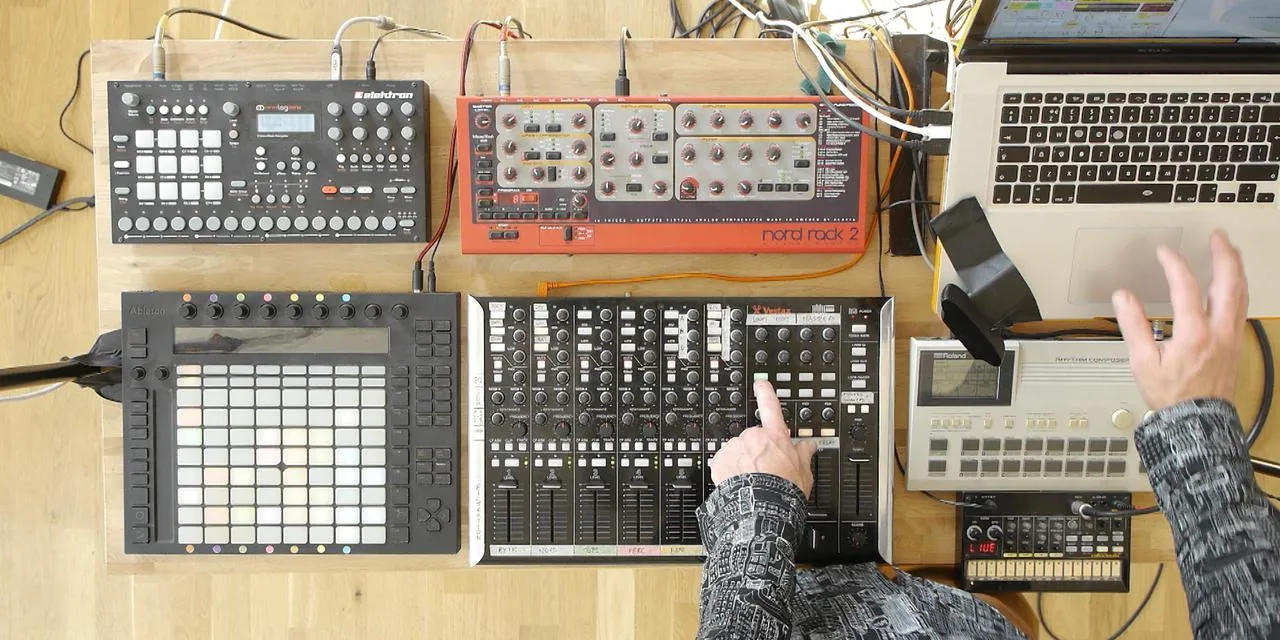
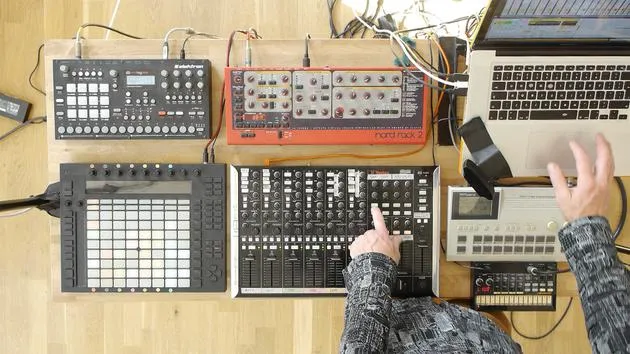
- Devices Used: Push and Vestax
- Connection Type: USB Cable
- Function: Transmitting and receiving MIDI information from Ableton Live.
Drum Machines and Synthesizers
The connections for the drum machines and synthesizers are more complex:
-
NORD Synthesizer:
- Connection Type: Five-pin MIDI Cable
- Note: This older device transmits MIDI information similarly to USB, but it predates USB adoption.
-
Electron Analog:
- Connection Status: No MIDI cable connected.
- Function: Has USB capabilities, allowing MIDI transmission and reception via a single USB lead.
Signal Flow
-
MIDI Note Information:
- In Ableton Live, a series of clips containing MIDI note information is set up.
- This information is sent via USB to the MIDI breakout box.
-
Transmission to NORD:
- A cable connects the MIDI breakout box to the NORD synthesizer.
- The MIDI notes define:
- What note to play
- Duration of the note
- Velocity of the note
-
Sound Generation:
- The NORD synthesizer generates sound as a result of the MIDI information.
- This sound is sent out through one of its audio outputs.
-
Audio Return:
- The audio travels back along a cable into one of the four audio inputs on the sound card.
Summary of Signal Flow:
-
MIDI Information:
- Coming out of Ableton Live through USB.
- Transmitted to the MIDI breakout box.
- Sent to various drum machines and synths.
-
Audio Outputs:
- Each drum machine and synthesizer has an audio output.
- These outputs connect to the sound card inputs (1, 2, 3, and 4).
Additional Connections
-
The four audio outputs from the sound card send audio to:
- Speakers in the room
- Recording devices
-
If performing live, these outputs would go to monitors or an in-house PA system.
-
FireWire Cable:
- Connects the sound card to the laptop.
-
USB Hub:
- Provides additional USB connectivity.
Conclusion
Both MIDI and audio signals are essential for a seamless workflow in music production. All signals converge in Ableton Live, where you can mix and apply effects using the controls available.
16 lessons
2h 26m of structured video lessons
Advanced video features
Slow down, loop a passage, follow along
Mobile, tablet & desktop
Practise wherever you are
100% satisfaction guarantee
30-day money-back guarantee
Meet your guru

Meet your guru
Mark Burnett is an Ableton Certified Trainer who has worked with Ableton products for over 14 years. As a producer and DJ on Funk'n Deep Records, his tracks have featured at major festivals and in sets and podcasts from artists including Carl Cox and Richie Hawtin, and he has played to crowds of thousands. He also runs large-scale events such as Workhouse Project, and studied at Imperial College London. His course covers using Ableton Live to build live performances, and it suits electronic producers and performers who want to take a show out of the studio and onto the stage.







