



Delay track and delay times
Mark Burnett maps controller knobs to a delay return track in Ableton Live, syncing delay times to the tempo and dialling in feedback for a live set.
What's in the course
16 lessons (2h 26m) · 2 free
01. Setting up the gear
1:29
02. Presentation of the instruments
Free lesson5:44
03. BONUS - Setting up an external instrument (Korg Volca Beats) in Ableton from scratch
Free lesson12:51
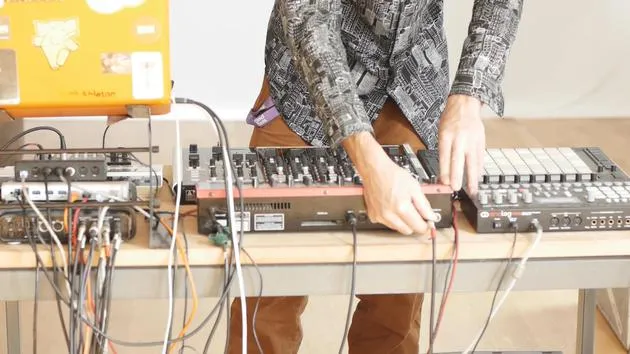
04. Understanding cabling, MIDI and Analog audio routing
4:01
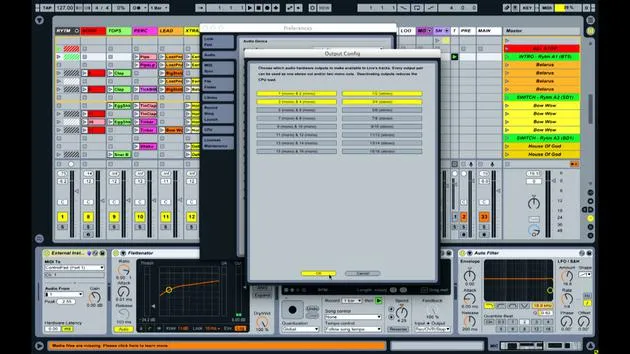
05. Setting up MIDI & Audio preferences in Ableton
10:44
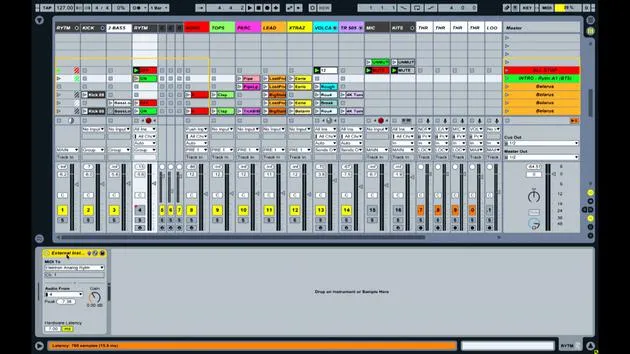
06. Setting up tracks & signal routing in Ableton live
6:46
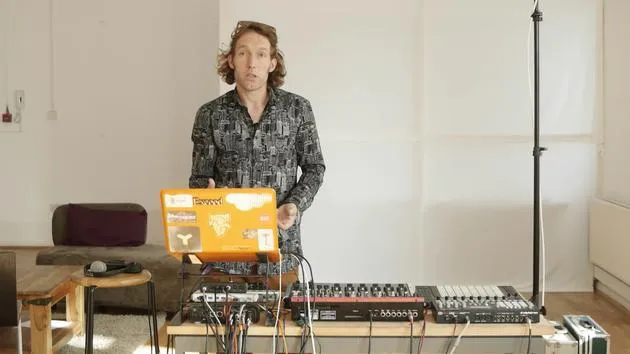
07. Setting up external instrument tracks in Ableton Live
8:33
08. Setting up a microphone track in Ableton Live
6:09
09. Setting up Thru-tracks and loopers
9:08
10. The set's secret weapon - movers and shakers
8:08
11. Output routing & Master FX
13:36
12. MIDI mapping, Racks & Macros (part 1)
14:16
13. MIDI mapping, Racks & Macros (part 2)
12:35
14. Delay track and delay times
You are here3:33
15. Program Changes & External Instruments
7:11
16. Set content & performance technique
21:23
Lesson transcript
Final Note on Mapping
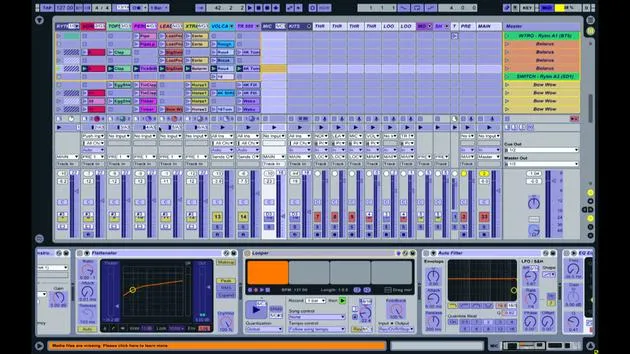
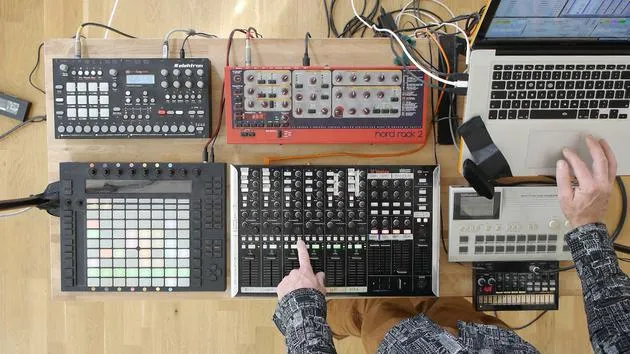
Okay, and just as a final note on mapping, I want to show you one of the things that I've set up that facilitates interaction between myself, the controller, and what's shown on screen.
Purpose of Mapping
The primary purpose of most of this mapping and assignment is to enable me to interact with these devices without having to spend a lot of time looking at the screen and working out what's going on.
Setting Up Delay Times
Importance of Screen Interaction
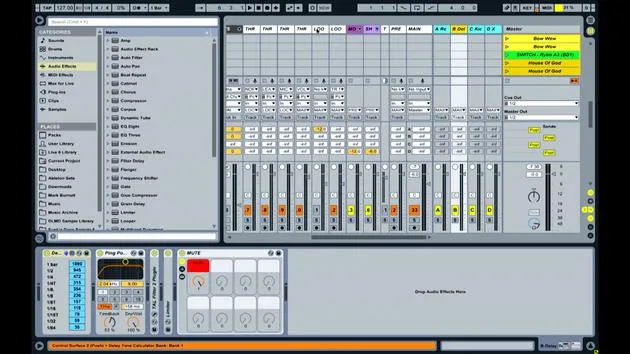
One thing that I do need to look at the screen for is when I'm setting up the delay times for things. The delay time changes depending on the tempos. If I want to synchronize particular delay times with the current tempo and time signature, then I need to:
- Listen (which means I have to actually be playing the delay while I'm doing it, introducing potential errors)
- Visually confirm the specific delay time for that track before applying it
Adjusting Delay Parameters
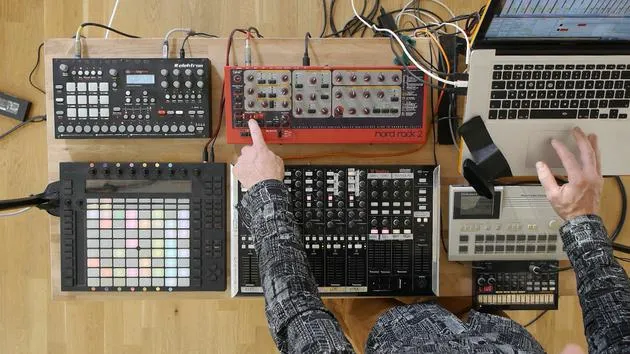
To manage this, I have two knobs on the device that control parameters from within my delay track.
- The delay track on screen is my second return track.
- The max for live device called "delay time calculator" is used, followed by a delay unit (in this case, the ping pong delay).
Knob Assignments:
- Knob 1: Controls feedback (within the useful range of 53 to 92%)
- Knob 2: Controls the delay time itself
Automatic View Adjustment
Now, if I switch to another track and want to adjust the delay time:
- As soon as I turn the delay time knob, it automatically jumps to the clip view of the delay track.
The way I've done that is by assigning the same MIDI controller to both the delay time knob and the view of that particular delay time device.
Quick Synchronization
This allows me to see:
- What delay time I'm at in the delay unit.
- The values for various synchronized delays.
For instance, if I wanted a quarter note or a dotted or a quarter triplet note delay time, I can see immediately that it would be:
- 315 milliseconds
Since I can see the milliseconds I've applied, I can easily set it to 315 milliseconds. Then, when I apply that delay, it will synchronize correctly.
Conclusion
This is another way you can use MIDI mappings to not only control things but also to bring up the correct information on screen. This approach helps you make the right decisions when preempting a specific transition or performing a particular technique.
16 lessons
2h 26m of structured video lessons
Advanced video features
Slow down, loop a passage, follow along
Mobile, tablet & desktop
Practise wherever you are
100% satisfaction guarantee
30-day money-back guarantee
Meet your guru

Meet your guru
Mark Burnett is an Ableton Certified Trainer who has worked with Ableton products for over 14 years. As a producer and DJ on Funk'n Deep Records, his tracks have featured at major festivals and in sets and podcasts from artists including Carl Cox and Richie Hawtin, and he has played to crowds of thousands. He also runs large-scale events such as Workhouse Project, and studied at Imperial College London. His course covers using Ableton Live to build live performances, and it suits electronic producers and performers who want to take a show out of the studio and onto the stage.







