



Program Changes & External Instruments
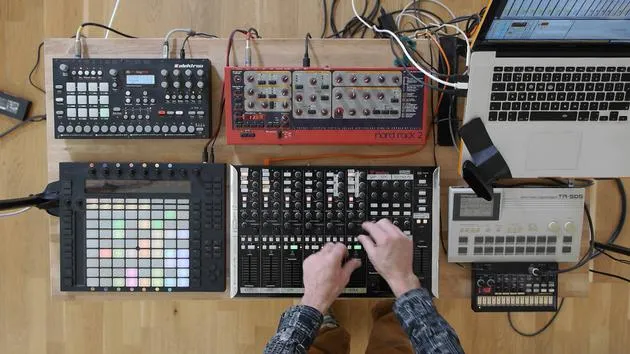
Mark Burnett shows how to send program changes from Ableton Live to external hardware like the TR-505 and Volca, switching sounds hands-free during a live set.
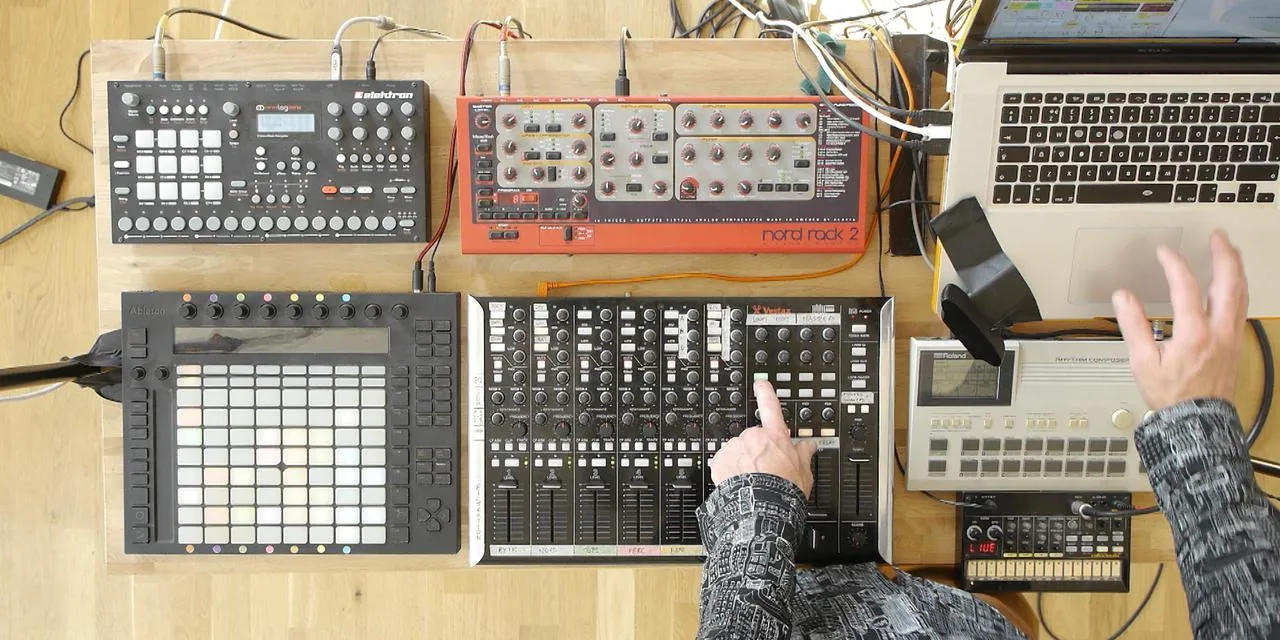
What's in the course
16 lessons (2h 26m) · 2 free
01. Setting up the gear
1:29
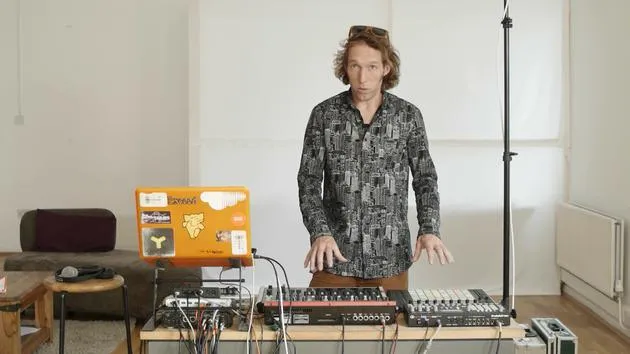
02. Presentation of the instruments
Free lesson5:44
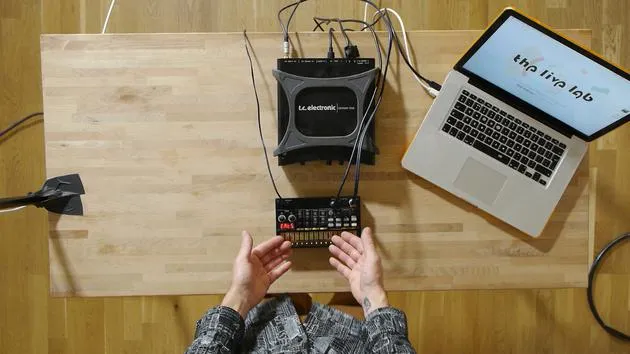
03. BONUS - Setting up an external instrument (Korg Volca Beats) in Ableton from scratch
Free lesson12:51
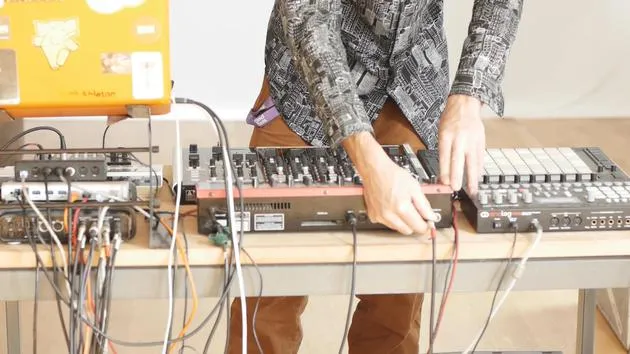
04. Understanding cabling, MIDI and Analog audio routing
4:01
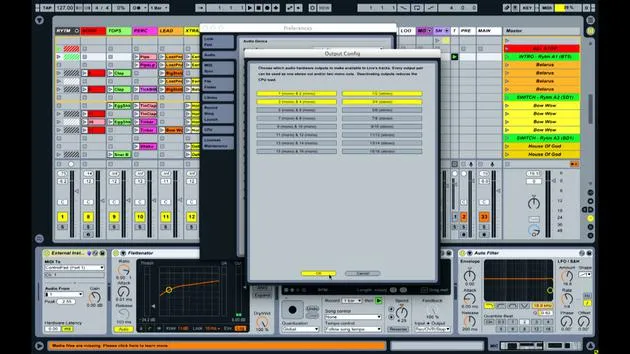
05. Setting up MIDI & Audio preferences in Ableton
10:44
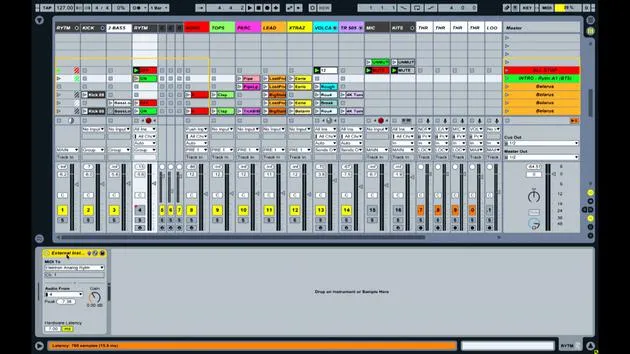
06. Setting up tracks & signal routing in Ableton live
6:46
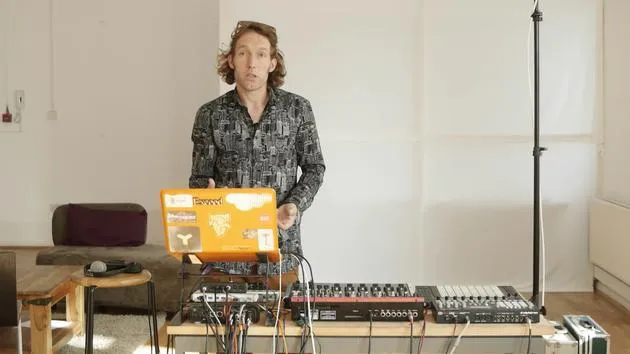
07. Setting up external instrument tracks in Ableton Live
8:33
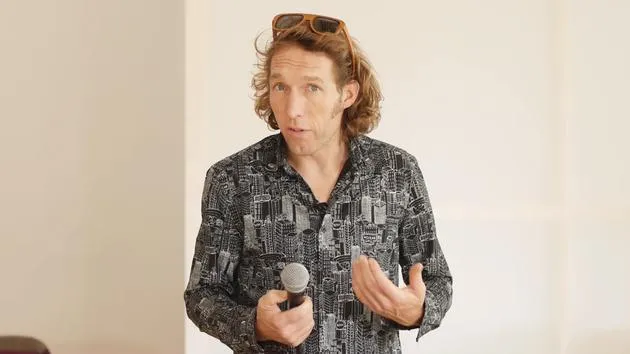
08. Setting up a microphone track in Ableton Live
6:09
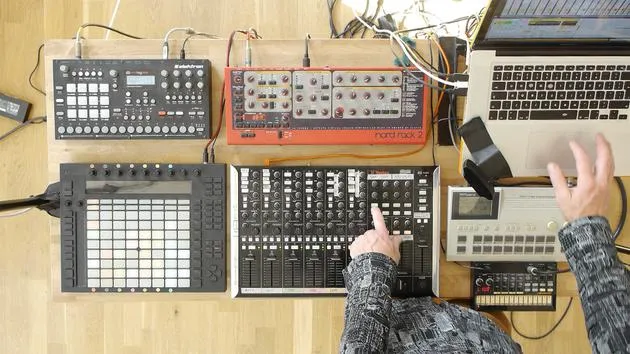
09. Setting up Thru-tracks and loopers
9:08
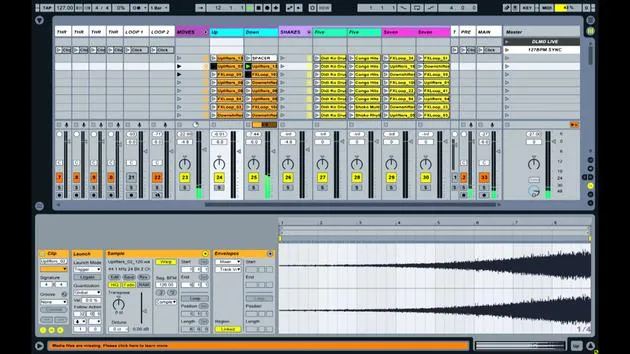
10. The set's secret weapon - movers and shakers
8:08
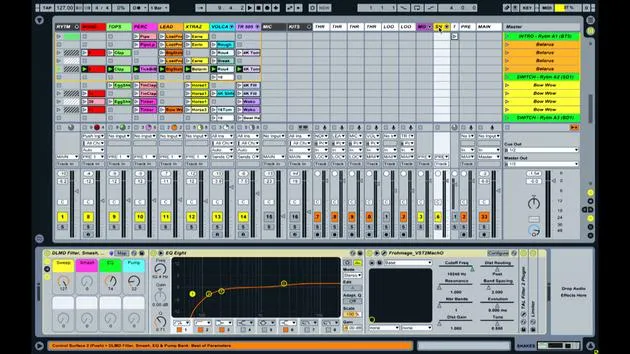
11. Output routing & Master FX
13:36
12. MIDI mapping, Racks & Macros (part 1)
14:16
13. MIDI mapping, Racks & Macros (part 2)
12:35
14. Delay track and delay times
3:33
15. Program Changes & External Instruments
You are here7:11
16. Set content & performance technique
21:23
Lesson transcript
Transmitting Signals and Information in Performance
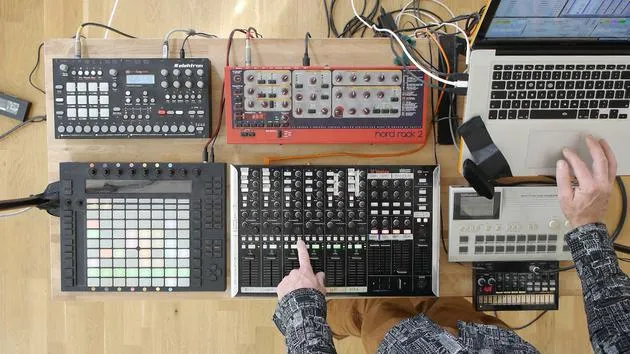
Okay, so one final thing to do with transmitting signals and information and changing things with the hardware is that as I'm moving through my performance, some of these devices have fixed sound libraries.
TR505
The TR505, a really old piece of equipment, has basically 16 sounds.
- Each of these pads has a sound assigned to it.
- The only control you have is the volume.
This is a super easy piece of equipment. You send a note message, and it plays that note. That's all that can happen.
Volca
Now, the Volca is slightly different:
- You can send it a note; it can play that note.
- However, you also have some parameters here that you can change.
Unfortunately, these parameters aren't really controllable within Live. There are ways to control some of them, but in general, they're not that controllable from within Live. Anything I do here is kind of not recorded; it's not really repeatable.
I have a rough idea of where some of these settings need to be for specific parts, but I tend to use the controls on here and adjust them by ear. I'll adjust the tuning of various drum sounds just by ear while I'm performing.
Nord
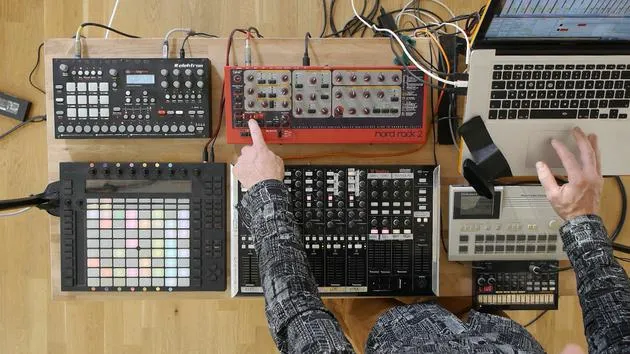
Whereas stuff like the Nord here, which is a little bit more complicated and plays a more important role melodically and harmonically in the set:
- I can't really be randomly switching between sounds on here during the set.
- I mean, I could, and it might sound okay, but it's a "might." It's not guaranteed to sound good.
What I can do with this is:
- Choose a bunch of parameters.
- Play with this synth to find a sound that I like.
- Store it as a program.
Once it's stored as a program, I can then tell Live to recall that program within the piece of hardware. The way that works is by a simple thing called a program change.
Program Change in Live
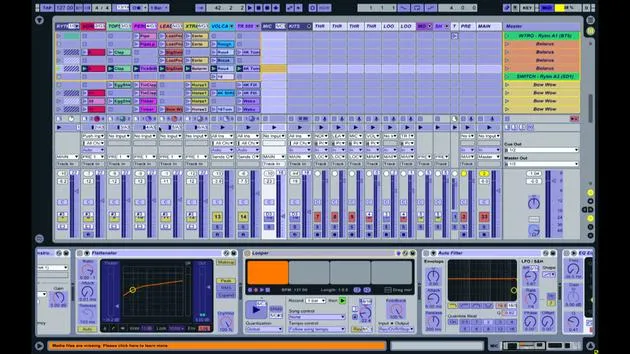
If I look at the NORD track here on screen, you can see that I've got a bunch of different clips as I scroll down, and they have numbers associated with them.
- These numbers remind me personally what program goes with each of those particular clips.
If I double-click on one of these clips on screen here and look at the bottom in the note information, you can see:
- There's a section called Program Change.
- Under that, there are some settings:
- Bank one
- Sub bank one
- Program eight
This device is particularly simple because:
- It only has one bank and one sub bank.
- It actually has 40 user-assignable programs.
It's easy and quite limited in terms of the number of programs you can store. The program for this particular part of the performance is Program eight. It's a sound that I've created, stored, and want to use with these other associated parts.
Demonstration of Program Change
Having set this program change information here, as soon as I change this:
- I'm just going to mute all these parts so that we don't get lots of random noises.
- As soon as I click on or launch any of these other clips, you'll notice that the program change information is different.
You'll be able to see here on the program information on the NORD itself that the program is changing:
- I'm going to go to this 11 here; you can see it jumps to 11.
- Back up to 8; it jumps to 8.
I could do that manually. Some live performers and live acts like to do that; they enjoy manually dialing in. I can just go to the next program and then start the piece playing. However, as your set gets bigger, more convoluted, or complicated, it becomes quite useful to store that information in the set itself.
Every time I open up the project or launch a particular collection of parts or a scene, that particular program will be automatically recalled.
Importance of Flexibility in Performance
I'm just going to do that again with this one here, one more time.
- That wasn't really carefully executed, but I wanted to demonstrate: when I change the clip that I'm playing on that particular device, it automatically changes the program and thus the sound.
In the same way as the other device, I can still go hands-on with the device and change any of the parameters on here to manipulate the sound in real time.
With more complicated devices like this, it is possible to store information regarding changes of parameters within the set itself. However, I've decided not to do that and to allow myself a little freedom of expression and experimentation.
Happy Accidents in Music
I want to have those happy accidents, as they're called in music, where you do something unexpected.
- It's within a range, but there's a bit of randomness still in there.
This spontaneity helps make live performances stand out, rather than playing back a very specific, tightly arranged, organized, and preprogrammed piece of music. In which case, I'd argue, why bother? Just play the track.
This approach enables me to have a more live interaction with the sound and to experiment a little while performing.
Conclusion
So that's the last kind of transmission of information, keeping all the hardware communicating effectively.
In summary,
- We've talked about the mapping.
- We've discussed connectivity.
- We've looked at the various devices and how they interact.
- We've examined how we can combine mappings to achieve complex effects from simple interactions.
These are the building blocks of what I would call a composite digital instrument. The idea behind this whole set and performance is that it functions as an intuitive instrument, similar to how one might pick up a drum kit or guitar and intuitively play music.
I've learned it, made decisions about what's intuitive and what's not, and created mappings and associations within both the software and hardware. This allows me to play without worrying too much about exactly what I'm doing or thinking deeply about which controls affect which parameters.
16 lessons
2h 26m of structured video lessons
Advanced video features
Slow down, loop a passage, follow along
Mobile, tablet & desktop
Practise wherever you are
100% satisfaction guarantee
30-day money-back guarantee
Meet your guru

Meet your guru
Mark Burnett is an Ableton Certified Trainer who has worked with Ableton products for over 14 years. As a producer and DJ on Funk'n Deep Records, his tracks have featured at major festivals and in sets and podcasts from artists including Carl Cox and Richie Hawtin, and he has played to crowds of thousands. He also runs large-scale events such as Workhouse Project, and studied at Imperial College London. His course covers using Ableton Live to build live performances, and it suits electronic producers and performers who want to take a show out of the studio and onto the stage.







