



Setting up the gear
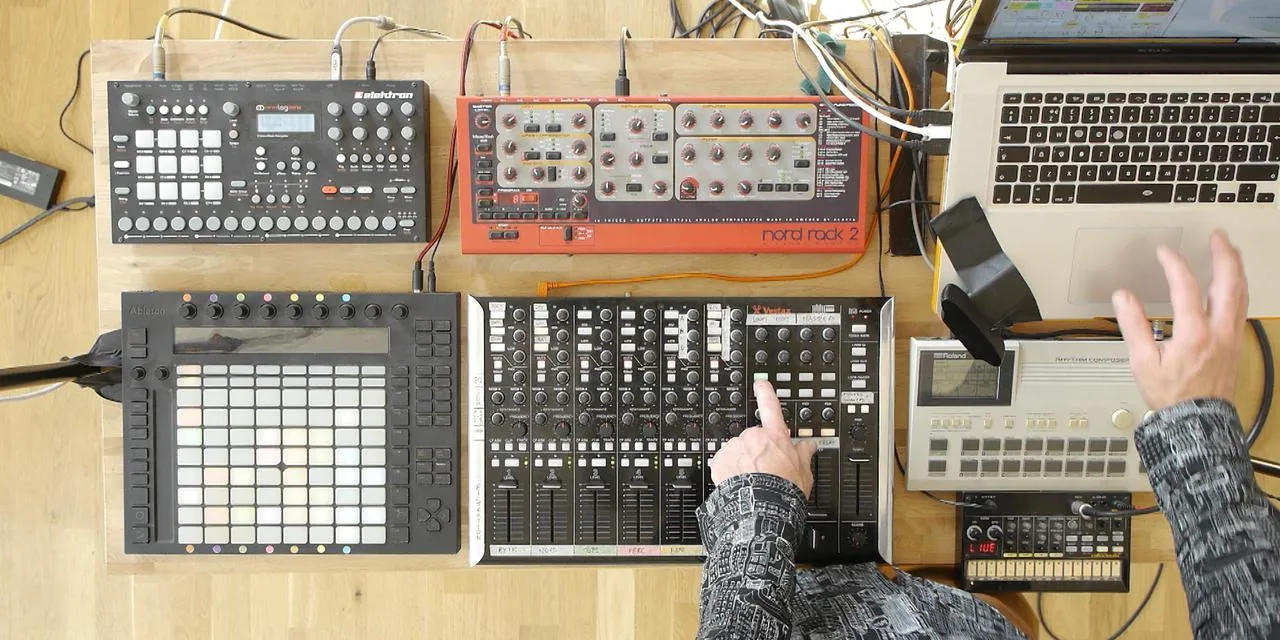
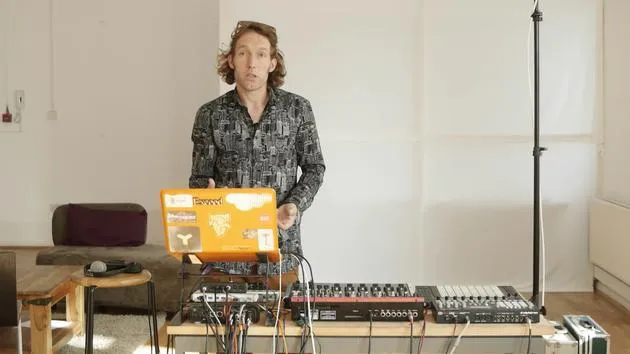
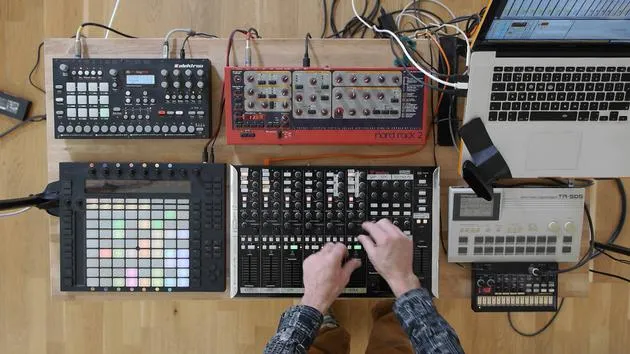
Mark sets up the gear for his live set - fast forward through the plugging & cabling
What's in the course
16 lessons (2h 26m) · 2 free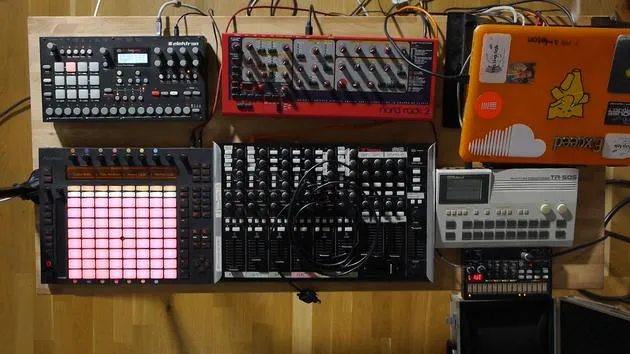
01. Setting up the gear
You are here1:29
02. Presentation of the instruments
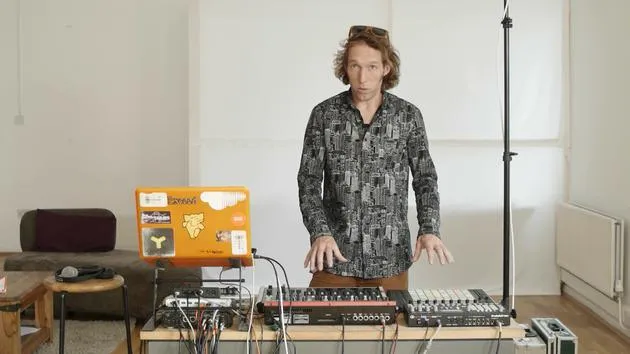
Free lesson5:44
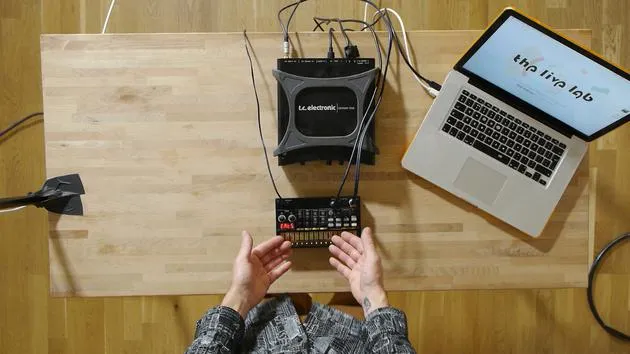
03. BONUS - Setting up an external instrument (Korg Volca Beats) in Ableton from scratch
Free lesson12:51
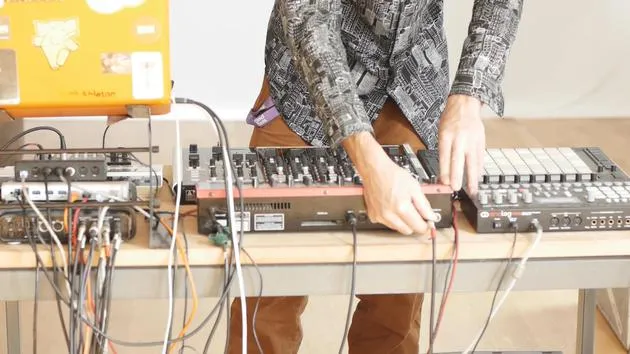
04. Understanding cabling, MIDI and Analog audio routing
4:01
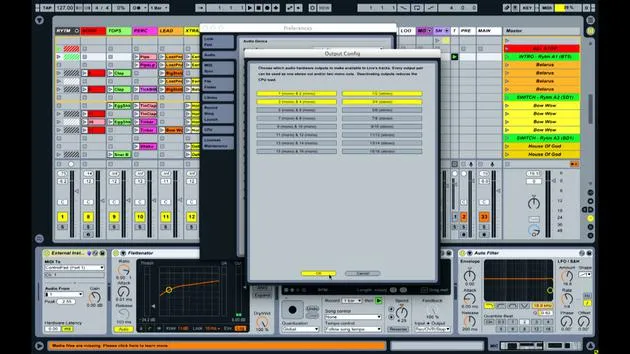
05. Setting up MIDI & Audio preferences in Ableton
10:44
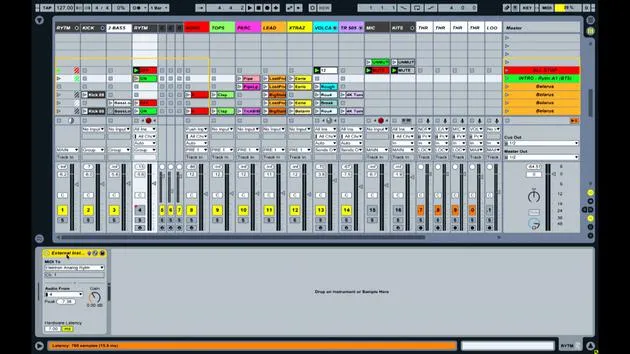
06. Setting up tracks & signal routing in Ableton live
6:46
07. Setting up external instrument tracks in Ableton Live
8:33
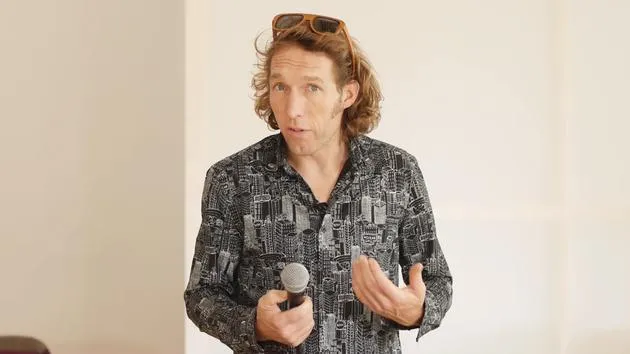
08. Setting up a microphone track in Ableton Live
6:09
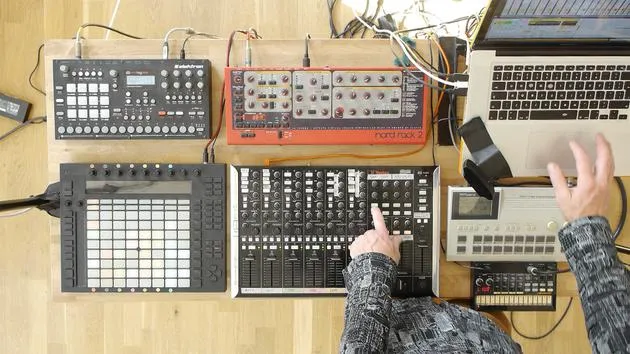
09. Setting up Thru-tracks and loopers
9:08
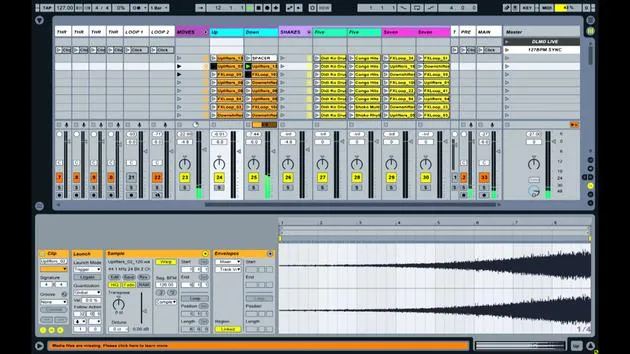
10. The set's secret weapon - movers and shakers
8:08
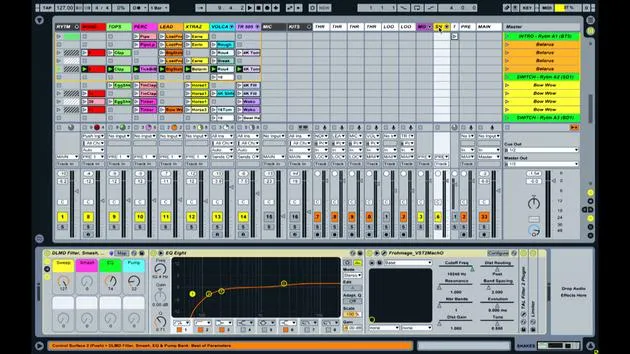
11. Output routing & Master FX
13:36
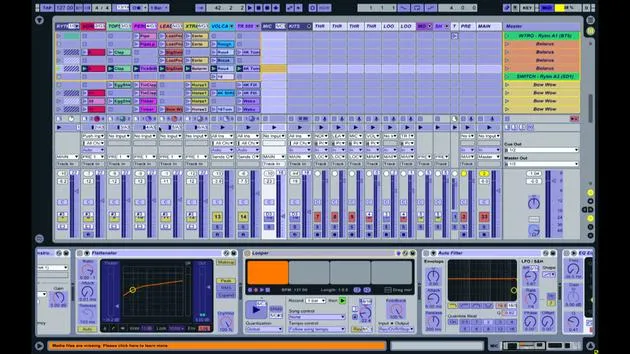
12. MIDI mapping, Racks & Macros (part 1)
14:16
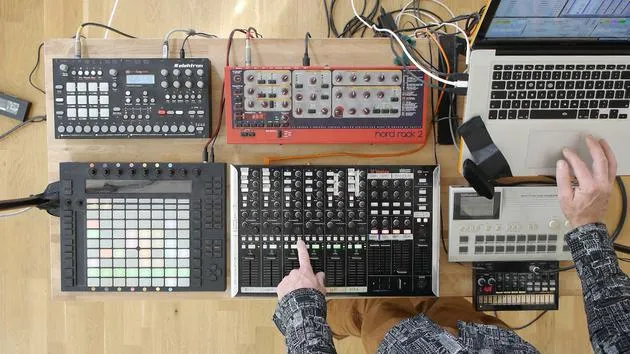
13. MIDI mapping, Racks & Macros (part 2)
12:35
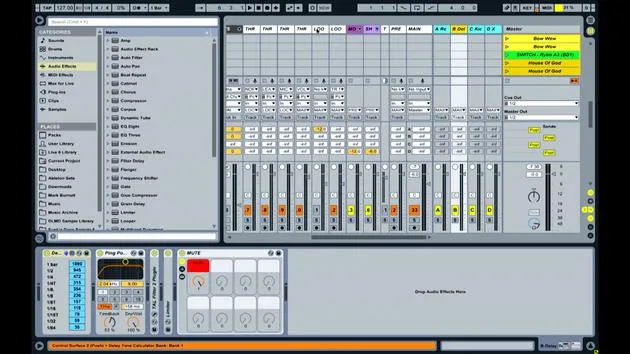
14. Delay track and delay times
3:33
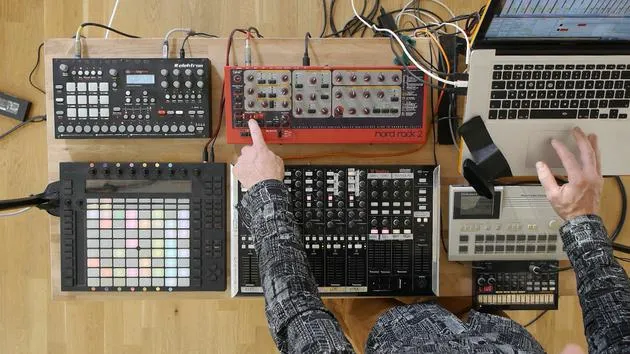
15. Program Changes & External Instruments
7:11
16. Set content & performance technique
21:23
Lesson transcript
Introduction
Right. My name is Mark Burnett.
I'm an Ableton certified trainer. I'm also a performer, a DJ, and a producer.
I teach people how to create electronic music and I also perform it live.
Today's Exercise
When I perform live, I use a whole bunch of different equipment.
In today's exercise, I'm going to show you:
- How easy it is to get started performing live
- How to integrate hardware into your setup
- How to get everything set up and working nicely
Setup
First thing I need to do, though, is get everything set up and plugged in.
I'll just run you through that real quick.
16 lessons
2h 26m of structured video lessons
Advanced video features
Slow down, loop a passage, follow along
Mobile, tablet & desktop
Practise wherever you are
100% satisfaction guarantee
30-day money-back guarantee
Meet your guru

Meet your guru
Mark Burnett is an Ableton Certified Trainer who has worked with Ableton products for over 14 years. As a producer and DJ on Funk'n Deep Records, his tracks have featured at major festivals and in sets and podcasts from artists including Carl Cox and Richie Hawtin, and he has played to crowds of thousands. He also runs large-scale events such as Workhouse Project, and studied at Imperial College London. His course covers using Ableton Live to build live performances, and it suits electronic producers and performers who want to take a show out of the studio and onto the stage.







