



Nik's control room setup & recording drums with Cubase
With
Nikolaj Bjerre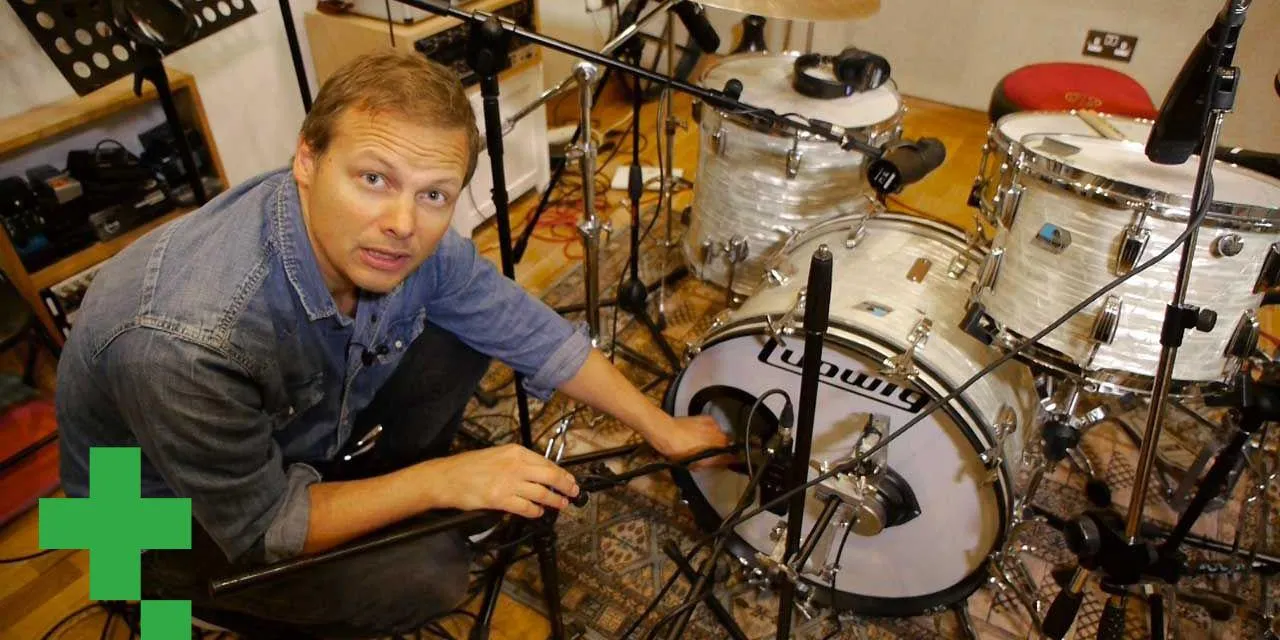
What's in the course
20 lessons (2h 11m) · 1 free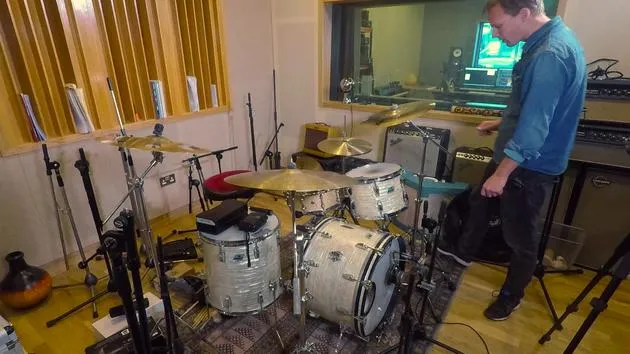
01. How to close-mic a drum kit, recording with a 13 microphone setup
14:49
02. Recap - how to record drums with 13 microphones
2:25
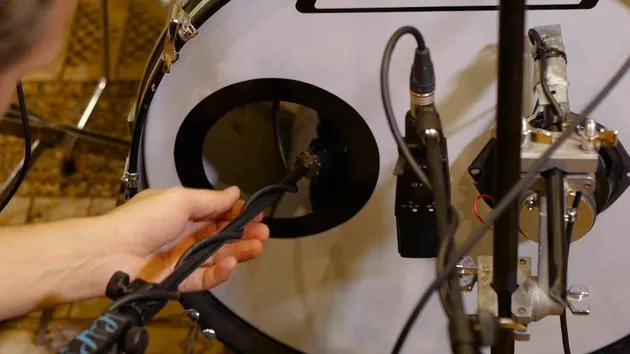
03. Mic types & placement
3:19
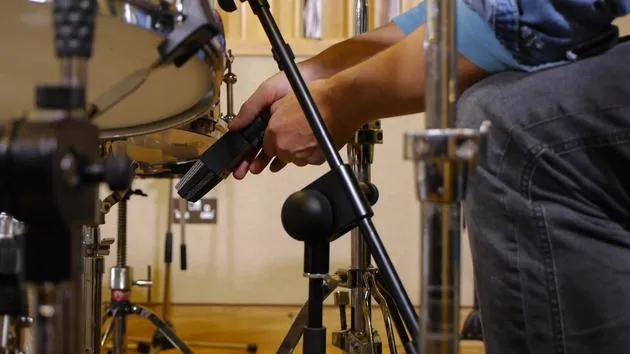
04. Mic types & placement
Free lesson7:33
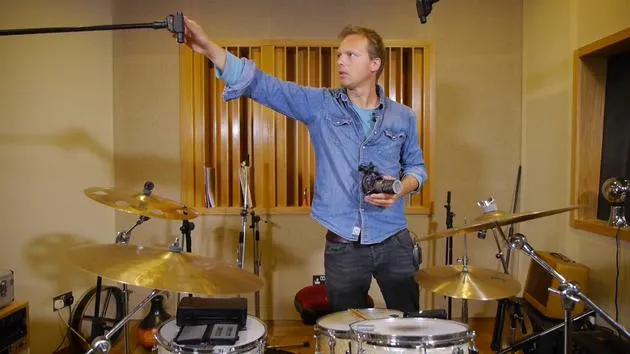
05. Overhead mic type & placement
3:50
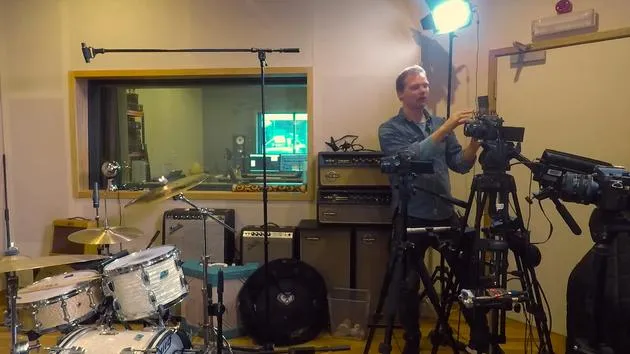
06. Room mics type & placement
1:46
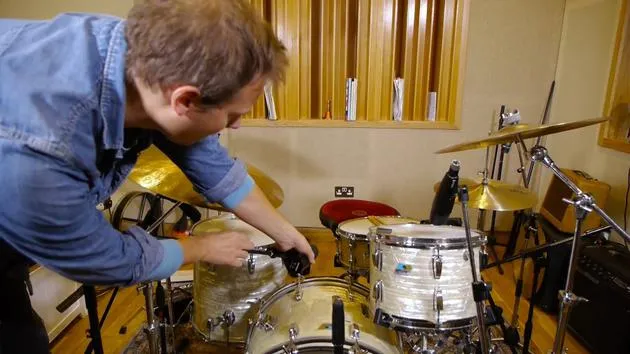
07. Tom mics type & placement
5:27
08. Hall mic types & placement
2:20
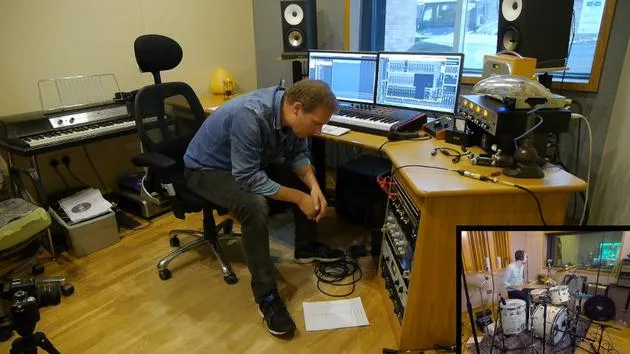
09. Setting preamp levels
15:29
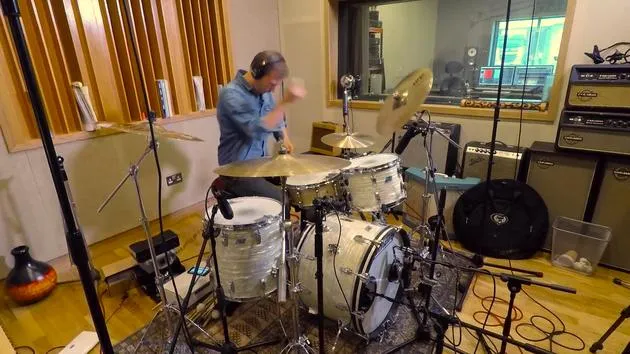
10. Recording take #1
2:13
11. Take #1 adjustments
6:52
12. Recording take #2
2:09
13. Finalizing the recording and course wrap-up
4:41
Lesson transcript
Music Lesson: Recording Drums in the Control Room
Introduction
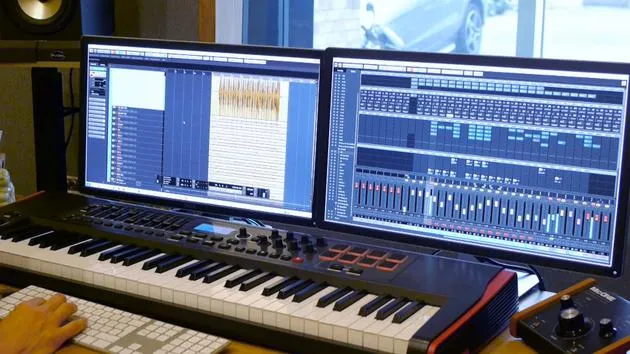
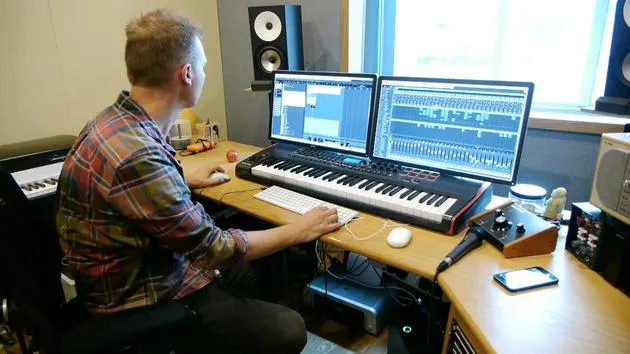
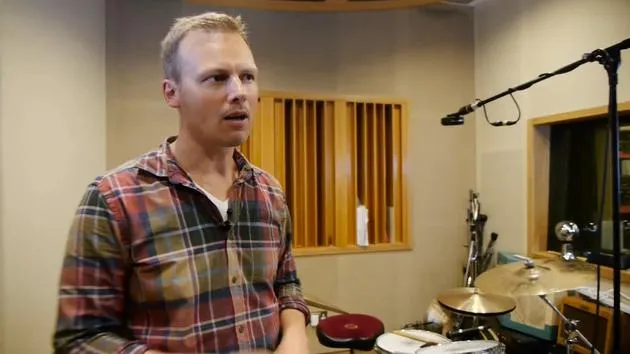
All right, here we are in the control room, where we record all the drums.
Preamps Overview
The setup goes through all the preamps here. I've got a selection of different types of preamps, including:
- API
- Focusrite
- Specially built equipment from Australia (supposed to sound like Neve)
- Two Neve clones by Heritage Audio
- Another Neve clone
Having a palette of different types of preamps is always handy because...
- Sometimes you want a different tone.
- You need a different sound on the drums.
Microphone Setup
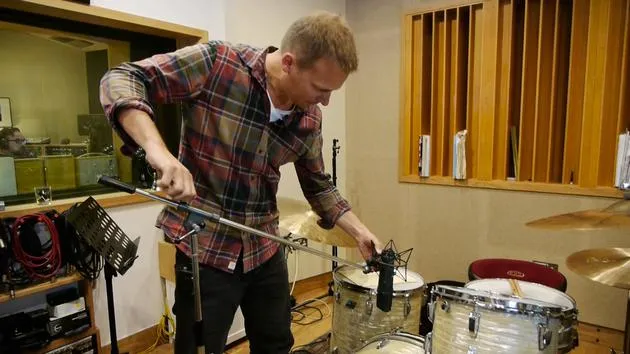
Let's see what we're going to do. I plugged in the microphone, the one microphone, into a Neve clone, which has:
- A soft sound.
- Extended low end.
We're going to try and record with that and see how it sounds.
Track Overview
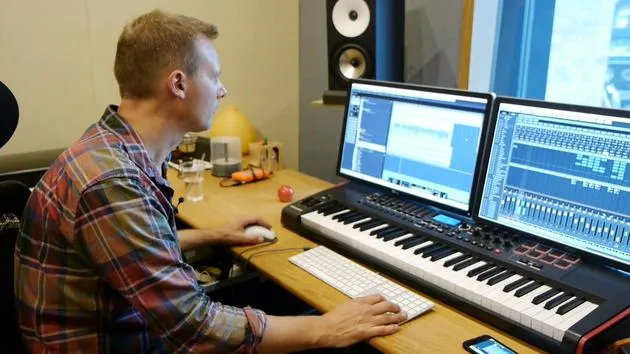
I've got the track here with all the multitracks. It's a Funk Soul track by Frankie Oliver called "I've Got Love".
- We're going to record the track without any effects, so you can hear how the mic sounds.
- We can check if it sounds okay and adjust the mic placement if necessary.
Recording Setup
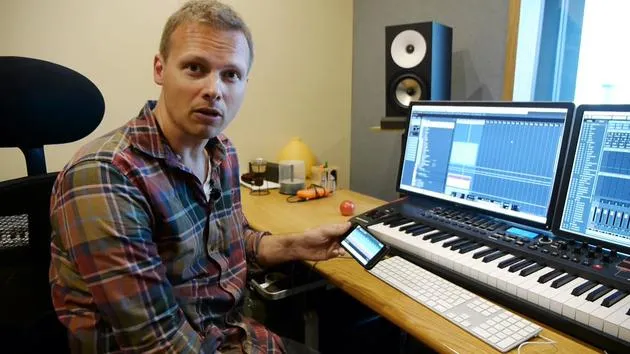
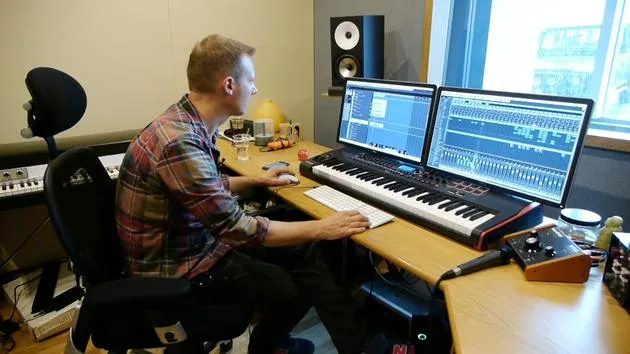
When I record most of my sessions, I actually do it on my own. So, I need a way to press record in my control room.
- On Cubase, I use a remote app that works really well.
- I connect to the same Internet, allowing control over everything on my iPhone.
Most of the time, I'm just pressing record. This setup makes it possible for me to record solo, and it also allows clients to sit and listen without fiddling with a system they're not comfortable using.
Click Track and Preparation
Now, I've armed the track and it's ready to record. I'm going to:
- Set a click track, which is also in Cubase.
- Adjust the level of the click track if necessary.
I usually use a side stick sound, not too hard, to protect my ears. I'll copy that out for the full track length.
Tip:
- When you create your click track, ensure that it stops when the track finishes.
- This way, you avoid unintended bleed from headphones during the last note on the cymbal.
Gain Setting
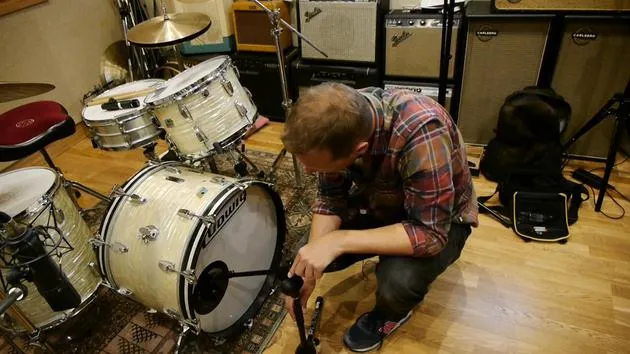
I'm going to set the gain on the preamp. Since the mic is close to the kit, I will turn it down substantially.
- I might need to apply a pad on the mic (either -10, -15, or -20 dB).
- It's crucial to lower the gain because it will be loud in the middle of the drum kit.
Consistency
I know my setup pretty well, so the gains are usually the same, given that I play at a consistent volume. If I switch to brushes, I'll need to gain up for more volume.
Drum Kit Choice
As you may have noticed, when I played a bit of the track, it has an old school soul funk vibe.
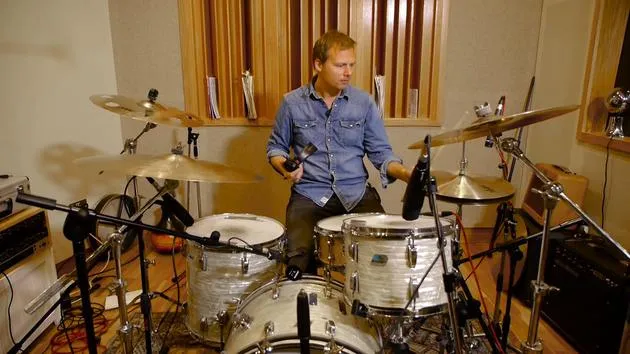
- The right drum kit is key, an old Ludwig has been chosen for that authentic sound.
- I've selected a bright, snappy snare, the Ludwig Acrolite from '68, to enhance that old school funk feel.
Role in Recording
Consider the style when recording. The two most important elements for me are:
- Kick Drum
- Snare
These create the foundation of your drum part.
- Unless you're focused on toms exclusively, where attention must shift accordingly.
- For this track, we're aiming for a tight, snappy sound.
Tuning Considerations
The kick drum is fairly muffled, and the toms may be tuned too low for this style, so it's important to address that.
Recording Attempt
I'm going to attempt to record not the whole track, but a verse and a chorus, and then we'll listen back.
Here we go!
20 lessons
2h 11m of structured video lessons
Advanced video features
Slow down, loop a passage, follow along
Mobile, tablet & desktop
Practise wherever you are
100% satisfaction guarantee
30-day money-back guarantee
Meet your guru
Meet your guru
Nikolaj Bjerre is a Danish drummer and producer based at Tileyard Studios in London, who has worked with artists and bands including Lamb, the Ian Siegal Band, Ella Eyre and Heather Nova. His work spans live drumming, production, programming and writing, moving comfortably from organic, rootsy playing to cutting-edge electronic styles, and he is endorsed by Sabian, Hardcase and Protection Racket. In this course he shows you how to record live drums to a professional standard.







