



Using samples in your track (trim, stretch, tune, EQ)

With
John Watson
What's in the course
14 lessons (2h 26m) · 2 free
01. Getting started & setup
3:21
02. Managing a sample library
Free lesson4:34
03. Ableton preferences
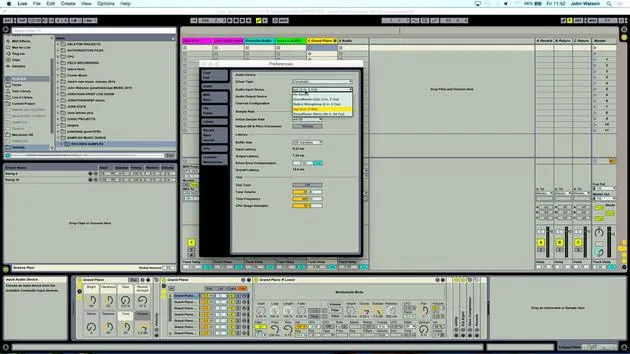
1:14
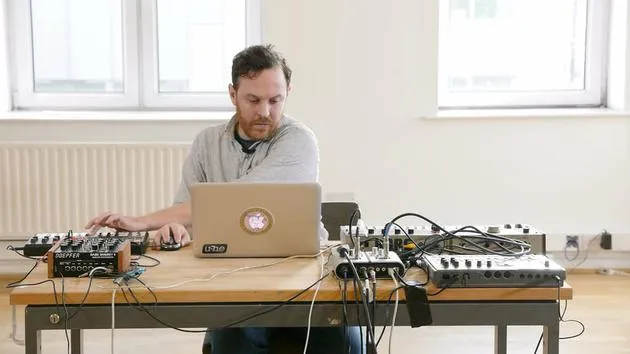
04. Using samples: Simpler and Sampler devices
7:04
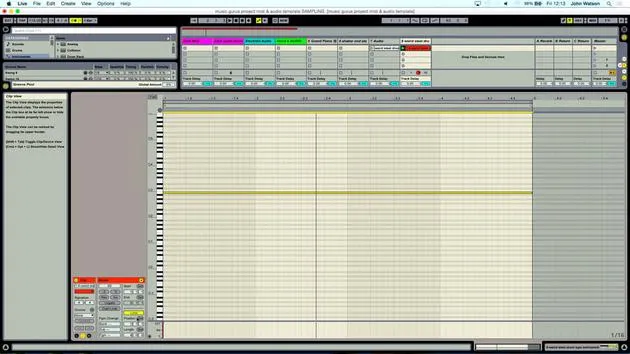
05. Using samples in your track (trim, stretch, tune, EQ)
You are here12:56
06. Adding sampled strings and flutes
7:28
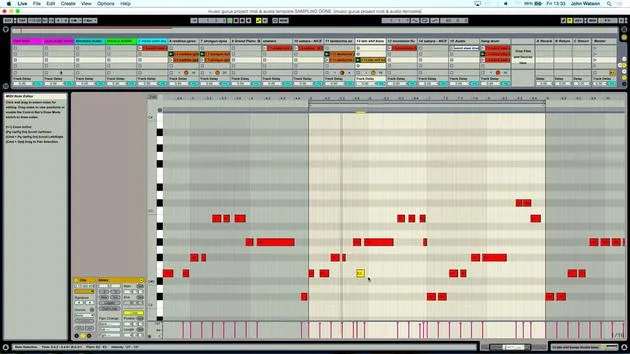
07. Adding sampled rhythm: kicks and snares
25:07
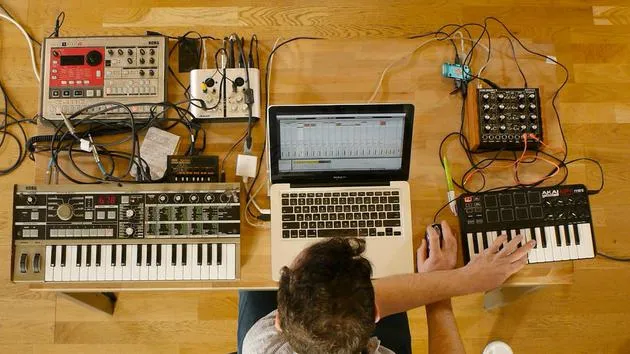
08. Sampling external intsruments - drum machine & synth
12:28
09. Building the parts in Session view
13:55
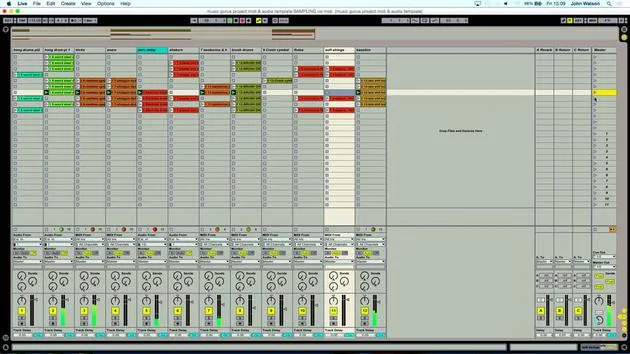
10. Recording the song into Arrange view
4:34
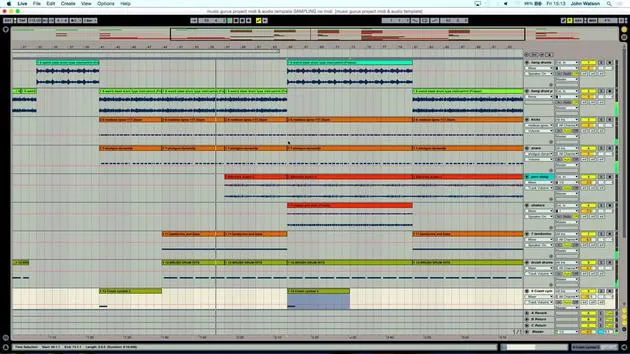
11. Fine tuning track structure
5:35
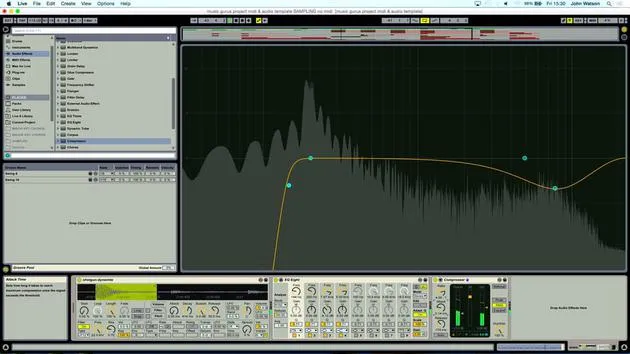
12. Mixing the track: effects
21:24
13. Final adjustments
13:14
14. BONUS: Mastering your track & uploading to Soundcloud
Free lesson13:31
Lesson transcript
Music Production Lesson: Working with Samples and Recording
Starting the Process
So the first note can be quite hard sometimes to really get that definition. As I zoom in, this slightly larger portion is going to be the first hit point, if you like, of the sample.
- Step 1: Move the sample in to catch the dead space before the larger section of audio.
- This ensures the note is as close as possible to the beat when triggered.
Cleaning Up the Sound
Next, the sound is a little muddy due to unwanted low-frequency rumble from the field recording.
- Step 2: Turn on a filter.
- I'll use a high pass filter to remove low frequencies, starting from around 200 Hz.
- The rumble is now fading, allowing me to hear the instrument better.
Setting the Tempo
I will loop the sample, keeping in mind that the original tempo is at C3, which plays the sample back at its original pitch. However, I don't necessarily have to stick to that.
- Choosing the tempo:
- Is the track going to be fast, slow, or fairly chilled?
- A nice tempo to start experimenting with might be around 115 BPM.
Recording the Sample
With the sample in tune, it's time to use the piano track I set up, which is also in perfect tuning.
- Step 3: Arm the sample track.
- The pitch sounds quite good, but if necessary, I can fine-tune it using the detune option.
Important Considerations:
- Check the sample's tuning: This is crucial! If the sample is out of tune when I add other elements, it will make the overall mix difficult.
Playing Along
Let's put on the metronome to find a good tempo.
- I'll play it in on the beat after 8 beeps from the metronome, recording for two bars.
Looping and Quantizing
After playing, I'll make sure to:
- Quickly trim the end of the sample.
- Quantize the track: Set this slightly higher than 1/16 to ensure it aligns perfectly with the first beat of the bar.
Listening for Loops
- Verify the loop with the metronome still on.
- Adjust the tempo slightly if necessary.
Finalizing the Audio
Now, let's create a piece of audio from the MIDI performance:
- Step 4: Right-click to freeze the track.
- Create a new audio track and copy over the sample.
Adjusting the Audio
Some bits may still be slightly out of place.
- Use Warp Markers to pull the audio into better alignment:
- Utilize Complex Pro mode to avoid slurring and stuttering.
Moving to Percussion
Next, I want to work on the percussive track.
- Play the sound and determine if an octave up sounds more interesting.
Recording and Fine-Tuning Shakers
- I can play the shaker in, recording it to ensure it syncs well.
- Once recorded, I'll quantize it to lock it to the grid.
Final Touches
Let's finalize the shaker track.
- I will freeze the shaker track again and create an audio track to copy over the loop.
- Finally, delete the mixer track as the audio loops perfectly.
Now, with the music synced, I can start thinking about the next elements to incorporate into the mix!
14 lessons
2h 26m of structured video lessons
Advanced video features
Slow down, loop a passage, follow along
Mobile, tablet & desktop
Practise wherever you are
100% satisfaction guarantee
30-day money-back guarantee
Meet your guru
Meet your guru
After work experience with Depeche Mode and The Cure producer Dave Allen, John was inspired to study Music Technology in London. His music career took off after a successful signing to CookShop Records, releasing 9 singles and an album in 2007 that received rave reviews from Q, Uncut and Lowdown Magazine, plus radio play from XFM and Radio One.
John began training as an audio engineer at Bonafide studio in 2005, where he refined his talents, and later that year set up Jackdaw Recordings. He has collaborated with many successful artists, and in 2007 began playing for pop musician Patrick Wolf, performing at leading venues here in the UK and internationally - including The Astoria and Shepherds Bush Empire.
Based in his London studio, John now writes music, with two more releases on CookShop, does sound engineering for prominent artists, and creates sound design for TV ads, film, theatre and corporate video.
That rare mix of songwriter, producer and working studio engineer is exactly what John brings to his teaching. In Creative Composition & Production in Ableton Live and Creative Sampling & Production in Ableton Live, he shows you how he turns raw ideas into finished, release-ready tracks - the writing, the sampling, the sound design and the hands-on engineering know-how behind a professional record.







