



Managing a sample library

With
John WatsonLearn how to set-up tracks & your sample library in Ableton Live. Understand how to tune your samples.
What's in the course
14 lessons (2h 26m) · 2 free
01. Getting started & setup
3:21
02. Managing a sample library
You are here4:34
03. Ableton preferences
1:14
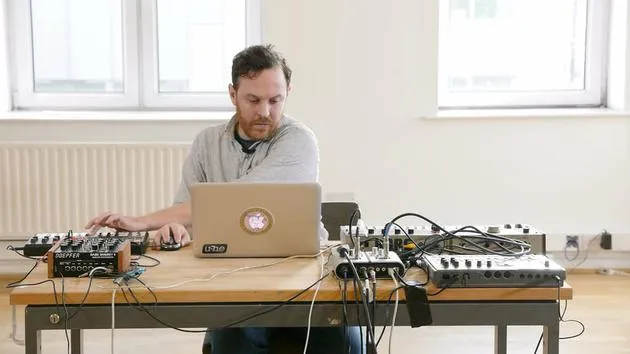
04. Using samples: Simpler and Sampler devices
7:04
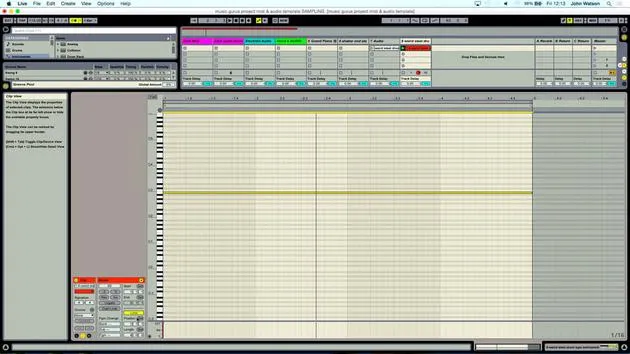
05. Using samples in your track (trim, stretch, tune, EQ)
12:56
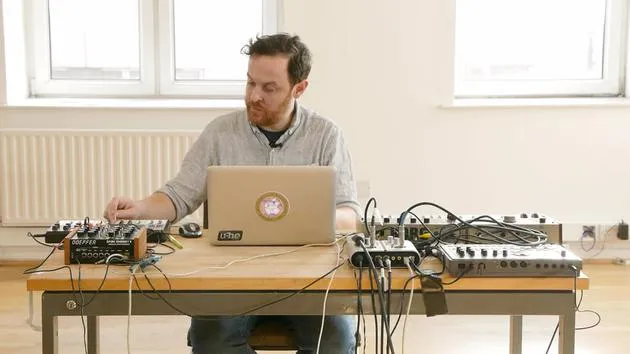
06. Adding sampled strings and flutes
7:28
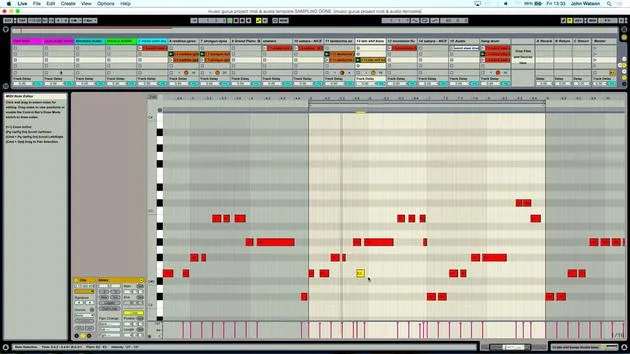
07. Adding sampled rhythm: kicks and snares
25:07
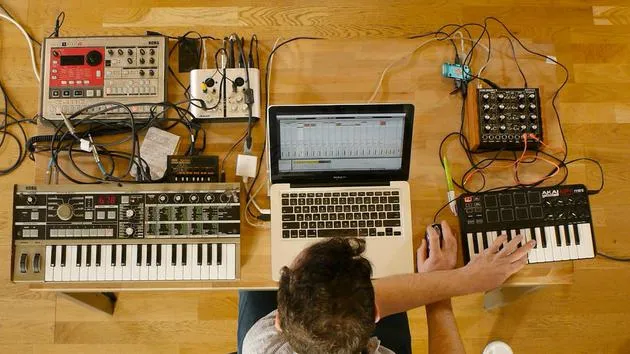
08. Sampling external intsruments - drum machine & synth
12:28
09. Building the parts in Session view
13:55
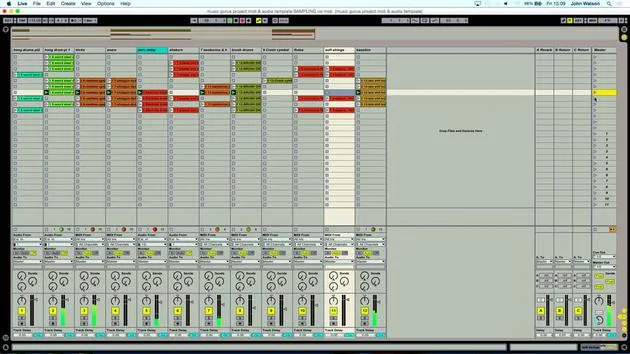
10. Recording the song into Arrange view
4:34
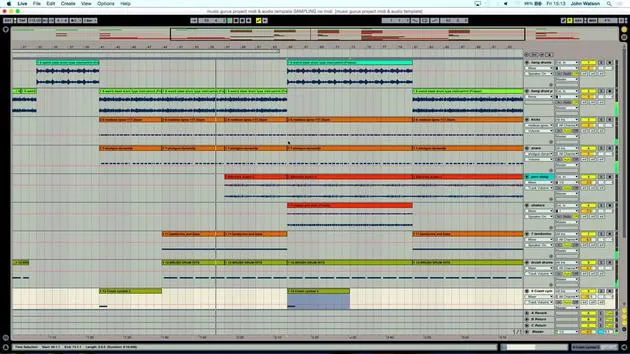
11. Fine tuning track structure
5:35
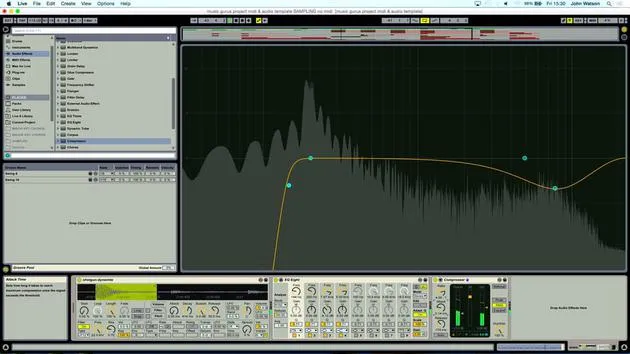
12. Mixing the track: effects
21:24
13. Final adjustments
13:14
14. BONUS: Mastering your track & uploading to Soundcloud
Free lesson13:31
Lesson transcript
Ableton Setup for Music Production
Okay, so I'd like to talk a little bit about the setup that I've got going on in Ableton here.
Audio Tracks Configuration
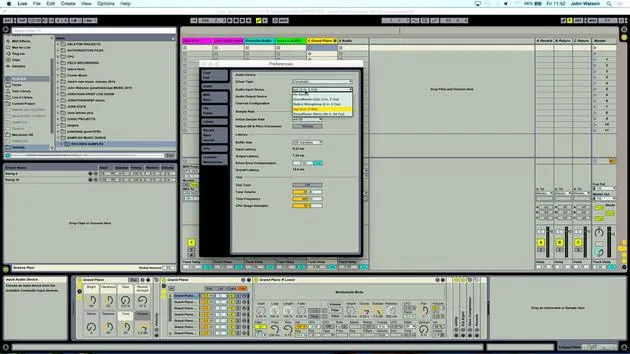
I've got a bunch of different audio tracks. Some of them have been configured to take an input signal from any of these devices. For example, I've got the MicroKorg coming in on channels one and two.
- When I record any of these devices, I've obviously got only two inputs on the sound card, so I'll be swapping them over as needed.
Samples Folder
This is a rough template here. I've also got a Samples Folder prepared for these tutorials. Let's explore what's inside:
- Bass Samples: Various samples primarily from old records or things I've picked up in charity shops.
"There are possible copyright issues, so you've got to be a little bit wary about using someone else's samples here."
Example Samples
- For example, I have a Lalo Schifrin bass line. I can't use that because of copyright issues, but I could liberate one of the bass notes from here and put it onto a keyboard.
- I've got a bass sound, and moving over to the drum loops, there's a nice little hi-hat loop. I'm pretty sure I could use that and cut it up, which would work rhythmically with another beat focused on the kick and snare.
Field Recordings
I've also got some field recordings:
- Wind Chimes
- A recording of an instrument called a Hang Drum, played in the park. This might work really nicely in this tutorial.
- Carnival Crowds, military drums, and fireworks, which could create some interesting percussive sounds.
Percussion Section
Under Percussion, you can hear a bunch of different percussive sounds including:
- Congas
- Bongos
What I tried to do is grab sounds that have a lot of space and are on their own, effectively in solo. For instance, you could layer this up with a snare when creating a beat.
Strings and Vocal Samples
In the Strings section, we have ensemble instruments and several vocal bits and pieces.
"With regards to the record samples rather than the field recordings, I've got to be able to mask these quite well."
Tuning Samples
Another thing to mention is that I have a Grand Piano from Ableton's Factory Instruments. This is crucial for ensuring that my samples are in tune:
- I know that this instrument has been designed to replicate a grand piano accurately. My C will be a C, ensuring that when tuning any of my samples, whether field recordings or records, I'm aware that they might not be in tune.
So, that's really the setup!
14 lessons
2h 26m of structured video lessons
Advanced video features
Slow down, loop a passage, follow along
Mobile, tablet & desktop
Practise wherever you are
100% satisfaction guarantee
30-day money-back guarantee
Meet your guru
Meet your guru
After work experience with Depeche Mode and The Cure producer Dave Allen, John was inspired to study Music Technology in London. His music career took off after a successful signing to CookShop Records, releasing 9 singles and an album in 2007 that received rave reviews from Q, Uncut and Lowdown Magazine, plus radio play from XFM and Radio One.
John began training as an audio engineer at Bonafide studio in 2005, where he refined his talents, and later that year set up Jackdaw Recordings. He has collaborated with many successful artists, and in 2007 began playing for pop musician Patrick Wolf, performing at leading venues here in the UK and internationally - including The Astoria and Shepherds Bush Empire.
Based in his London studio, John now writes music, with two more releases on CookShop, does sound engineering for prominent artists, and creates sound design for TV ads, film, theatre and corporate video.
That rare mix of songwriter, producer and working studio engineer is exactly what John brings to his teaching. In Creative Composition & Production in Ableton Live and Creative Sampling & Production in Ableton Live, he shows you how he turns raw ideas into finished, release-ready tracks - the writing, the sampling, the sound design and the hands-on engineering know-how behind a professional record.







