



Getting started & setup

With
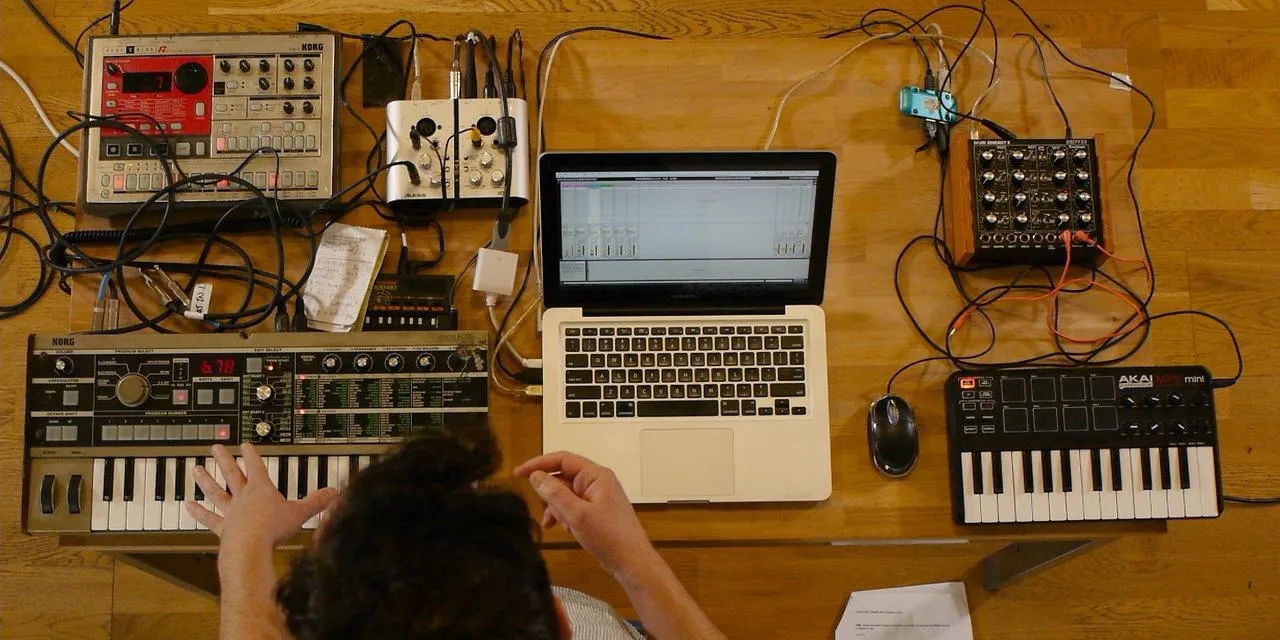
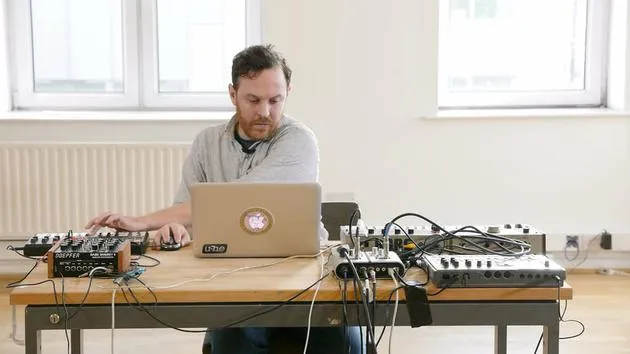
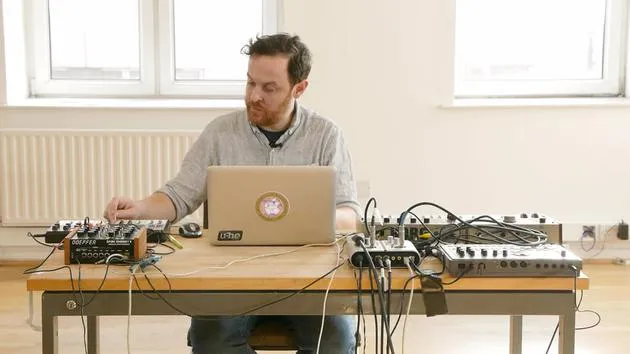
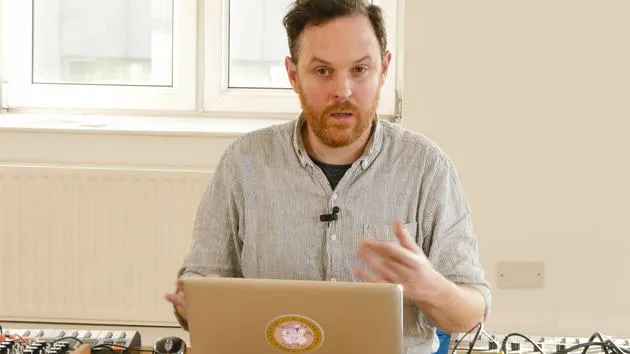
John WatsonJohn Watson introduces the course and his sampling rig - Mac, MIDI controller, synths, a drum machine and soundcard - and how it all connects before he starts building tracks in Ableton.
What's in the course
14 lessons (2h 26m) · 2 free
01. Getting started & setup
You are here3:21
02. Managing a sample library
Free lesson4:34
03. Ableton preferences
1:14
04. Using samples: Simpler and Sampler devices
7:04
05. Using samples in your track (trim, stretch, tune, EQ)
12:56
06. Adding sampled strings and flutes
7:28
07. Adding sampled rhythm: kicks and snares
25:07
08. Sampling external intsruments - drum machine & synth
12:28
09. Building the parts in Session view
13:55
10. Recording the song into Arrange view
4:34
11. Fine tuning track structure
5:35
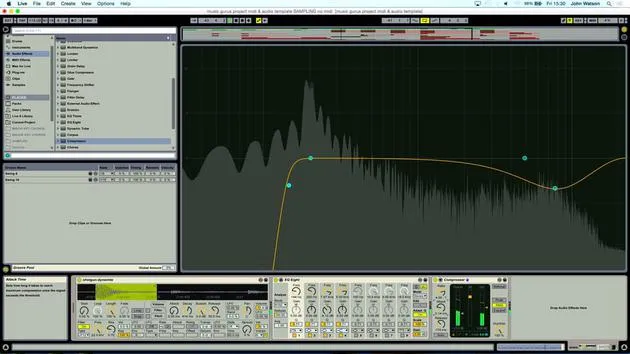
12. Mixing the track: effects
21:24
13. Final adjustments
13:14
14. BONUS: Mastering your track & uploading to Soundcloud
Free lesson13:31
Lesson transcript
Welcome to the Course
Hi, I'm John. Welcome to the course!
Setup Overview
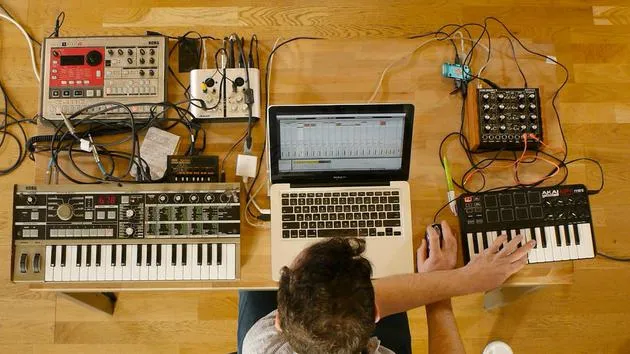
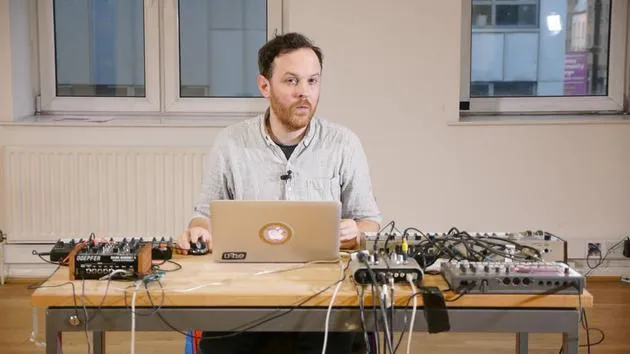
I'd like to talk a little bit about the setup that I've got before I delve into sampling. As you can see, I've got:
- a Mac
- a MIDI controller: This is where I'm going to be playing in a lot of the samples, trying to figure out what's going to work musically.
I'm working with a collection of:
- Field recordings
- Vinyl samples
- Bits and pieces from charity shops
Additionally, I'll be sampling an electrified drum machine and a Korg Microcorg for extra sounds. My aim is to pull in influences from various sources to create a broad musical palette.
Detailed Setup
Let's go through the setup:
- USB MIDI Keyboard
- Dark Energy Synth: A great modular synth that can create some crazy and deep bass sounds.
- Microcorg: A slightly underrated polyphonic synth that can produce fantastic sounds, including sets of chords that will work nicely musically.
- Korg Electride Drum Machine: I have a variety of different samples that I'll be modulating through a Korg Monotron Delay, which will provide me with percussive sounds and generate some unique effects.
Using Effects in Music
I'll utilize these effect sounds to work with the transitions in the music I'm going to create. Now, let's focus on the Microcorg.
I'll just plug this in quickly.
- Stereo Output: I'm going into a sound card with left and right inputs.
- I am sampling some chords directly, which gives me a really good sonic palette.
Sound Card Details
Now, let's discuss the sound card I'm using:
- Alesis io2: A reasonably priced sound card that you could find on eBay, but it does the job beautifully.
- Inputs/Outputs:
- Two inputs
- Left and right outputs
- USB connection to my Mac
Additionally, I've got an old-school MIDI setup that allows in and out connections to the Microcorg or any other synth that uses traditional MIDI. The sound card can also handle digital signals in and out, along with Micro one and Mic two.
This setup offers a great, portable solution for recording, even if I'm out somewhere.
Conclusion
I've tried to keep everything quite condensed for easy portability, perfect for live sets. The small synths, drum machines, and the nice little modular synth are all easily manageable through the USB keyboard.
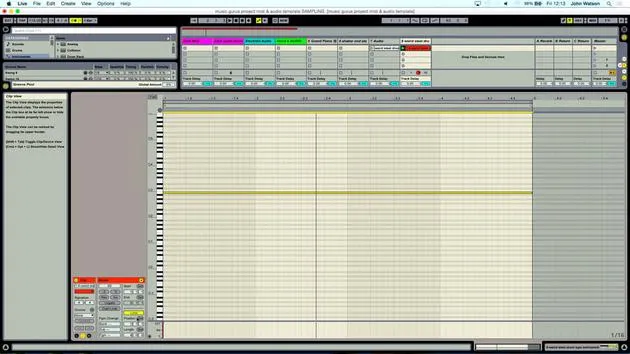
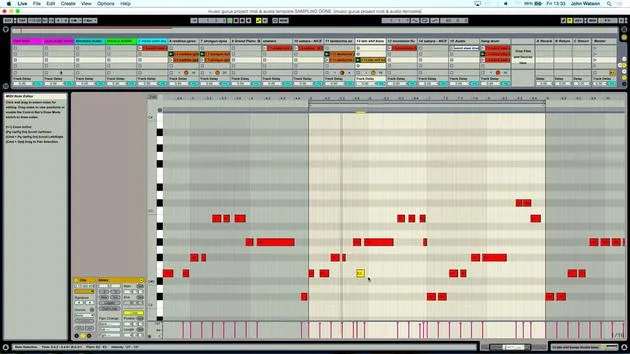
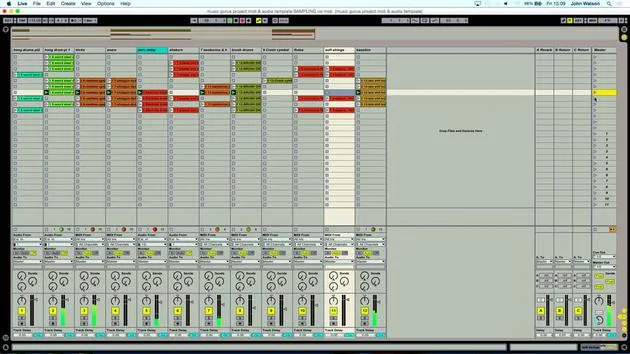
So, let's move on to the template in Ableton!
14 lessons
2h 26m of structured video lessons
Advanced video features
Slow down, loop a passage, follow along
Mobile, tablet & desktop
Practise wherever you are
100% satisfaction guarantee
30-day money-back guarantee
Meet your guru
Meet your guru
After work experience with Depeche Mode and The Cure producer Dave Allen, John was inspired to study Music Technology in London. His music career took off after a successful signing to CookShop Records, releasing 9 singles and an album in 2007 that received rave reviews from Q, Uncut and Lowdown Magazine, plus radio play from XFM and Radio One.
John began training as an audio engineer at Bonafide studio in 2005, where he refined his talents, and later that year set up Jackdaw Recordings. He has collaborated with many successful artists, and in 2007 began playing for pop musician Patrick Wolf, performing at leading venues here in the UK and internationally - including The Astoria and Shepherds Bush Empire.
Based in his London studio, John now writes music, with two more releases on CookShop, does sound engineering for prominent artists, and creates sound design for TV ads, film, theatre and corporate video.
That rare mix of songwriter, producer and working studio engineer is exactly what John brings to his teaching. In Creative Composition & Production in Ableton Live and Creative Sampling & Production in Ableton Live, he shows you how he turns raw ideas into finished, release-ready tracks - the writing, the sampling, the sound design and the hands-on engineering know-how behind a professional record.







