



Erste Schritte und Geräte-Setup

Mit
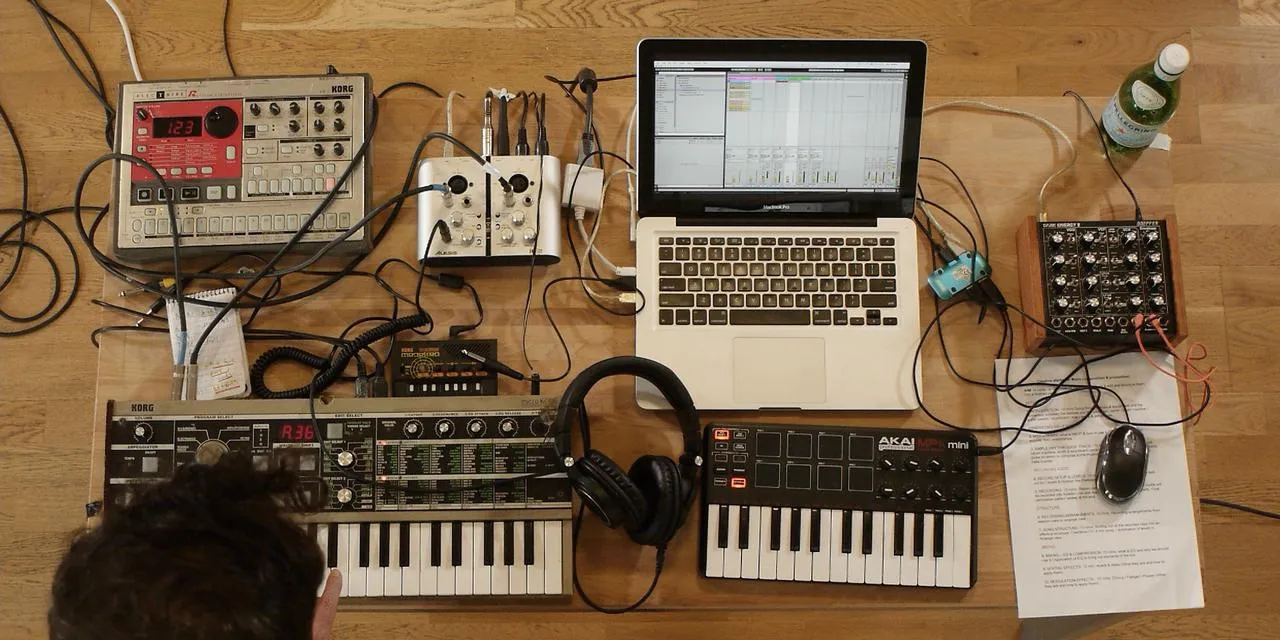
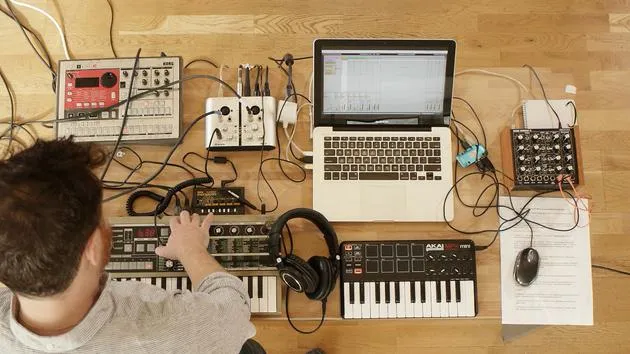
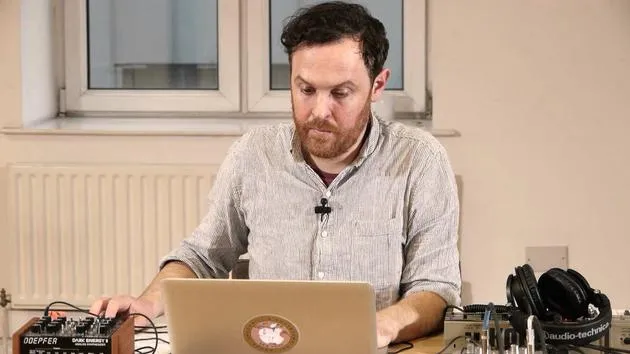
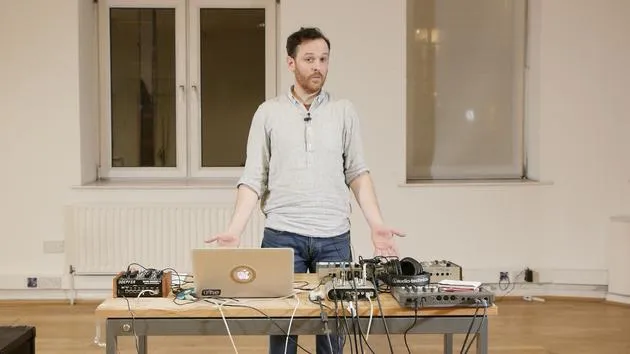
John WatsonJohn Watson stellt den Kurs vor und zeigt sein Hardware-Setup -Synthesizer, Drumcomputer und Soundkarte- und wie du alles in Ableton Live mit deinem Computer verbindest.
Das steckt im Kurs
14 Lektionen (1h 39m) · 2 gratis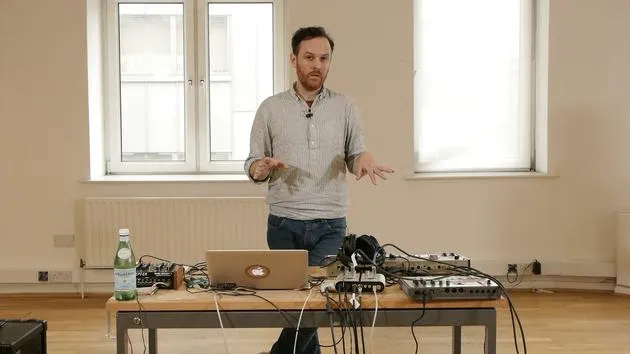
01. Erste Schritte und Geräte-Setup
Du bist hier11:07
02. Ideen mit MIDI entwickeln - Einführung in MIDI
Gratis-Lektion6:12
03. Eine einfache Rhythmus-Guide-Spur aufnehmen
7:41
04. Audio aufnehmen: Einrichtung und Pegel
6:21
05. Audio aufnehmen
6:25
06. Ein externes Instrument verwenden
3:27
07. Die Basslinie erstellen
11:05
08. Eine weitere Rhythmusspur hinzufügen
2:50
09. Premixing & Session View
9:59
10. Songstruktur und Arrangement-Ansicht
8:47
11. Mischen: EQ und Kompression
7:37
12. Räumliche Effekte
4:40
13. Modulationseffekte
5:26
14. BONUS: Eine Basslinie mit dem Doepfer Dark Energy II erstellen
Gratis-Lektion7:26
Transkript der Lektion
Music Lesson: Hardware Setup
Introduction
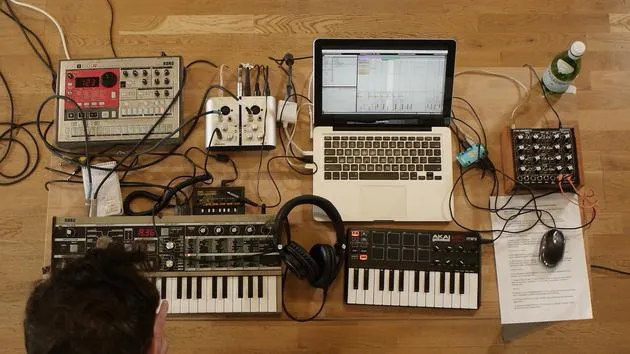
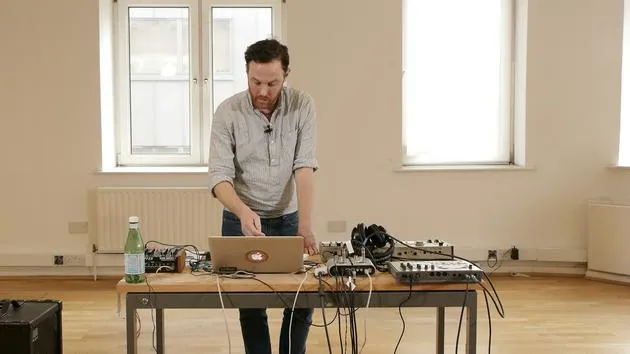
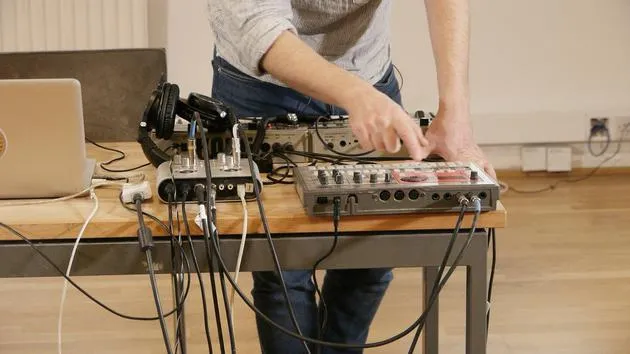
Okay, I'd like to talk a little bit about the setup that I've got here. I've got three hardware devices:
- Korg Microcorg: a polyphonic synth. You can pick them up fairly cheaply on eBay and things.
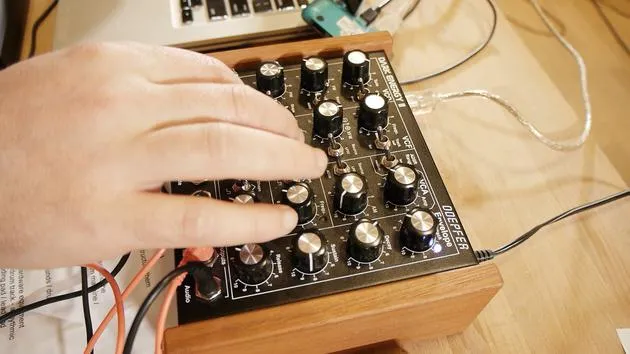
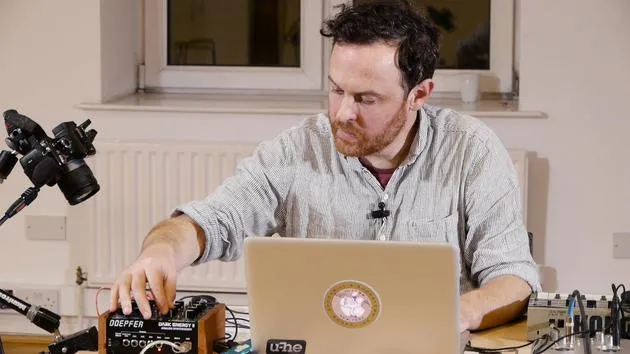
- Doepfer Dark Energy: really good at basslines, a crazy little synth.
- Korg Electribe: this will provide my drum and rhythm tracks.
Between these three main devices, I'm going to create a piece of music.
Note: These courses aren't specifically about having these types of hardware. You don't have to have this exact drum machine or synth. It's really about getting hold of something, maybe secondhand, having a play with it, and utilizing it to get really creative. Your music will sound better using real hardware devices.
Additional Hardware
The other gear I have includes:
- A portable sound card
- Korg Monotron: a little delay unit
- My MIDI keyboard
This setup is quite portable, making it great for live shows and other events.
Demonstration: Korg Microcorg
The first thing I'll demonstrate here is the Korg Microcorg. I've got some chords coming from this.
Next, the Dark Energy synth is set up to produce my bass sounds.
Setting Up the Dark Energy
Here's how I set up the Dark Energy:
-
Input Connection:
- Connect the left and right outputs of the drum machine (stereo) into the left and right inputs of my sound card.
-
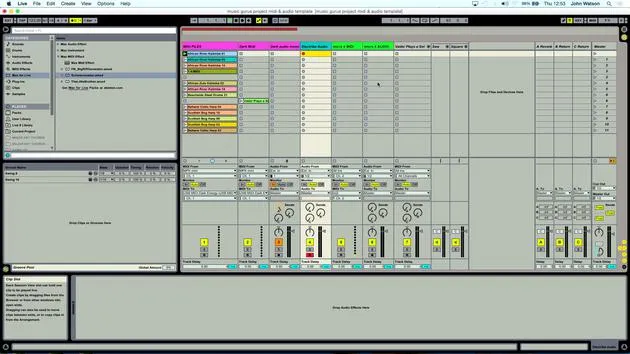
Live Preferences:
- Ensure my sound card (Ioj2 from Alesis) is connected in Live.
-
Input/Output Setup:
- Match inputs and outputs: input to sound card, output also to sound card.
- Use a stereo switch to ensure the sound card operates in stereo.
- Record analog sources to receive analog inputs from my devices.
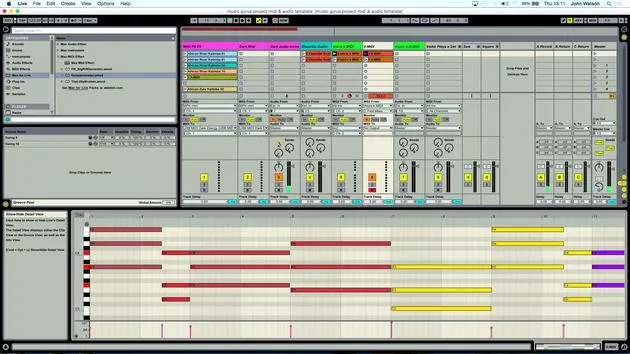
Organizing the Channels
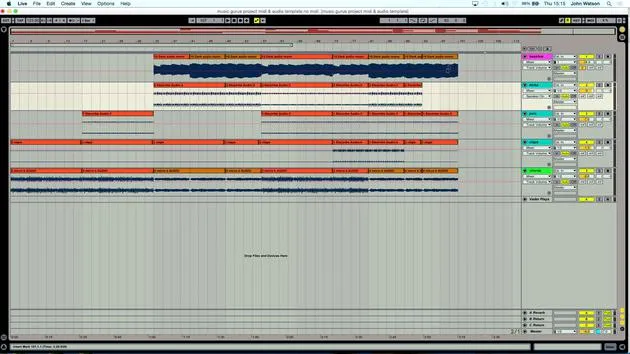
I've created multiple channels in Live and color-coordinated them to simplify my workflow.
- Electribe Audio Input:
- Select
external inputsince I'm taking a signal from the drum machine into the sound card, which feeds into Ableton.
- Select
Input Selection:
- Since my sound card has only two inputs, I select inputs 1 and 2 to achieve stereo output from the drum machine.
Monitoring Audio
To monitor what's coming into Ableton:
- Click the record button to enable audio capture.
- Check for drum signals arriving as expected.
Dark Energy Synth Connection
For the Dark Energy synth:
- Plug the output from the Dark Energy into the sound card's left input (ensure it's set to mono).
- Connect a MIDI keyboard, as the Dark Energy doesn't have one built-in, allowing for note input.
MIDI Connections
Regarding the MIDI connections:
- The Dark Energy is connected via USB into Live.
- Use a USB controller, which is common for many modern synths.
Connection recommendations:
- MIDI Out from the sound card into MIDI In on the Korg.
- This allows me to play notes and record them as MIDI.
Creating a MIDI Track in Live
- Create a MIDI track under
Create > Insert MIDI Track. - Select the MIDI input from my controller.
Note: When connecting a MIDI keyboard, ensure installation is correct and matches your device settings.
Setting Up an Audio Track
I also need to set up an audio track to record the synth's audio input:
- Monitor input from the synth.
- To record the audio, I click the record button.
Arming for Playback
- Arm the MIDI track, allowing me to play the synth.
- Two track lights will illuminate:
- The first indicates that MIDI input is enabled.
- The second shows that audio is incoming.
Conclusion
Now that I've covered the setup process, this template will be available at the end of the course for your reference.
While I'm using specific hardware, you'll use your own, so make sure to adapt based on your setup.
With the Korg Microcorg for polyphonic sounds (chords, pads, and strings), a monophonic bass from Dark Energy, and percussion from the Korg Electribe, we're ready to start generating ideas and laying down tracks!
14 Lektionen
1 Std. 39 Min. strukturierte Videolektionen
Erweiterte Videofunktionen
Verlangsamen, Passagen loopen, mitlesen
Handy, Tablet & Desktop
Üben, wo du willst
100 % Zufriedenheitsgarantie
30 Tage Geld-zurück-Garantie
Lern deinen Guru kennen
Lern deinen Guru kennen
Nach einem Praktikum bei Dave Allen, dem Produzenten von Depeche Mode und The Cure, ließ sich John dazu inspirieren, in London Music Technology zu studieren. Seine Musikkarriere nahm nach einem erfolgreichen Vertrag bei CookShop Records Fahrt auf, wo er 9 Singles und 2007 ein Album veröffentlichte, das begeisterte Kritiken von Q, Uncut und Lowdown Magazine sowie Airplay bei XFM und Radio One erhielt.
John begann seine Ausbildung zum Tontechniker 2005 im Bonafide-Studio, wo er sein Können verfeinerte, und gründete noch im selben Jahr Jackdaw Recordings. Er hat mit vielen erfolgreichen Künstlern zusammengearbeitet und begann 2007, für den Pop-Musiker Patrick Wolf zu spielen, mit Auftritten in führenden Häusern in Großbritannien und international – darunter The Astoria und das Shepherds Bush Empire.
Von seinem Londoner Studio aus schreibt John heute Musik, mit zwei weiteren Veröffentlichungen bei CookShop, macht Tontechnik für namhafte Künstler und gestaltet Sounddesign für TV-Spots, Film, Theater und Unternehmensvideos.
Genau diese seltene Mischung aus Songwriter, Produzent und aktivem Studiotechniker bringt John in seinen Unterricht ein. In Creative Composition & Production in Ableton Live und Creative Sampling & Production in Ableton Live zeigt er dir, wie er aus rohen Ideen fertige, veröffentlichungsreife Tracks macht – das Schreiben, das Sampling, das Sounddesign und das praktische technische Know-how hinter einer professionellen Platte.







