



Die Basslinie erstellen

Mit
John Watson
Das steckt im Kurs
14 Lektionen (1h 39m) · 2 gratis
01. Erste Schritte und Geräte-Setup
11:07
02. Ideen mit MIDI entwickeln - Einführung in MIDI
Gratis-Lektion6:12
03. Eine einfache Rhythmus-Guide-Spur aufnehmen
7:41
04. Audio aufnehmen: Einrichtung und Pegel
6:21
05. Audio aufnehmen
6:25
06. Ein externes Instrument verwenden
3:27
07. Die Basslinie erstellen
Du bist hier11:05
08. Eine weitere Rhythmusspur hinzufügen
2:50
09. Premixing & Session View
9:59
10. Songstruktur und Arrangement-Ansicht
8:47
11. Mischen: EQ und Kompression
7:37
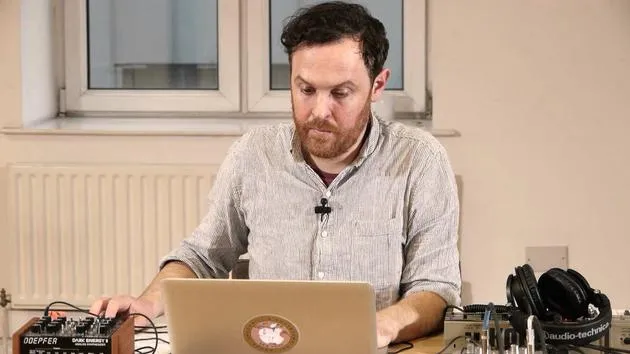
12. Räumliche Effekte
4:40
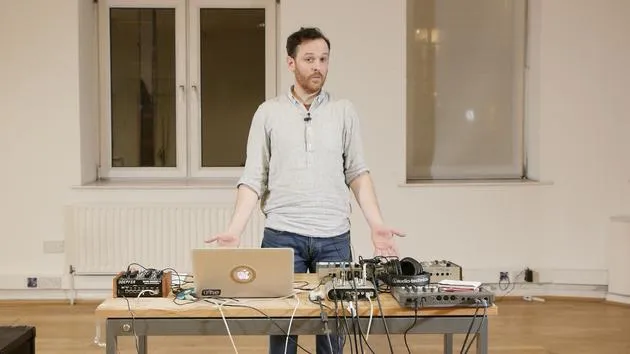
13. Modulationseffekte
5:26
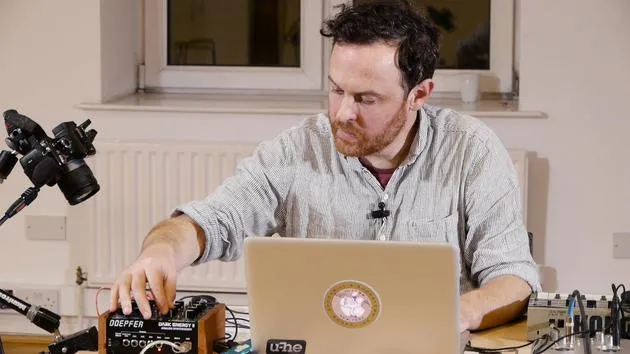
14. BONUS: Eine Basslinie mit dem Doepfer Dark Energy II erstellen
Gratis-Lektion7:26
Transkript der Lektion
Music Lesson: Creating a Bass Line
Introduction
I think now it's time to move on with our bass. So I'm thinking about drums and percussion. I've got my chords, and I'd like to get a bass sound going from that. I will then work out whether I have enough to actually lay down a structure of a track or if I need to do something different.
Creating a Bass Line
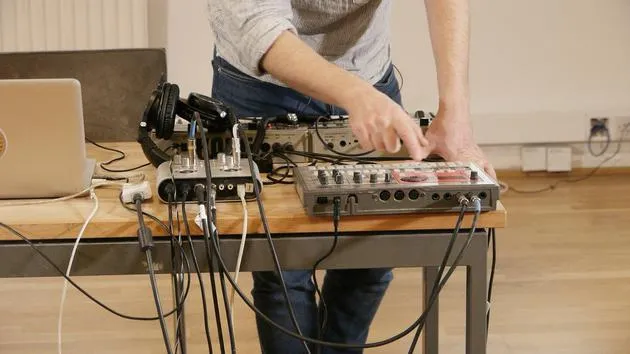
A nifty little trick here for creating a bass line is to use the root note of the chords. If you remember, we started out using the Schwarzenegger to create some chords. These chords were then recorded into a separate MIDI track to extract the actual chords themselves.
Now that I know this MIDI track works well with the music I've created, I'm going to do the following:
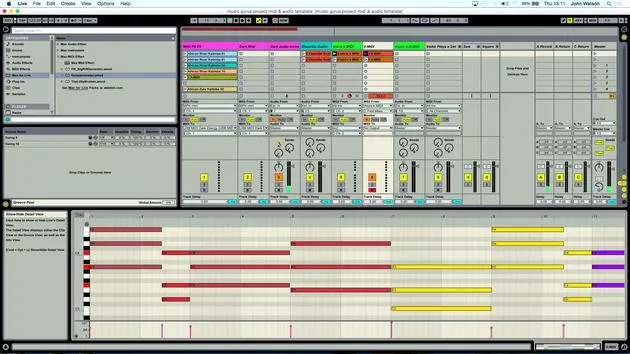
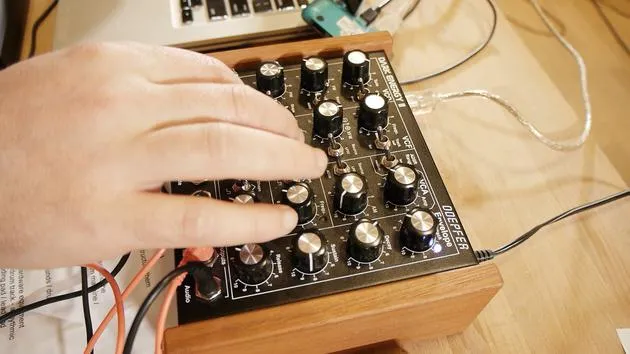
- Copy over these MIDI tracks to my synth track for the Dark Energy that will create my bass.
Deleting Unnecessary Notes
Since this synth is monophonic, it can only play one note at a time. We have quite a complex series of chords here, so I need to delete some of the notes to allow our bass line to play through. Here's how:
- Zoom out a little bit.
- Select all of the notes apart from the bottom set.
- You can have a little play around; it doesn't have to be all of the bottom notes. A bit of variation is okay.
Remember, I have copies of the original chords, so if I make a mistake, I can undo or replace the chords back in to delete the notes and get my bass line.
Finalizing the Bass Line
I'm looking for one note to play at a time. Let's select the notes and create our bass line.
- I'll take out the final note and check everything is set.
Now, going back to the MIDI setup, I know this is connected already, so hopefully I should be able to:
- Solo the clip.
- Plug in the audio output, making sure to connect to the mono input (left input).
Listening to the Bass
Let's listen to the bass now. Upon listening, I realized I have some extra parts that I don't need. I can simply right-click and delete those.
Now, I have the root notes of the chords that I've just inputted.
- Listening in context of everything else reveals that some notes are a little bit out in terms of timing.
To fix this:
- Shift the note over so it lines up correctly.
- Use the metronome to get the rhythm right.
Adjusting Notes
For previous recordings, I had a different set of chords, and I need to do the same here.
- I'll delete everything apart from the last bottom notes of the chord.
- Once again, zoom out to make it easier.
In theory, I should be able to play this now.
- Ensure that the final note isn't too low in its octave range for the synth.
Raising the Octave
To jump up an octave inside a MIDI clip in Ableton, press Shift + Arrow Up, which will raise it.
- Undo to find the original note (C3) and then shift it up to C4.
- Check the rhythm and timing to ensure everything is aligned correctly.
Completing the Bass Line
With the bass line done, we've got two different layers of music that work well together.
Recording the Bass
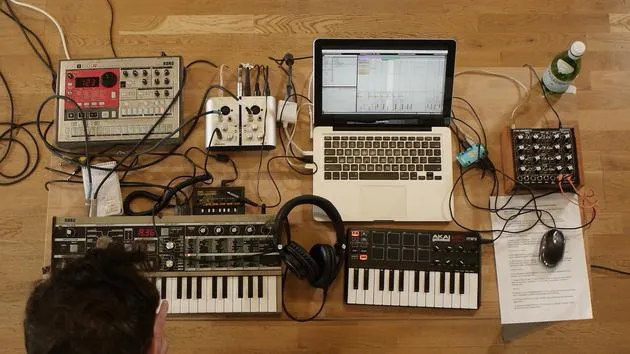
We recorded the audio in from the MicroKorg and Electribe drum machine and just created our bass line (the MIDI part). Now we need to record this in as audio:
- Arm the audio track that I have previously set up.
- Click the first scene of MIDI clips and click record.
I might tweak a few parameters as well, adjusting the filter cut-off to add some timbre change for movement.
Final Checks
- Come down to the next clip and make sure everything is fine.
- Check the clips and prepare to record again.
After listening back, it sounds like the bass part is now recorded in.
Conclusion: That's how you create and refine a bass line, working through MIDI and audio recording to achieve the desired sound in your music project.
14 Lektionen
1 Std. 39 Min. strukturierte Videolektionen
Erweiterte Videofunktionen
Verlangsamen, Passagen loopen, mitlesen
Handy, Tablet & Desktop
Üben, wo du willst
100 % Zufriedenheitsgarantie
30 Tage Geld-zurück-Garantie
Lern deinen Guru kennen
Lern deinen Guru kennen
Nach einem Praktikum bei Dave Allen, dem Produzenten von Depeche Mode und The Cure, ließ sich John dazu inspirieren, in London Music Technology zu studieren. Seine Musikkarriere nahm nach einem erfolgreichen Vertrag bei CookShop Records Fahrt auf, wo er 9 Singles und 2007 ein Album veröffentlichte, das begeisterte Kritiken von Q, Uncut und Lowdown Magazine sowie Airplay bei XFM und Radio One erhielt.
John begann seine Ausbildung zum Tontechniker 2005 im Bonafide-Studio, wo er sein Können verfeinerte, und gründete noch im selben Jahr Jackdaw Recordings. Er hat mit vielen erfolgreichen Künstlern zusammengearbeitet und begann 2007, für den Pop-Musiker Patrick Wolf zu spielen, mit Auftritten in führenden Häusern in Großbritannien und international – darunter The Astoria und das Shepherds Bush Empire.
Von seinem Londoner Studio aus schreibt John heute Musik, mit zwei weiteren Veröffentlichungen bei CookShop, macht Tontechnik für namhafte Künstler und gestaltet Sounddesign für TV-Spots, Film, Theater und Unternehmensvideos.
Genau diese seltene Mischung aus Songwriter, Produzent und aktivem Studiotechniker bringt John in seinen Unterricht ein. In Creative Composition & Production in Ableton Live und Creative Sampling & Production in Ableton Live zeigt er dir, wie er aus rohen Ideen fertige, veröffentlichungsreife Tracks macht – das Schreiben, das Sampling, das Sounddesign und das praktische technische Know-how hinter einer professionellen Platte.







