



Lass uns das Setup einrichten (MicroKorg und Novation Launch Control)

Mit
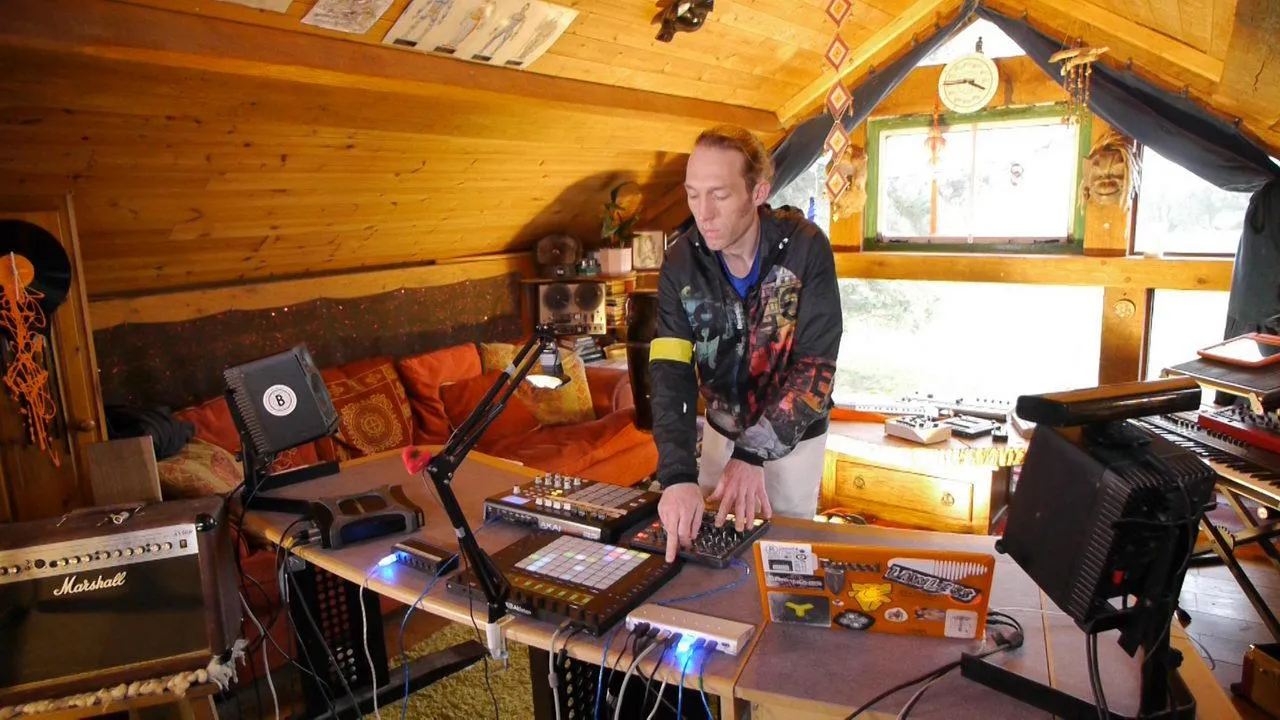
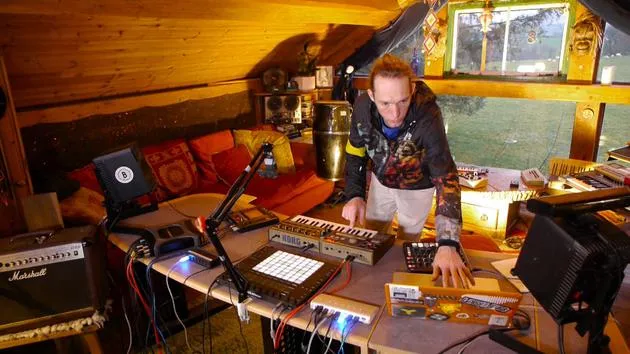
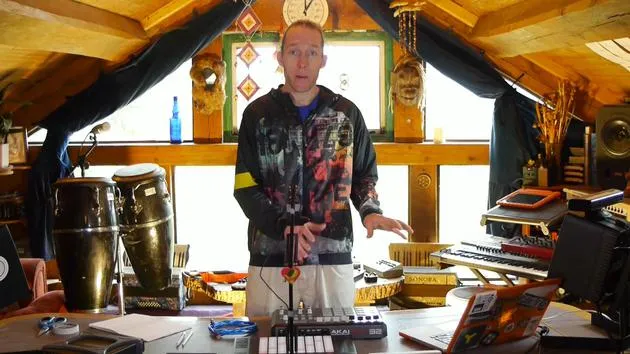
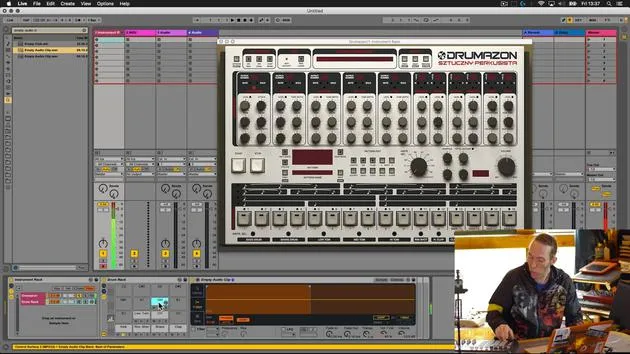
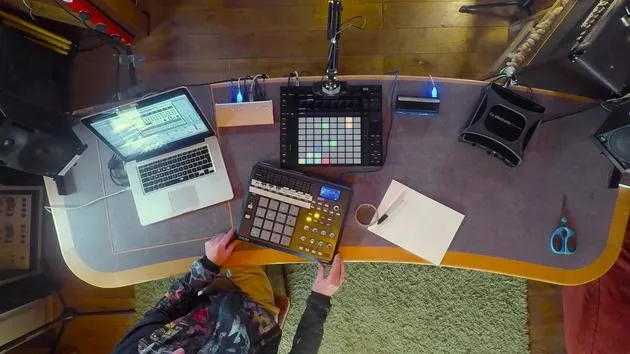
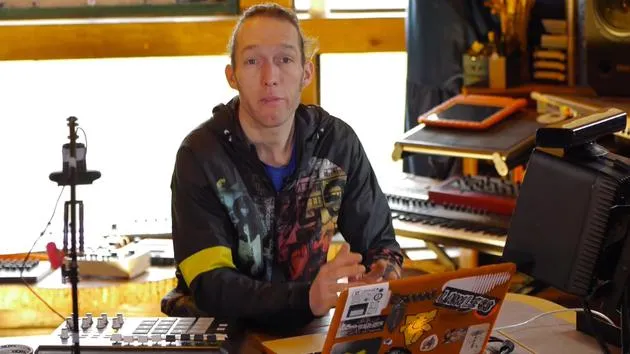
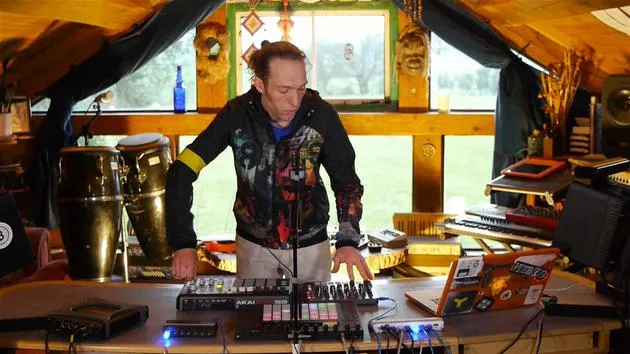
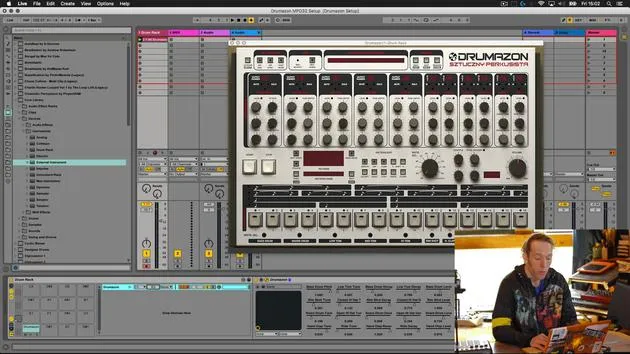
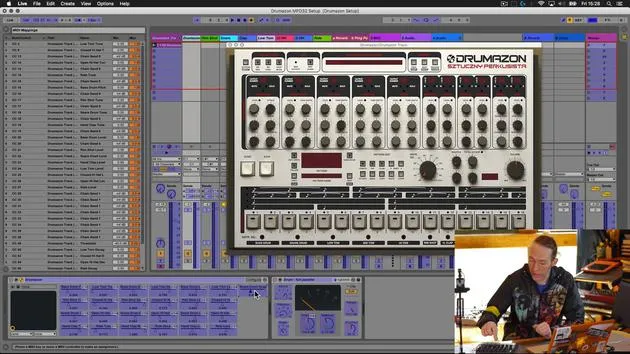
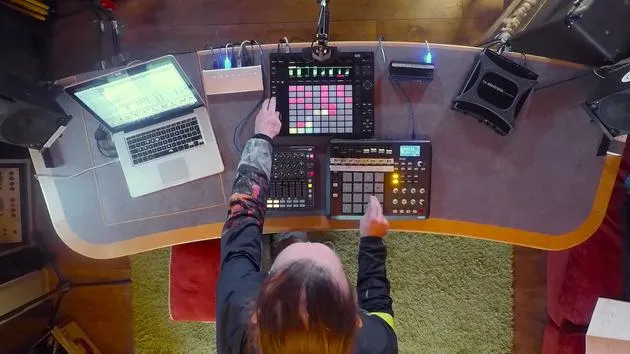
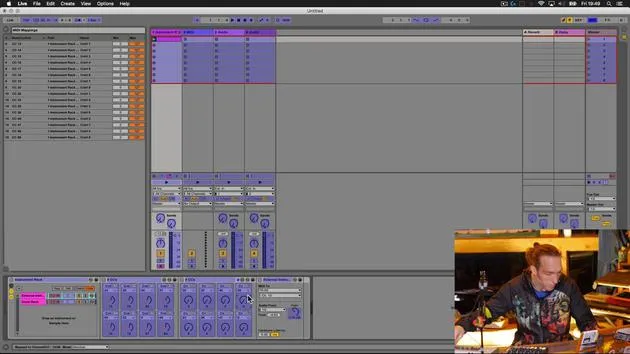
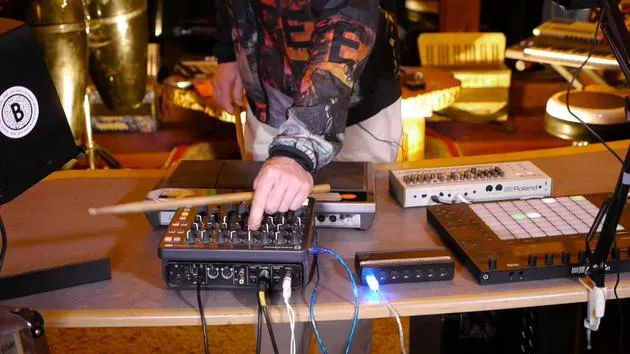
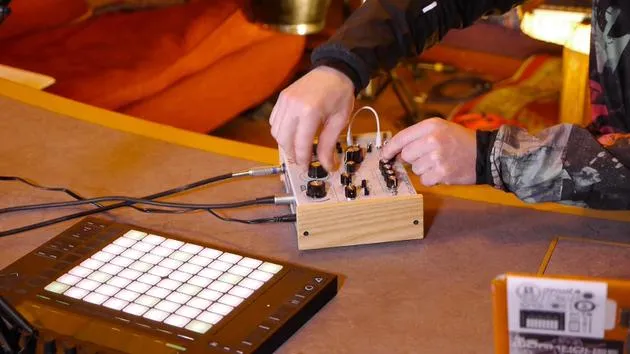
Mark BurnettMark Burnett verbindet einen Korg MicroKorg und ein Novation Launch Control XL mit Ableton Live, um das Rig für diesen Teil des Kurses einzurichten.
Das steckt im Kurs
24 Lektionen (3h 29m) · 2 gratis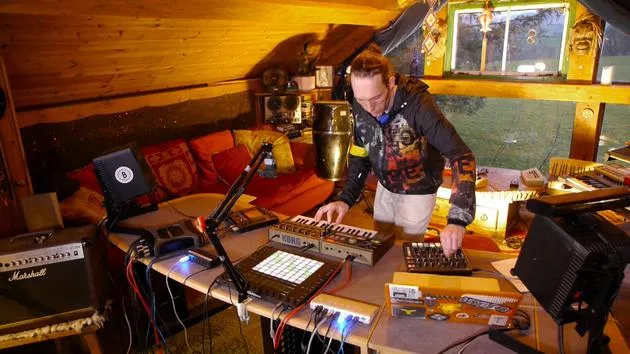
01. Was du in diesem Kapitel lernst
1:18
02. Lass uns das Setup einrichten (MicroKorg und Novation Launch Control)
Du bist hier7:47
03. MIDI-CC-Nachrichten & Mapping des Novation LC auf MicroKorg-Parameter
18:19
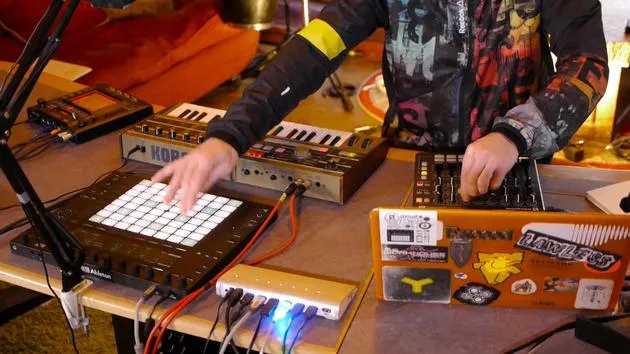
04. Demo des bisherigen Setups
1:47
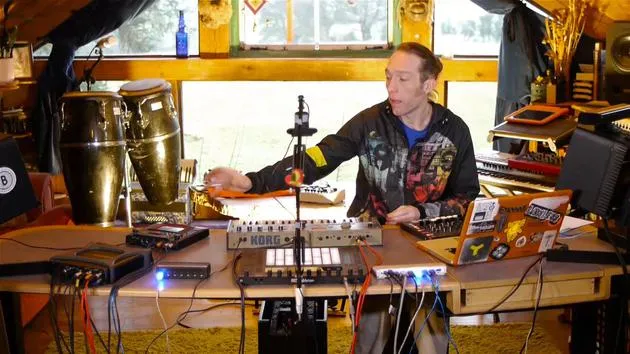
05. Taktile Effekte mit dem Kaoss Pad 3 hinzufügen
11:50
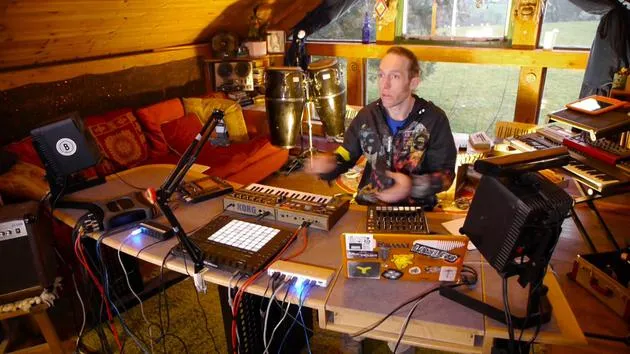
06. Das Kaoss-Setup abschließen
7:02
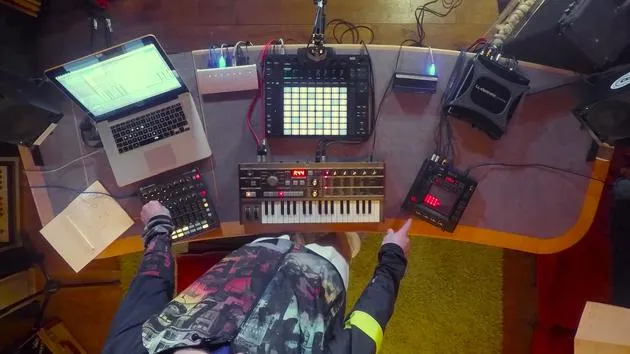
07. Zusammenfassung des Gelernten
4:23
08. Das Setup erkunden
3:54
Transkript der Lektion
Music Lesson: Connecting Hardware Synthesizers and MIDI Controllers
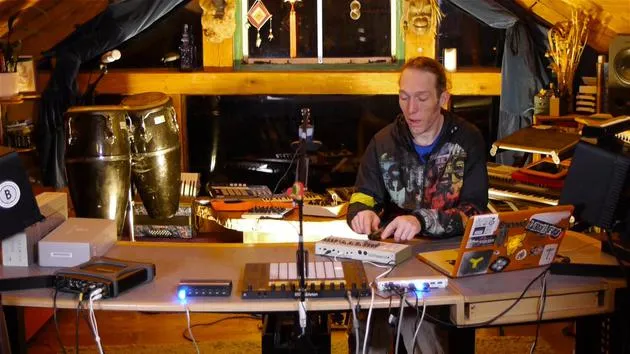
In this first video, we're going to take a hardware synthesizer and use some external MIDI controllers to augment its capabilities. Let's have a look at the equipment we're going to use.
Equipment Overview
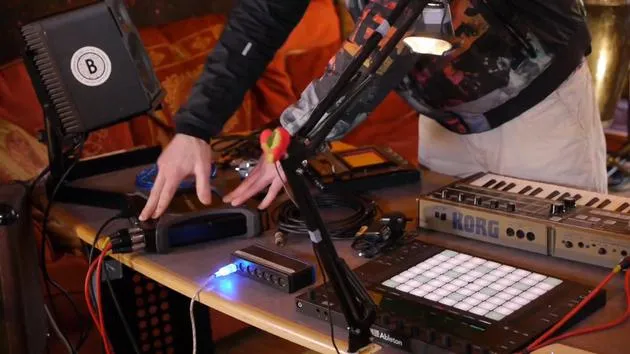
Korg Micro Korg
- A classic synthesizer that is fun and straightforward to use.
- Note: Being an older model, it lacks USB connectivity. We will use traditional MIDI cables for input and output.
Novation Launch Control XL
- A versatile and affordable MIDI controller, perfect for this task and many others.
Korg Chaos Pad 3
- An external effects processor that adds creative possibilities.
- A well-used unit that features both MIDI and USB connectivity, allowing us to transmit MIDI via USB, reducing cable clutter.
Setting Up the Equipment
Step 1: Connect the Micro Korg
- Audio Connection:
- Use standard jack leads to connect the main outputs (left and right) of the Micro Korg to inputs 1 and 2 on the TC Electronic Connect Live audio interface.
- Power Connection:
- Plug in the power supply and check that it's working (power is on).
- MIDI Connection:
- Connect one MIDI cable from the MIDI out port on the TC to the MIDI in on the Micro Korg.
- Connect a second MIDI cable from the MIDI in on the TC to the MIDI output on the Micro Korg.
Step 2: Connect the Novation Launch Control XL
- Use a standard USB cable to connect the Novation Launch Control XL to our USB hub.
Step 3: Connect the Korg Chaos Pad 3
- Power Connection:
- Plug in the power supply and ensure it's working.
- USB MIDI Connection:
- Connect the USB from the Chaos Pad to the USB hub. This will allow MIDI to be transmitted in and out with just one cable.
- Audio Connection:
- Utilize RCA to jack cables to connect:
- Outputs 3 and 4 from the TC Electronic Connect Live to the line in of the Chaos Pad.
- Line out from the Chaos Pad back to line in 3 and 4 of the TC.
- Utilize RCA to jack cables to connect:
Summary of Connections
- Micro Korg:
- Audio in/out, MIDI in/out, power.
- Korg Chaos Pad 3:
- Audio in/out and MIDI via USB.
- Novation Launch Control XL:
- Connected via USB to the hub.
Now that we have our equipment connected, let's explore what we need to do inside Ableton Live to get everything communicating properly.
24 Lektionen
3 Std. 29 Min. strukturierte Videolektionen
Erweiterte Videofunktionen
Verlangsamen, Passagen loopen, mitlesen
Handy, Tablet & Desktop
Üben, wo du willst
100 % Zufriedenheitsgarantie
30 Tage Geld-zurück-Garantie
Lern deinen Guru kennen
Lern deinen Guru kennen
Mark Burnett ist ein Ableton Certified Trainer, der seit über 14 Jahren mit Ableton-Produkten arbeitet. Als Produzent und DJ bei Funk'n Deep Records liefen seine Tracks auf großen Festivals sowie in Sets und Podcasts von Künstlern wie Carl Cox und Richie Hawtin, und er hat vor Tausenden von Menschen gespielt. Außerdem veranstaltet er große Events wie das Workhouse Project und studierte am Imperial College London. Sein Kurs behandelt den Einsatz von Ableton Live zum Aufbau von Live-Performances und eignet sich für Produzenten und Performer im Bereich elektronischer Musik, die ihre Show aus dem Studio auf die Bühne bringen möchten.







