



Setup speichern, benennen und aufrufen

Mit
Mark BurnettMark fasst den bisherigen Kurs zusammen und zeigt dir, wie du dein Setup speicherst & wieder aufrufst. Er teilt ein paar Tipps, wie er seine Setups benennt, damit sie leicht zu finden und auch vom Push 2 aus abrufbar sind.
Das steckt im Kurs
24 Lektionen (3h 29m) · 2 gratis
01. Was du in diesem Kapitel lernst
1:18
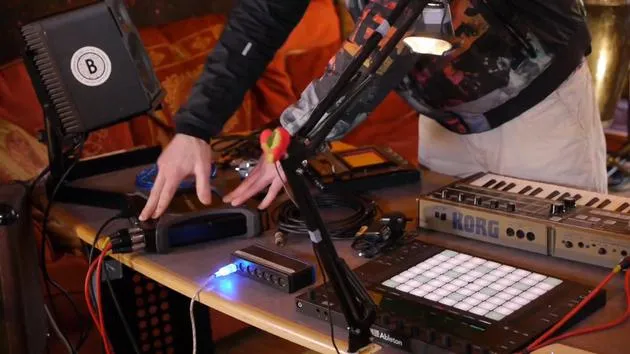
02. Lass uns das Setup einrichten (MicroKorg und Novation Launch Control)
7:47
03. MIDI-CC-Nachrichten & Mapping des Novation LC auf MicroKorg-Parameter
18:19
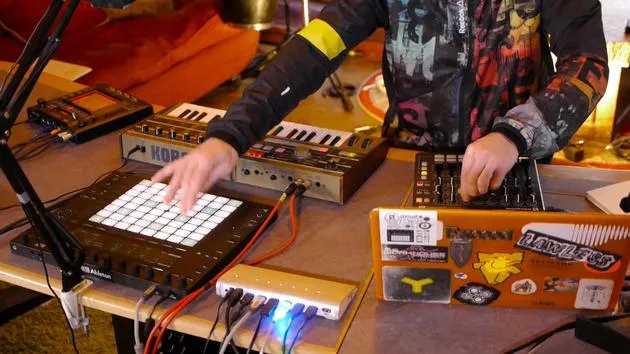
04. Demo des bisherigen Setups
1:47
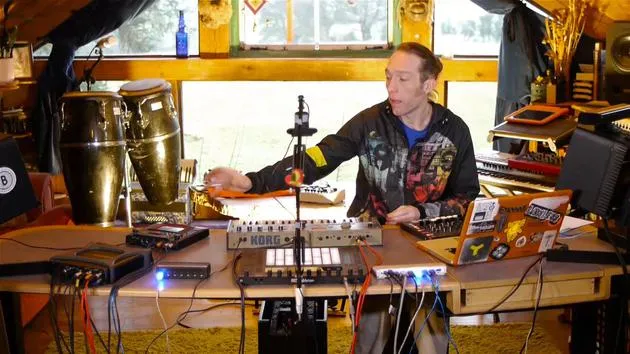
05. Taktile Effekte mit dem Kaoss Pad 3 hinzufügen
11:50
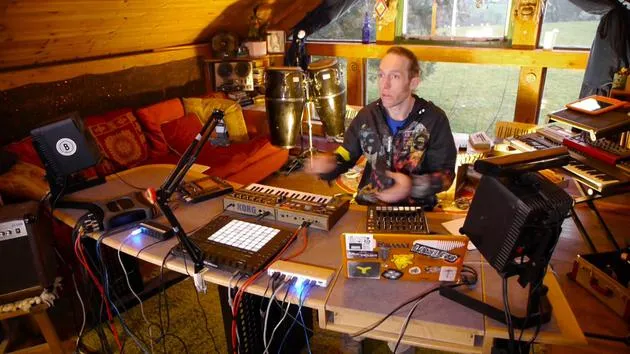
06. Das Kaoss-Setup abschließen
7:02
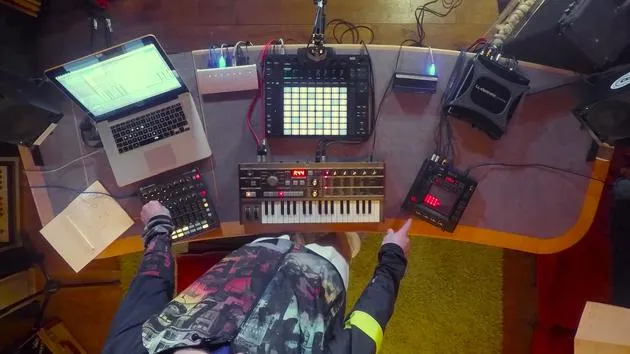
07. Zusammenfassung des Gelernten
4:23
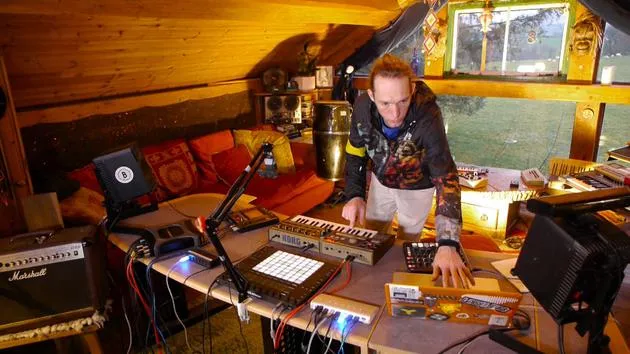
08. Das Setup erkunden
3:54
Transkript der Lektion
Music Lesson Recap: Setting Up Your VST in Live
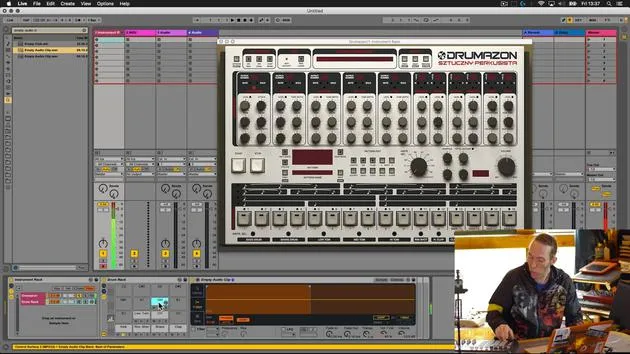
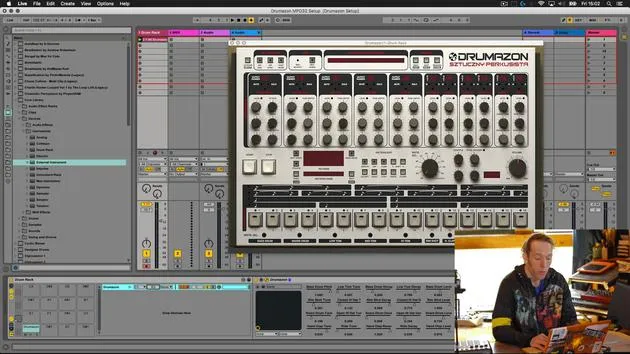
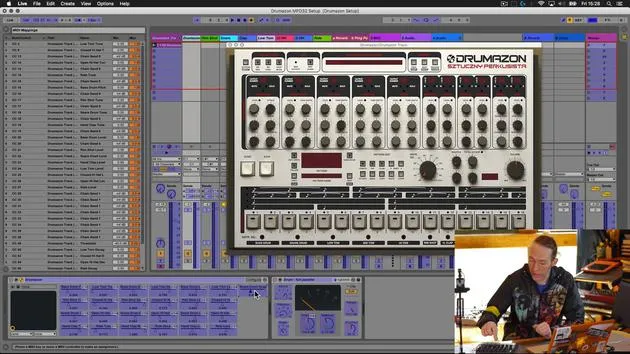
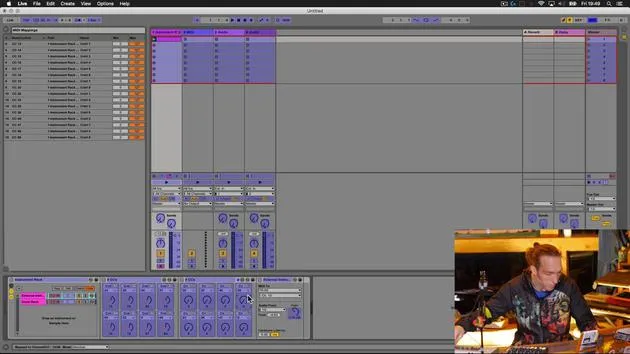
Okay, so the last thing that we're going to give a little bit of consideration to now that we've built this device is to look back inside Live. It's not a massively complicated device, but it has hugely increased the usability of this VST plug-in.
Saving Your Setup
What would be nice to do is to be able to recall this at any time and use it in our other projects. To do that:
- Click on the instrument rack.
- Right-click to rename it and give it a meaningful name.
Naming Convention
I have a standard naming system that I use for labeling all of the devices that I create:
-
Prefix: I start with a double zero (00).
- Reason: When using Push, any device I created with this prefix will appear at the top of the list in my browser.
-
Meaningful Name: Describe the device or the type of sound it produces.
- In this case, I'll call it Drummerzon MPD32 setup.
-
Suffix: I add a unique identifier (mxb).
- The letters MXB don't occur frequently in any files on my computer, so it acts as a filter.
Saving the Device
After naming, I hit enter and click on the save button. This action prompts the user library and allows me to save that particular device there.
Utilizing the MXB Identifier
Now, why is the suffix important? If I use Live's browser technology and the key command (Command + F) to open up my browser and search for all files, I can type in MXB. What you'll see is that everything appearing in this search window consists of content that I've created myself. All devices, sounds, clips, and samples with the MXB suffix will show up, providing a quick way to filter my user content.
Workflow Improvement with Push
Using the double zero prefix also aids in navigating the Push browser:
- When adding a new MIDI track, I can go to my sounds.
- In the first category with created content, all top hits starting with double zero are my devices.
This organization means I don't have to sift through pages of devices listed in the Push window, allowing my creations to come up first.
Summary of Our Journey
To quickly recap what we've accomplished:
- Connected an external MIDI controller to Ableton Live.
- Selected a VST device that we wanted greater control over.
- Utilized the configuration tool to:
- Assign parameters within that VST to the configuration panel.
- Use mapping mode to map specific controls on the external device to those parameters.
As a result, this has opened up a much more musical and intuitive way for us to interact with that software, and hopefully, it has made the experience a lot more fun.
24 Lektionen
3 Std. 29 Min. strukturierte Videolektionen
Erweiterte Videofunktionen
Verlangsamen, Passagen loopen, mitlesen
Handy, Tablet & Desktop
Üben, wo du willst
100 % Zufriedenheitsgarantie
30 Tage Geld-zurück-Garantie
Lern deinen Guru kennen
Lern deinen Guru kennen
Mark Burnett ist ein Ableton Certified Trainer, der seit über 14 Jahren mit Ableton-Produkten arbeitet. Als Produzent und DJ bei Funk'n Deep Records liefen seine Tracks auf großen Festivals sowie in Sets und Podcasts von Künstlern wie Carl Cox und Richie Hawtin, und er hat vor Tausenden von Menschen gespielt. Außerdem veranstaltet er große Events wie das Workhouse Project und studierte am Imperial College London. Sein Kurs behandelt den Einsatz von Ableton Live zum Aufbau von Live-Performances und eignet sich für Produzenten und Performer im Bereich elektronischer Musik, die ihre Show aus dem Studio auf die Bühne bringen möchten.







