



Speichern wir dieses Setup und probieren es aus!

Mit
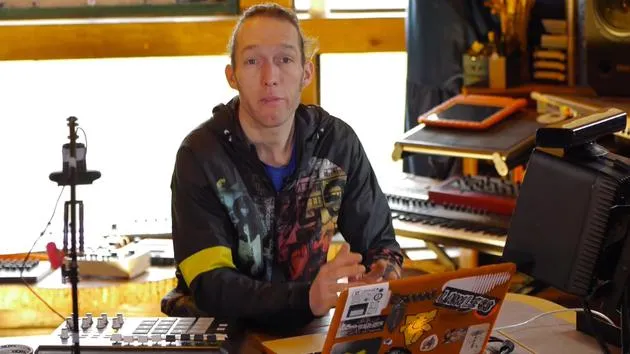
Mark BurnettMark Burnett zeigt, wie du dein externes Hardware-Setup in der Live-Benutzerbibliothek speicherst, um es in jedem Projekt wieder aufzurufen, und führt die Controller dann in Aktion vor.
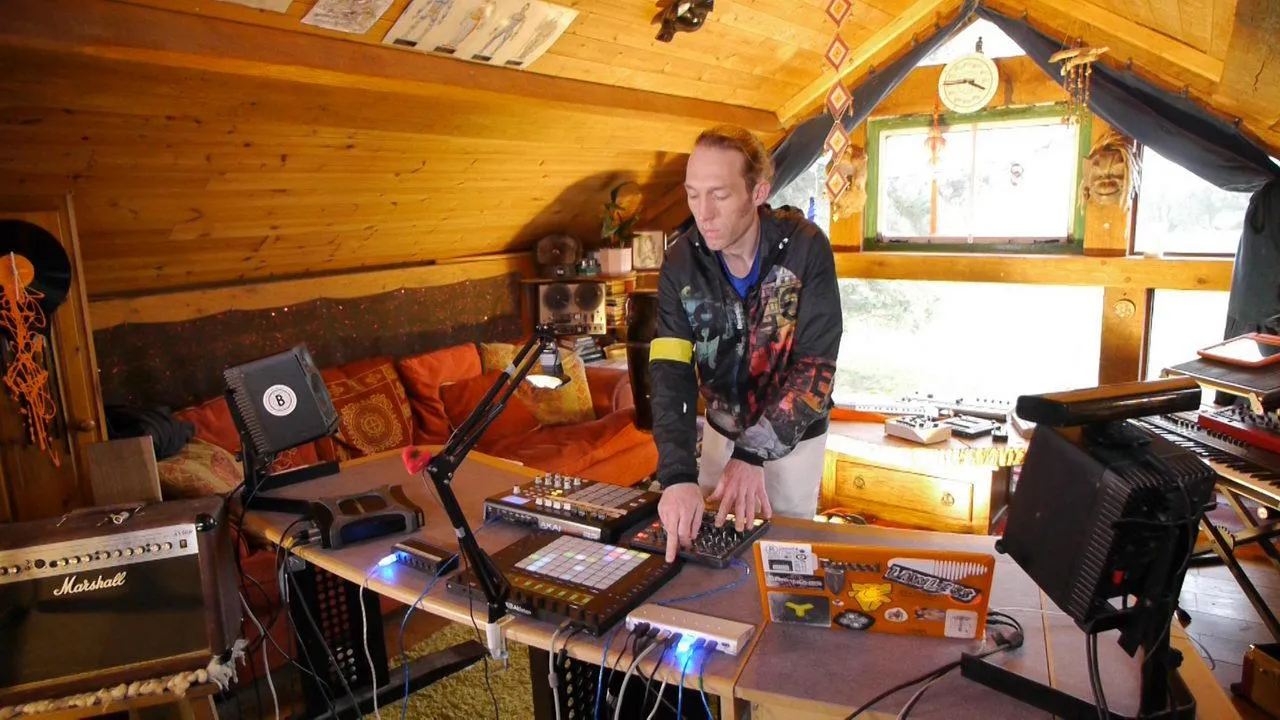
Das steckt im Kurs
24 Lektionen (3h 29m) · 2 gratis
01. Was du in diesem Kapitel lernst
1:18
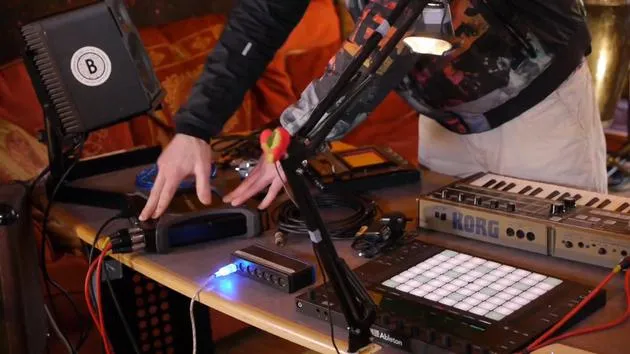
02. Lass uns das Setup einrichten (MicroKorg und Novation Launch Control)
7:47
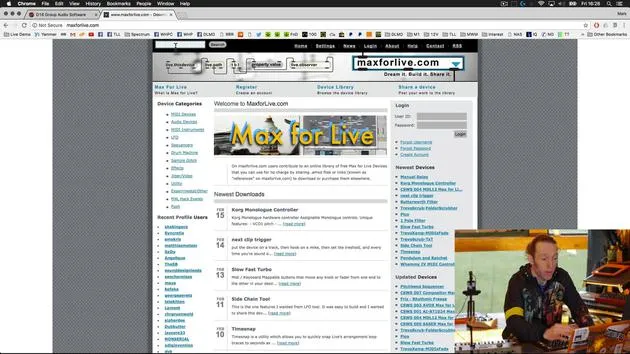
03. MIDI-CC-Nachrichten & Mapping des Novation LC auf MicroKorg-Parameter
18:19
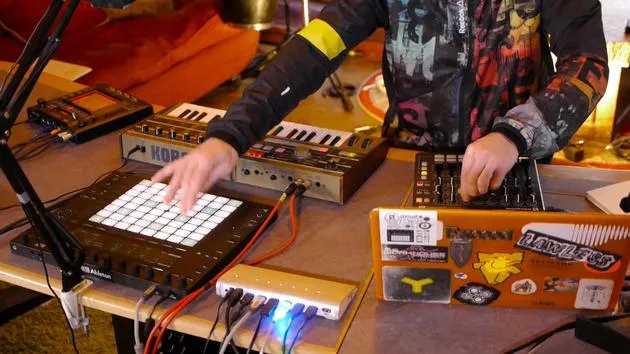
04. Demo des bisherigen Setups
1:47
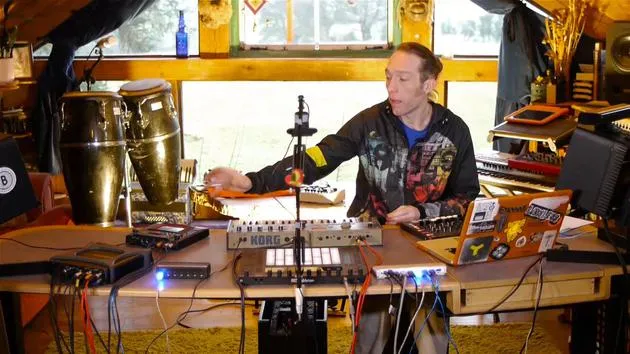
05. Taktile Effekte mit dem Kaoss Pad 3 hinzufügen
11:50
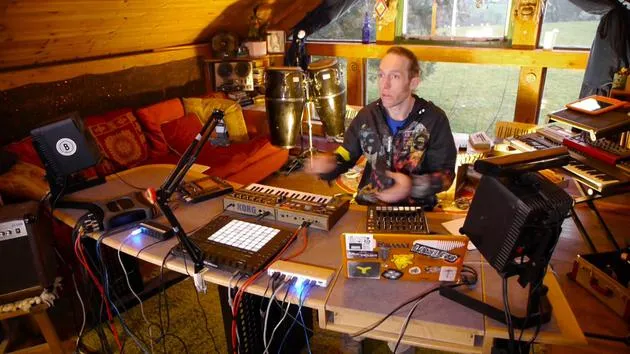
06. Das Kaoss-Setup abschließen
7:02
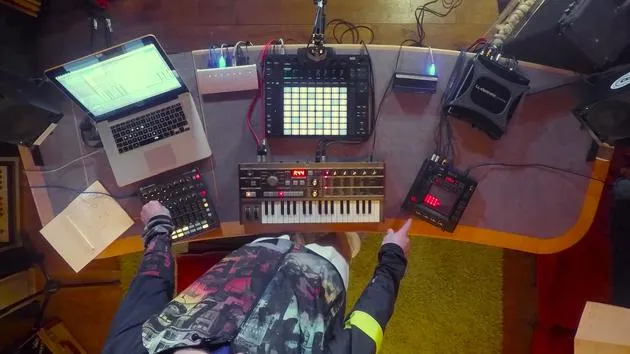
07. Zusammenfassung des Gelernten
4:23
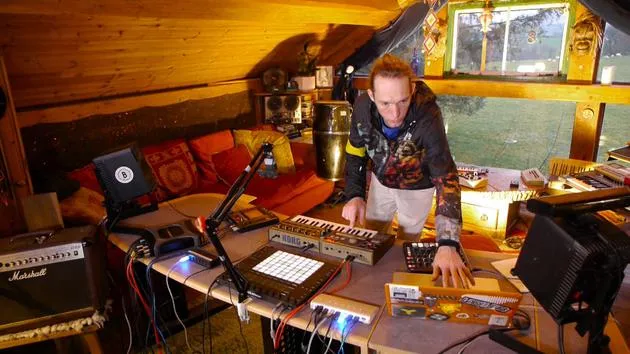
08. Das Setup erkunden
3:54
Transkript der Lektion
Final Steps Before Play
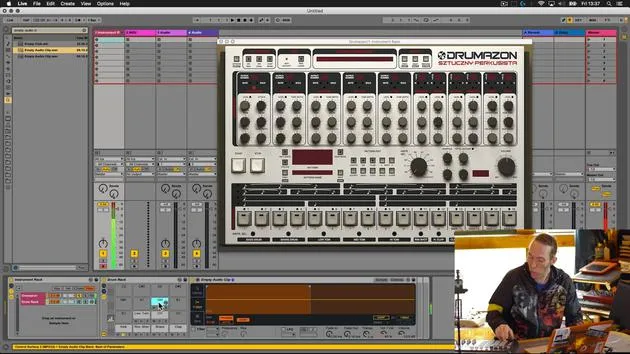
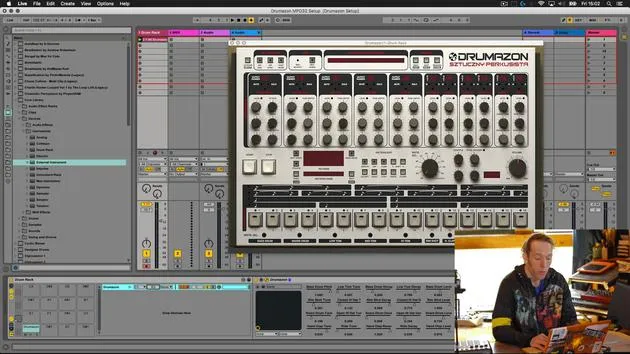
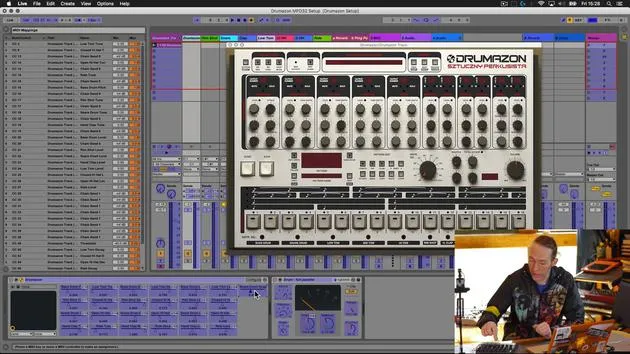
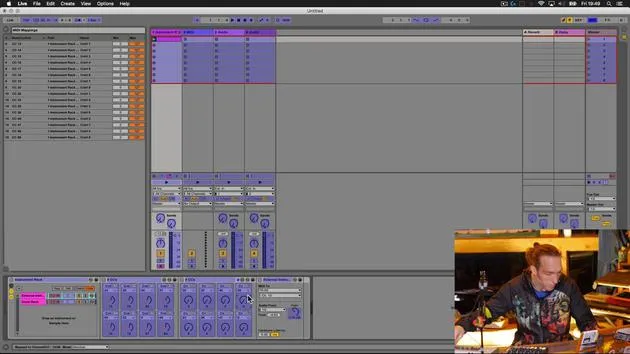
So let's just do one last thing now before we have a little play on this setup. The final thing we're going to do over here in Live is to save this device in a meaningful way and stick it in our user library so that it's more useful moving forward in our other projects.
Renaming the Device
- Go to the global drum rack that this is contained within.
- Select Rename.
- Remember, I use double zero so that this device will appear at the top of any lists when ordered alphabetically.
- Give it a meaningful name, such as Drummers on MPD and Excel setup.
- Add my MXB suffix, which makes it easy for me to find.
- Hit the Save button; this will save it in my user library for easy future access.
Let's take a quick look at what's going on!
Demonstrating the Setup
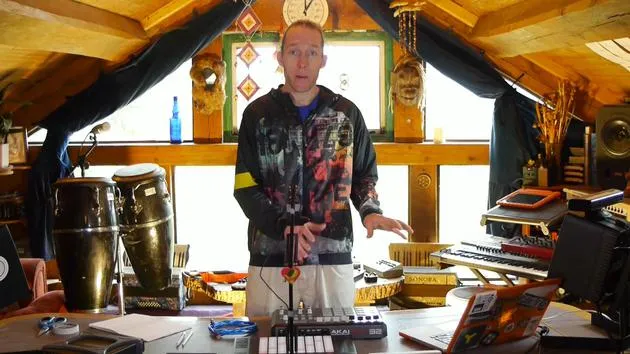
Now, I'm just going to have a little play with it and show you some of the sounds and how this works.
Playing the Pattern
- First thing I'm going to do is play the pattern we created earlier on. It's a simple pattern, but it incorporates most of the sounds we used.
- I've got:
- Volume controls over here.
- Pitch controls over here.
- On the second bank, I've got decay controls.
Additional Effects
In addition to that, I also have the ability to add:
- Reverb
- Delay
- Panorama
- A little bit of compression or snappy effects
- Filtering
Exploring the Controls
Let's just have a play with those.
- Here's the compression on the kick drum; I have a certain degree of control over that.
- This is the snappy parameter on my snare drum, and you can hear I can filter those using these.
- I can pan them left and right and it makes it really easy for me to kill and bring these back into full volume without having to mess around with the detail on the volume settings.
Control and Flexibility
- I get my volume set nicely.
- I can add some extra sound on the fly.
Overall, I have great control over this VST device using these two external MIDI controllers.
Utilizing the Push
As you can see, also on the Push, I've got my standard drum sequencing tools. They are all there, making it really easy for me to create a new pattern. I'm just going to quickly create a new pattern and play around with it a little bit, just to show you how that works.
Control Overview
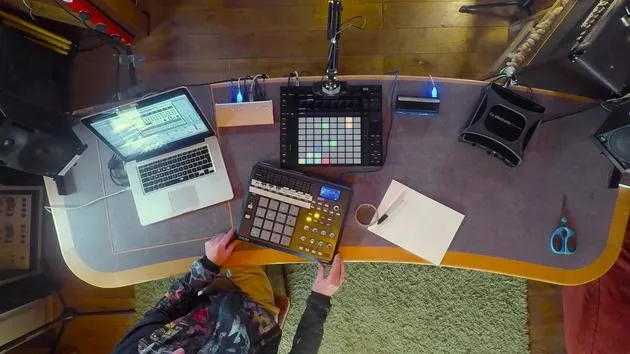
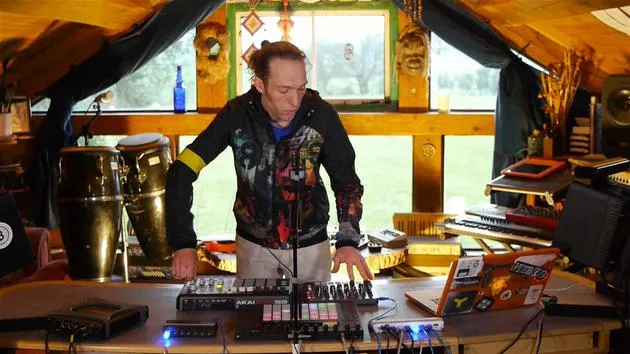
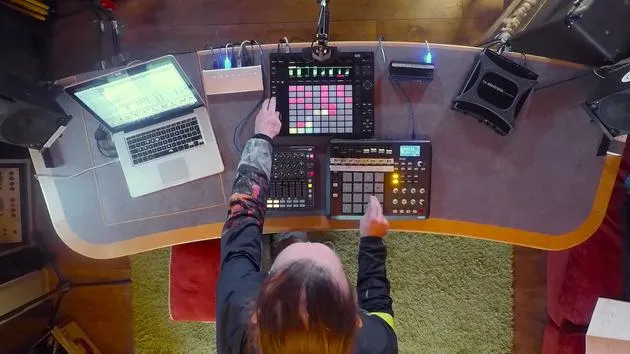
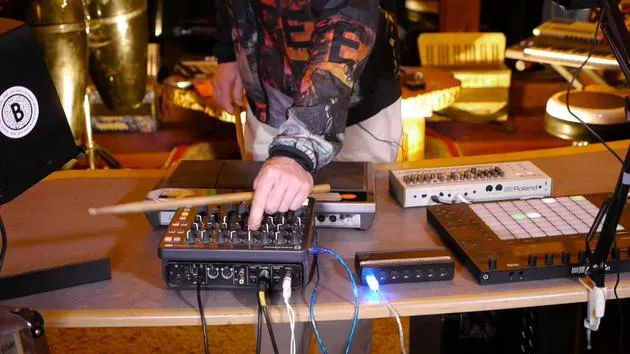
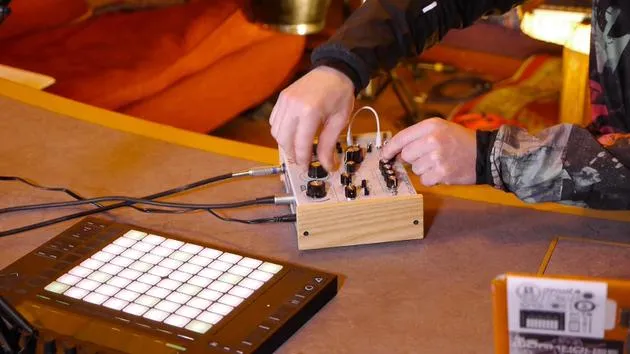
In summary, I was using these two external MIDI controllers and also the Push 2 to sequence stuff. I'm controlling parameters within the drum machine on this device via the Akai MPD.
- I have control over:
- Pitch
- Decay
- Volume
- Triggering sounds
Over here on the Launch Control XL, I've got control over the mix parameters of those individual sounds:
- Add reverb and delay.
- Change the panning position.
- Add compression and adjust additional auxiliary parameters within the VST.
- I also have a filter on each of the individual sounds.
Conclusion
I've got the kind of control you would expect from having real hardware, a real hardware drum machine going through a hardware desk, with individual control over the mix, the effects, and the balance of all those sounds, all with the convenience of not having to spend in excess of £2,300.
24 Lektionen
3 Std. 29 Min. strukturierte Videolektionen
Erweiterte Videofunktionen
Verlangsamen, Passagen loopen, mitlesen
Handy, Tablet & Desktop
Üben, wo du willst
100 % Zufriedenheitsgarantie
30 Tage Geld-zurück-Garantie
Lern deinen Guru kennen
Lern deinen Guru kennen
Mark Burnett ist ein Ableton Certified Trainer, der seit über 14 Jahren mit Ableton-Produkten arbeitet. Als Produzent und DJ bei Funk'n Deep Records liefen seine Tracks auf großen Festivals sowie in Sets und Podcasts von Künstlern wie Carl Cox und Richie Hawtin, und er hat vor Tausenden von Menschen gespielt. Außerdem veranstaltet er große Events wie das Workhouse Project und studierte am Imperial College London. Sein Kurs behandelt den Einsatz von Ableton Live zum Aufbau von Live-Performances und eignet sich für Produzenten und Performer im Bereich elektronischer Musik, die ihre Show aus dem Studio auf die Bühne bringen möchten.







