



Demo des bisherigen Setups

Mit
Mark Burnett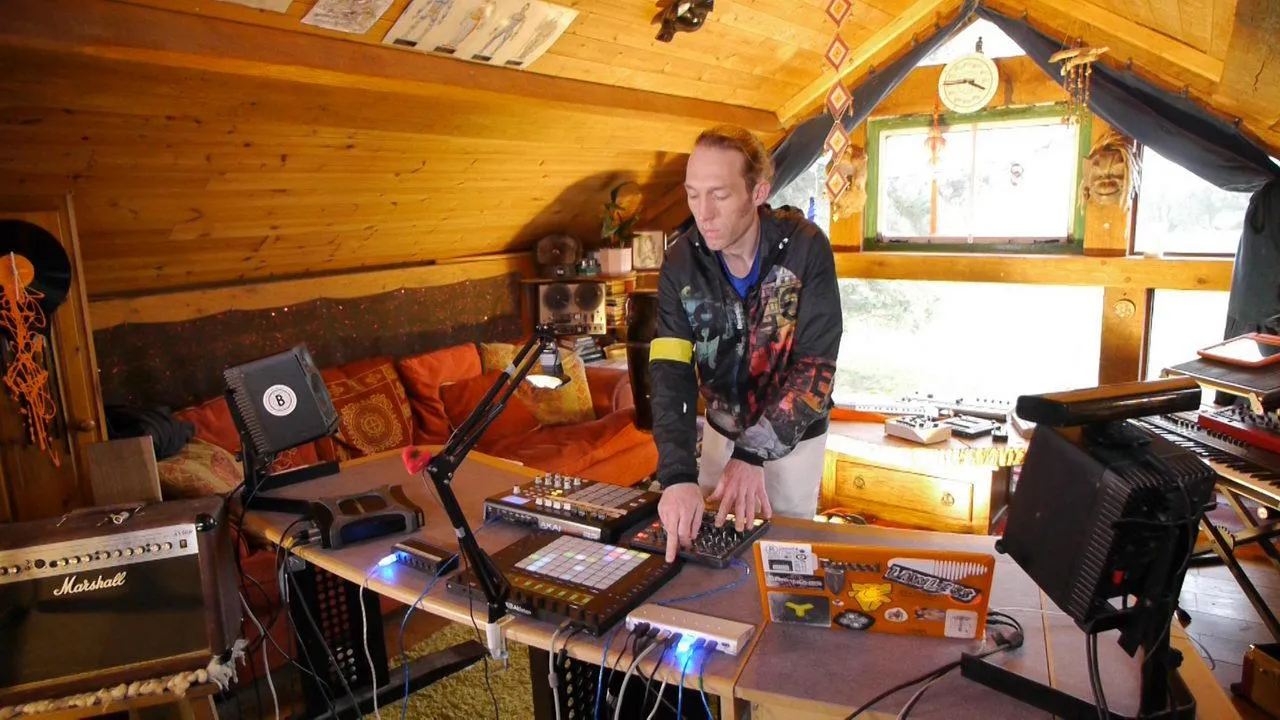
Das steckt im Kurs
24 Lektionen (3h 29m) · 2 gratis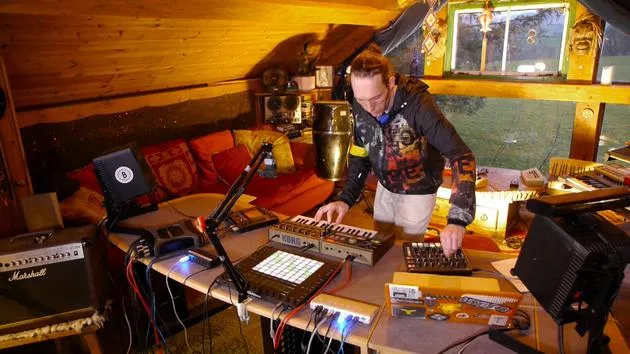
01. Was du in diesem Kapitel lernst
1:18
02. Lass uns das Setup einrichten (MicroKorg und Novation Launch Control)
7:47
03. MIDI-CC-Nachrichten & Mapping des Novation LC auf MicroKorg-Parameter
18:19
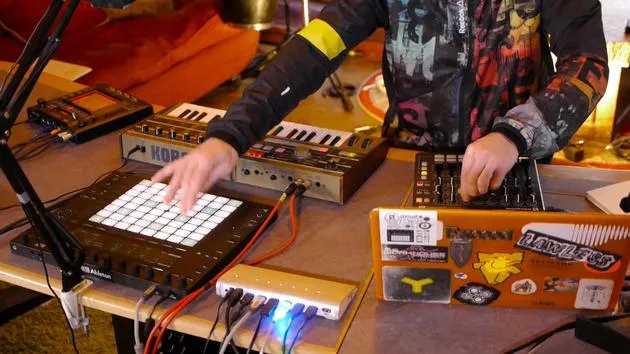
04. Demo des bisherigen Setups
Du bist hier1:47
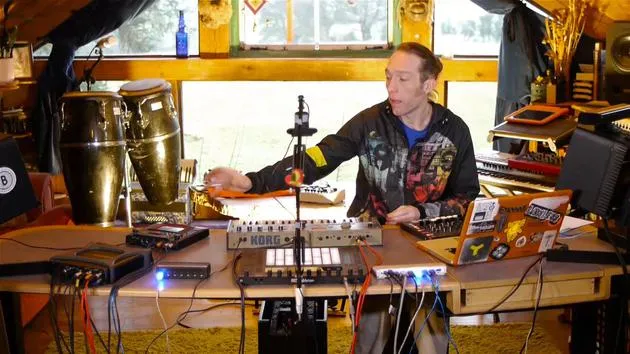
05. Taktile Effekte mit dem Kaoss Pad 3 hinzufügen
11:50
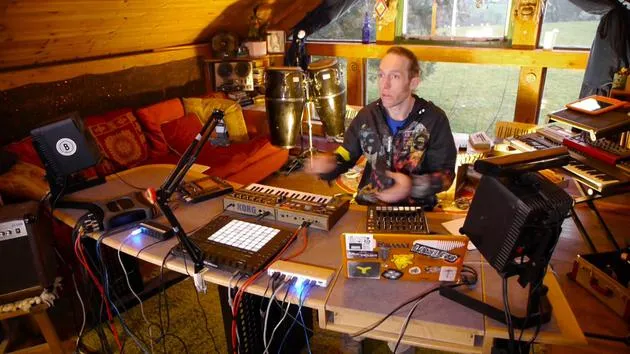
06. Das Kaoss-Setup abschließen
7:02
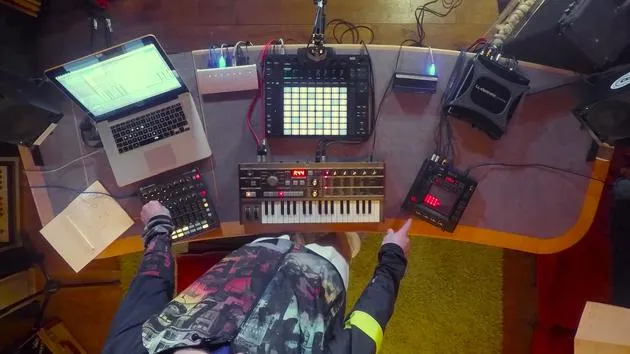
07. Zusammenfassung des Gelernten
4:23
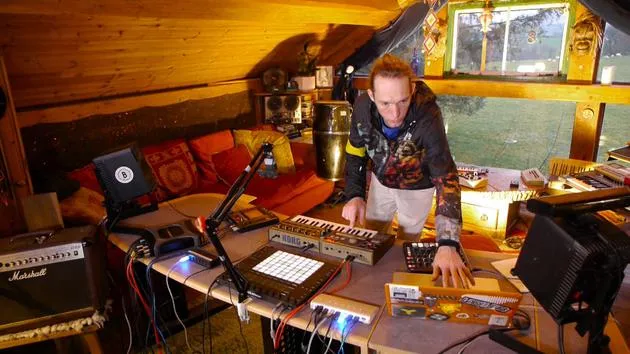
08. Das Setup erkunden
3:54
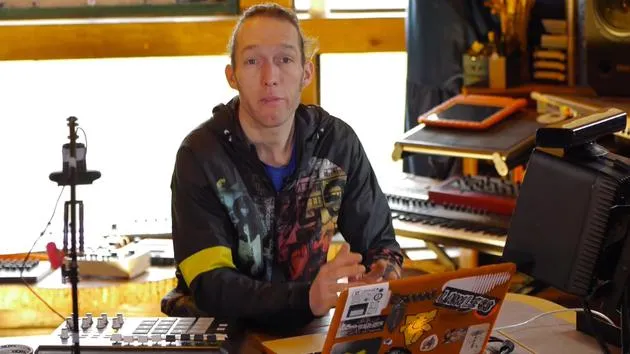
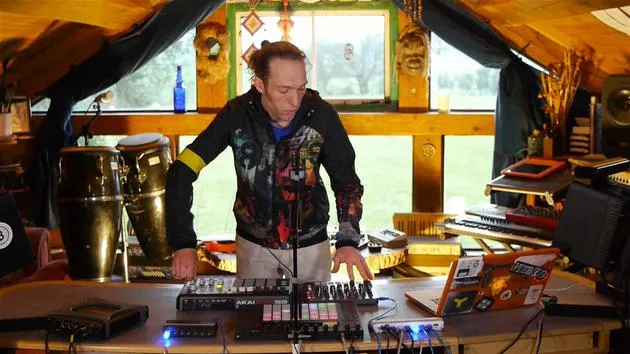
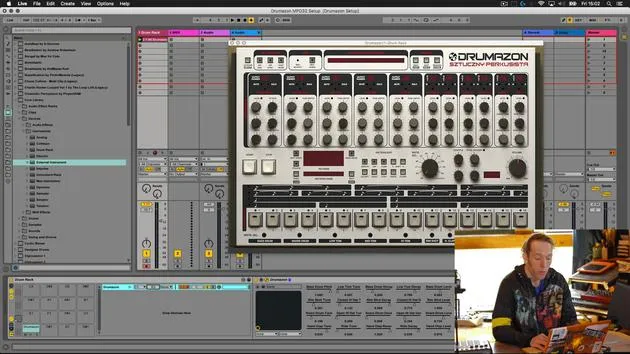
Transkript der Lektion
Final Play and Experimentation with Equipment
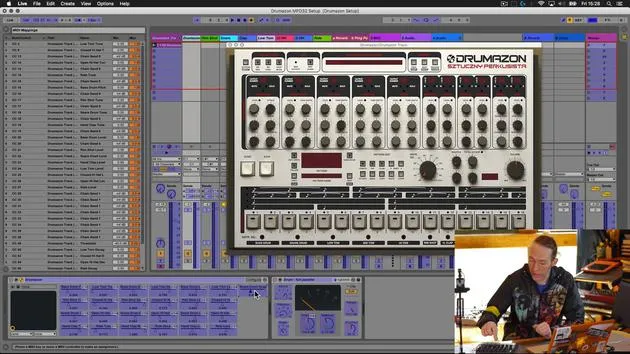
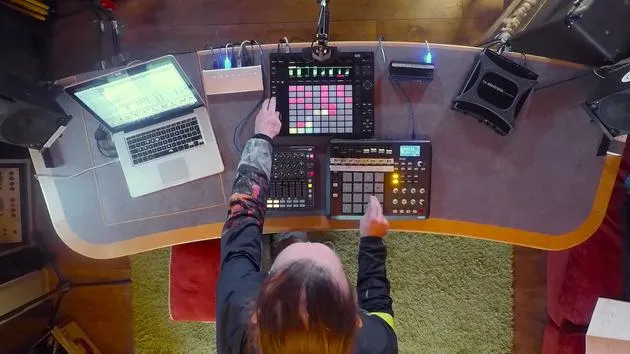
So, the last thing to do is just have a little play with this to check that everything's working.
Step 1: Clear the Workspace
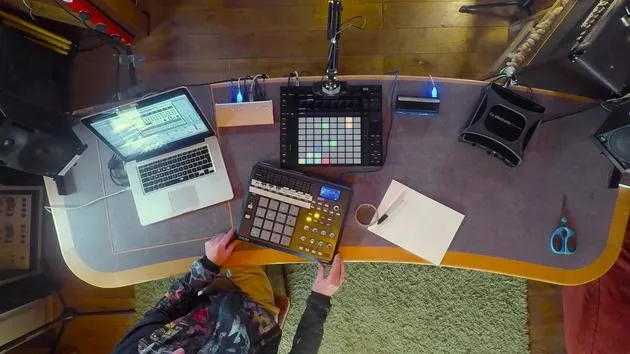
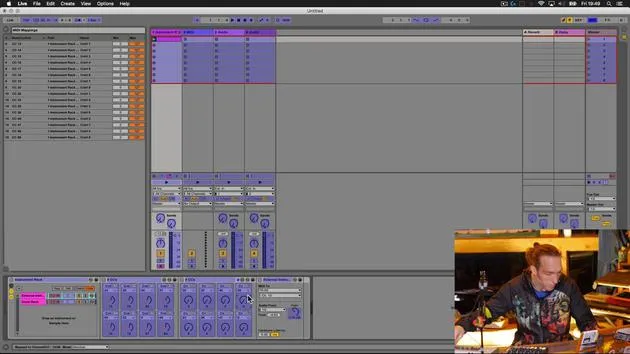
I'll take my notes out of the way so that we can see the Push 2 in action.
Step 2: Testing Note Playback
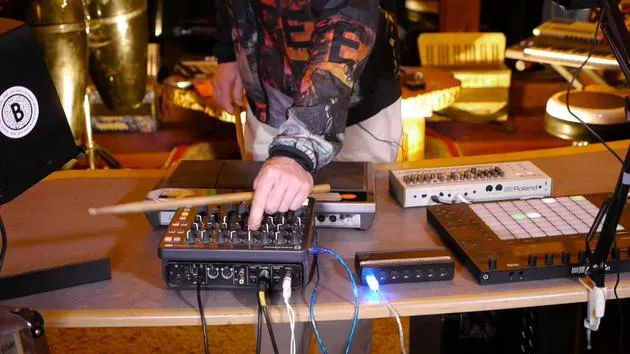
Now, I should be able to play notes from here.
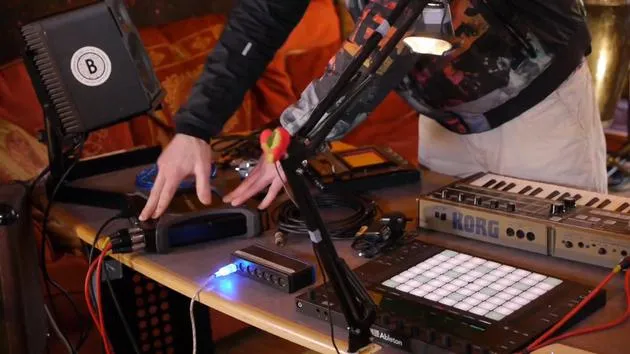
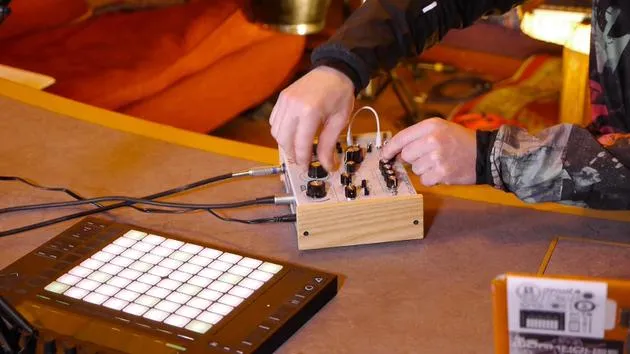
- I should be able to change the parameters from the Novation.
- I can also adjust settings from the Korg.
That all seems to be working fine. Great!
Step 3: Expanding Performance Capabilities
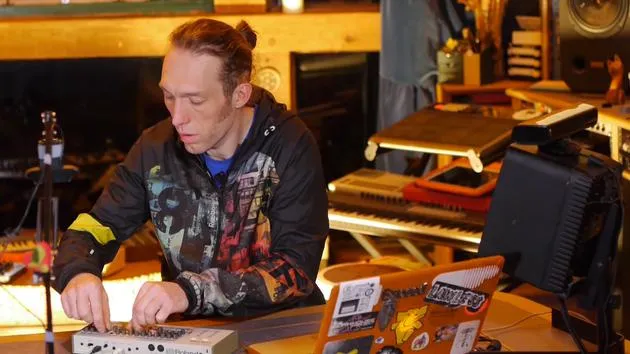
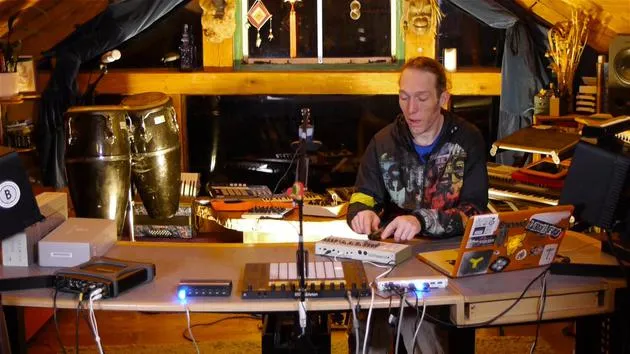
Now that we can access more parameters, it means that we can perform with the Korg and have a little bit more fun.
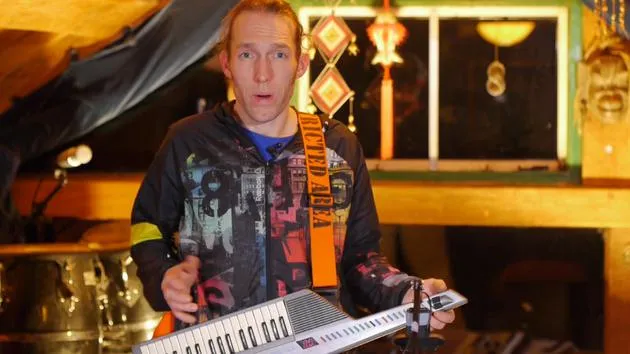
Let me demonstrate that it does work by playing directly on the chord here.
Okay, great!
- We can play on the Korg.
- We can access more parameters on the Novation.
Step 4: Adding Effects
The next thing to do is to have a look at getting the audio signal passed out through the Chaos Pad here to add some extra effects to the whole situation.
24 Lektionen
3 Std. 29 Min. strukturierte Videolektionen
Erweiterte Videofunktionen
Verlangsamen, Passagen loopen, mitlesen
Handy, Tablet & Desktop
Üben, wo du willst
100 % Zufriedenheitsgarantie
30 Tage Geld-zurück-Garantie
Lern deinen Guru kennen
Lern deinen Guru kennen
Mark Burnett ist ein Ableton Certified Trainer, der seit über 14 Jahren mit Ableton-Produkten arbeitet. Als Produzent und DJ bei Funk'n Deep Records liefen seine Tracks auf großen Festivals sowie in Sets und Podcasts von Künstlern wie Carl Cox und Richie Hawtin, und er hat vor Tausenden von Menschen gespielt. Außerdem veranstaltet er große Events wie das Workhouse Project und studierte am Imperial College London. Sein Kurs behandelt den Einsatz von Ableton Live zum Aufbau von Live-Performances und eignet sich für Produzenten und Performer im Bereich elektronischer Musik, die ihre Show aus dem Studio auf die Bühne bringen möchten.







