



Dreadbox Hades auspacken und in Ableton Live einrichten

Mit
Mark BurnettMark Burnett packt den analogen Bass-Synthesizer Dreadbox Hades aus, verbindet ihn mit Ableton Live, erkundet seine Klänge und baut eine einfache Synth-Sequenz.
Das steckt im Kurs
24 Lektionen (3h 29m) · 2 gratis
01. Was du in diesem Kapitel lernst
1:18
02. Lass uns das Setup einrichten (MicroKorg und Novation Launch Control)
7:47
03. MIDI-CC-Nachrichten & Mapping des Novation LC auf MicroKorg-Parameter
18:19
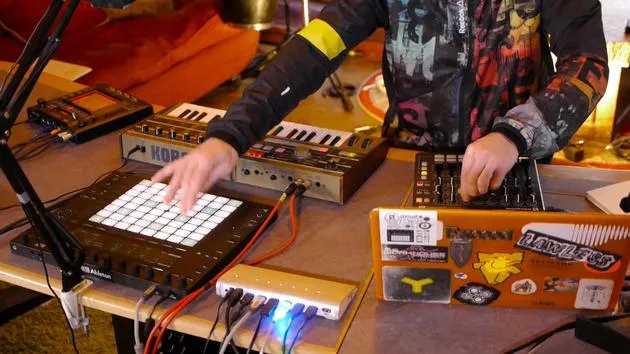
04. Demo des bisherigen Setups
1:47
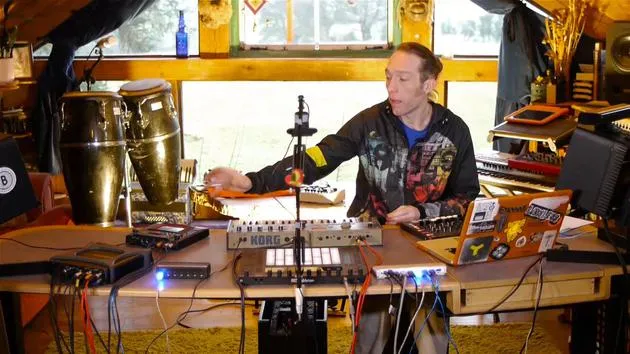
05. Taktile Effekte mit dem Kaoss Pad 3 hinzufügen
11:50
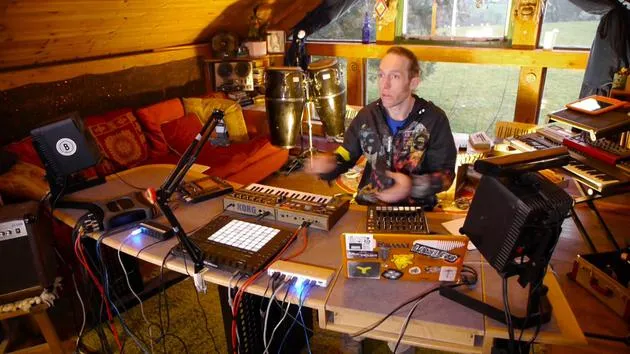
06. Das Kaoss-Setup abschließen
7:02
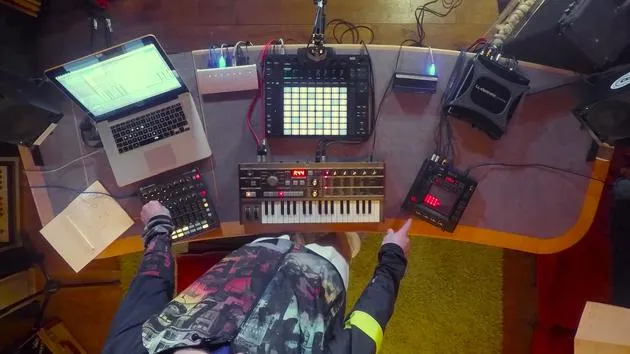
07. Zusammenfassung des Gelernten
4:23
08. Das Setup erkunden
3:54
Transkript der Lektion
Hades Analog Bass Synthesizer Unboxing and Initial Setup
Introduction
Today, we're diving into the Hades, an analog bass synthesizer by Dreadbox. Highly rated and affordably priced, it promises impressive sound capabilities based on the preview clips I've listened to. Let's unbox it and explore!
Unboxing the Hades
-
Outer Casing
- The outer casing feels a bit flimsy. Let's set that aside.
-
Inside the Box
- A plain white box.
- Includes a selection of stickers and cross promotion.
-
Initial Impressions
- Wrapped in bubble wrap for protection.
- Aesthetically pleasing design. The back panel provides some insights into its capabilities:
- Mono output: Suitable for a bass synthesizer.
- MIDI in: Only one MIDI input.
- No other apparent I/O options, apart from power.
-
Front Panel Features
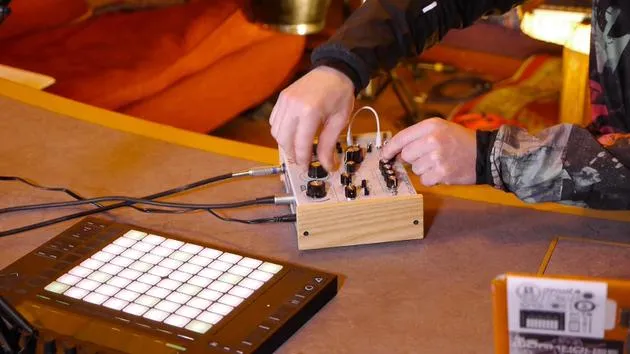
- Equipped with large, friendly knobs.
- Offers a selection of small ports, indicating its semi-modular capability for patching.
-
Included Accessories
- Power adapter with various universal plugs.
- One patch cord, likely useful for our experiments.
Connecting the Hades
-
Powering Up
- Let's plug it in and turn it on.
- Notably, it has no physical switch; it powers up automatically.
- LFO LED indicates the rate, our only sign that it's alive.
-
Required Cables
- We need:
- Audio lead (standard jack).
- MIDI lead for connection.
- We need:
-
Connecting MIDI
- Remember, the Hades only receives MIDI.
- Connect from the MIDI output on the audio interface to the Hades.
-
Audio Output
- Use a mono unbalanced jack cable to connect the Hades' output to input one on the sound card.
- The design includes wooden end panels, enhancing its aesthetic appeal.
Exploring Sounds
-
Sending MIDI Notes
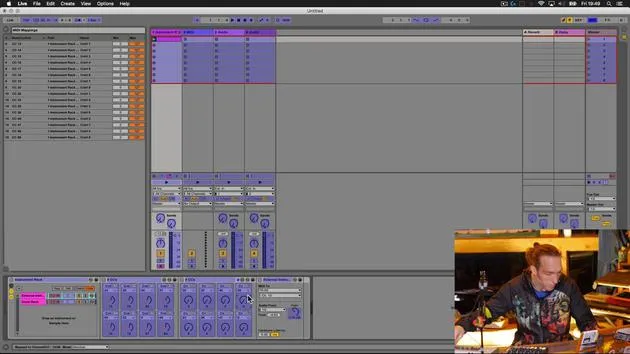
- Jump back into your workstation to set up MIDI routing.
-
Creating a MIDI Track
- Insert the external instrument and select the Hades port for MIDI output.
- It's likely defaulted to MIDI channel one or set to receive on all channels.
-
Routing Audio
- Instead of a stereo pair, select just input one for audio since it's mono.
-
Testing Sound Production
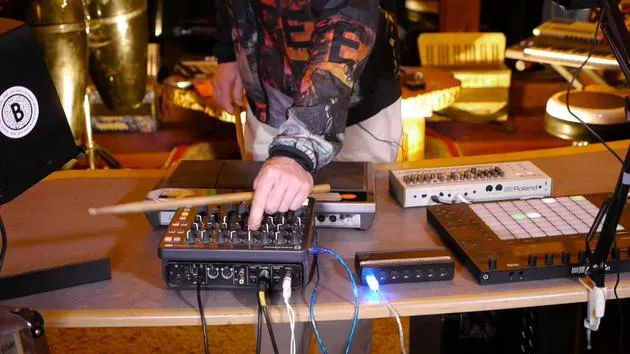
- Play some keys on the Push controller and let's see if we hear anything.
- Result: We have sound! The Hades can receive notes and allows parameter manipulation via the front panel.
Sound Quality
- A quick adjustment of the knobs reveals a rich, weighty sound.
- Waveforms like the saw and square waves provide a nice tonal range.
- The two sub oscillators likely enhance lower harmonics, contributing to the overall substantial sound.
Experimenting with Patching
-
Adjusting the LFO
- Setting LFO to zero deactivates it.
-
Initial Patch Experiment
- Let's patch the LFO to the VCF (Voltage Controlled Filter).
- This will control the filter using the LFO's rate.
-
Modulation Check
- It's functioning, great! I can control sound from the Push or create a MIDI pattern within Live.
Final Thoughts
- There's a lot of potential within this synthesizer.
- Let's think creatively about sending MIDI notes, what other devices can we connect?
Excited to explore further and uncover the true capabilities of the Hades!
24 Lektionen
3 Std. 29 Min. strukturierte Videolektionen
Erweiterte Videofunktionen
Verlangsamen, Passagen loopen, mitlesen
Handy, Tablet & Desktop
Üben, wo du willst
100 % Zufriedenheitsgarantie
30 Tage Geld-zurück-Garantie
Lern deinen Guru kennen
Lern deinen Guru kennen
Mark Burnett ist ein Ableton Certified Trainer, der seit über 14 Jahren mit Ableton-Produkten arbeitet. Als Produzent und DJ bei Funk'n Deep Records liefen seine Tracks auf großen Festivals sowie in Sets und Podcasts von Künstlern wie Carl Cox und Richie Hawtin, und er hat vor Tausenden von Menschen gespielt. Außerdem veranstaltet er große Events wie das Workhouse Project und studierte am Imperial College London. Sein Kurs behandelt den Einsatz von Ableton Live zum Aufbau von Live-Performances und eignet sich für Produzenten und Performer im Bereich elektronischer Musik, die ihre Show aus dem Studio auf die Bühne bringen möchten.







