



Welcome to Recording audio

With
Aamir YaqubAn intro to recording and editing audio in Logic Pro - bringing in vocals, instruments and samples, then editing and shaping them.
What's in the course
14 lessons (1h 22m) · 1 free
01. Welcome to Recording audio
You are here0:58
02. Intro to recording audio
4:47
03. Using the metronome
5:00
04. Making your first recording
Free lesson5:32
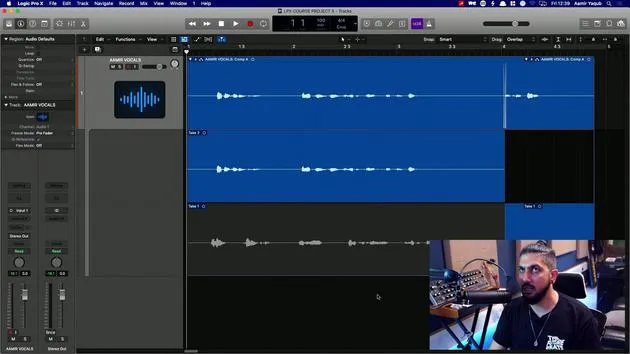
05. Comping
13:03
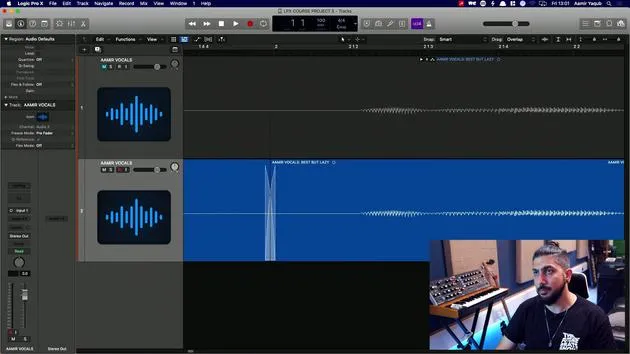
06. Editing audio
9:41
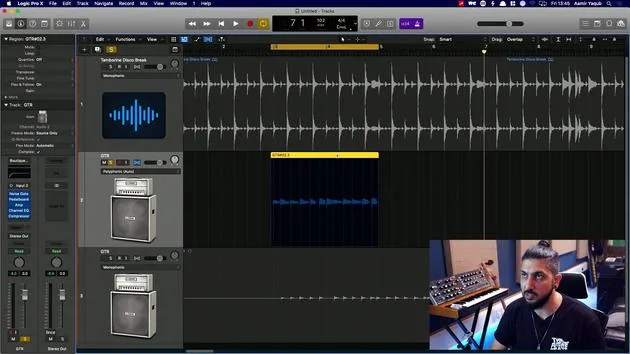
07. Managing project files
3:46
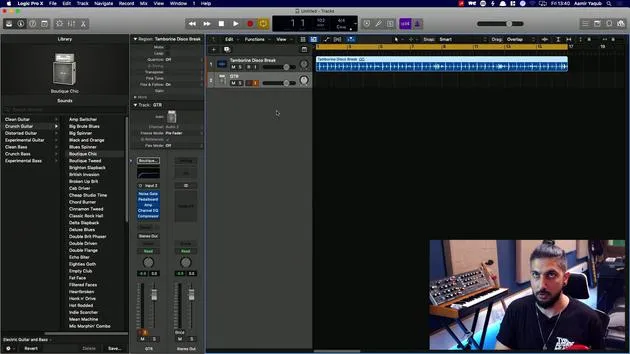
08. Recording an instrument track
2:06
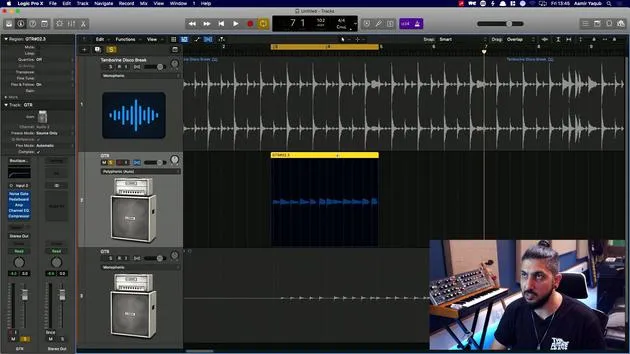
09. How to use Flex Time
10:58
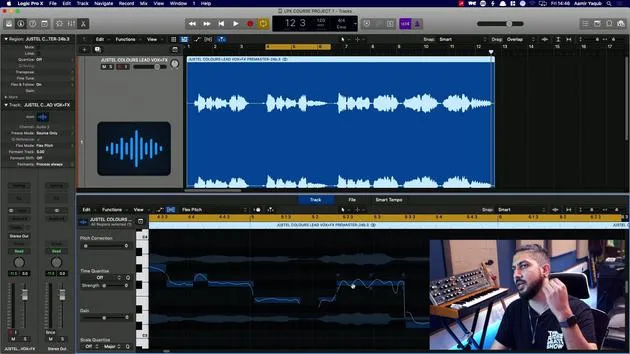
10. How to use Flex Pitch
11:12
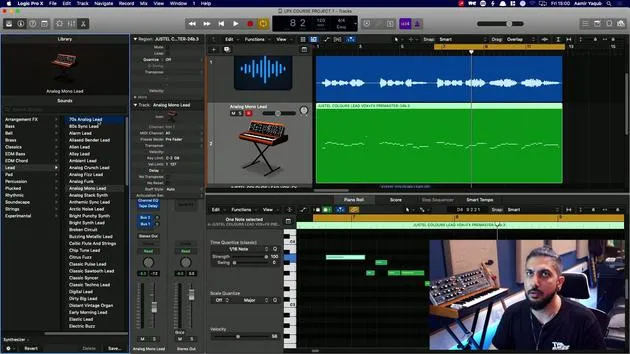
11. Converting pitch to MIDI data
3:11
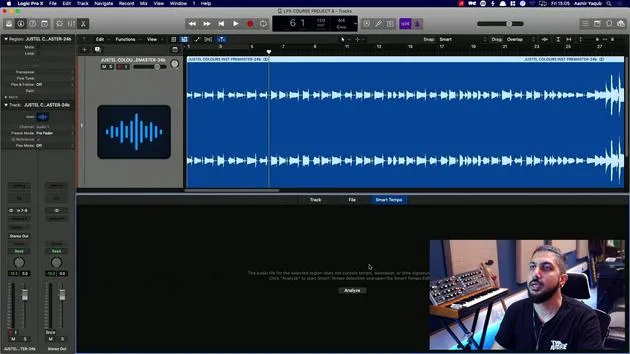
12. Smart Tempo
3:04
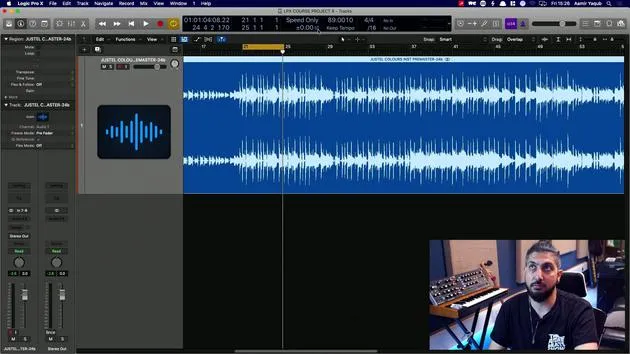
13. Varispeed parameters and uses
4:08
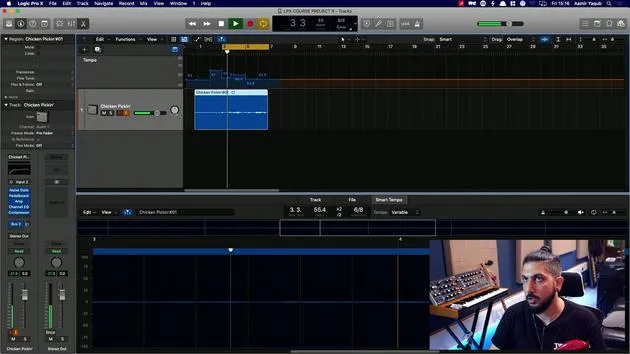
14. Adaptive project tempo
5:00
Lesson transcript
Welcome to the Recording Audio Lesson
In this section of the course, I will guide you on how to bring audio into Logic. Here are some key reasons why you might want to do this:
- Vocal Recording: You may want someone to sing on one of your songs.
- Creating Samples: You might want to create your own samples.
- Instrument Recording: You may just want to record yourself playing guitar.
Having done extensive studio work, I can attest to the importance of knowing how to:
- Record Audio Properly
- Edit Audio
- Manipulate Audio
Audio Manipulation Techniques
We can manipulate audio in various ways:
- Pitch Manipulation: Using tools like Flex Pitch.
- Timing Manipulation: Utilizing Flex Time.
- Tempo Management: Leveraging Smart Tempo inside Logic.
By mastering these techniques, you will ensure that your audio recordings are in time and sound great.
So, let's get started!
14 lessons
1h 22m of structured video lessons
Advanced video features
Slow down, loop a passage, follow along
Mobile, tablet & desktop
Practise wherever you are
100% satisfaction guarantee
30-day money-back guarantee
Meet your guru
Meet your guru
Aamir Yaqub is a music producer and engineer based in London. He has worked with some of the biggest names in music, including Alicia Keys, David Guetta, Rihanna, Sia and will.i.am, as well as developing independent artists.
Across his courses he teaches his complete Logic Pro workflow - from the interface and recording through beat-making, synthesis and MIDI effects to mixing and finishing a track.







