



Recording an instrument track

With
Aamir YaqubRecord a guitar part straight into Logic Pro through a high-impedance input, then tighten its timing with Flextime so it sits cleanly on the grid.
What's in the course
14 lessons (1h 22m) · 1 free
01. Welcome to Recording audio
0:58
02. Intro to recording audio
4:47
03. Using the metronome
5:00
04. Making your first recording
Free lesson5:32
05. Comping
13:03
06. Editing audio
9:41
07. Managing project files
3:46
08. Recording an instrument track
You are here2:06
09. How to use Flex Time
10:58
10. How to use Flex Pitch
11:12
11. Converting pitch to MIDI data
3:11
12. Smart Tempo
3:04
13. Varispeed parameters and uses
4:08
14. Adaptive project tempo
5:00
Lesson transcript
Exploring Flextime in Action
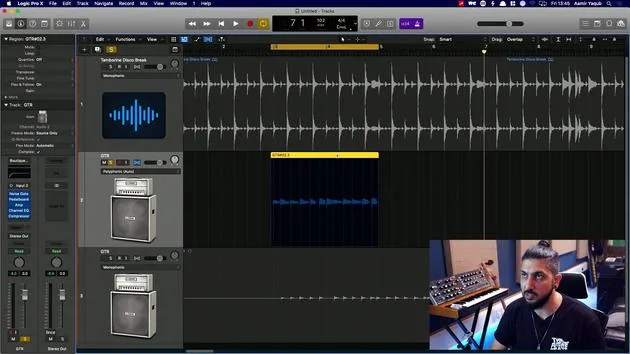
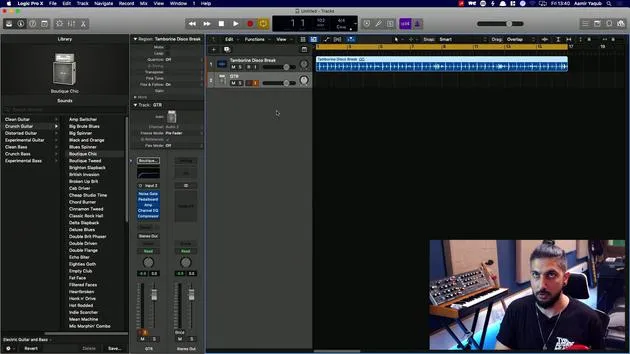
So let's take a look at Flextime in action. To do this, I've imported a basic drum beat from the Apple Loops and I'm going to layer a guitar part or two.
Connecting the Guitar
Now, I'm not the best guitar player in the world, but Flextime always helps me to be a better guitar player, at least a more in-time guitar player.
Just one thing to note:
- I have connected my guitar via a jack to jack cable directly into the front of my audio interface.
- This connection is done through a high Z (or high impedance) connection, which matches the impedance to that of an amp.
Selecting a Sound
I've then selected a patch from the library, an audio patch to give me a guitar sound, which is something like this, because that's the kind of vibe I'm going for.
Recording the Part
So let's just hit record and see what happens.
That's that part in.
What I'm going to do is:
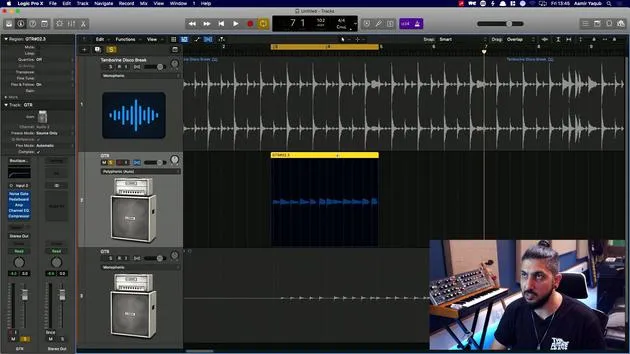
- Duplicate that part
- Add a layer to that, maybe a little bit higher up.
So here we go!
And that would be my parts, obviously. Now, I'll go in and start to work with Flextime to see how we can put those in time onto the grid and get them sounding great.
14 lessons
1h 22m of structured video lessons
Advanced video features
Slow down, loop a passage, follow along
Mobile, tablet & desktop
Practise wherever you are
100% satisfaction guarantee
30-day money-back guarantee
Meet your guru
Meet your guru
Aamir Yaqub is a music producer and engineer based in London. He has worked with some of the biggest names in music, including Alicia Keys, David Guetta, Rihanna, Sia and will.i.am, as well as developing independent artists.
Across his courses he teaches his complete Logic Pro workflow - from the interface and recording through beat-making, synthesis and MIDI effects to mixing and finishing a track.







