



Backing vocals

With
Paul WhalleyPaul Whalley shows how he layers and glues together eight or more backing-vocal takes using auxiliary channels and EQ to build a gospel-choir sound.
What's in the course
26 lessons (1h 43m) · 1 free
01. Guitar part - concepts
1:37
02. Guitar part
4:58
03. Vocals - concepts
1:22
04. ASSIGNMENT: Recreate the guitar production
0:37
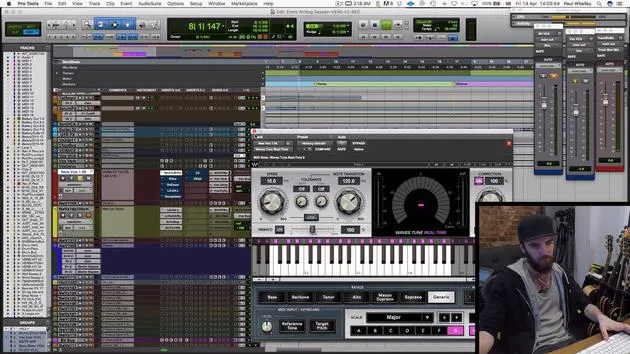
05. Vocals
9:42
06. CHALLENGE #1: BUILD THE VOCAL ARRANGEMENT AND HOOK
0:45
07. Backing vocals
You are here4:07
08. Keys and synths - concepts
0:54
09. Keys & synthesizers
9:38
10. Bass - concepts
1:01
11. Bass
5:24
12. Drums - concepts
0:58
13. Drums
9:49
14. ASSIGNMENT: Recreate the drum production
0:32
15. Effects and Atmospheric parts - concepts
1:09
16. Effects and Atmospheric parts
5:53
Lesson transcript
Backing Vocals Lesson
So, guys, next up, we're gonna have a quick look at the backing vocals here.
Overview
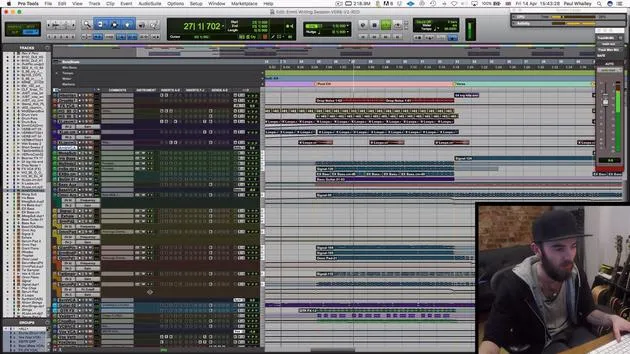
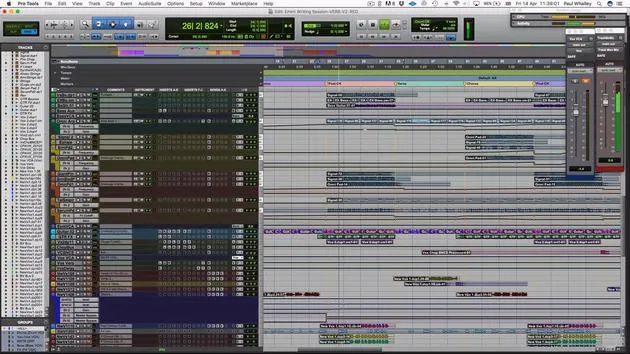
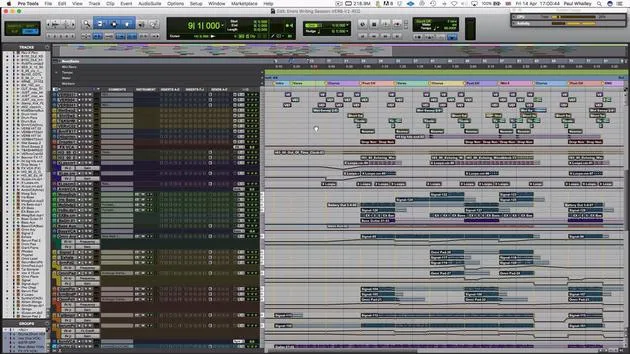
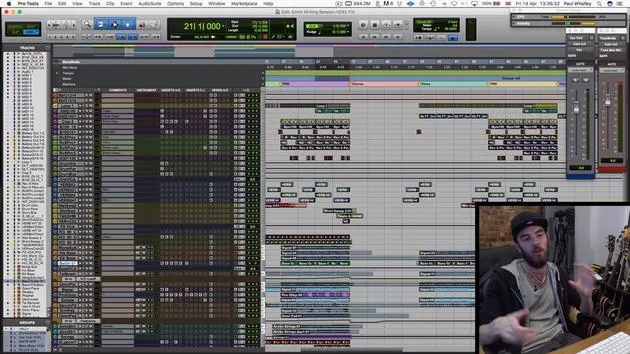
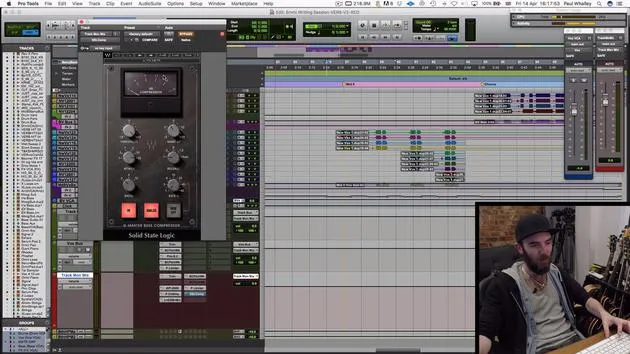
As you can see, on each channel, I'm using the same strip as I did on the lead vocal to treat each layer. However, we are combining eight or more layers into each section. Here's how I approach it:
- I take the various groups and put them together through an auxiliary channel.
- These all together sound like this.
You can hear that we're going for quite a sort of gospel choir sound. The key with backing vocals is the way you glue those all together.
Processing Steps
Equalization
What happens to glue those together?
- I take the processing off, and it suddenly sounds a bit mushy, a bit swamped, nothing special.
- To address this, I focus on equalization:
- I take out the muddy low ends.
- I boost the highs.
This needs to sit just above the lead vocal.
Digital Delay
To really make it sound like a gospel choir, I'm using a digital delay or a plugin that emulates digital delay on a very short feedback loop:
- Settings: 49 milliseconds and 67 milliseconds.
- This creates those little double sounds that come out:
"Who to trust can't be trusting you."
This is a great way to minimize recording effort, just four or five really tight vocals can end up sounding like a whole choir.
Stereo Imaging
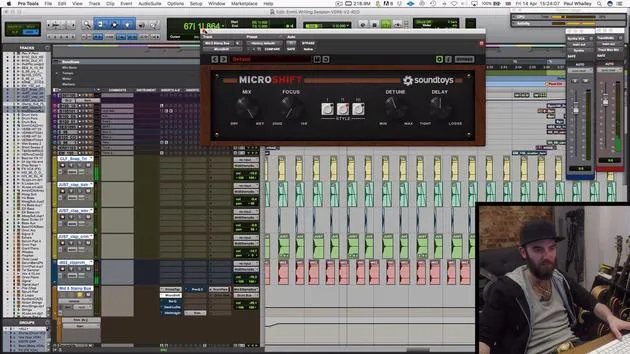
Next, I'm using a stereo imager from Sound Toys, but you can use any stereo imager available in your software. This helps again to make it sound bigger and more like a choir:
"Who to trust can't be trusting you."
If you're listening on headphones, you'll notice that the vocals suddenly sound a lot wider and bigger.
Adding Delay and Reverb
Then next up, just like we did on the lead vocal, we're adding a bit of delay on the send itself:
"Who to trust can't be trusting you."
This time, it's without the sidechain, which helps beef things up and make it sound like more people. After this:
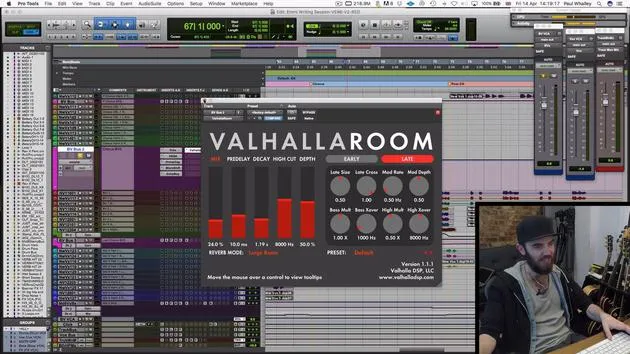
- I add a reverb right at the end to make it sound like it's in a space.
- I've set it to "large room," which is quite literally what I wanted it to sound like.
Conclusion
You glue all of these together with the other backing vocals. Each group has the same treatment, and it really helps to stick everything together.
It's very important to find the right balance between your lead and backing vocals, as this can make the difference between a polished-sounding record or something that seems like it was done anywhere, like in a bedroom.
If you follow these steps and take your time with the sonics of the vocals, it helps any listener really get hooked quickly, making it a real earworm.
26 lessons
1h 43m of structured video lessons
Advanced video features
Slow down, loop a passage, follow along
Mobile, tablet & desktop
Practise wherever you are
100% satisfaction guarantee
30-day money-back guarantee
Meet your guru
Meet your guru
Paul Whalley is a multi-instrumentalist, producer and songwriter with a deliberately broad sound. He spent years on the road as a touring session musician with artists including Mumford & Sons and Ellie Goulding. Classically trained, he holds an undergraduate degree in instrumental performance and a Master's in composition from the Guildhall School of Music. Since moving from touring into production and songwriting he has worked with artists such as NAO, Wretch 32 and Nina Nesbitt, and played on top-40 records around the world, including Little Mix's 'Shout Out to My Ex'. He is based at Tileyard Studios in north London, where he writes and produces for major UK labels and develops new artists. On MusicGurus he and Emmi Green deconstruct a pop record from scratch - every arrangement and production decision laid bare - for songwriters and producers who want to hear how hit records are really built.







