



Understanding Buses and project settings
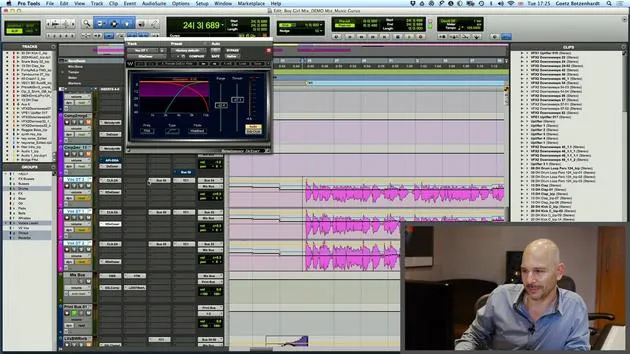
Goetz explains everything you need to know about using BUSes in your DAW. Watch him set-up his project in Pro Tools.
What's in the course
23 lessons (2h 35m) · 1 free
Lesson transcript
Understanding the Master Bus
So just quickly, maybe not everybody knows what the master bus is. It's basically just what all the sounds are routed to, the mix bus. This is the last channel before it gets recorded. Everything that's on the master bus will affect your entire mix.
Routing to the Mix Bus
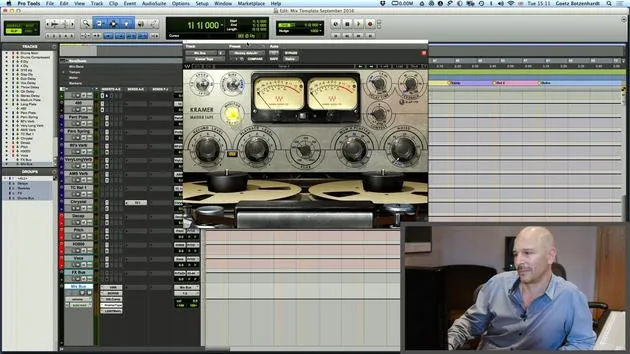
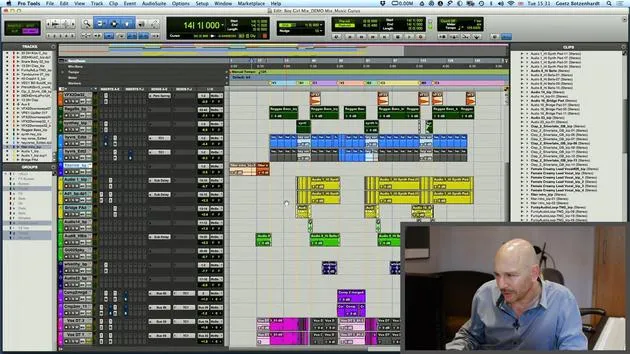
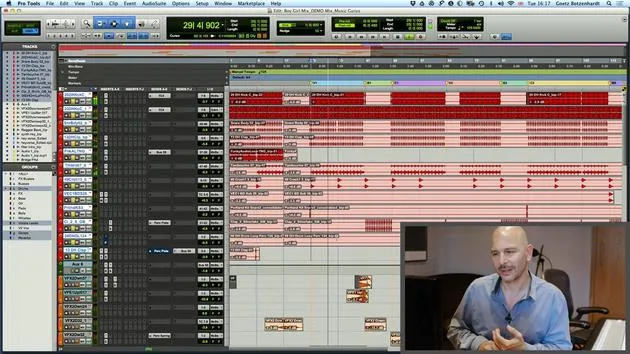
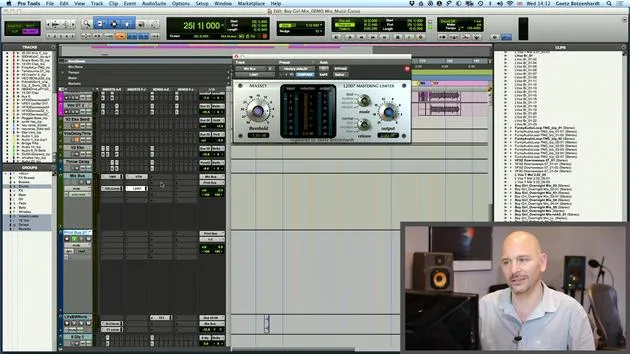
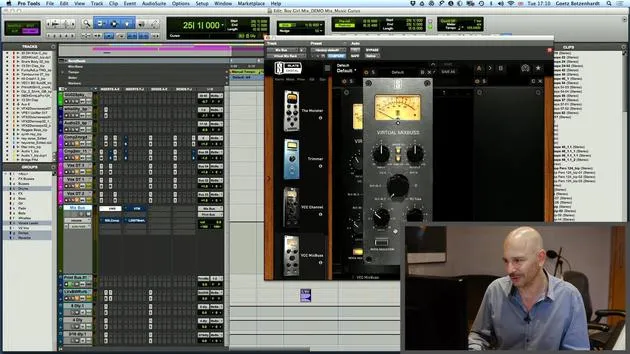
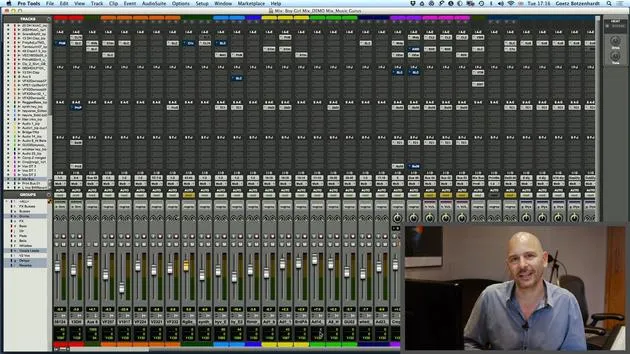
As you can see, I've routed every single channel here to go to the mix bus. This setup results in all channels being sent to our mix or master bus, which then goes to our Outputs 1 and 2 on Pro Tools.
Technical Considerations
One more technical aspect to consider:
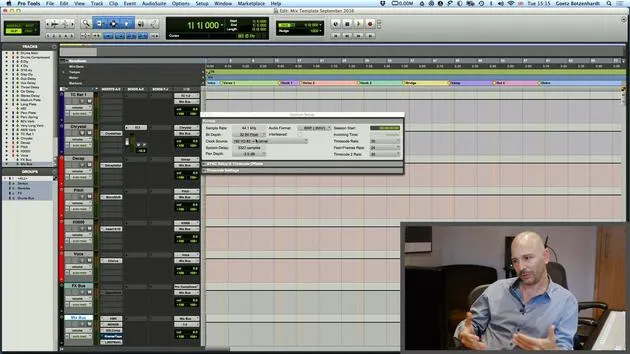
- Sample Rate: When you do your mix, you have to decide on the sample rate.
- Bit Depth: This is crucial too.
Recommended Settings
- Standard Settings: It all ends up in 44.1 kHz, which is the CD quality sample rate of 16-bit.
- Higher Sample Rates: The equipment we have can work at much higher sample rates, which makes it sound considerably better. It's always best to go for the highest sample rate.
Even if the material you've been sent is in 48 kHz or 44.1 kHz, consider upsampling it when you load it in. If your system is powerful enough, run it in 96 kHz because it's going to sound a lot better.
Once the mix is finished, even if you go back down to a lower sample rate, you will notice a significant difference.
Bit Depth Recommendations
- General Bit Depth: The bit depth usually goes back down to 16-bit.
- Most Systems: Most systems now work at least in 24-bit.
- Pro Tools and Logic: Both work in 32-bit float. You can set this in Settings > Session Setup. Look for 32-bit float to use the best possible settings.
You can always reduce it back down later, but you will hear a difference if you do that. So, always go for the best.
Creating a Mix Template
I would suggest that you make your own mix template. Here's how:
- Identify Your Favorites: Determine what your favorite effects are and what you always use.
- Create a Template: Some people like to route all their different groups of instruments to different buses, especially in Logic.
Creating a template will save you a lot of time when mixing because you only have to set it up once rather than having to create new channels each time.
23 lessons
2h 35m of structured video lessons
Advanced video features
Slow down, loop a passage, follow along
Mobile, tablet & desktop
Practise wherever you are
100% satisfaction guarantee
30-day money-back guarantee
Meet your guru
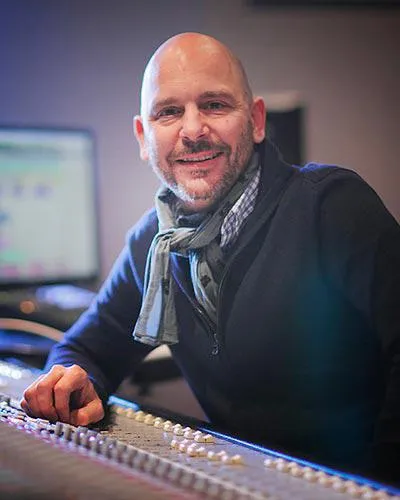
Meet your guru
In the early nineties, Goetz Botzenhardt trained at Swanyard Recording Studios, assisting top producers like Flood, Alan Moulder and Tom Lord-Alge, and cut his teeth recording and mixing the dance and Acid Jazz bands of the 90s - Incognito, Galliano, Soul II Soul and many others.
At Swanyard he met Rollo Armstrong and the two quickly formed a creative partnership, leading to many big dance records and remixes and, soon after, to recording and mixing the first two acclaimed Faithless albums and Dido's multi-platinum 'No Angel'.
Ranging across genres, he recorded and mixed the Sugababes' debut album 'One Touch', including their first hit 'Overload', and has mixed for The Cardigans, Bjork, The Cinematic Orchestra, Craig David, the Pet Shop Boys and Hikaru Utada, one of Japan's most successful artists.
More recently he expanded into film and TV, working extensively with composers Christian Henson, Martin Phipps and Anne Nikitin, and mixing Daniel Pemberton's Golden Globe-nominated score for 'Steve Jobs', directed by Danny Boyle. Away from film he produced Tanita Tikaram's 'Closer to the People', mixed tracks for Sigala, Ella Eyre, Breton, Planet Funk and Tito Jackson, and in 2016 mixed Peabo Bryson's album with Jimmy Jam and Terry Lewis. A full list of his work is on his discography and filmography pages at goetz-botzenhardt.com.
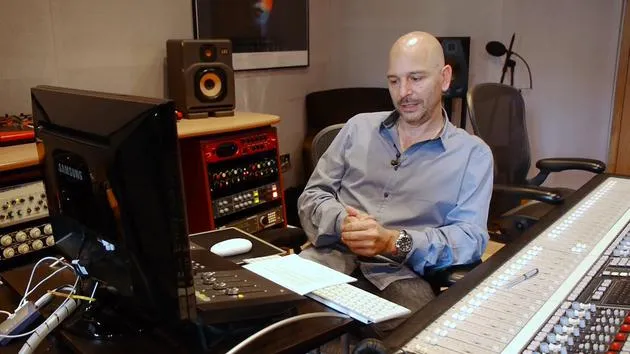
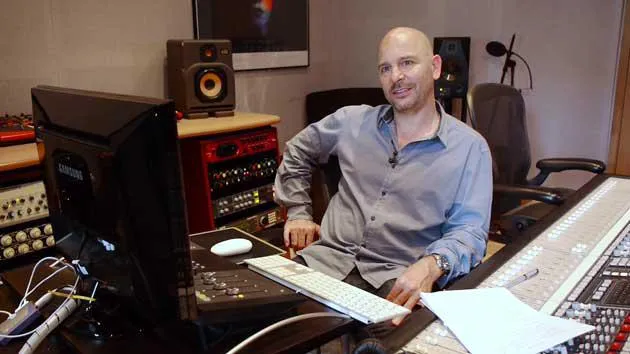
Goetz works from his own studio and mix room, built around an SSL E4044 console, Adam 5.1 surround monitoring, a 48-channel Pro Tools HDX system and choice outboard gear. In his courses he takes you inside that room to show how he mixes across two very different worlds: in Mixing for Film & TV Score, how he balances and shapes orchestral and hybrid scores to serve the picture; and in Mixing Commercial Pop Music, how he builds punchy, radio-ready pop mixes from the multitrack up.







