



Den Mix zusammenstellen
Das steckt im Kurs
23 Lektionen (2h 35m) · 1 gratis
01. Samples in dein Mixing-Projekt laden
5:28
02. Das Material prüfen - Das Schlagzeug
7:06
03. Das Schlagzeug mit Sound Replacer optimieren
5:14
04. Gesang prüfen und vorbereiten
3:40
05. Den Mix zusammenstellen
Du bist hier10:36
06. Weitere Elemente zum Mix hinzufügen
3:21
07. AUFGABE #2: BASSDRUM UND SNARE ERSETZEN
1:04
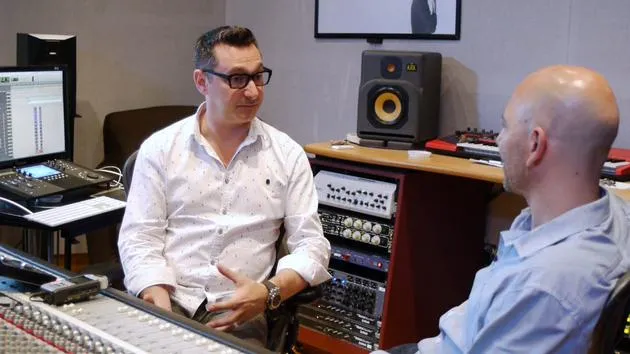
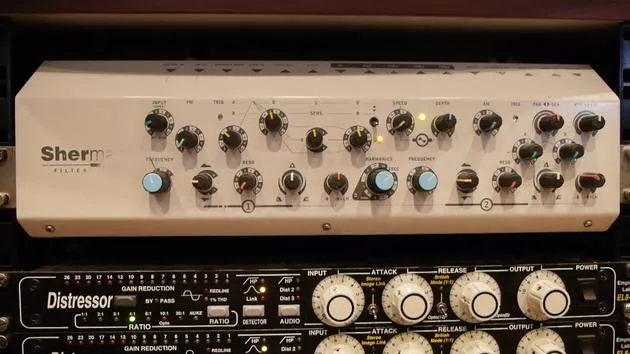
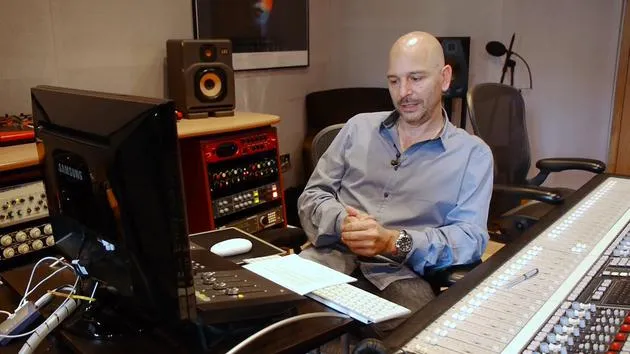
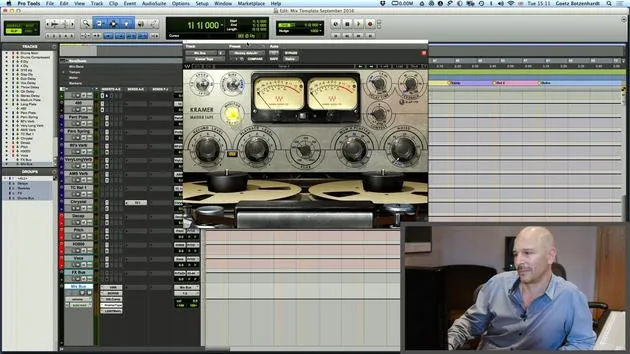
Transkript der Lektion
Welcome Back to Mixing
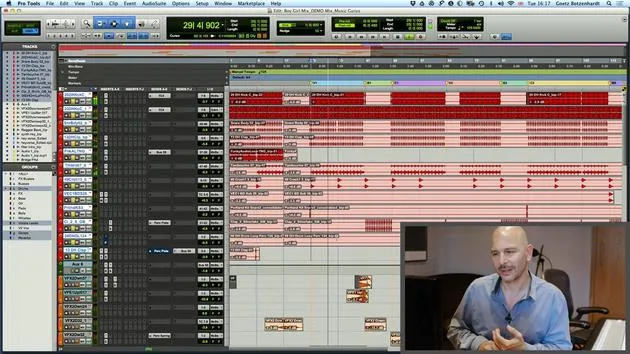
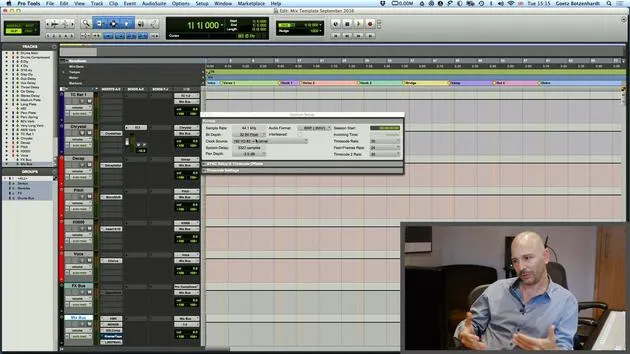
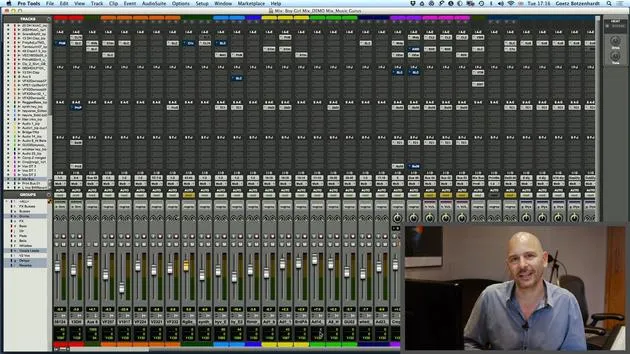
Alright, so yes, welcome back. Now we are ready to start the actual mixing. Everything's wonderful, in time, in tune. You know what you want your mix to sound like. Everything is nicely color-coded and laid out in your session. You've got your effects channels ready, and your samples triggered in.
Starting with the Drums
The first thing I do with the actual mixing is start with the drums.
- I'll throw in the kick drum and the snare drum, along with other elements like tambourines and claps.
- Basically, put in one element at a time.
Setting Your Levels
- On pop records, the drums will be pretty static throughout.
- You don't want to be too adventurous with dynamics or level changes now.
If we listen to our drums, the kick drum is quite dominant because it's a dance track.
"The kick drum has to be dominant and drive it."
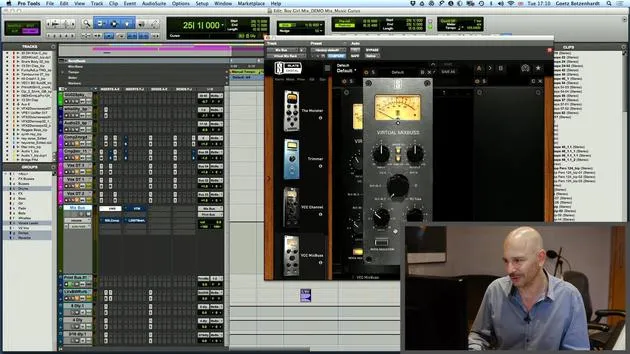
I level all that up using EQ and compression where needed.
My Favorite Plugins
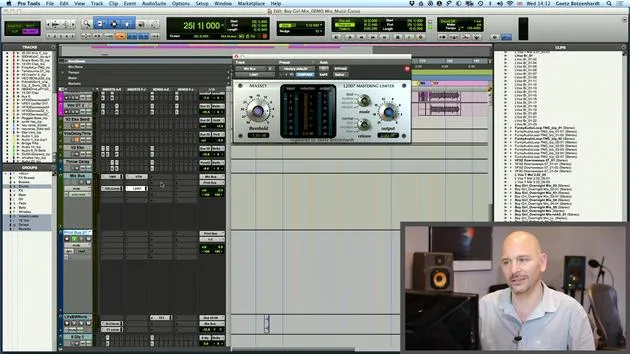
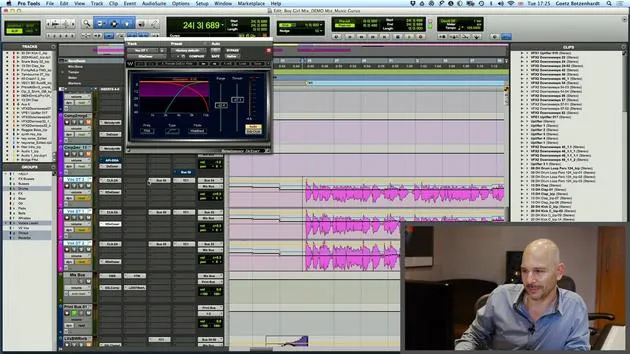
- One of my favorite plugins for basic stuff is the SSLE Channel, which mirrors what I've got on the mixing desk.
- I also like the CLA 76 compressor, a Waves plugin that's a copy of the classic 1176 compressor.
That's usually what I use to make my drums sound punchy.
Additional Drums Advice
A few more bits of advice for working on your drums:
- Use EQ and compression where needed.
- Make sure the bottom end is nice and tight. If it's too flabby, apply compression.
Checking Drum Balance
I check my drums and drum balance on different speakers:
- Play it loud on your big speakers for the bottom end.
- Also, check on your NS10s or Oratones.
- I have computer speakers that sit on either side of the screen, which I'll demonstrate shortly.
It's important because, unfortunately, a lot of people listen to music from PCs and play it on lesser quality speakers.
Reverb on Drums
Regarding reverb on drums:
- I usually only use short reverbs, rooms or maybe a short plate.
- Nothing too long; otherwise, it gets washed out.
"The only time I would use a long reverb is if it emphasizes a sound."
Example of Long Reverb
I can quickly show where a long reverb is used. After the intro, there's a clap that comes in:
Let's listen to that.
I'll turn it up so we can hear it properly.
Equilibrium of Elements
Your drums need to groove in all departments:
- Kick drum handles the bottom end.
- Claps and snares usually fill the middle.
- Tambourines and hi-hats address the top frequencies.
Make sure you apply nice EQs on all of them.
Parallel Compression
Lastly, you can try parallel compression. It's always a good trick, especially with real drums, to get a nice compressed sound.
- However, for this song, I didn't include it because I didn't need it for a dance track.
Adding Bass and Checking Levels
Next, I'll chuck in the bass and percussion.
- Check it on all your different speakers and systems.
- Ensure the bass and the kick drum work well together without interfering with each other.
Side Chaining Technique
One thing worth trying is to put a side chain on the bass if it interferes too much with the kick.
- I set up a channel where the kick drum plays all the way through and link it to a side chain bus.
- Then, I can apply that to the bass.
"Side chaining means compressing one instrument with another."
Sidechain Implementation
In this case:
- The compressor is triggered by the kick drum.
- Every time the kick drum hits, the bass level gets reduced, allowing for a punchier kick.
Side chaining is widely used in dance mixes, creating a "sucking" sound that adds excitement.
Listening and Adjusting
Now that we have all our rhythmical instruments in the mix, let's play it.
- Listen to see if it grooves well and covers all frequencies nicely.
- If it isn't right, we'll adjust the levels and work on it until it sounds good.
Trusting Your Ears
This part requires using your ears to balance everything out; there's no precise formula.
"The real objective is to create a good rhythm track."
Always remember to listen until you really like it. Your goal is to get something people can dance to, a solid groove in all departments.
Let's take that side chain off because I don't like it on this one.
I'll switch it on different speakers and keep working until I'm happy with it.
23 Lektionen
2 Std. 35 Min. strukturierte Videolektionen
Erweiterte Videofunktionen
Verlangsamen, Passagen loopen, mitlesen
Handy, Tablet & Desktop
Üben, wo du willst
100 % Zufriedenheitsgarantie
30 Tage Geld-zurück-Garantie
Lern deinen Guru kennen
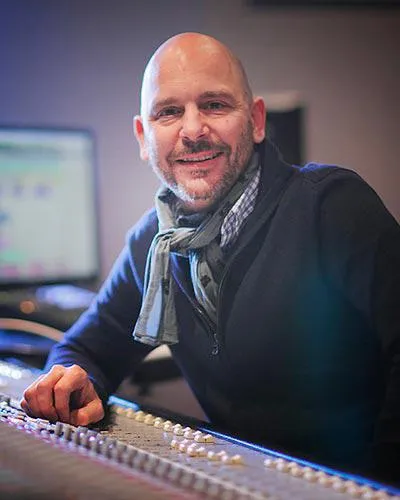
Lern deinen Guru kennen
Anfang der Neunzigerjahre absolvierte Goetz Botzenhardt eine Ausbildung in den Swanyard Recording Studios, wo er Spitzenproduzenten wie Flood, Alan Moulder und Tom Lord-Alge assistierte und sich beim Aufnehmen und Mischen der Dance- und Acid-Jazz-Bands der 90er – Incognito, Galliano, Soul II Soul und vielen anderen – die Sporen verdiente.
Bei Swanyard lernte er Rollo Armstrong kennen, und die beiden bildeten rasch eine kreative Partnerschaft, aus der viele große Dance-Platten und Remixe hervorgingen und, kurz darauf, die Aufnahme und das Mischen der ersten beiden gefeierten Faithless-Alben sowie von Didos Multi-Platin-Album 'No Angel'.
Genreübergreifend nahm und mischte er das Debütalbum der Sugababes, 'One Touch', einschließlich ihres ersten Hits 'Overload', und hat für The Cardigans, Bjork, The Cinematic Orchestra, Craig David, die Pet Shop Boys und Hikaru Utada gemischt, eine der erfolgreichsten Künstlerinnen Japans.
In jüngerer Zeit hat er sich auf Film und Fernsehen ausgeweitet, arbeitete intensiv mit den Komponisten Christian Henson, Martin Phipps und Anne Nikitin zusammen und mischte Daniel Pembertons Golden-Globe-nominierte Filmmusik zu 'Steve Jobs' unter der Regie von Danny Boyle. Abseits des Films produzierte er Tanita Tikarams 'Closer to the People', mischte Tracks für Sigala, Ella Eyre, Breton, Planet Funk und Tito Jackson und mischte 2016 Peabo Brysons Album mit Jimmy Jam und Terry Lewis. Eine vollständige Liste seiner Arbeiten findet sich auf seinen Diskografie- und Filmografie-Seiten unter goetz-botzenhardt.com.
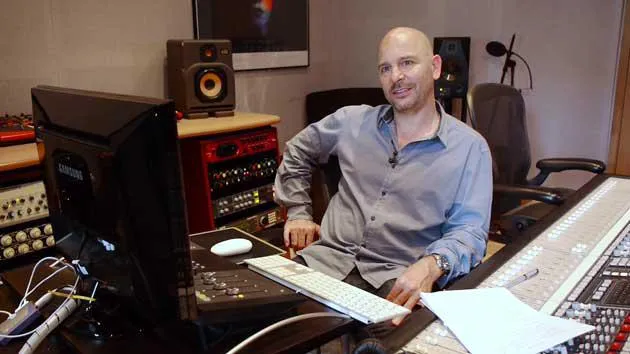
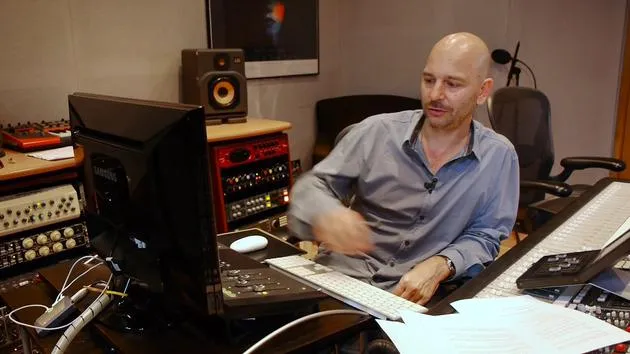
Goetz arbeitet in seinem eigenen Studio und Mischraum, aufgebaut um eine SSL-E4044-Konsole, ein Adam-5.1-Surround-Monitoring, ein 48-kanaliges Pro-Tools-HDX-System und ausgewähltes Outboard-Equipment. In seinen Kursen holt er dich in diesen Raum, um zu zeigen, wie er in zwei sehr unterschiedlichen Welten mischt: in Mixing for Film & TV Score, wie er orchestrale und hybride Filmmusiken im Dienst des Bildes ausbalanciert und formt; und in Mixing Commercial Pop Music, wie er druckvolle, radiotaugliche Pop-Mixe von der Mehrspur an aufbaut.







