



Samples in dein Mixing-Projekt laden
Das steckt im Kurs
23 Lektionen (2h 35m) · 1 gratis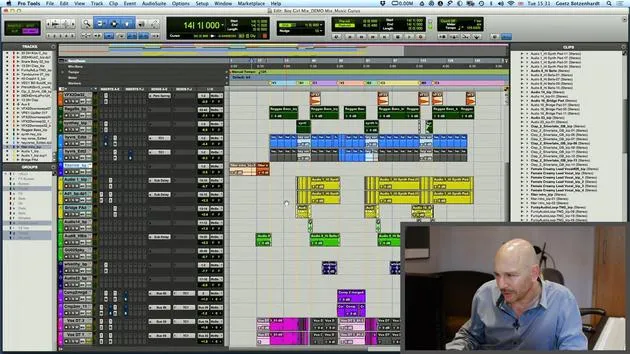
01. Samples in dein Mixing-Projekt laden
Du bist hier5:28
02. Das Material prüfen - Das Schlagzeug
7:06
03. Das Schlagzeug mit Sound Replacer optimieren
5:14
04. Gesang prüfen und vorbereiten
3:40
05. Den Mix zusammenstellen
10:36
06. Weitere Elemente zum Mix hinzufügen
3:21
07. AUFGABE #2: BASSDRUM UND SNARE ERSETZEN
1:04
Transkript der Lektion
Music Production Session Preparation
1. Session Setup
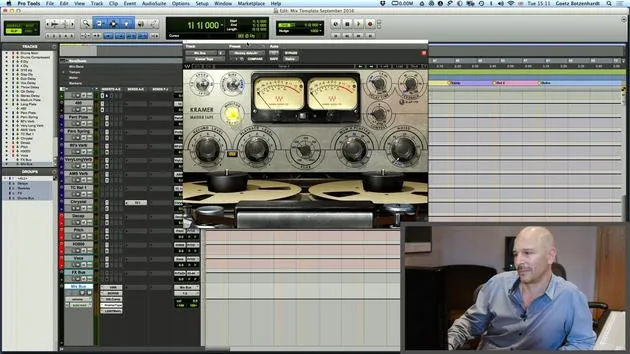
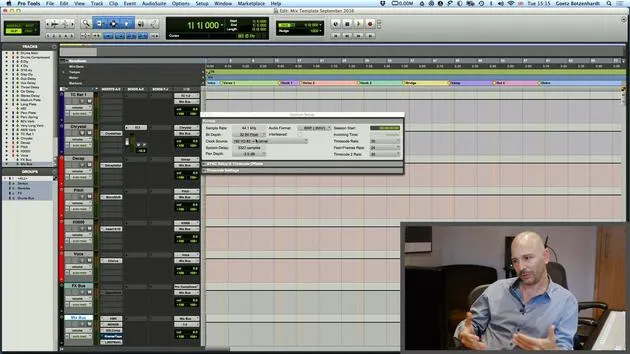
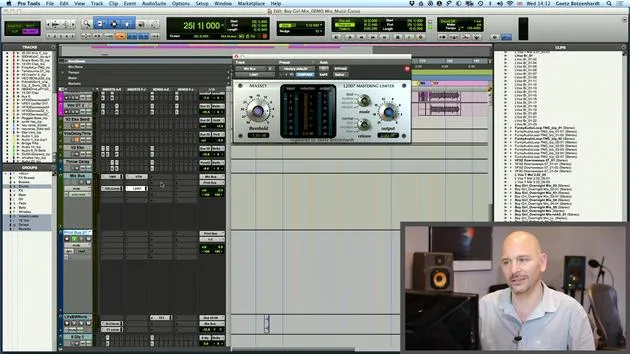
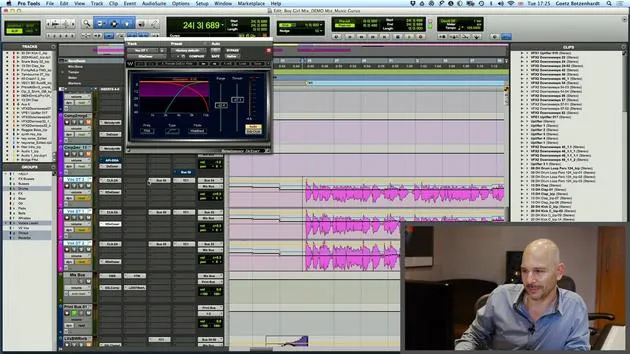
The first thing I do when preparing the session is to load in a template.
- I quickly hide all the template tracks, leaving us with an empty session.
2. Importing Audio
Next, I import the audio:
- Finding Audio Files: I locate the audio on my device. These files are typically sent as a zip file, Dropbox, or WeTransfer.
Once I open the import audio page and locate all the audio files, I add them to the session.
Important: It's best to work in the sample rate that the session has been delivered in. In this case, we are on 44.1 kHz, which is fine.
- Creating Tracks: The software will prompt me to make a new track for each audio file. This feature is essential because it saves time by creating tracks automatically.
3. Organizing Audio Files
Upon importing, the audio files can appear chaotic. To streamline the workflow, I:
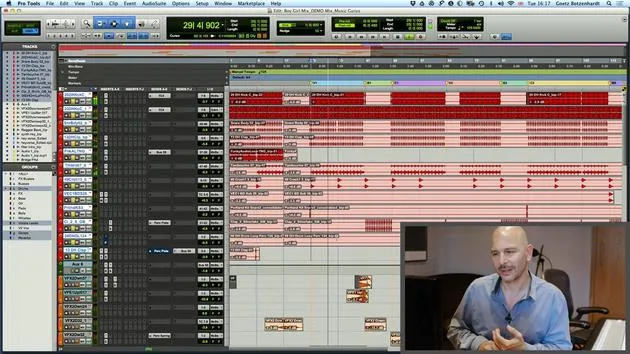
- Listening and Sorting: Start listening to the tracks while sorting and coloring them for visual clarity.
- Drum Tracks: I find all the drum tracks, place them at the top, color them red, and group them.
- Bass Tracks: I put the bass tracks underneath and color them green.
- Percussion Tracks: I position the percussion tracks under the bass.
Note: Organizing files in this manner enhances visibility and makes it easier to work.
4. Session Example
I will now close the previous setup and open a prepared session:
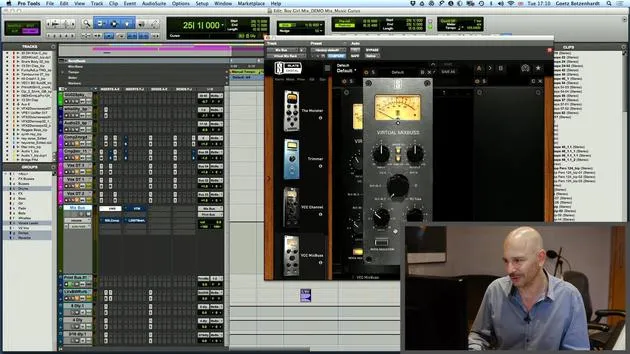
- Visual Improvements: You'll see that I've already grouped the drum tracks at the top in red, making for a more user-friendly layout.
- Percussion Tracks: These are colored orange, showing that I prioritize working on drums first.
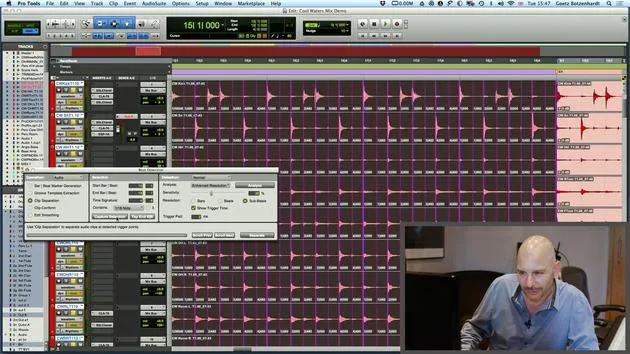
5. Stripping Silence
Another technique I employ is stripping silence:
- I use the shortcut Command + U (Apple U) to bring up the strip silence window:
- This action strips out all audio areas where nothing is happening, making it easier for the computer to process only active audio.
Result: After stripping the silence, the screen displays where the action occurs, improving clarity and organization.
6. Final Organization
Continuing with the organization:
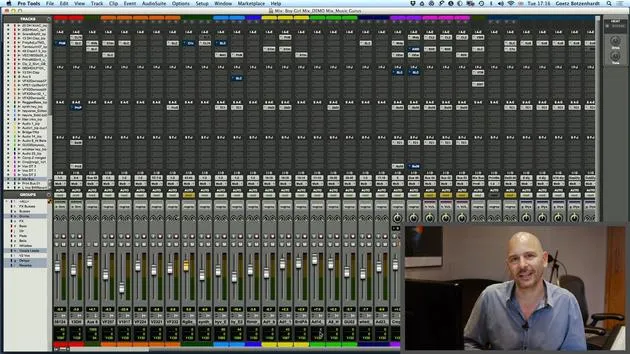
- Color Coding: I color the bass tracks green, guitars blue, and various keyboards in different colors.
- It can sometimes be challenging to categorize sounds, but adapting as you go is key.
Lead Vocals:
- The lead vocals are always placed at the bottom and colored pink. They are usually worked on once the rest of the mix sounds decent.
Conclusion
By following these steps, you can create a well-organized mixing page that is much friendlier than the chaotic black-and-white view we started with.
23 Lektionen
2 Std. 35 Min. strukturierte Videolektionen
Erweiterte Videofunktionen
Verlangsamen, Passagen loopen, mitlesen
Handy, Tablet & Desktop
Üben, wo du willst
100 % Zufriedenheitsgarantie
30 Tage Geld-zurück-Garantie
Lern deinen Guru kennen
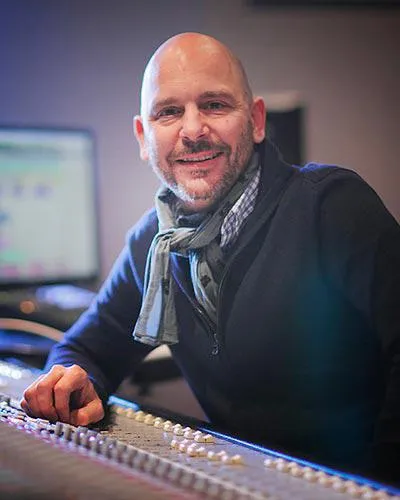
Lern deinen Guru kennen
Anfang der Neunzigerjahre absolvierte Goetz Botzenhardt eine Ausbildung in den Swanyard Recording Studios, wo er Spitzenproduzenten wie Flood, Alan Moulder und Tom Lord-Alge assistierte und sich beim Aufnehmen und Mischen der Dance- und Acid-Jazz-Bands der 90er – Incognito, Galliano, Soul II Soul und vielen anderen – die Sporen verdiente.
Bei Swanyard lernte er Rollo Armstrong kennen, und die beiden bildeten rasch eine kreative Partnerschaft, aus der viele große Dance-Platten und Remixe hervorgingen und, kurz darauf, die Aufnahme und das Mischen der ersten beiden gefeierten Faithless-Alben sowie von Didos Multi-Platin-Album 'No Angel'.
Genreübergreifend nahm und mischte er das Debütalbum der Sugababes, 'One Touch', einschließlich ihres ersten Hits 'Overload', und hat für The Cardigans, Bjork, The Cinematic Orchestra, Craig David, die Pet Shop Boys und Hikaru Utada gemischt, eine der erfolgreichsten Künstlerinnen Japans.
In jüngerer Zeit hat er sich auf Film und Fernsehen ausgeweitet, arbeitete intensiv mit den Komponisten Christian Henson, Martin Phipps und Anne Nikitin zusammen und mischte Daniel Pembertons Golden-Globe-nominierte Filmmusik zu 'Steve Jobs' unter der Regie von Danny Boyle. Abseits des Films produzierte er Tanita Tikarams 'Closer to the People', mischte Tracks für Sigala, Ella Eyre, Breton, Planet Funk und Tito Jackson und mischte 2016 Peabo Brysons Album mit Jimmy Jam und Terry Lewis. Eine vollständige Liste seiner Arbeiten findet sich auf seinen Diskografie- und Filmografie-Seiten unter goetz-botzenhardt.com.
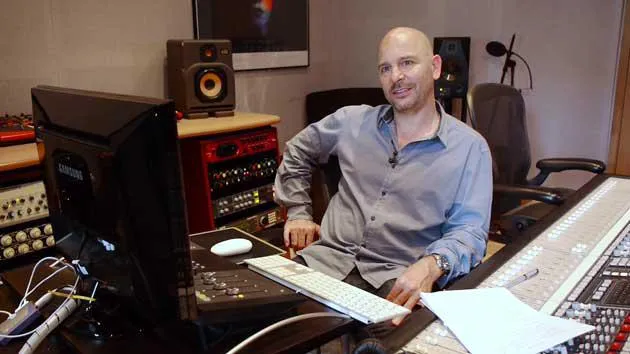
Goetz arbeitet in seinem eigenen Studio und Mischraum, aufgebaut um eine SSL-E4044-Konsole, ein Adam-5.1-Surround-Monitoring, ein 48-kanaliges Pro-Tools-HDX-System und ausgewähltes Outboard-Equipment. In seinen Kursen holt er dich in diesen Raum, um zu zeigen, wie er in zwei sehr unterschiedlichen Welten mischt: in Mixing for Film & TV Score, wie er orchestrale und hybride Filmmusiken im Dienst des Bildes ausbalanciert und formt; und in Mixing Commercial Pop Music, wie er druckvolle, radiotaugliche Pop-Mixe von der Mehrspur an aufbaut.







