



Delay-Kompensation und HEAT
Das steckt im Kurs
23 Lektionen (2h 35m) · 1 gratis
Transkript der Lektion
Pro Tools and Logic: Delay Compensation and Heat
Introduction
Okay, before we get to the vocal, I just want to show one more thing that we have in Pro Tools and also in Logic. Actually, two things.
Delay Compensation
Pro Tools
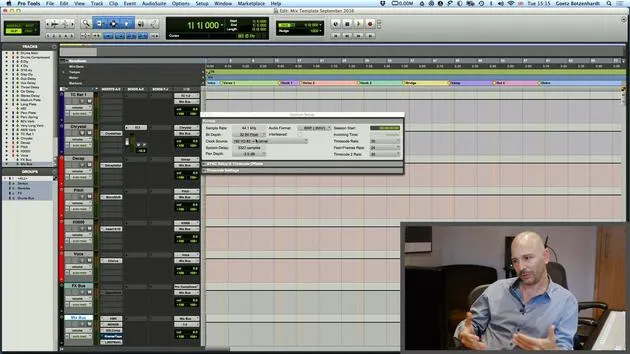
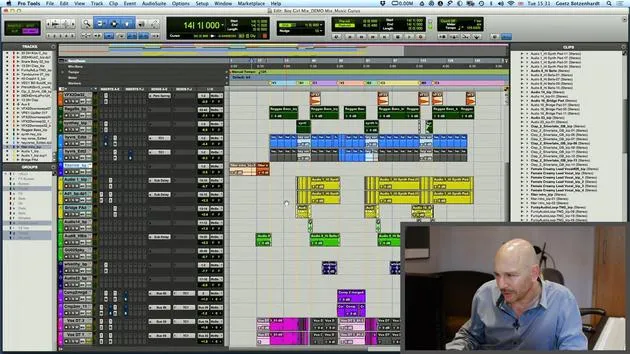
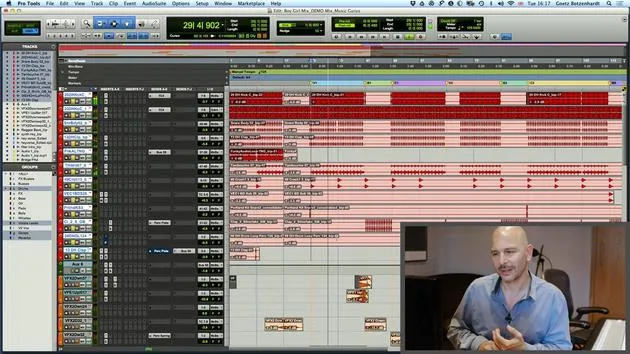
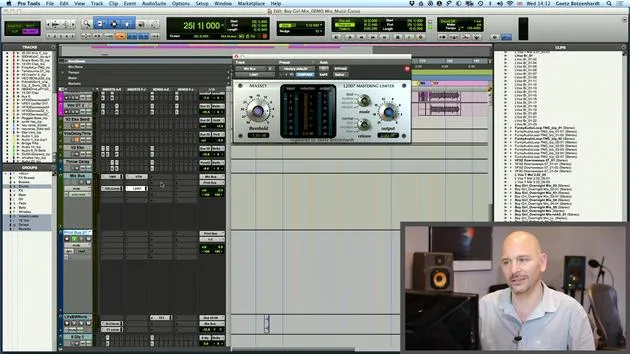
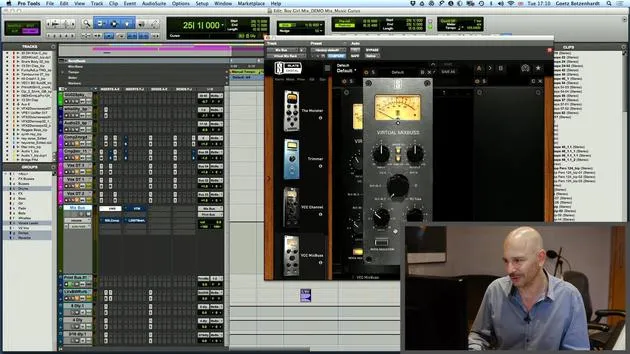
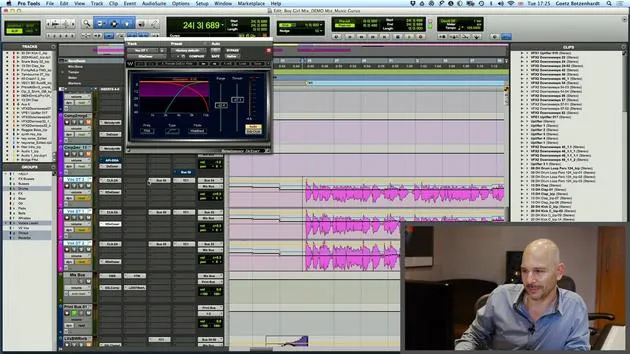
- Down here in Pro Tools, we have something called delay compensation.
- It's quite boring and geeky, but it basically shows what happens when you put plugins on each channel.
Key Points:
- Each plugin causes a little delay, a processing delay.
- This delay is the time taken to crunch the numbers, apply the processing, and put the signal back out.
Importance of Monitoring
- If you put different plugins on every channel, you end up with everything going out of time.
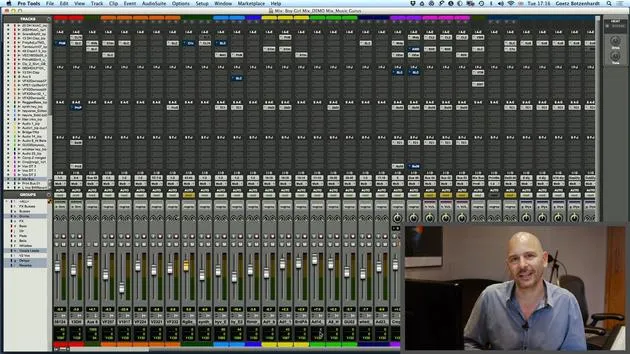
- To compensate, Pro Tools at the bottom shows you how much processing happens on each channel.
- It works out the processing delay for each channel and adds a little compensation.
Remember:
- It's really important that all the numbers here are always green.
- If they go red, it means there's too much processing going on, and Pro Tools can't keep up.
Logic
- Logic has a similar feature, but you can't actually see the numbers.
- It's worth looking at your system occasionally to ensure it doesn't run out of compensation headroom.
Note:
- If it does, you're going to get timing problems, and the audio will start to sound pretty bad.
- There is a page in Logic as well where you can investigate these issues.
Visual Check
- Every now and then, just look down here to make sure all your numbers are green.
- There's one number here that is always orange, indicating the channel with the most processing and the biggest delay.
- Don't worry about that; it just shows which channel has the longest delay and helps determine the other figures.
Heat in Pro Tools
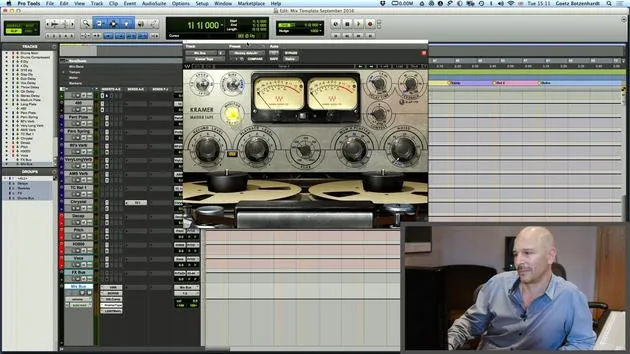
- One more thing I want to mention quickly is Heat in Pro Tools.
- Heat emulates an analog tape machine.
Activation:
- Go down here on Options.
- Activate Heat.
Functionality
- When activated, you can adjust a knob:
- Turning it to the left adds a bit of harmonic distortion on each channel, which mimics the effect of a tape machine.
- Each sound becomes a bit more defined and may add a tiny bit of distortion, which can be quite nice sometimes.
Demonstration
- Let's just play and I'll kick it in more and more.
- You can hear when it really starts distorting, and at that point, you know it's probably too much.
Tip:
- I usually like to have it on one or maybe sometimes two if it's a rock record.
- Don't be scared to put a bit of distortion on it; it can be quite nice.
Final Note:
- Always check the difference before and after adding Heat to enhance your sound.
23 Lektionen
2 Std. 35 Min. strukturierte Videolektionen
Erweiterte Videofunktionen
Verlangsamen, Passagen loopen, mitlesen
Handy, Tablet & Desktop
Üben, wo du willst
100 % Zufriedenheitsgarantie
30 Tage Geld-zurück-Garantie
Lern deinen Guru kennen
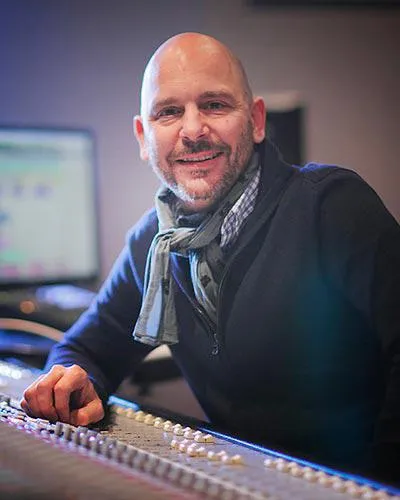
Lern deinen Guru kennen
Anfang der Neunzigerjahre absolvierte Goetz Botzenhardt eine Ausbildung in den Swanyard Recording Studios, wo er Spitzenproduzenten wie Flood, Alan Moulder und Tom Lord-Alge assistierte und sich beim Aufnehmen und Mischen der Dance- und Acid-Jazz-Bands der 90er – Incognito, Galliano, Soul II Soul und vielen anderen – die Sporen verdiente.
Bei Swanyard lernte er Rollo Armstrong kennen, und die beiden bildeten rasch eine kreative Partnerschaft, aus der viele große Dance-Platten und Remixe hervorgingen und, kurz darauf, die Aufnahme und das Mischen der ersten beiden gefeierten Faithless-Alben sowie von Didos Multi-Platin-Album 'No Angel'.
Genreübergreifend nahm und mischte er das Debütalbum der Sugababes, 'One Touch', einschließlich ihres ersten Hits 'Overload', und hat für The Cardigans, Bjork, The Cinematic Orchestra, Craig David, die Pet Shop Boys und Hikaru Utada gemischt, eine der erfolgreichsten Künstlerinnen Japans.
In jüngerer Zeit hat er sich auf Film und Fernsehen ausgeweitet, arbeitete intensiv mit den Komponisten Christian Henson, Martin Phipps und Anne Nikitin zusammen und mischte Daniel Pembertons Golden-Globe-nominierte Filmmusik zu 'Steve Jobs' unter der Regie von Danny Boyle. Abseits des Films produzierte er Tanita Tikarams 'Closer to the People', mischte Tracks für Sigala, Ella Eyre, Breton, Planet Funk und Tito Jackson und mischte 2016 Peabo Brysons Album mit Jimmy Jam und Terry Lewis. Eine vollständige Liste seiner Arbeiten findet sich auf seinen Diskografie- und Filmografie-Seiten unter goetz-botzenhardt.com.
Goetz arbeitet in seinem eigenen Studio und Mischraum, aufgebaut um eine SSL-E4044-Konsole, ein Adam-5.1-Surround-Monitoring, ein 48-kanaliges Pro-Tools-HDX-System und ausgewähltes Outboard-Equipment. In seinen Kursen holt er dich in diesen Raum, um zu zeigen, wie er in zwei sehr unterschiedlichen Welten mischt: in Mixing for Film & TV Score, wie er orchestrale und hybride Filmmusiken im Dienst des Bildes ausbalanciert und formt; und in Mixing Commercial Pop Music, wie er druckvolle, radiotaugliche Pop-Mixe von der Mehrspur an aufbaut.







