



Inspecting the material - The Drums
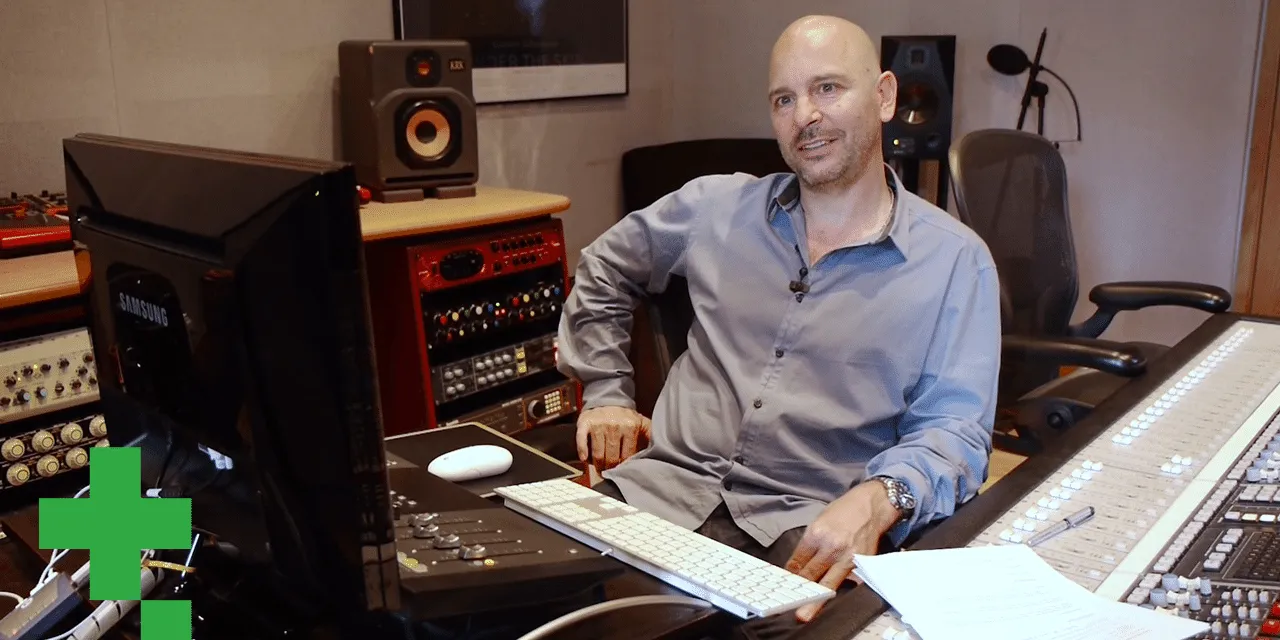
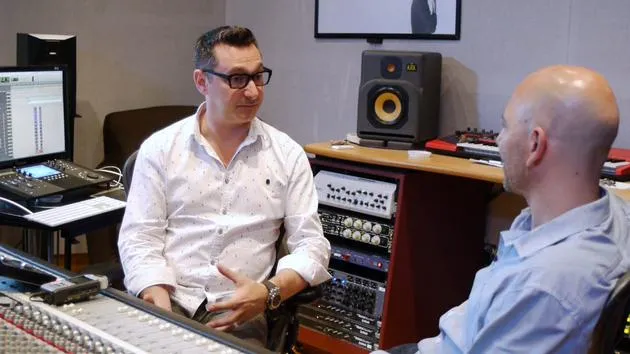
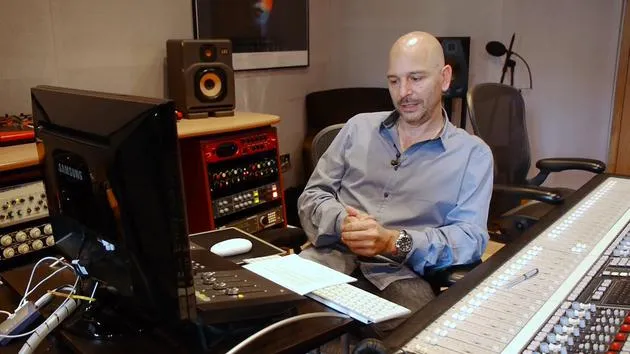
Goetz Botzenhardt starts a mix by inspecting the drum tracks, listening through each sound and checking the timing and groove before any processing.
What's in the course
23 lessons (2h 35m) · 1 free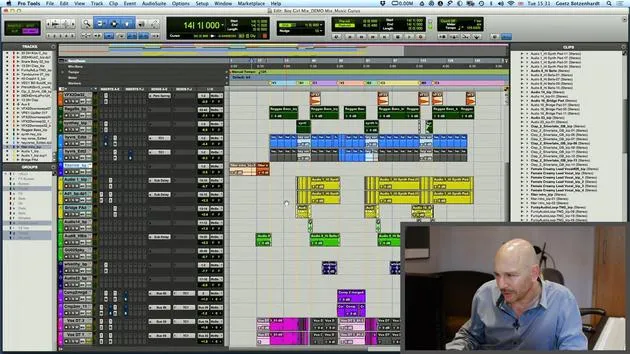
01. Loading samples into your mixing project
5:28
02. Inspecting the material - The Drums
You are here7:06
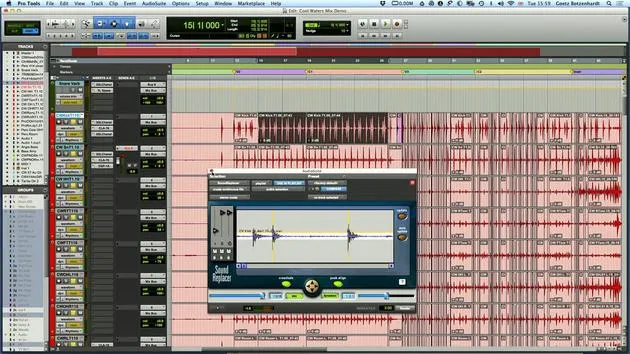
03. Tightening up the drums, using sound replacer
5:14
04. Inspecting and preparing vocals
3:40
05. Assembling the mix
10:36
06. Adding more elements to the mix
3:21
07. ASSIGNMENT #2: REPLACE KICK DRUM AND SNARE
1:04
Lesson transcript
Mixing Preparation
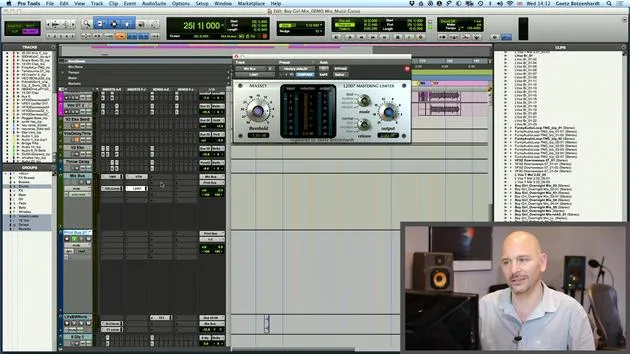
So now the next step in the mixing is, for me, it's still preparation. You actually inspect the material, start listening, and begin with the drums.
Evaluating the Track
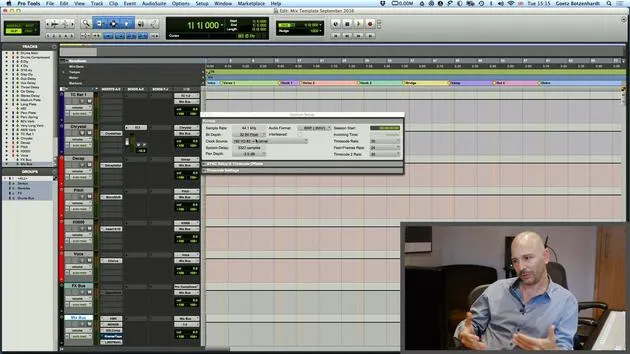
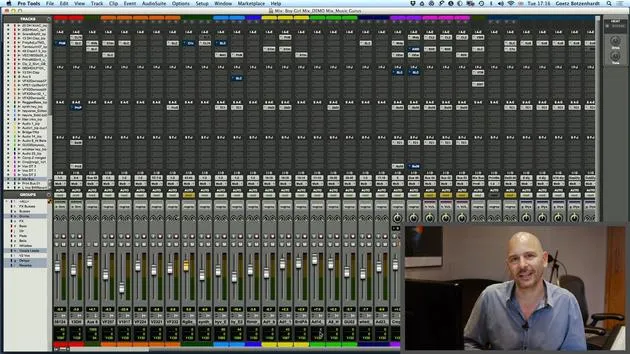
This is more of a dancey track, so you'd probably expect less issues with timing and things. I'm going to play this now, go through, and listen to what each sound does. This will help me get a handle on what's there and what needs to be worked on.
Importance of the Groove
It's always important that the record grooves. Therefore, you should:
- Inspect your timing
- Make sure the bass and the drums, everything is in time
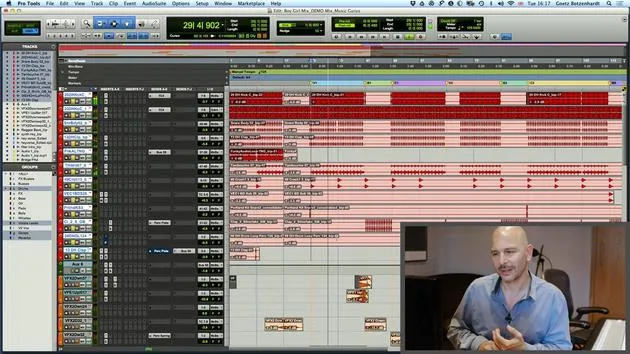
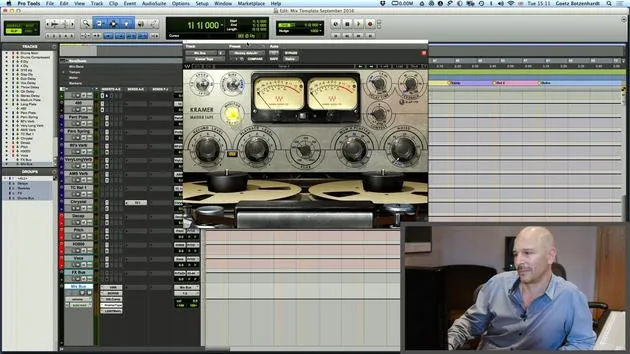
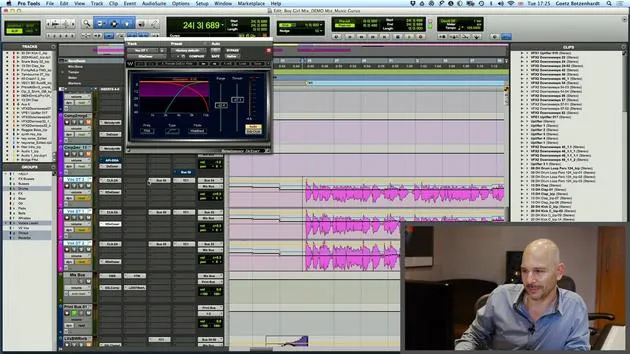
When it's a loop or sample-based track, everything sort of falls on a grid. You put your tempo into the session and, as you can see here, if we zoom in on the bass drum for example:
- This here is always on the one.
- Everything lines up nicely, which is the way it should be.
Avoiding Flams
If you have a bass drum there and the snare drum happens much later, you get a flam. This isn't great for dance and pop music unless it's intended.
When working with a live track, it becomes more complicated:
- The drummer might have played out of time.
- Sometimes things just flam.
It's worth going in there and shifting it to ensure everything is in time before you start the mix. This goes for the drums, bass, and percussion as well.
Editing Drums
Okay, just as a quick example:
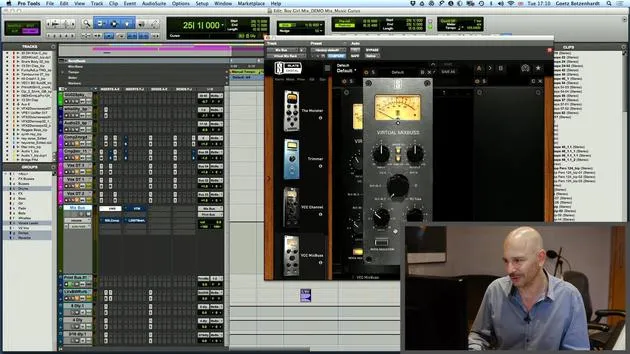
This is a track where I've done loads of editing on the drums. As you can see here,
- Red is our drums.
- It's a live drummer, but he did go out of time a bit.
So, I literally had to go and move a lot of the beats to be on our grid. It's important that all the instruments actually fall together, especially on the downbeat.
Avoid Chaos in Your Music
If instruments hit one after another, it can create horrible flams that make the piece of music sound chaotic and undesirable.
Don't be afraid to do some edits!
If it doesn't sound good, fix it because no one else is going to do it for you at this stage.
As you can see, there are lots and lots of cuts.
Using Beat Detective
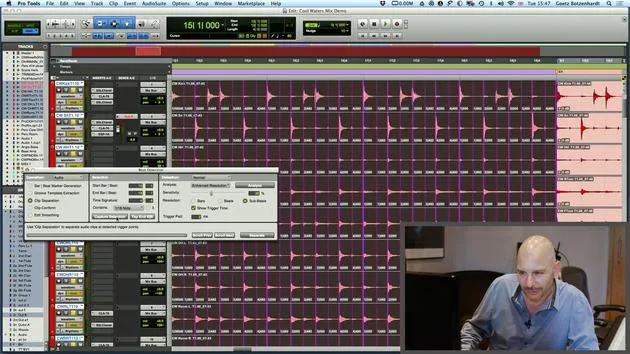
Now, I just want to demonstrate something that quite often helps. It's this little program here called Beat Detective.
- Hit Apple 8 and this comes up.
- It's a very useful tool if there is a drum track that's not in time.
To use Beat Detective:
- Capture your selection.
- Hit this one for clip separation.
- Draw lines wherever somebody hits a drum.
Sometimes the hits aren't perfect, so you may need to adjust the settings a little bit. Hit analyze.
- Now we can see that all our lines are actually where the kick and snare drums hit.
- Press separate: this makes them all into regions.
- Use clip conform to move them onto the grid.
Fixing Gaps and Crossfades
There may be some gaps that won't sound good, which is why we have this function called edit smoothing. It fills the gaps and crossfades them. You can set the time here as well; about 5 milliseconds is pretty good.
Now this has fixed our drums for this section. If we listen now, they should sound a lot more precise and mechanical.
Final Thoughts on Timing
There's one more quick thing I want to mention about fixing timings. This is more of a production-related point, but it does come in handy when mixing.
- Loop or sample-based tracks: You can be quite rigid and ensure everything falls on the beat. This mechanical sound is great for that music.
- Live tracks: If musicians are great, everything doesn't have to fall onto the grid.
Embracing the Live Feel
In this case, don't be too strict about timing. Give it space to breathe and only fix major mistakes. Remember, even the greatest drummer sometimes plays in the wrong place.
Generally, if the musicians are great, you won't need to work on it too hard. You can let some things be and enjoy the way they groove.
Not everything is done to a grid, and it's not always mathematical music.
Complications with Mixed Tracks
Things get quite complicated when you have loops, samples, and live drums mixed together. You get the groove from the drummer, but the programmed sounds don't move with the drummer since they're static.
- You'll need to adjust the drums accordingly.
- Ensure that whatever falls onto the beat is moved onto the grid.
What's in between can be left free to let the groove breathe.
Recommendation:
Edit the drums and ensure all the bass drums always fall into the same place on the grid.
23 lessons
2h 35m of structured video lessons
Advanced video features
Slow down, loop a passage, follow along
Mobile, tablet & desktop
Practise wherever you are
100% satisfaction guarantee
30-day money-back guarantee
Meet your guru
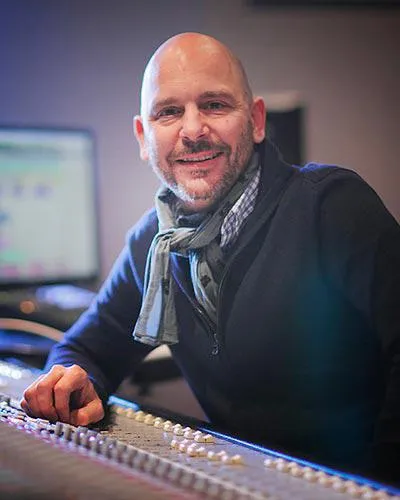
Meet your guru
In the early nineties, Goetz Botzenhardt trained at Swanyard Recording Studios, assisting top producers like Flood, Alan Moulder and Tom Lord-Alge, and cut his teeth recording and mixing the dance and Acid Jazz bands of the 90s - Incognito, Galliano, Soul II Soul and many others.
At Swanyard he met Rollo Armstrong and the two quickly formed a creative partnership, leading to many big dance records and remixes and, soon after, to recording and mixing the first two acclaimed Faithless albums and Dido's multi-platinum 'No Angel'.
Ranging across genres, he recorded and mixed the Sugababes' debut album 'One Touch', including their first hit 'Overload', and has mixed for The Cardigans, Bjork, The Cinematic Orchestra, Craig David, the Pet Shop Boys and Hikaru Utada, one of Japan's most successful artists.
More recently he expanded into film and TV, working extensively with composers Christian Henson, Martin Phipps and Anne Nikitin, and mixing Daniel Pemberton's Golden Globe-nominated score for 'Steve Jobs', directed by Danny Boyle. Away from film he produced Tanita Tikaram's 'Closer to the People', mixed tracks for Sigala, Ella Eyre, Breton, Planet Funk and Tito Jackson, and in 2016 mixed Peabo Bryson's album with Jimmy Jam and Terry Lewis. A full list of his work is on his discography and filmography pages at goetz-botzenhardt.com.
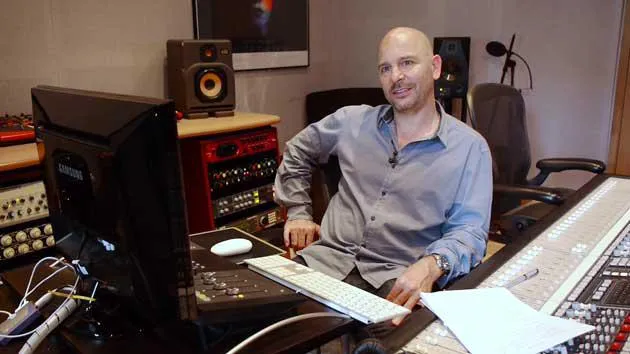
Goetz works from his own studio and mix room, built around an SSL E4044 console, Adam 5.1 surround monitoring, a 48-channel Pro Tools HDX system and choice outboard gear. In his courses he takes you inside that room to show how he mixes across two very different worlds: in Mixing for Film & TV Score, how he balances and shapes orchestral and hybrid scores to serve the picture; and in Mixing Commercial Pop Music, how he builds punchy, radio-ready pop mixes from the multitrack up.







