



Qu'est-ce que le MIDI ?

Avec
Isaac Cotec
Le contenu du cours
17 leçons (1h 33min) · 1 gratuites

Transcription de la leçon
MIDI Editing and Creation in Ableton Live
In this module, we're going to look at editing and creating MIDI.
What is MIDI?
MIDI is short for Musical Instrument Digital Interface. It is a technical standard that describes a protocol, digital interface, and connectors, allowing a wide variety of electronic musical instruments, computers, and other related devices to connect and communicate with one another.
Key points about MIDI:
- MIDI is not audio and audio is not MIDI.
- MIDI is a signal that an instrument or synth can read and output audio.
- In other words, MIDI is information, a standardized way of sending information between a controller and a synthesizer, Ableton, or any electronic device.
- The instrument used with MIDI defines what happens; that instrument is what makes the sound.
- It's important to know that MIDI is just information that something translates into sound later.
Understanding MIDI Clips in Ableton Live
A MIDI clip contains musical material in the form of MIDI notes and controller envelopes. This information can then be passed on to your synth, VST, or live instrument to create sound.
- The MIDI clip is comparable to an audio clip.
- You control it from the clip view, where you can edit, add notes, and create new parts.
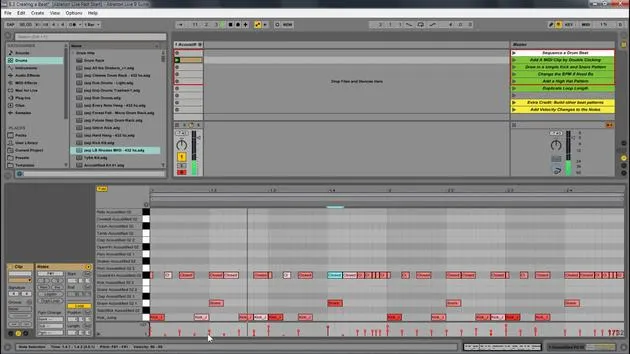
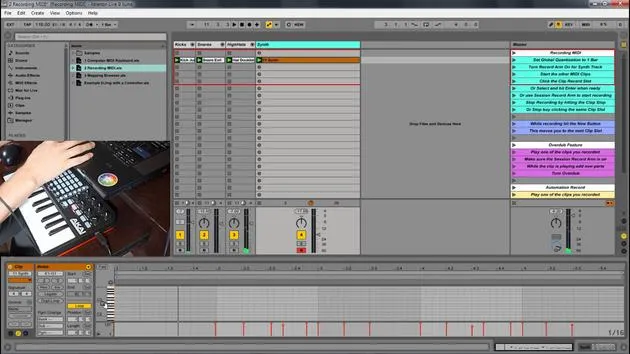
- The clip view is similar to MIDI clips, but instead of displaying a sample, there is the MIDI note editor.
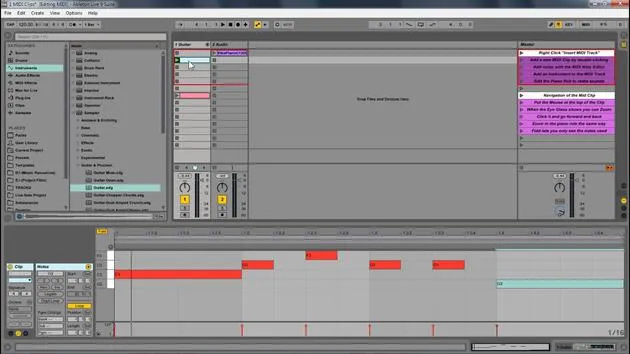
The Piano Roll
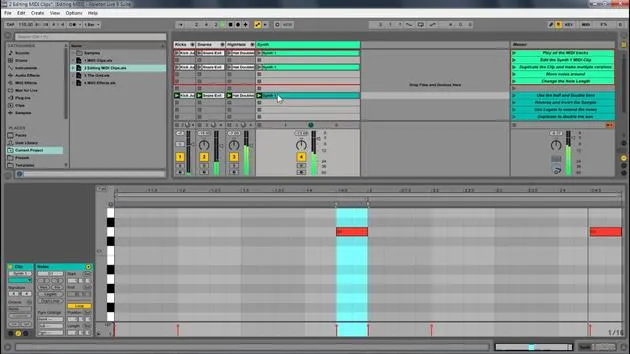
Here's an image of the piano roll: normally, you would see the sound right, the sample, but in this case, you see little red boxes on this piano roll, indicating the MIDI notes.
Adding and Editing MIDI Clips
To add a new MIDI clip:
- Double-click to create a clip, or you can always record one.
- Once you have a clip, you can add a note. For example, let's add a C note:
- Double-click to create the note.
- Adjust the length of the note as desired.
- Create multiple notes if needed.
No Sound? Understanding the Data
When you play this, you may notice nothing happens. This is because, as mentioned before, this is data.
- You'll see a little yellow indicator showing that MIDI data is happening, but there's just no sound from it.
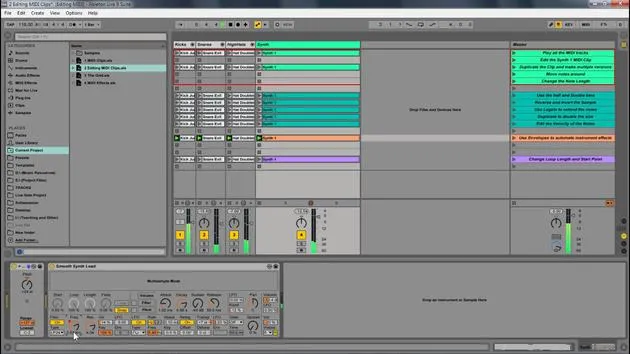
- To make it audible, add an instrument from the browser:
- Navigate to Instruments.
- Select an instrument (e.g., Sampler or Guitar Pluck) and drag it into the MIDI clip.
Playback and Zooming
Once you have added an instrument, you can:
- Play the MIDI clip.
- Use the cue feature to hear the sound when moving the note.
- Draw in notes and adjust their lengths as desired.
To zoom in and out:
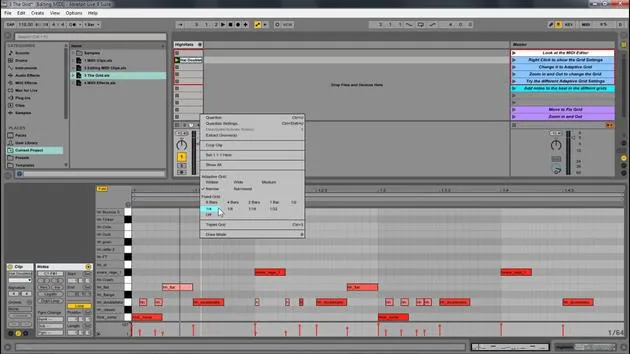
- Use the magnifying glass tool at the top.
- Click to zoom in and out of the MIDI.
- Navigate left and right to adjust view.
You can also utilize the piano roll:
- Click to zoom in and out.
- Navigate up and down through the notes.
Helpful Features
An important feature is the fold button:
- Hitting fold displays only the notes you played, making it easier to edit and manage notes in your key.
You can duplicate notes using Ctrl D (or Command D on Mac) or create variations:
- Create different changes.
- Just like with samples, you can have multiple versions and modify them.
Conclusion
In summary, the basics of MIDI editing in Ableton Live involve utilizing the piano roll to click to add notes, delete them, and manage various elements similar to audio samples. MIDI adds engaging features, offering more depth to your musical creations.
17 leçons
1h 33m de leçons vidéo structurées
Fonctions vidéo avancées
Ralentissez, bouclez un passage, suivez la partition
Mobile, tablette et ordinateur
Pratiquez où vous voulez
Satisfaction garantie à 100 %
Garantie remboursement 30 jours
Rencontrez votre guru
Rencontrez votre guru
Isaac Cotec est, sans doute, l'un des meilleurs formateurs Ableton au monde ! Tout en travaillant sur sa propre musique, il a commencé à enseigner les techniques d'enregistrement, le design sonore et Ableton Live à des élèves particuliers et, depuis qu'il a obtenu sa certification d'Ableton Certified Trainer officiel, il a aidé des milliers de producteurs à passer un cap et à réussir comme musiciens.
Isaac a commencé à produire de la musique électronique en 2005 avec Psyche Sonics, un groupe expérimental travaillant sur la science et la recherche des binaural beats et la modification de la conscience par le son. Après avoir tourné, il a continué à écrire de la musique sous l'alias Cotec puis a émergé comme l'artiste Subaqueous, mêlant son passé électronique à des techniques de production à la fois futuristes et organiques. À ce jour, il a sorti 3 albums et 4 EPs.
Isaac est aussi le fondateur et le gérant du label Invibe Music, qui représente certains des meilleurs artistes de musique électronique du Pacific Northwest et se spécialise dans la dance midtempo.
Dans ses cours Ableton Live, Isaac partage les techniques de production, de design sonore et d'écriture qu'il a passé des années à affiner — les compétences mêmes qu'il utilise pour transformer l'étincelle d'une idée en un morceau fini.







