



Exercice - Éditer le MIDI - Beat d'exemple

Avec
Isaac CotecAvec les clips MIDI et les Drum Racks, tu peux commencer à écrire tes propres beats uniques. Cette activité te guidera dans la création d'un beat dans Live. C'est un excellent moyen de t'assurer que tu as tout compris sur l'édition du MIDI dans Ableton Live. L'Example Set est disponible au téléchargement dans la première leçon de ce module. Si tu ne l'as pas encore, tu peux le télécharger ci-dessous.
Le contenu du cours
17 leçons (1h 33min) · 1 gratuites
Transcription de la leçon
Music Lesson: Creating a Beat in Ableton Live
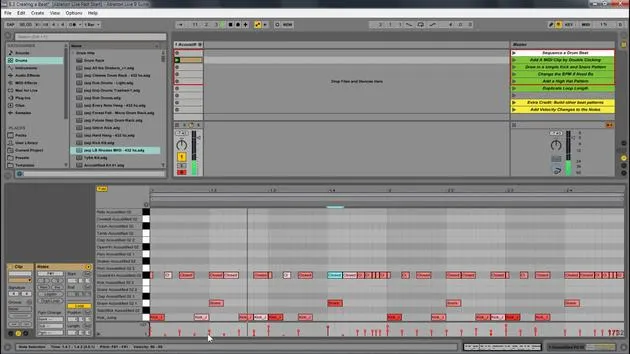
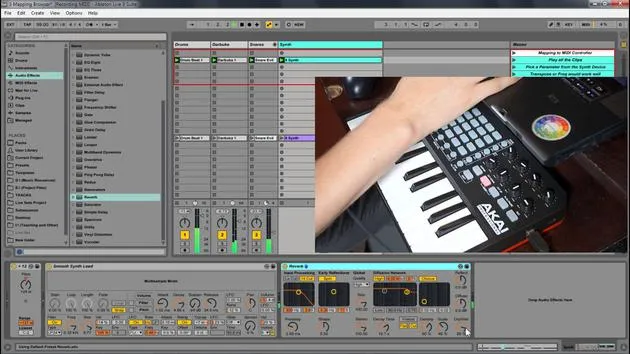
So we have this example set for creating a beat. Here's what we're going to do:
- Open the Project: Start by opening up the project.
- Create a MIDI Clip:
- Add a drum rack to the MIDI clip to implement some sounds.
- Write your own unique beat.
Step-by-Step Instructions
- Here is this set and all you have to do is follow along what's written here:
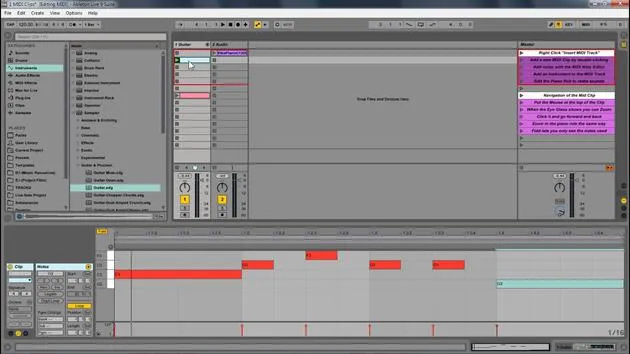
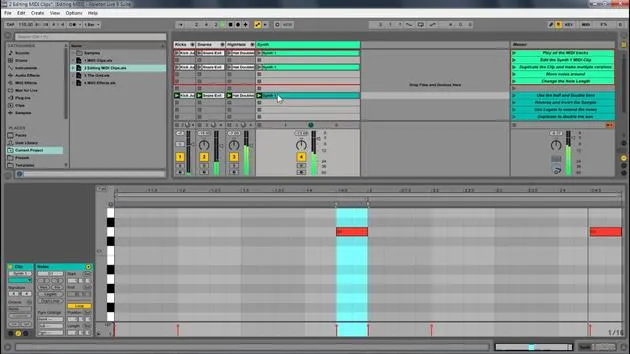
- Add a MIDI Clip: Double click to do that.
- Draw in a Kick and Snare Pattern: This is very easy.
- Choose your speed (BPM). I'm going to go with 90 to create something a little more hip hop.
Working with the Drum Rack
-
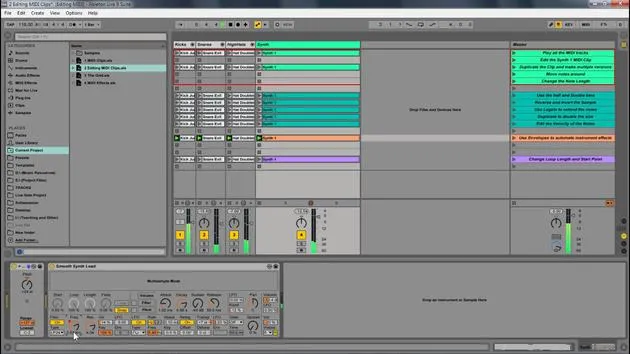
The drum rack displays only what's in it. There's already a drum rack available within this track.
- If you want to use a different one, go to Drums and drag in another drum rack.
-
Now, let's draw in a kick and some snare. Great!
Adding Hi-Hats and Adjusting the Grid
- Next, I want to add a closed hi-hat.
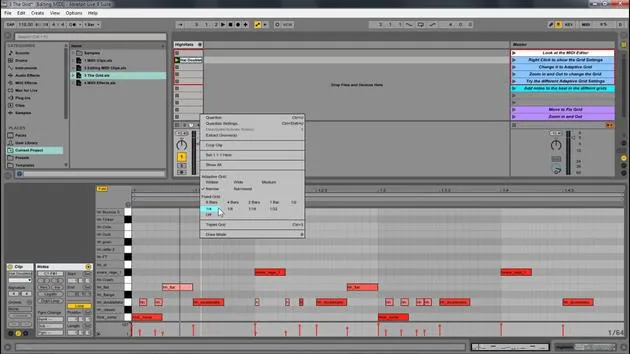
- Change the grid to 16th notes.
- Select all the elements and press Ctrl D to duplicate them.
- Change the grid to 32nd notes.
- Create a little fill at the end.
Enhancing the Beat with Velocity Changes
-
This is a great start to a beat:
- Kick
- Different elements
- Hi-hat
-
Now, let's add some velocity changes:
- Select all of this.
- Hit Duplicate Loop to double the size, allowing for variation in the loop.
-
Accent the kicks on the one.
- Since this kick instrument isn't velocity sensitive, I'll change that in the Simpler.
- Also, add variation to the hi-hats.
Finalizing the Beat
-
Ensure the hi-hat is velocity sensitive.
- Increase it and adjust the others accordingly.
- You can hold Alt and drag up to adjust velocity.
-
We have the beginning of the beat; it's a pretty good start!
Exploring Different Styles
-
This is a simple project for you to go through, but you can go crazy creating various beats.
-
Different Examples:
- Let's say we want something in 4/4 time.
- Delete the preceding elements.
- Duplicate and add a snare and some shakers.
-
Set it to 16th notes and again use Ctrl D to duplicate.
-
Add more variation and sounds until you find something that flows.
Creative Exploration
- You can create genres like hip hop, dubstep, or trap. Play around with different structures and sounds:
- Lay down a simple kick.
- Experiment with different elements and see how it sounds.
Hot Swap and Final Tweaks
-
Now that we've looked at the basics, let's discuss the Hot Swap feature:
- Simply press that button to change out the instrument to any other you like.
-
Try different instruments and see how they transform your beat.
Conclusion
- Editing MIDI within Ableton Live allows you to create your own instruments, sounds, and melodies. Explore and enjoy making music using MIDI!
17 leçons
1h 33m de leçons vidéo structurées
Fonctions vidéo avancées
Ralentissez, bouclez un passage, suivez la partition
Mobile, tablette et ordinateur
Pratiquez où vous voulez
Satisfaction garantie à 100 %
Garantie remboursement 30 jours
Rencontrez votre guru
Rencontrez votre guru
Isaac Cotec est, sans doute, l'un des meilleurs formateurs Ableton au monde ! Tout en travaillant sur sa propre musique, il a commencé à enseigner les techniques d'enregistrement, le design sonore et Ableton Live à des élèves particuliers et, depuis qu'il a obtenu sa certification d'Ableton Certified Trainer officiel, il a aidé des milliers de producteurs à passer un cap et à réussir comme musiciens.
Isaac a commencé à produire de la musique électronique en 2005 avec Psyche Sonics, un groupe expérimental travaillant sur la science et la recherche des binaural beats et la modification de la conscience par le son. Après avoir tourné, il a continué à écrire de la musique sous l'alias Cotec puis a émergé comme l'artiste Subaqueous, mêlant son passé électronique à des techniques de production à la fois futuristes et organiques. À ce jour, il a sorti 3 albums et 4 EPs.
Isaac est aussi le fondateur et le gérant du label Invibe Music, qui représente certains des meilleurs artistes de musique électronique du Pacific Northwest et se spécialise dans la dance midtempo.
Dans ses cours Ableton Live, Isaac partage les techniques de production, de design sonore et d'écriture qu'il a passé des années à affiner — les compétences mêmes qu'il utilise pour transformer l'étincelle d'une idée en un morceau fini.







