



Options de monitoring dans Ableton Live

Avec
Isaac Cotec
Le contenu du cours
17 leçons (1h 33min) · 1 gratuites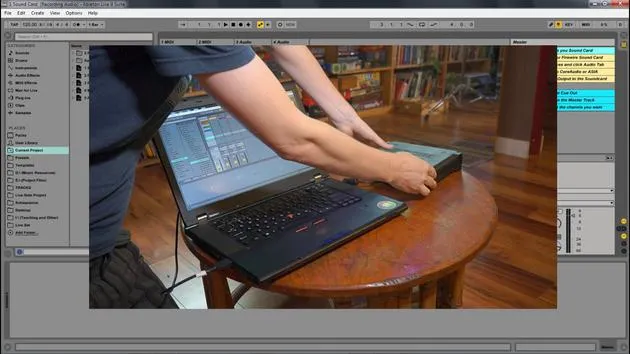
01. Configurer une carte son externe dans Ableton Live
Leçon gratuite3:15
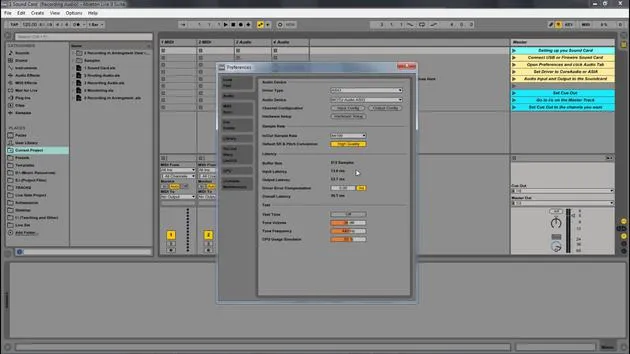
02. Utiliser le Cue Mix
0:59
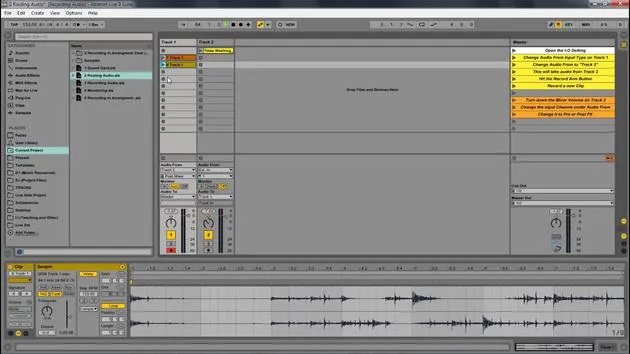
03. Router l'audio dans Ableton Live
5:14
04. Options de monitoring dans Ableton Live
Tu es ici4:56
05. Enregistrer de l'audio dans l'Arrangement View
1:55
06. Exercice - Set d'exemples d'enregistrement audio
0:55
Transcription de la leçon
Understanding Monitoring Settings in Ableton Live
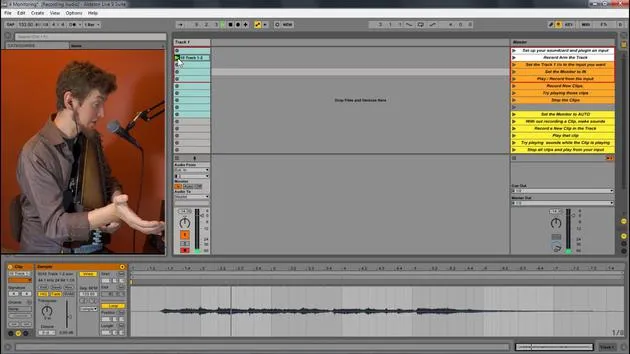
In this video, we're going to look at the different monitoring options available within Ableton Live. Monitoring lets you set how the track receives incoming audio. There are three different settings for monitoring: in, auto, and off.
Monitoring Settings
-
In
This setting will always play the track's input, regardless of whether a clip is playing or not.- Best suited for: An instrument that is plugged in and that you want to hear continuously.
-
Auto
This setting is active when the track is armed.- However, monitoring does not let an input signal through if a clip is playing.
- If you stop the playback of the clip, the input sound can be heard.
-
Off
This turns monitoring off altogether.- It does not allow any incoming instruments or input signals through.
- It will only playback clips.
Demonstration in Ableton Live
Let's look at these different monitoring settings with Ableton Live.
I have this live set open here, and I have these inputs from my external sound card.
- Input 1: My voice
- Input 2: My auto harp
I set the input to 2. For this, I plugged my second input, which is an instrument input within my MOTU. It's that yellow cord that runs all the way across to the back, connecting to a contact mic for the instrument.
Testing Monitoring Settings
-
Set to In
- Great, we can hear that.
- Now I'm going to hit record and playback that clip.
- Notice we don't hear the clip at all, but we can still hear me playing. This is because we are set to input, which only allows the incoming signal.
-
Set to Auto
- Now, I can play back the clip.
- As I play the auto harp, we don't hear anything from it; we're just hearing the original clip.
- If I stop the playback, you can now hear the auto harp.
- Auto monitoring blends the signals: if a clip is playing, it won't allow the input signal to go out. But when the clip stops, the input sound is allowed through.
-
Set to Off
- Let's switch to off.
- Now, when I play my auto harp, we don't hear it through the speakers at all. But if I play back something I've recorded, we hear it.
- Off only plays pre-recorded clips or samples, not anything being played live.
Recording with Each Setting
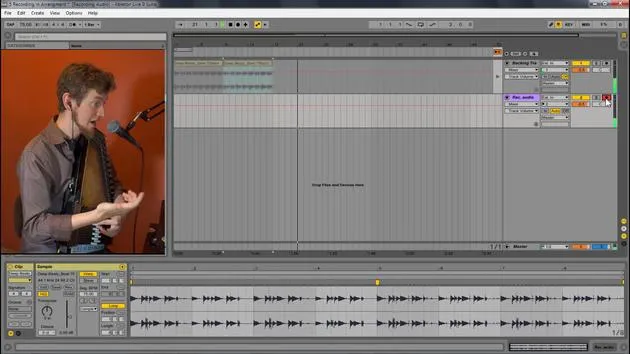
- When I hit record with the off setting on, I won't hear anything while I'm recording.
- However, I will hear it once I play it back.
Summary
So, to summarize:
- In: Only allows track input.
- Auto: Plays either track input if no other clip is playing or will play the clip and not the input.
- Off: Only plays back clips; it does not play any input.
These are the different monitoring settings we have within Ableton Live.
17 leçons
1h 33m de leçons vidéo structurées
Fonctions vidéo avancées
Ralentissez, bouclez un passage, suivez la partition
Mobile, tablette et ordinateur
Pratiquez où vous voulez
Satisfaction garantie à 100 %
Garantie remboursement 30 jours
Rencontrez votre guru
Rencontrez votre guru
Isaac Cotec est, sans doute, l'un des meilleurs formateurs Ableton au monde ! Tout en travaillant sur sa propre musique, il a commencé à enseigner les techniques d'enregistrement, le design sonore et Ableton Live à des élèves particuliers et, depuis qu'il a obtenu sa certification d'Ableton Certified Trainer officiel, il a aidé des milliers de producteurs à passer un cap et à réussir comme musiciens.
Isaac a commencé à produire de la musique électronique en 2005 avec Psyche Sonics, un groupe expérimental travaillant sur la science et la recherche des binaural beats et la modification de la conscience par le son. Après avoir tourné, il a continué à écrire de la musique sous l'alias Cotec puis a émergé comme l'artiste Subaqueous, mêlant son passé électronique à des techniques de production à la fois futuristes et organiques. À ce jour, il a sorti 3 albums et 4 EPs.
Isaac est aussi le fondateur et le gérant du label Invibe Music, qui représente certains des meilleurs artistes de musique électronique du Pacific Northwest et se spécialise dans la dance midtempo.
Dans ses cours Ableton Live, Isaac partage les techniques de production, de design sonore et d'écriture qu'il a passé des années à affiner — les compétences mêmes qu'il utilise pour transformer l'étincelle d'une idée en un morceau fini.







