



Comment éditer le MIDI dans Ableton Live

Avec
Isaac CotecUne présentation de l'éditeur MIDI d'Ableton Live — le piano roll, la vélocité des notes et la règle rythmique — pour que tu puisses éditer des clips et créer tes propres beats et mélodies.
Le contenu du cours
17 leçons (1h 33min) · 1 gratuites
Transcription de la leçon
MIDI Editing in Ableton Live
Live gives you access to a wide range of powerful tools to edit your MIDI. This allows you to write new beats, melody lines, or anything you can think of. The key to this is the MIDI editor.
Overview of the MIDI Editor
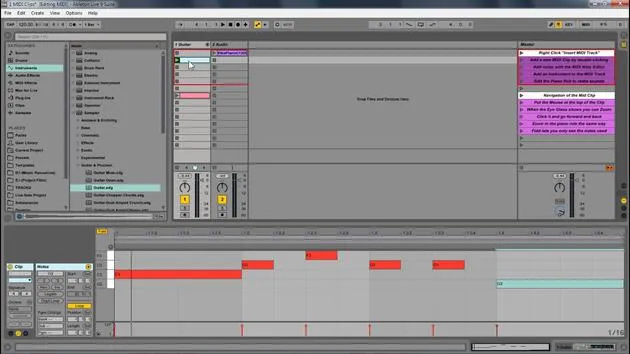
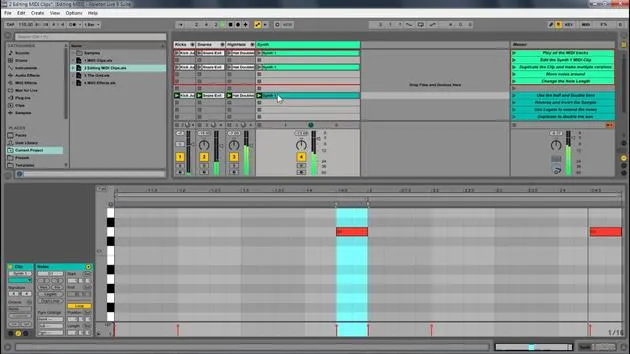
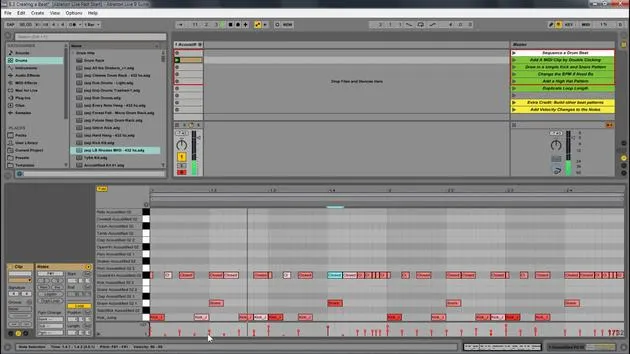
So, that's what we've been looking at, the MIDI editor. Here are some key components of the MIDI clip:
- Piano Roll: The main area for MIDI notes.
- Loop Brace: Similar to the sample editor, it designates the looped portion for MIDI.
- MIDI Note: Double-click to create a note.
- Beat Time Ruler: Displays the timing of your MIDI notes.
- MIDI Velocity Editor: Allows you to change the velocity of notes.
- Velocity doesn't always mean volume, but it is generally mapped to volume. You can map it to anything, essentially defining how hard a note is pressed.
- Note Velocity: Displays the velocity of individual notes.
- Clip Overview and Zooming: You can zoom in and out to navigate your MIDI clip easily.
Editing MIDI in Ableton Live
Now, we're going to look at editing MIDI within Ableton Live.
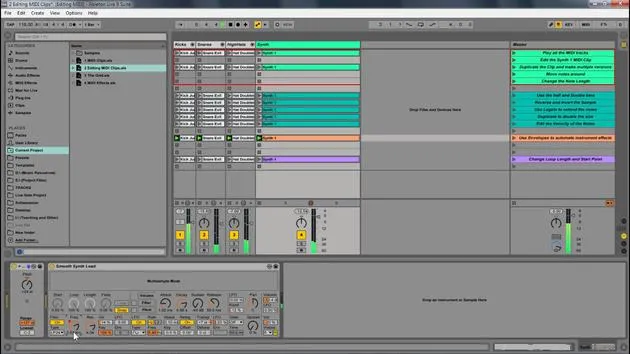
- Play Samples: First, I'll play these samples to start.
- Duplicate Notes: Select them and press Control D (or Command D) to duplicate and create different versions.
Adjusting Notes
- Zoom Out: I will extend this out and zoom out a little for more room.
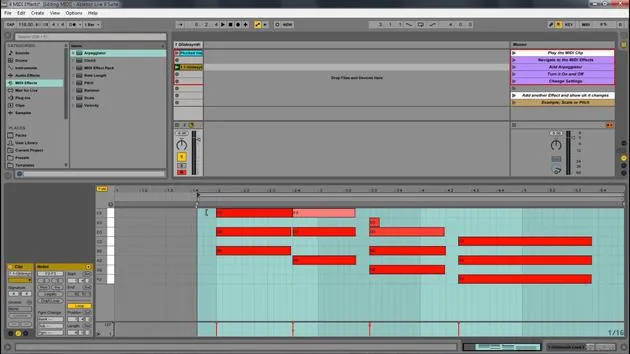
- Transpose Notes: By selecting all these notes, I can move them up or down to transpose the key. Let's move them up to C.
- Change Length: I can also change their length by clicking and dragging.
- Pro Tip: Hold Alt to change notes freely off the grid. This works for any note.
Adding New Notes
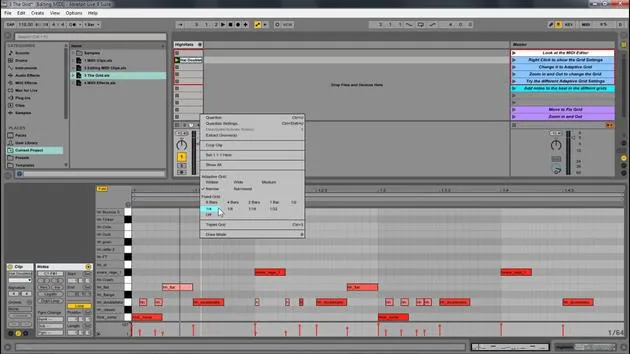
For instance, on the hi-hat, I can add a new note:
- Just click to create a note, and it'll be added to the drum rack.
Additional Features
Now, let's look at some other features we have:
- Double Time & Half Time: Select all notes, and if I double time, it makes it a lot slower. Half-time it and then go back to normal.
- Reverse: This takes the position of the notes and reverses it. Selecting all and hitting reverse changes the order of playback.
Invert Feature
Next, we have the invert function:
- This will switch the positions of the highest and lowest notes.
Legato Feature
Now, let's explore legato:
- Select Notes: If I hit legato, the position of the notes shifts to the next note.
- If notes overlap, legato will crop them so only one note plays at a time, ensuring there's never an empty space.
Adjusting Velocity
Lastly, I'm going to select this note because I like it, and I will:
- Adjust Velocity: By clicking and dragging, I can lower the velocity of high notes to make them subtler.
- Notice how the color changes:
- Lower Velocity: Lighter colors.
- Higher Velocity: More intense red.
You can also hold Alt to quickly adjust the velocity up or down.
17 leçons
1h 33m de leçons vidéo structurées
Fonctions vidéo avancées
Ralentissez, bouclez un passage, suivez la partition
Mobile, tablette et ordinateur
Pratiquez où vous voulez
Satisfaction garantie à 100 %
Garantie remboursement 30 jours
Rencontrez votre guru
Rencontrez votre guru
Isaac Cotec est, sans doute, l'un des meilleurs formateurs Ableton au monde ! Tout en travaillant sur sa propre musique, il a commencé à enseigner les techniques d'enregistrement, le design sonore et Ableton Live à des élèves particuliers et, depuis qu'il a obtenu sa certification d'Ableton Certified Trainer officiel, il a aidé des milliers de producteurs à passer un cap et à réussir comme musiciens.
Isaac a commencé à produire de la musique électronique en 2005 avec Psyche Sonics, un groupe expérimental travaillant sur la science et la recherche des binaural beats et la modification de la conscience par le son. Après avoir tourné, il a continué à écrire de la musique sous l'alias Cotec puis a émergé comme l'artiste Subaqueous, mêlant son passé électronique à des techniques de production à la fois futuristes et organiques. À ce jour, il a sorti 3 albums et 4 EPs.
Isaac est aussi le fondateur et le gérant du label Invibe Music, qui représente certains des meilleurs artistes de musique électronique du Pacific Northwest et se spécialise dans la dance midtempo.
Dans ses cours Ableton Live, Isaac partage les techniques de production, de design sonore et d'écriture qu'il a passé des années à affiner — les compétences mêmes qu'il utilise pour transformer l'étincelle d'une idée en un morceau fini.







