



Introducción a la grabación de audio

Con
Aamir Yaqub
Qué incluye el curso
14 lecciones (1h 22m) · 1 gratis
01. Bienvenido a la grabación de audio
0:58
02. Introducción a la grabación de audio
Estás aquí4:47
03. Usar el metrónomo
5:00
04. Hacer tu primera grabación
Lección gratis5:32
05. Comping
13:03
06. Editar audio
9:41
07. Gestionar los archivos del proyecto
3:46
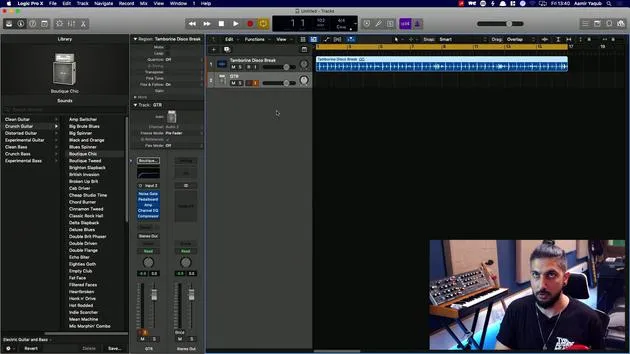
08. Grabar una pista de instrumento
2:06
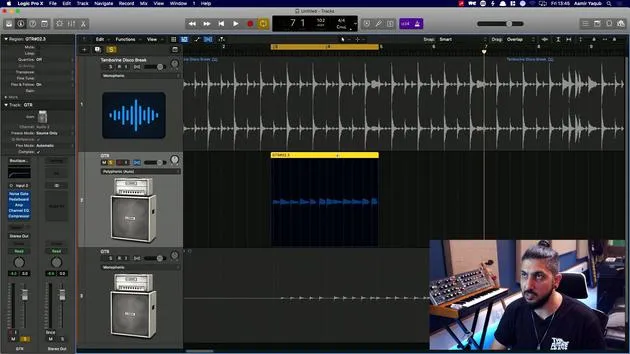
09. Cómo usar Flex Time
10:58
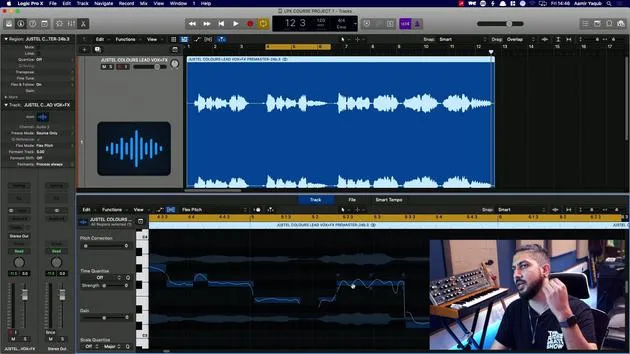
10. Cómo usar Flex Pitch
11:12
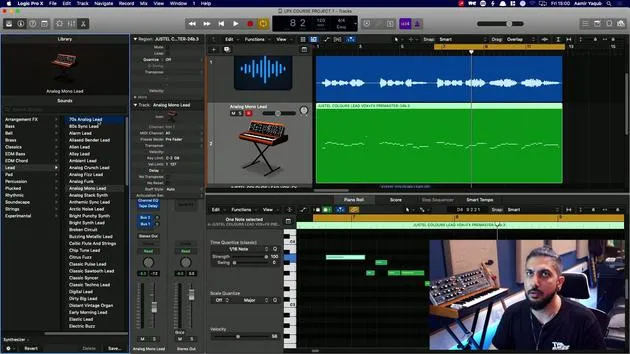
11. Convertir el tono en datos MIDI
3:11
12. Smart Tempo
3:04
13. Parámetros y usos de Varispeed
4:08
14. Tempo de proyecto adaptativo
5:00
Transcripción de la lección
Recording Audio in Logic
So let's talk about recording audio. One thing you're probably going to have to get familiar with is how to record audio into Logic. Now, this is obvious if you're a singer or an instrumentalist, but perhaps not so much so if you're an electronic producer.
Key Points:
- If you're an electronic producer, don't think that you won't have to record audio.
- For instance, if you really want to:
- Record a hardware synth
- Record some live percussion
- Record a vocalist who is top lining on your track
You're going to need to know how to record audio.
Setting Up to Record
Before we dive into how to record, we should take some time to look at how to set up for recording. Recording audio can take place in a number of different ways:
- The most obvious is the use of a microphone.
- We can use guitars and plug them straight into our audio interfaces.
- Other devices we can plug in include hardware synthesizers or turntables.
As you've probably gathered, you'll need to use an audio interface to receive the signals from the devices you choose to record from.
Analog to Digital Conversion
The audio interface does a job of converting the signal from an analog signal into a digital one. This process is known as analog to digital conversion, or simply AD conversion. The digital signal is the one that is recorded into Logic, and it appears in our tracks area as a region.
Inputs and Channel Strips
One thing to note about your audio interface is that you're likely to have one or two inputs, maybe more. The input that you have plugged your instrument or microphone into will have to correspond with the input you select in your audio channel strip.
Signal Flow
Here's how the signal will flow from your microphone or instrument into Logic:
- The microphone or instrument transforms sound pressure waves into an analog electrical signal.
- The microphone preamp amplifies that electrical signal.
- The gain knob on your interface allows you to set a proper recording level to avoid distortion.
- The analog to digital converter transforms the analog electrical signal into a digital data stream.
- The audio interface sends the digital data stream from the converter to the computer.
- Logic Pro saves the incoming data as an audio file, which is displayed on the screen in a region and represented as a waveform (a representation of the sound pressure wave).
Understanding Digital Audio
Understanding digital audio requires a bit of knowledge about what comprises a digital audio file.
Sample Rate and Bit Depth
We have two key elements:
-
Sample Rate
- Digital converters sample the analog signal at fast time intervals, known as the sample rate.
- Example: A sample rate of 44.1 kHz (44,100) takes 44,100 snapshots of the audio per second.
- 44.1 kHz is considered the lowest acceptable sample rate for high-quality audio.
- Higher sample rates take up more file size.
-
Bit Depth
- Bit depth is the resolution of the audio.
- Older gaming consoles had 8-bit sound and then transitioned to 16-bit.
- Logic records by default at 24 bits, which is sufficient for most needs.
Understanding Latency
One final concept to understand when it comes to recording audio is latency.
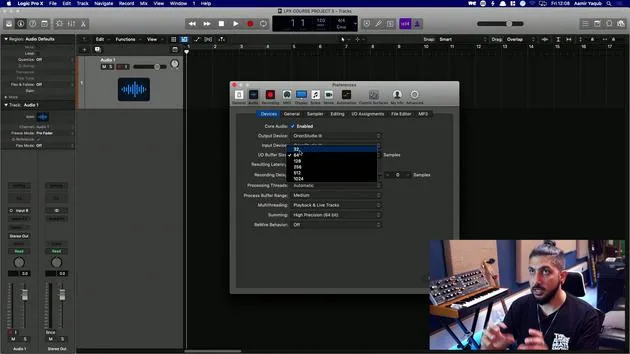
- Latency refers to the delay in time caused by the audio being picked up by your computer, then going into Logic, and finally coming back to you so you can hear it.
- The amount of latency is determined by your buffer size.
- Higher buffer sizes tend to mean higher latency.
- Lower buffer sizes are preferred when recording.
Now that we have a good understanding of these concepts, let's jump into Logic and see how this all comes together in practice!
14 lecciones
1h 22m de lecciones en vídeo estructuradas
Funciones de vídeo avanzadas
Ralentiza, repite un pasaje, sigue la partitura
Móvil, tablet y ordenador
Practica donde quieras
Garantía de satisfacción 100%
30 días de garantía de devolución
Conoce a tu gurú
Conoce a tu gurú
Aamir Yaqub es un productor e ingeniero musical afincado en Londres. Ha trabajado con algunos de los nombres más grandes de la música, entre ellos Alicia Keys, David Guetta, Rihanna, Sia y will.i.am, además de desarrollar a artistas independientes.
A lo largo de sus cursos enseña su flujo de trabajo completo en Logic Pro: desde la interfaz y la grabación, pasando por la creación de ritmos, la síntesis y los efectos MIDI, hasta la mezcla y el acabado de un tema.







