



Grabar una pista de instrumento

Con
Aamir YaqubGraba una parte de guitarra directamente en Logic Pro a través de una entrada de alta impedancia y luego ajusta su timing con Flextime para que encaje limpiamente en la cuadrícula.
Qué incluye el curso
14 lecciones (1h 22m) · 1 gratis
01. Bienvenido a la grabación de audio
0:58
02. Introducción a la grabación de audio
4:47
03. Usar el metrónomo
5:00
04. Hacer tu primera grabación
Lección gratis5:32
05. Comping
13:03
06. Editar audio
9:41
07. Gestionar los archivos del proyecto
3:46
08. Grabar una pista de instrumento
Estás aquí2:06
09. Cómo usar Flex Time
10:58
10. Cómo usar Flex Pitch
11:12
11. Convertir el tono en datos MIDI
3:11
12. Smart Tempo
3:04
13. Parámetros y usos de Varispeed
4:08
14. Tempo de proyecto adaptativo
5:00
Transcripción de la lección
Exploring Flextime in Action
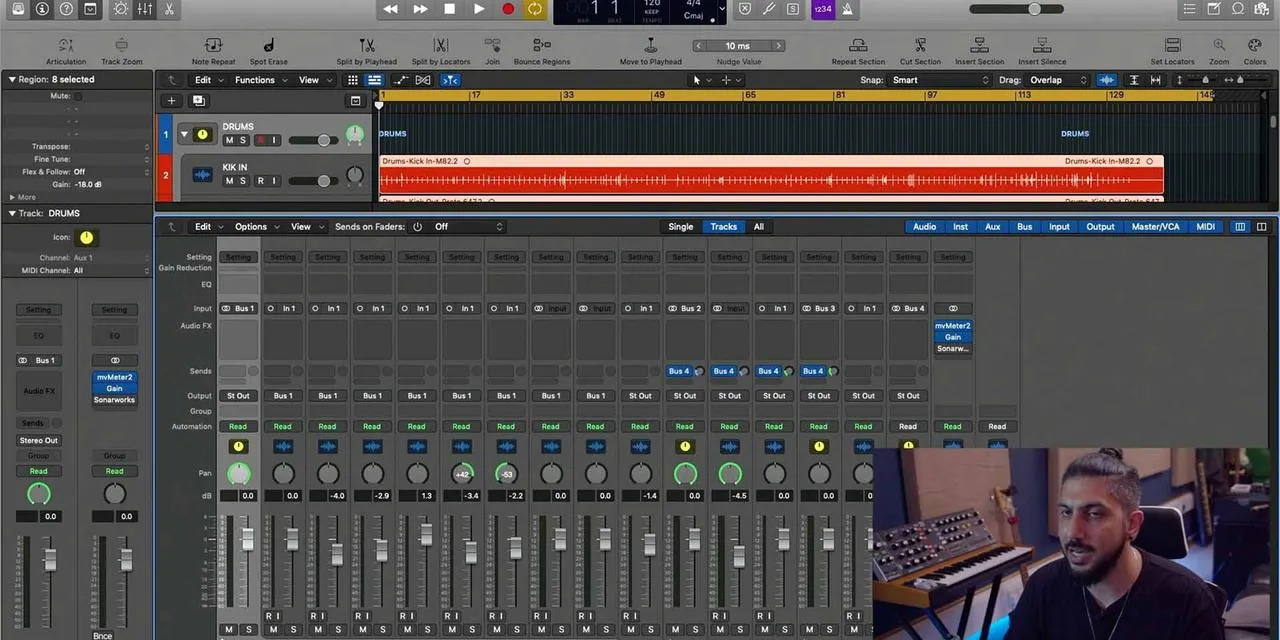
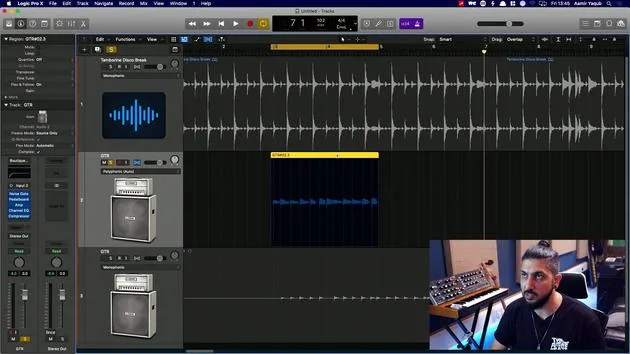
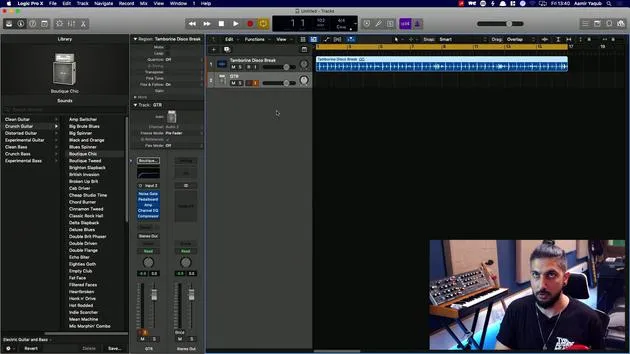
So let's take a look at Flextime in action. To do this, I've imported a basic drum beat from the Apple Loops and I'm going to layer a guitar part or two.
Connecting the Guitar
Now, I'm not the best guitar player in the world, but Flextime always helps me to be a better guitar player, at least a more in-time guitar player.
Just one thing to note:
- I have connected my guitar via a jack to jack cable directly into the front of my audio interface.
- This connection is done through a high Z (or high impedance) connection, which matches the impedance to that of an amp.
Selecting a Sound
I've then selected a patch from the library, an audio patch to give me a guitar sound, which is something like this, because that's the kind of vibe I'm going for.
Recording the Part
So let's just hit record and see what happens.
That's that part in.
What I'm going to do is:
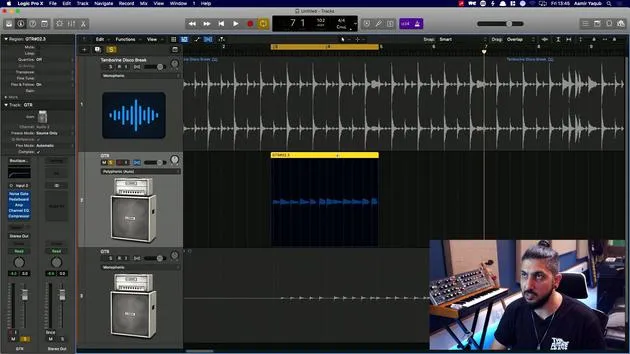
- Duplicate that part
- Add a layer to that, maybe a little bit higher up.
So here we go!
And that would be my parts, obviously. Now, I'll go in and start to work with Flextime to see how we can put those in time onto the grid and get them sounding great.
14 lecciones
1h 22m de lecciones en vídeo estructuradas
Funciones de vídeo avanzadas
Ralentiza, repite un pasaje, sigue la partitura
Móvil, tablet y ordenador
Practica donde quieras
Garantía de satisfacción 100%
30 días de garantía de devolución
Conoce a tu gurú
Conoce a tu gurú
Aamir Yaqub es un productor e ingeniero musical afincado en Londres. Ha trabajado con algunos de los nombres más grandes de la música, entre ellos Alicia Keys, David Guetta, Rihanna, Sia y will.i.am, además de desarrollar a artistas independientes.
A lo largo de sus cursos enseña su flujo de trabajo completo en Logic Pro: desde la interfaz y la grabación, pasando por la creación de ritmos, la síntesis y los efectos MIDI, hasta la mezcla y el acabado de un tema.







