



Aleatorizar MIDI con efectos

Con
Isaac CotecIsaac Cotec usa los efectos MIDI de Ableton para aleatorizar y generar melodías a partir de una sola nota. No olvides descargar el Live set de ejemplo adjunto a esta lección.
Qué incluye el curso
19 lecciones (2h 54m) · 1 gratis
Transcripción de la lección
Generative Music Techniques in Ableton Live
In this video, I'm going to be showing off some techniques around generative music, specifically using MIDI and MIDI instruments.
In Ableton Live, I made a video that provides an overview of what generative music is, just a little introduction. You can check that out on this channel; there will be a link in the description as well. But today, I want to focus on some specific techniques.
Getting Started with MIDI Clips
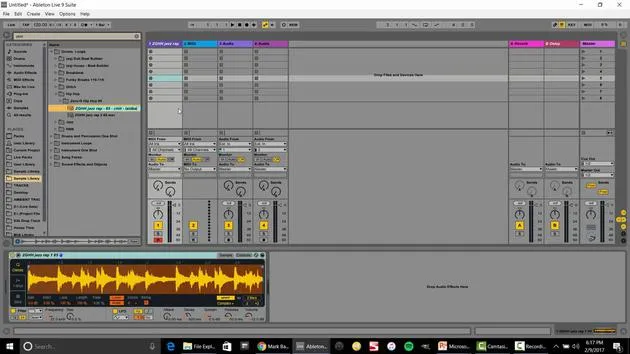
To start, I've got these two clips. If I double-click, we can see this clip in the MIDI editor.
- This is a single note, and I just put it to fold, right?
- Just a single note.
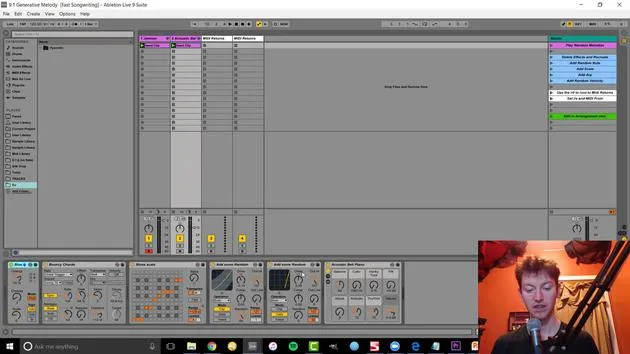
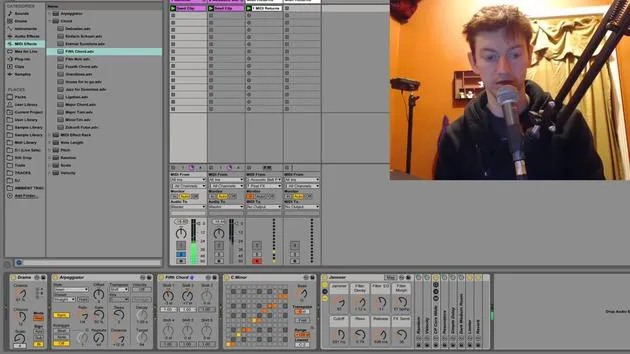
But if I press play on there, we're getting more than just a single note. That's because of my combination of effects that I have right before the instrument. These are all MIDI effects.
- If I play this one, it's more like a melody.
Setting Up MIDI Effects
Let me show how and why I set that up.
-
Delete the Existing Effects
I'm going to delete all these effects so we have just a single note, nothing too complex. -
Add Random Note
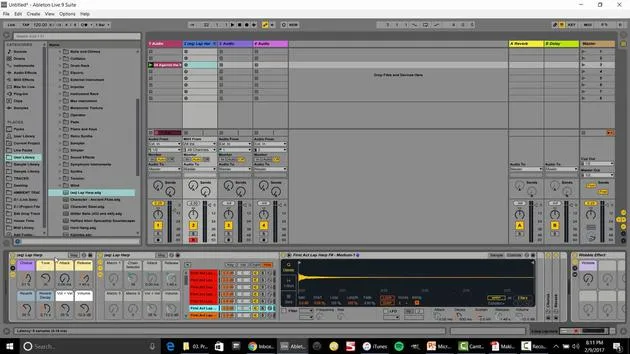
The first thing I like to do is go over to my MIDI effects. In here, I'm going to create a random note.- Go to my MIDI effects, then drag in Random.
- This creates a random note with adjustable chances and scale.
-
Configure Scale
After this, I might want to ensure it's in the same scale. So, I'll go to my scales and drag it in. This makes every note played tied to the note passed into this audio effect or instrument.- If I change this, for instance, every note is now that specific note.
- A great thing about presets, like the major scale, is that it maintains the same structure.
-
Choose a Scale
- For instance, I can put it in C minor and switch to G minor.
-
Introduce Arpeggiator
Next up is an arpeggiator. Currently, we're only randomizing that single note, but I might want something more dynamic.- I can also just make it a single note and then come in with an arpeggiator.
- The arpeggiator style defines the movement, up or down, etc.
Fine-Tuning the Sound
Now, let's change the velocity.
-
Velocity Control
The velocity controls how hard we press a note, usually mapped to volume control.- Right now, it stays the same, so it feels repetitive.
- I want to create a morphing, randomized sound.
-
Random Velocity Range
I might adjust my random settings to allow more variation in note dynamics.
- Note Playback Control
I can also adjust my settings, ensuring there are still moments where no notes are played by modifying the velocity.- Setting limits will result in a varied playback.
Recording and Generating Melodies
So, that's how I create melodies.
- One intriguing idea: record to capture the melodies or sounds I generate.
-
Setting Up MIDI Return
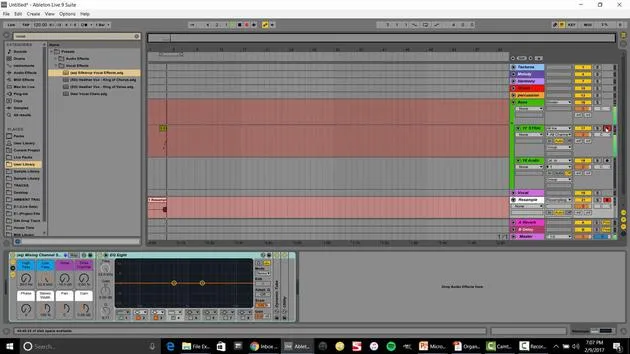
I'll set up a MIDI return. I can say acoustic bells and set it to in. When I press arm, it will record all those notes, allowing me to edit them afterward. -
Editing Notes
Once recorded, I can organize my clips, double them, or delete notes as needed.
Adding More Depth
Now, let's explore how I utilize multiple clips.
- To start, I'll grab these clips and solo them.
- Adjust the scale for a deeper sound and add a lower chord.
- Using Chords
By dragging in a Chord MIDI effect and selecting fifth chords, I can create interesting chordal movements.
Audio Recording Techniques
Currently, we're capturing MIDI, but we could record audio instead.
-
Set Audio Track
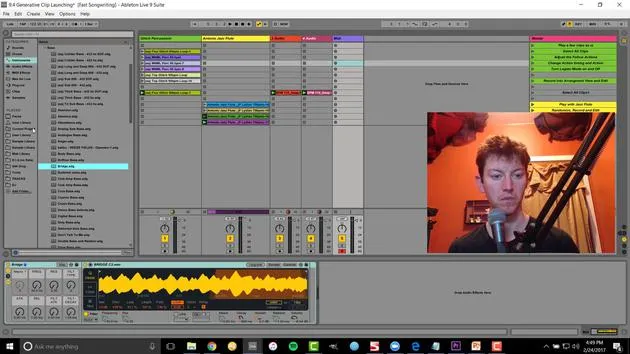
I'll insert an audio track and set this to input from class piano. This way, we're recording audio directly from the MIDI generated sounds. -
Resampling
Setting to audio from resampling means recording everything heard over the main output into this one track.
- I can let this run and pick favorite sounds, allowing creative combinations from varied inputs.
Conclusion
The key takeaway here is that adding randomization requires intentional editing afterward.
- We want an interesting type of random, which can lead to new melodies or textures.
- You can also adjust the bass for further exploration and creative ideas.
Remember: Collaborate with the machine! This method helps overcome writer's block by experimenting until something resonates with you. You might stumble upon a sound you wouldn't have created otherwise.
Additional Resources
That's a peek into using generative music techniques with various MIDI effects in Ableton Live.
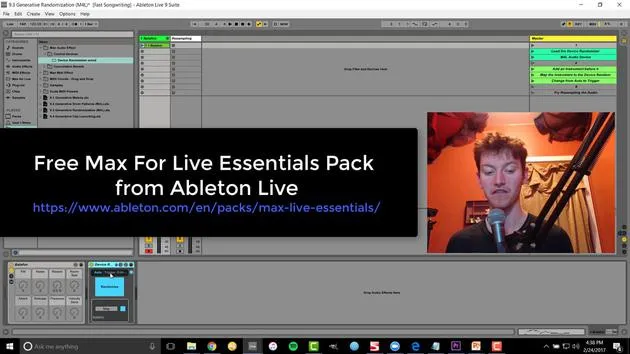
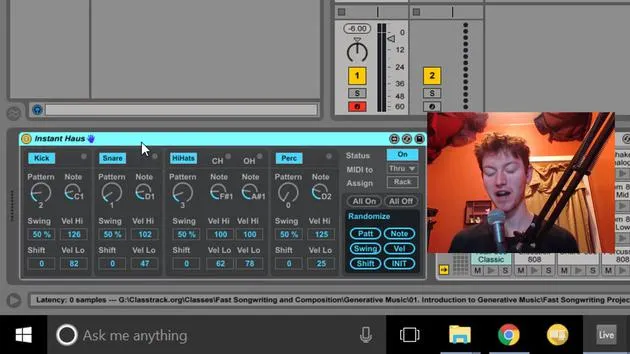
For more insights, check out my Fast Songwriting course and additional videos on Max for Live devices. The course covers:
- File management
- Creating templates
- Building out compositions
Visit subaqueousmusic.com for more information. There will be a link in this video's description. Happy music-making!
19 lecciones
2h 54m de lecciones en vídeo estructuradas
Funciones de vídeo avanzadas
Ralentiza, repite un pasaje, sigue la partitura
Móvil, tablet y ordenador
Practica donde quieras
Garantía de satisfacción 100%
30 días de garantía de devolución
Conoce a tu gurú
Conoce a tu gurú
Isaac Cotec es, posiblemente, ¡uno de los mejores formadores de Ableton del mundo! Mientras trabajaba en su propia música, empezó a enseñar técnicas de grabación, diseño sonoro y Ableton Live a alumnos particulares y, desde que obtuvo su certificación como Ableton Certified Trainer oficial, ha ayudado a miles de productores a mejorar su nivel y triunfar como músicos.
Isaac comenzó a producir música electrónica en 2005 con Psyche Sonics, un grupo experimental que trabajaba con la ciencia y la investigación de los binaural beats y la alteración de la consciencia a través del sonido. Tras salir de gira, siguió componiendo música bajo el alias Cotec y más tarde surgió como el artista Subaqueous, fusionando su pasado electrónico con técnicas de producción tanto futuristas como orgánicas. Hasta la fecha ha publicado 3 álbumes y 4 EPs.
Isaac es también fundador y gerente del sello discográfico Invibe Music, que representa a algunos de los mejores artistas de música electrónica del Pacífico Noroeste y se especializa en dance de midtempo.
En sus cursos de Ableton Live, Isaac comparte las técnicas de producción, diseño sonoro y composición que ha pasado años perfeccionando: justo las habilidades que emplea para convertir la chispa de una idea en un tema terminado.







