



EXTRA: plantilla de producción

Con
Isaac CotecComo extra adicional, aquí tienes un recorrido en vídeo por mi plantilla de producción. Funcionará con Live Standard y Suite. Tiene algunos racks de efectos de audio y el enrutamiento que me gusta para mi plantilla de producción. No olvides descargar el Live Set adjunto a esta lección.
Qué incluye el curso
19 lecciones (2h 54m) · 1 gratis
Transcripción de la lección
Production Template Overview
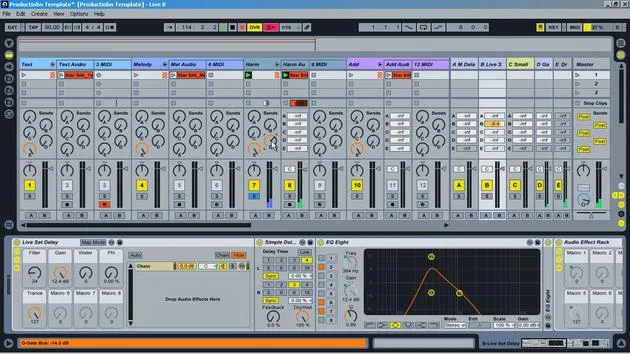
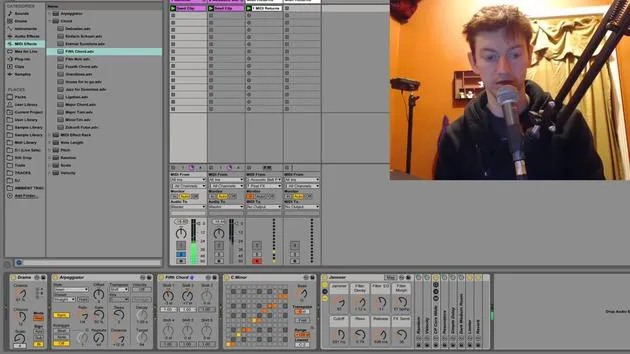
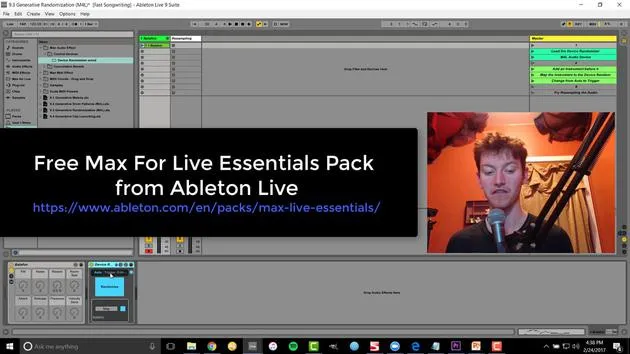
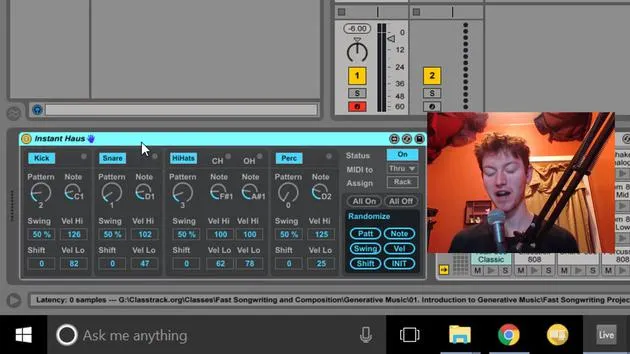
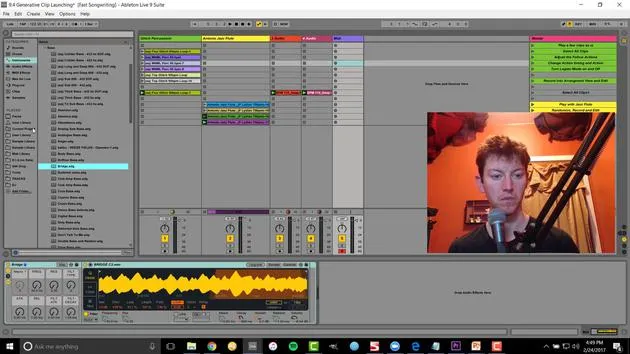
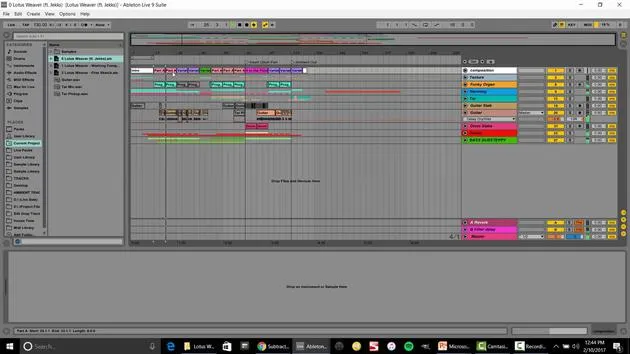
In this video, I'm going to run through the production template I put together. After years of knowledge dealing with track creation, different effects, and file management, I've designed this production template as a quick and easy way to sit down and start producing with all my tools at the ready.
Template Structure
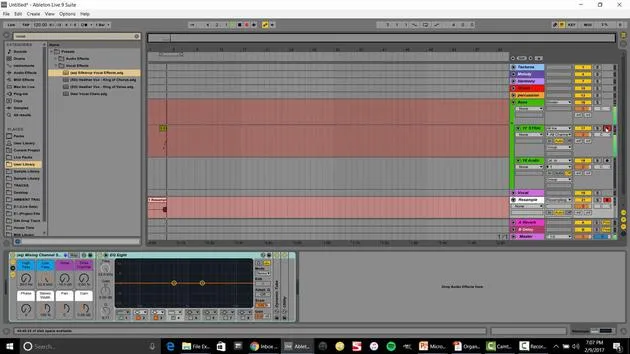
Color-Coded Groups
- Texture
- Melody
- Harmony
- Add: Includes any type of percussion that isn't a traditional percussion sound, like a stab.
- Percussion Beats
- Kicks: Different from the beats due to unique EQ and utilizaion.
- Snares and Hi-Hats
- Bass: This is where I'll have my sub-bass and multiple different basses.
Grouping Tracks
The reason I group these elements is that:
- All tracks (audio and MIDI) are sent into the group.
- I can EQ and control the final volume for that group.
- When I finish a track, I can solo it and bounce down that group to get the stem.
I utilize an 8 stem system, making it easy to translate into my live set.
Channel Strips
Each group has its own EQ settings, allowing for straightforward adjustments. Within each group, there's a basic channel strip, which allows me to:
- Adjust volume and pan easily.
- Automate volume settings directly within the track.
- Control final volume adjustments during mix down while retaining all automation.
Sends and Returns
A unique aspect of my production template involves the sends and returns.
- Each group routes through the sends only; they don't go directly to the master but to a send first.
- I've labeled these sends with "E" for easy identification.
Return Tracks
- Dry Return Track: No effects, going straight to the master.
- Effects Sends:
- Master Delay: For creating cool delay sounds.
- Dub Delay: Utilized in live sets, adjustable feedback control.
- Small Room Reverb: Great for gluing together different elements with a cohesive sound.
- Gate Bus: Allows for choosing different gate sounds and adding gate effects on top of the dry signal.
Example Demonstration
Let's unsolo and play the whole track to hear all the different parts in action. I can then access my E key for melodies, harmonies, and so on.
Compatibility
This production template works in Live 8 and Live 9. You can open it up and start producing immediately.
I will leave these stems here for you to explore how and why I separated them. Start playing around with it and get right to creating!
19 lecciones
2h 54m de lecciones en vídeo estructuradas
Funciones de vídeo avanzadas
Ralentiza, repite un pasaje, sigue la partitura
Móvil, tablet y ordenador
Practica donde quieras
Garantía de satisfacción 100%
30 días de garantía de devolución
Conoce a tu gurú
Conoce a tu gurú
Isaac Cotec es, posiblemente, ¡uno de los mejores formadores de Ableton del mundo! Mientras trabajaba en su propia música, empezó a enseñar técnicas de grabación, diseño sonoro y Ableton Live a alumnos particulares y, desde que obtuvo su certificación como Ableton Certified Trainer oficial, ha ayudado a miles de productores a mejorar su nivel y triunfar como músicos.
Isaac comenzó a producir música electrónica en 2005 con Psyche Sonics, un grupo experimental que trabajaba con la ciencia y la investigación de los binaural beats y la alteración de la consciencia a través del sonido. Tras salir de gira, siguió componiendo música bajo el alias Cotec y más tarde surgió como el artista Subaqueous, fusionando su pasado electrónico con técnicas de producción tanto futuristas como orgánicas. Hasta la fecha ha publicado 3 álbumes y 4 EPs.
Isaac es también fundador y gerente del sello discográfico Invibe Music, que representa a algunos de los mejores artistas de música electrónica del Pacífico Noroeste y se especializa en dance de midtempo.
En sus cursos de Ableton Live, Isaac comparte las técnicas de producción, diseño sonoro y composición que ha pasado años perfeccionando: justo las habilidades que emplea para convertir la chispa de una idea en un tema terminado.







