



Clips y audio generativos

Con
Isaac CotecIsaac Cotec muestra cómo usar las follow actions y los modos de lanzamiento de Ableton para aleatorizar clips de audio y generar nuevos loops de percusión e ideas.
Qué incluye el curso
19 lecciones (2h 54m) · 1 gratis
Transcripción de la lección
Generative Clip Launching: A Fun Approach to Percussion Ideas
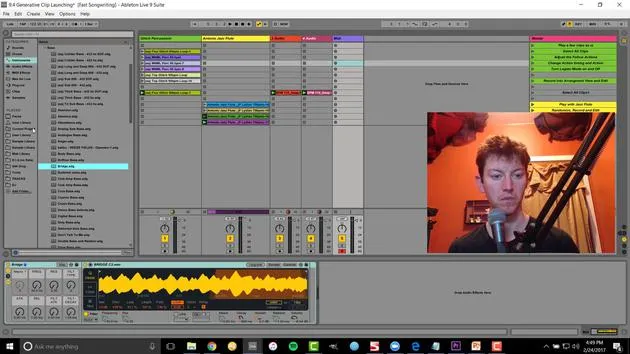
Alright! The last trick I'd like to show off is generative clip launching. This is a really fun way to come up with new percussive ideas.
The Concept
The idea here is using randomization between clips. We have a logical constraint with the clips we're using, specifically, we're selecting ones that work well together. Then, we'll edit the final outcome to discover a new percussion sound that we like.
Getting Started
-
Select Your Samples
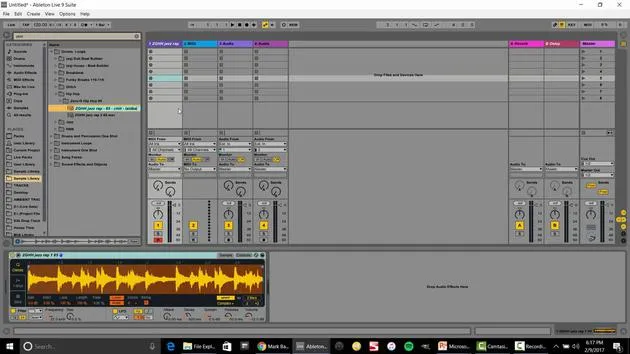
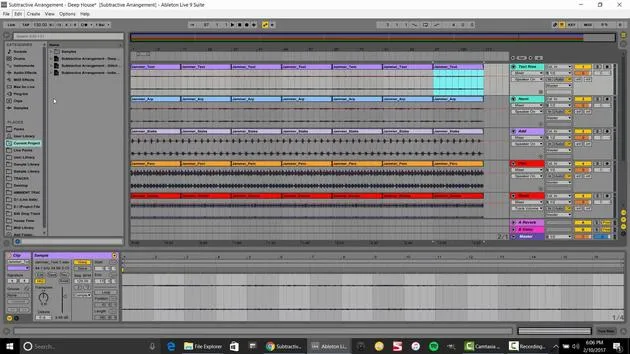
For instance, I've got a collection of weird little samples. Playing just one might be cool and could fit perfectly in my production, but I might want to change it somehow. -
Using Randomization
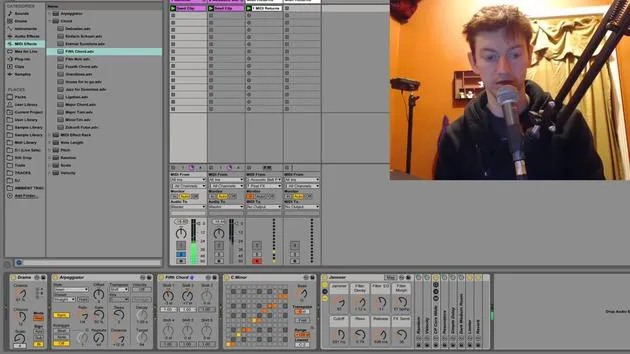
- If I select all of these clips, I go over to my launch controls and access the follow actions.
- Set it to play other, meaning it's playing any other sample every one bar.
- To increase variation, let's try this every one beat. Now we're creating moving, morphing sounds.
-
Adjusting the Timing
I have to select all of them again and set this to two quarter notes. Now we're really moving and have a cool, evolving sound!
Solving Playback Issues
One issue we might encounter is that when it plays these samples, it always starts from the beginning. To fix this:
- Select all of them and hit legato.
- This means that wherever the sample was playing from, it will continue from that position for the next sample.
Quote:
"This way it's not always starting at the beginning, and you'll hear a slight difference. I think that flows really well."
Recording the Results
To record this evolving sound:
- Hit the arrangement record button to save it in the arrangement view.
Now, to make it a little more interesting, I'll drag in some house samples and speed it up a bit. Let's add a touch of percussion.
Final Edits
After adding new sounds, I would:
- Figure out what worked and what didn't,
- Delete unwanted parts, or
- Drag out sections until I achieve the sound I want.
Example:
You can see how I can quickly create a morphing idea.
- Select everything.
- Right-click and consolidate.
- Bounce it back over into my session view.
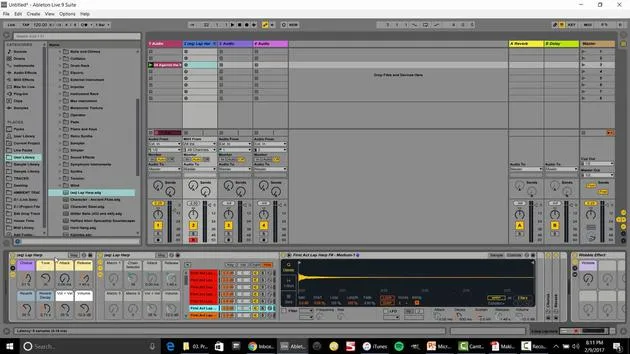
Let's do the same thing with this jazz flute.
- Set the follow action to one to other (it looks like I already set this in the file).
- Now it randomly moves between different samples while maintaining harmony, thanks to legato mode.
Adding Additional Layers
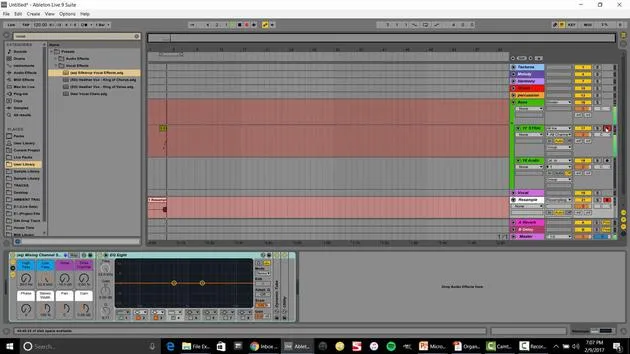
Next, I want to start incorporating some basslines. By adding generative randomization to the bass, we can create a compelling track.
- Insert a MIDI track and select some type of bass from the instrument rack.
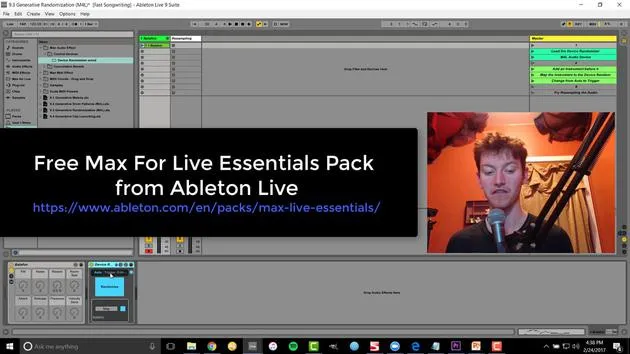
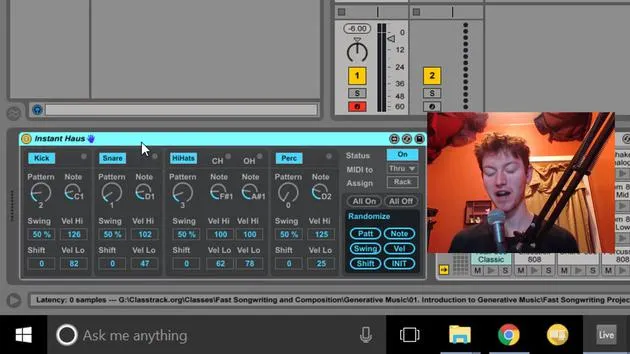
- Set up the device randomization.
- Write a bass sequence (for example, in F Lydian).
Observations:
- When we double the loop and activate randomization, we can hear a significant difference.
- Open up the parameters to create a very smooth curve over time.
Final Touches
One thing to note is that if you notice changes to the attack and other parameters, you may want to turn that off for clearer results.
Key Takeaway:
Editing is essential, whether bouncing to audio or tweaking parameters, to get exactly what you want out of the randomization.
Closing Thoughts:
These techniques are fantastic ways to make music. Think of generative music as another collaborator in the room. If you ever get stuck, just introduce some randomization, see what develops, record it, and edit. It might inspire you with ideas you wouldn't have come up with on your own.
There you go, some fun techniques that I love using in the studio!
19 lecciones
2h 54m de lecciones en vídeo estructuradas
Funciones de vídeo avanzadas
Ralentiza, repite un pasaje, sigue la partitura
Móvil, tablet y ordenador
Practica donde quieras
Garantía de satisfacción 100%
30 días de garantía de devolución
Conoce a tu gurú
Conoce a tu gurú
Isaac Cotec es, posiblemente, ¡uno de los mejores formadores de Ableton del mundo! Mientras trabajaba en su propia música, empezó a enseñar técnicas de grabación, diseño sonoro y Ableton Live a alumnos particulares y, desde que obtuvo su certificación como Ableton Certified Trainer oficial, ha ayudado a miles de productores a mejorar su nivel y triunfar como músicos.
Isaac comenzó a producir música electrónica en 2005 con Psyche Sonics, un grupo experimental que trabajaba con la ciencia y la investigación de los binaural beats y la alteración de la consciencia a través del sonido. Tras salir de gira, siguió componiendo música bajo el alias Cotec y más tarde surgió como el artista Subaqueous, fusionando su pasado electrónico con técnicas de producción tanto futuristas como orgánicas. Hasta la fecha ha publicado 3 álbumes y 4 EPs.
Isaac es también fundador y gerente del sello discográfico Invibe Music, que representa a algunos de los mejores artistas de música electrónica del Pacífico Noroeste y se especializa en dance de midtempo.
En sus cursos de Ableton Live, Isaac comparte las técnicas de producción, diseño sonoro y composición que ha pasado años perfeccionando: justo las habilidades que emplea para convertir la chispa de una idea en un tema terminado.







