



Ajustar la estructura del tema

Con
John Watson
Qué incluye el curso
14 lecciones (2h 26m) · 2 gratis
01. Primeros pasos y configuración
3:21
02. Gestionar una biblioteca de samples
Lección gratis4:34
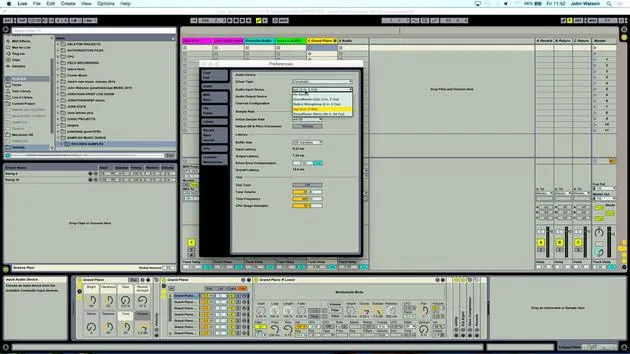
03. Preferencias de Ableton
1:14
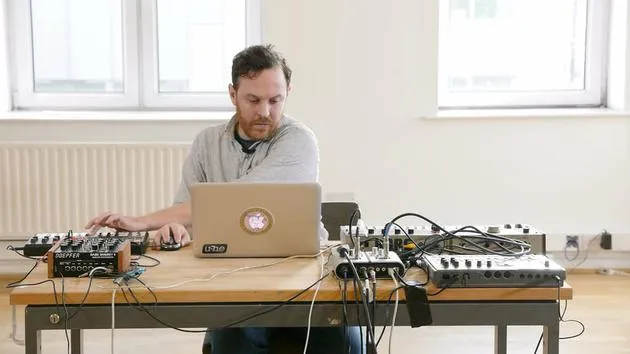
04. Usar samples: los dispositivos Simpler y Sampler
7:04
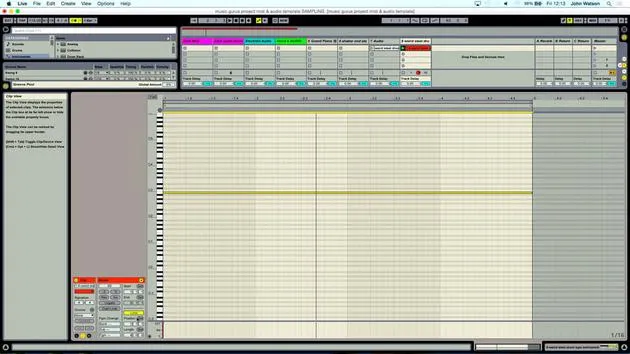
05. Usar samples en tu track (recortar, estirar, afinar, ecualizar)
12:56
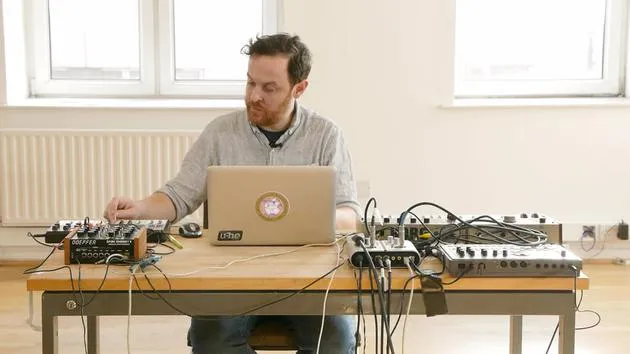
06. Añadir cuerdas y flautas sampleadas
7:28
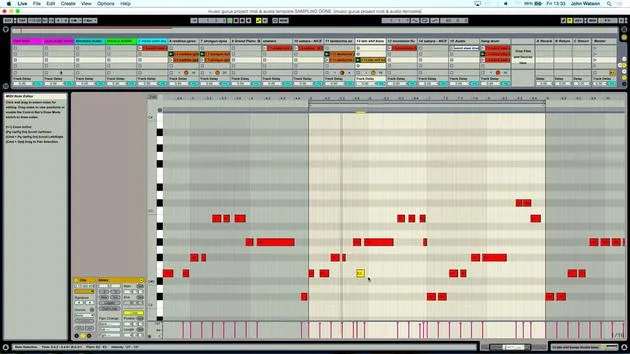
07. Añadir ritmo sampleado: bombos y cajas
25:07
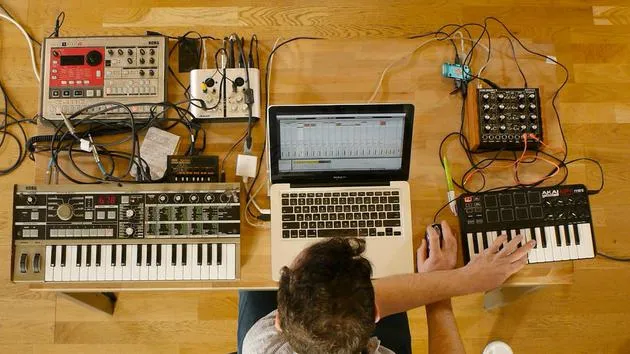
08. Samplear instrumentos externos - caja de ritmos y sintetizador
12:28
09. Crear las partes en la vista Session
13:55
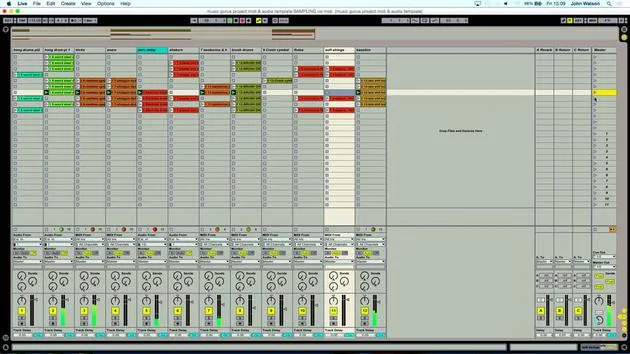
10. Grabar la canción en la vista Arrange
4:34
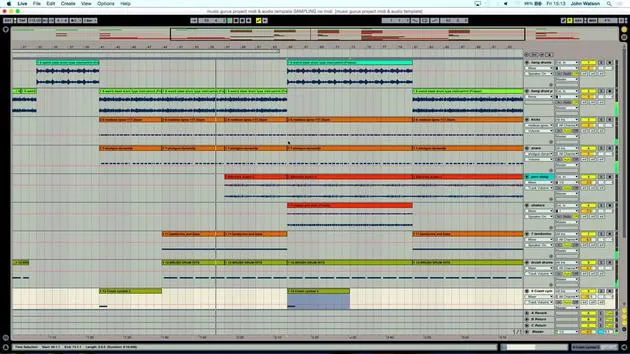
11. Ajustar la estructura del tema
Estás aquí5:35
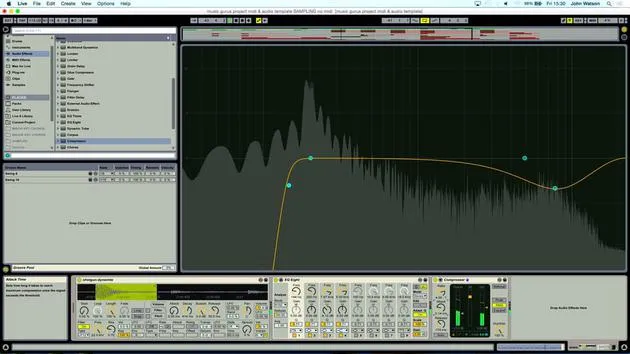
12. Mezclar el tema: efectos
21:24
13. Ajustes finales
13:14
14. EXTRA: Masterizar tu tema y subirlo a Soundcloud
Lección gratis13:31
Transcripción de la lección
Music Lesson: Mixing Techniques
And there we have it, really. So I've got to obviously fine-tune it a little bit. Let's come in and have a little look.
Step-by-Step Process
-
Reviewing the Track
I'm going to come back to the beginning and just start to include a little bit more variation here. I will grab this little section and double click. -
Reversing Section
I'm just going to reverse this part kind of just before the breakdown section. -
Adjusting Percussion
Also going to kill some of the percussion. That as well. -
Saving Changes
Give it a save as well. -
Cymbal Crash
Copy my cymbal crash over to really highlight the big changes in the track. -
Adjusting Baseline
Bring the baseline up a little bit. If I can delete a few bits, no. Just trying to keep the variation happening. -
Fading Out
Fade out here with the volume as well. So let me just grab the track volume here.
Volume Automation
What I want to do is click a couple of times while my mixer and track volume are selected and do a little fade out of the hang drums.
- The first thing to do is to pull down this node here.
- I was quite comfortable with that volume level.
- So we're now fading out in a very, very linear way.
Introducing Curves
Now, what I'm going to do is introduce a curve by pressing down Alt and then just popping in a curve like so. This will create a nice gradual fade out.
Final Touches
-
Dropping Elements
Let's just come back here and maybe start to drop some of these elements in the final section. -
Shortening Elements
I think maybe it's time to shorten a few elements here. Selecting this entire region, I will grab this region above now and just move this in. -
Removing Hang Drums
In fact, it's actually quite nice without the hang drums there. -
Volume Automation
I've brought the automation volume down and it has stayed down for this part. I actually quite like that. -
Deleting Unwanted Sections
I'm going to delete this so that now we just have some of the strings, the bass, and some of the percussion. -
Fading Out Elements Again
What I might do as well is just start to fade some of these elements out.
- Let's bring on our track volume here and just play some fade out.
- I'm going to use Alt again to get a little curve happening to make things sound a little bit more natural.
Conclusion
Okay, so I'm happy with that. The next stage now really is to start mixing the track and just make things sound a little bit more polished.
14 lecciones
2h 26m de lecciones en vídeo estructuradas
Funciones de vídeo avanzadas
Ralentiza, repite un pasaje, sigue la partitura
Móvil, tablet y ordenador
Practica donde quieras
Garantía de satisfacción 100%
30 días de garantía de devolución
Conoce a tu gurú
Conoce a tu gurú
Tras hacer prácticas con Dave Allen, productor de Depeche Mode y The Cure, John se sintió inspirado para estudiar Tecnología Musical en Londres. Su carrera musical despegó tras un exitoso fichaje por CookShop Records, con el que publicó 9 sencillos y un álbum en 2007 que recibió críticas entusiastas de Q, Uncut y Lowdown Magazine, además de sonar en XFM y Radio One.
John empezó a formarse como ingeniero de sonido en el estudio Bonafide en 2005, donde perfeccionó su talento, y ese mismo año fundó Jackdaw Recordings. Ha colaborado con numerosos artistas de éxito y, en 2007, comenzó a tocar para el músico pop Patrick Wolf, actuando en salas de primer nivel tanto en el Reino Unido como a nivel internacional, incluidos The Astoria y el Shepherds Bush Empire.
Desde su estudio londinense, John ahora compone música, con dos lanzamientos más en CookShop, se ocupa de la ingeniería de sonido para artistas destacados y crea diseño sonoro para anuncios de televisión, cine, teatro y vídeo corporativo.
Esa infrecuente combinación de compositor, productor e ingeniero de estudio en activo es justo lo que John aporta a su enseñanza. En Creative Composition & Production in Ableton Live y Creative Sampling & Production in Ableton Live, te muestra cómo transforma ideas en bruto en temas terminados y listos para publicar: la composición, el sampleo, el diseño sonoro y el saber hacer práctico de la ingeniería que hay detrás de un disco profesional.







