



Grabar la canción en la vista Arrange

Con
John Watson
Qué incluye el curso
14 lecciones (2h 26m) · 2 gratis
01. Primeros pasos y configuración
3:21
02. Gestionar una biblioteca de samples
Lección gratis4:34
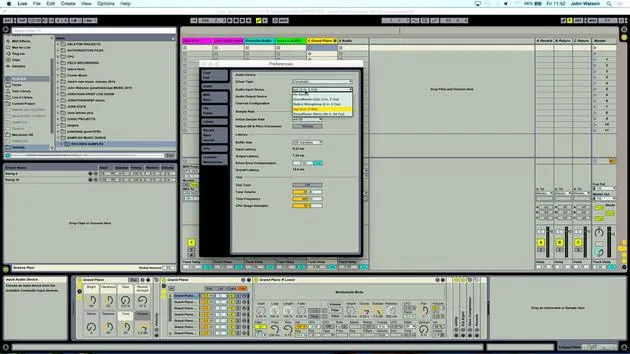
03. Preferencias de Ableton
1:14
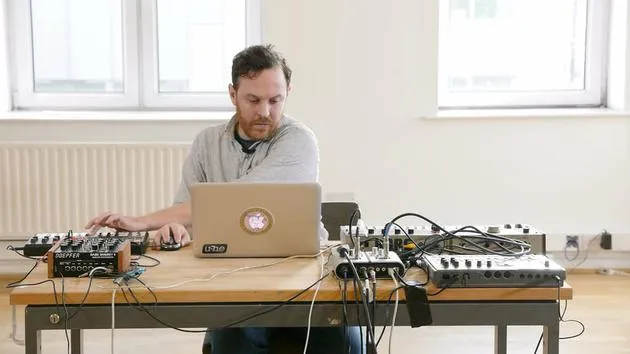
04. Usar samples: los dispositivos Simpler y Sampler
7:04
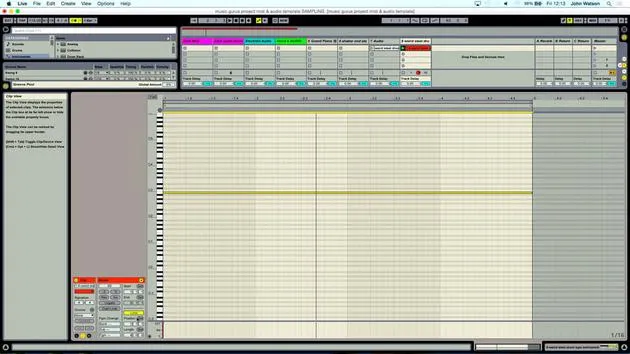
05. Usar samples en tu track (recortar, estirar, afinar, ecualizar)
12:56
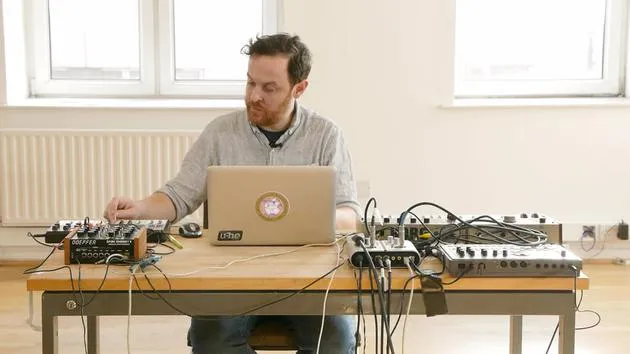
06. Añadir cuerdas y flautas sampleadas
7:28
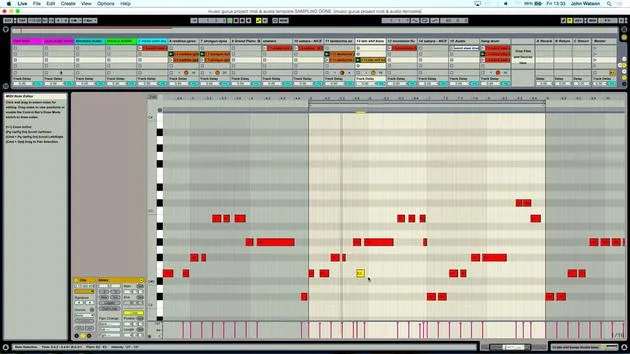
07. Añadir ritmo sampleado: bombos y cajas
25:07
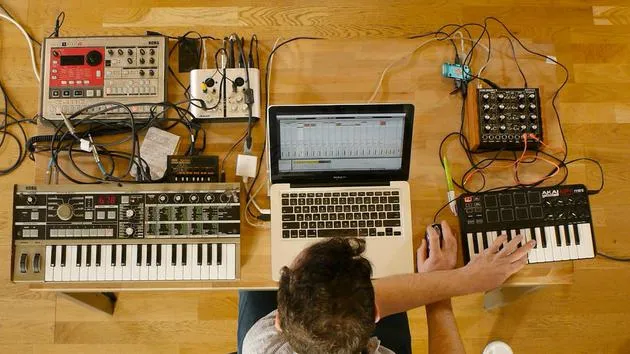
08. Samplear instrumentos externos - caja de ritmos y sintetizador
12:28
09. Crear las partes en la vista Session
13:55
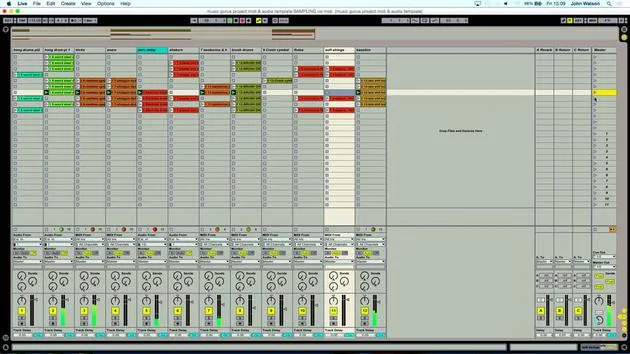
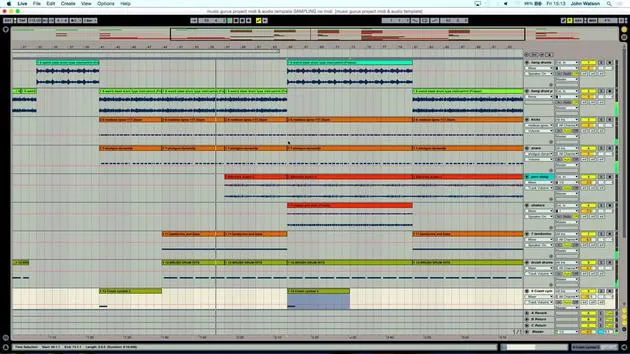
10. Grabar la canción en la vista Arrange
Estás aquí4:34
11. Ajustar la estructura del tema
5:35
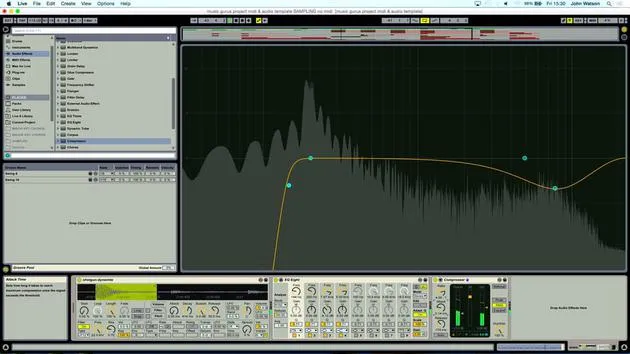
12. Mezclar el tema: efectos
21:24
13. Ajustes finales
13:14
14. EXTRA: Masterizar tu tema y subirlo a Soundcloud
Lección gratis13:31
Transcripción de la lección
Music Lesson: Recording Scenes in Ableton
Okay, so I've just really done the pre-structure. Now the idea is to get this into what we call a range view.
Recording Scenes
- By pressing Tab on my keyboard, I've got a range view set.
- I need to record these scenes now.
Stopping the Scenes
- I will press Stop twice to stop all the scenes, so nothing can start spontaneously.
- I can come up to the top scene and start to record this in.
Starting the Recording
- I will hit Record and Play.
- Just before Ableton starts recording, I pop the metronome on at this point as well, so I can really hear the rhythm.
- I'm just jamming these scenes in here just before the next bar comes in.
Adjusting the Metronome
- If I click just before, I can now take this metronome off and sit with the strings.
- The strings play for quite a long time, so I double-click these.
Launching the Next Scene
- I really want to wait for all of these other parts to come in, so I'm nearly there.
- Time to launch the hang drums with the main drum.
Creating Contrast
- You've got a nice contrast between the more relaxed intro and, as things start to get going, it feels a little bit better.
Continuing with the Next Scene
- Back in with the strings again, a slightly longer clip.
- I'm just taking my time and working out that we've got 16 bars, possibly 32.
Conclusion
- Coming towards the end now, you can see what's happening.
- When I press Tab, everything's being recorded in and it's going to jump to the last scene now.
- There we have it! I've got to fine-tune it a little bit.
14 lecciones
2h 26m de lecciones en vídeo estructuradas
Funciones de vídeo avanzadas
Ralentiza, repite un pasaje, sigue la partitura
Móvil, tablet y ordenador
Practica donde quieras
Garantía de satisfacción 100%
30 días de garantía de devolución
Conoce a tu gurú
Conoce a tu gurú
Tras hacer prácticas con Dave Allen, productor de Depeche Mode y The Cure, John se sintió inspirado para estudiar Tecnología Musical en Londres. Su carrera musical despegó tras un exitoso fichaje por CookShop Records, con el que publicó 9 sencillos y un álbum en 2007 que recibió críticas entusiastas de Q, Uncut y Lowdown Magazine, además de sonar en XFM y Radio One.
John empezó a formarse como ingeniero de sonido en el estudio Bonafide en 2005, donde perfeccionó su talento, y ese mismo año fundó Jackdaw Recordings. Ha colaborado con numerosos artistas de éxito y, en 2007, comenzó a tocar para el músico pop Patrick Wolf, actuando en salas de primer nivel tanto en el Reino Unido como a nivel internacional, incluidos The Astoria y el Shepherds Bush Empire.
Desde su estudio londinense, John ahora compone música, con dos lanzamientos más en CookShop, se ocupa de la ingeniería de sonido para artistas destacados y crea diseño sonoro para anuncios de televisión, cine, teatro y vídeo corporativo.
Esa infrecuente combinación de compositor, productor e ingeniero de estudio en activo es justo lo que John aporta a su enseñanza. En Creative Composition & Production in Ableton Live y Creative Sampling & Production in Ableton Live, te muestra cómo transforma ideas en bruto en temas terminados y listos para publicar: la composición, el sampleo, el diseño sonoro y el saber hacer práctico de la ingeniería que hay detrás de un disco profesional.







