



Samplear instrumentos externos - caja de ritmos y sintetizador

Con
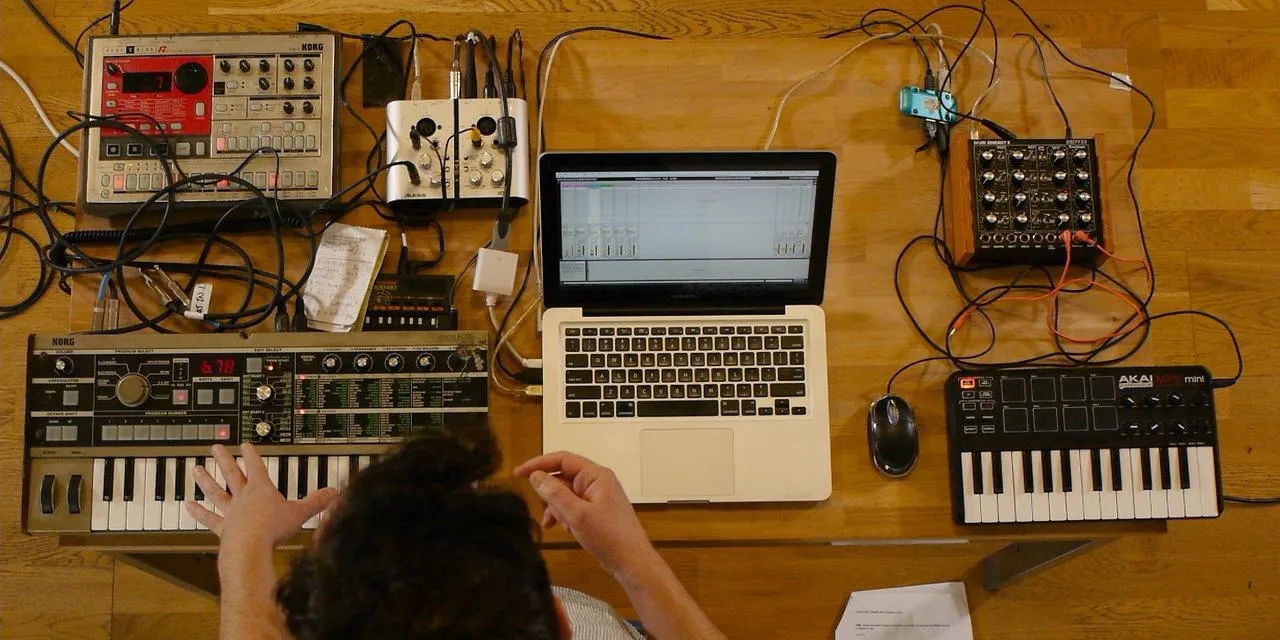
John WatsonEntiende cómo John samplea su caja de ritmos Korg Electribe en Ableton Live. Incluye el uso del delay del Korg Monotron para añadir efectos en directo.
Qué incluye el curso
14 lecciones (2h 26m) · 2 gratis
01. Primeros pasos y configuración
3:21
02. Gestionar una biblioteca de samples
Lección gratis4:34
03. Preferencias de Ableton
1:14
04. Usar samples: los dispositivos Simpler y Sampler
7:04
05. Usar samples en tu track (recortar, estirar, afinar, ecualizar)
12:56
06. Añadir cuerdas y flautas sampleadas
7:28
07. Añadir ritmo sampleado: bombos y cajas
25:07
08. Samplear instrumentos externos - caja de ritmos y sintetizador
Estás aquí12:28
09. Crear las partes en la vista Session
13:55
10. Grabar la canción en la vista Arrange
4:34
11. Ajustar la estructura del tema
5:35
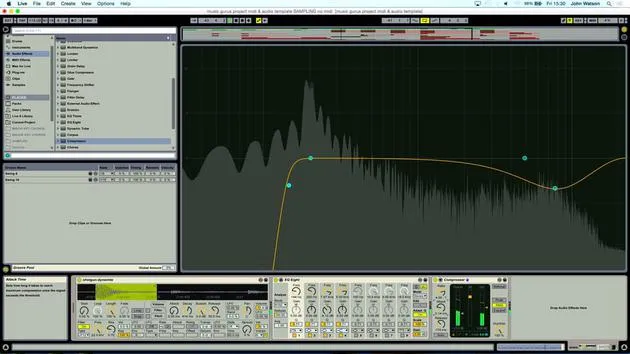
12. Mezclar el tema: efectos
21:24
13. Ajustes finales
13:14
14. EXTRA: Masterizar tu tema y subirlo a Soundcloud
Lección gratis13:31
Transcripción de la lección
Music Lesson: Sampling Techniques with Electribe and Korg Monotron
Introduction
Okay, so I'd like to kind of move away from my samples folder. Everything is just kind of, you know, using other people's sounds. I want to deliberately create something that I can then sample.
Equipment Setup
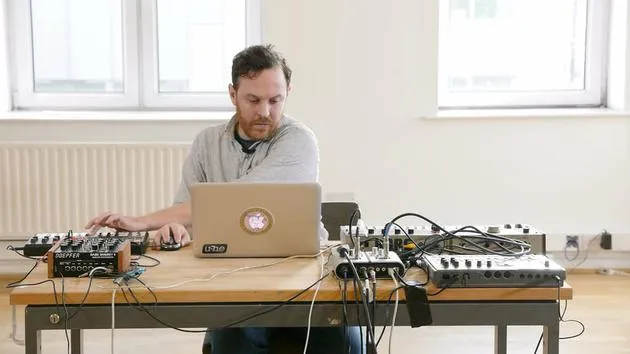
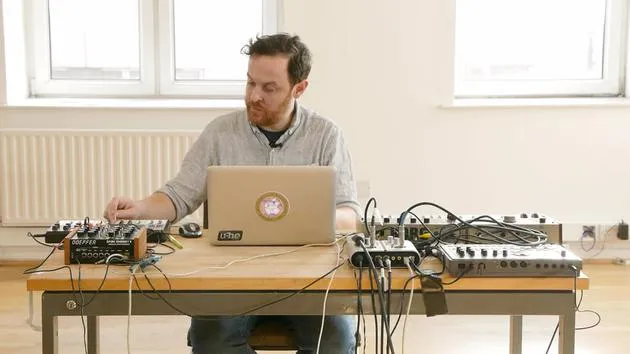
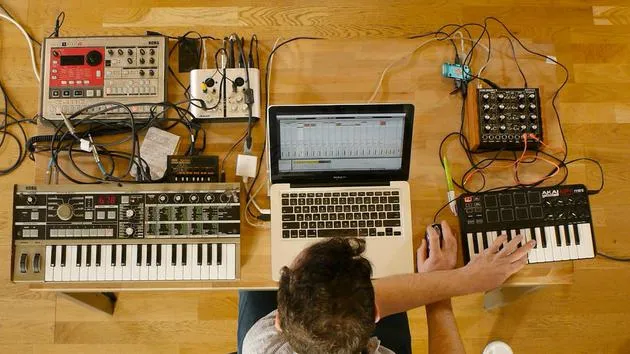
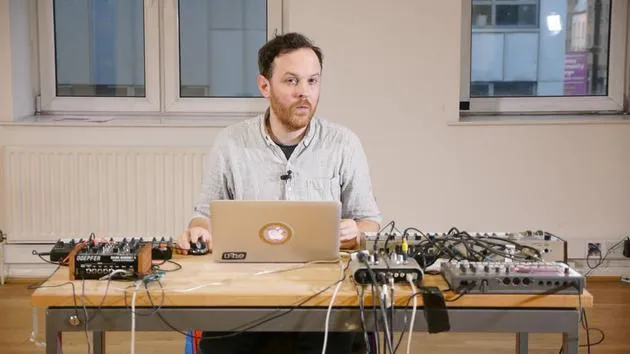
I've got the Electribe drum machine here and I'll talk a little bit about how I've routed this through to the Korg Monotron.
- The Korg Monotron is going to add a little bit of filtering, some delay effects to a percussive loop.
- I've selected a pattern that doesn't have a kick drum; it emphasizes the snare, which should work along with the rest of the beat.
Routing Explanation
- I'm using an existing pattern that's already stored in here.
- I took the headphone output as a stereo jack into the stereo input of the Monotron.
- Then, I've split the output into the left and right channels on the sound card.
Playing the Beat
Now I can play this beat and do some filtering. I've got a delay time that I can play around with.
Tempo Settings
To get this into my project, I need to note the tempo:
- Tempo: 115 beats per minute
I'll scroll back to 115 so when I play the track, I'll be in the right place.
Arming the Track
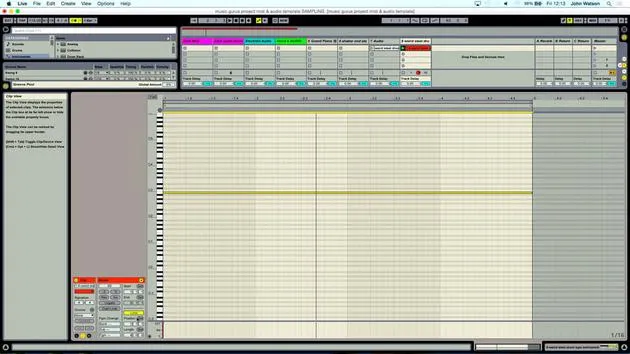
Let's go ahead and arm this track. I have a track already set up labeled Electribe audio with record enabled.
When I play the pattern, you can see it's coming through. I'm going to approach this with a free reign to edit and capture the best bits that I create.
Metronome and Recording
- Let's engage the metronome and arm the record function.
- I reckon I've got a little something there, so I'll check out the track now.
Let's also turn off the Monotron and deactivate the record, which will stop the sound coming through again.
Reviewing the Track
Let's play the track back. I remember the second half was more creative in terms of filtering on the Monotron.
Listening for Loop Points
Let's have a listen. Maybe this section, where the filter begins to open and then closes again, might loop a bit better.
- Result: I'm quite liking that!
Adding Variation
So far, we have a constant pattern coming from the hang drums. I'd like to add a bit of variation for better structure.
Unfreezing the Hang Drum Track
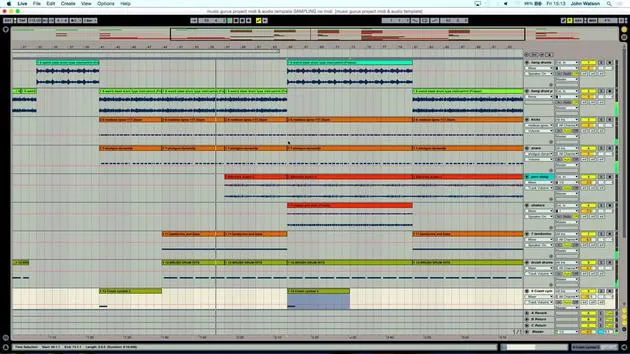
I'll go back over to my hang drum track, which I still had frozen.
- Unfreezing it gives me access to the parameters in the simpler device.
- I'll also unmute it by turning on the yellow button to hear the sound.
Finding Interesting Sections
I remember I played the sample in on the B, but let's explore if there's another interesting section in this sample.
- Something interesting to discover a bit later in the sample.
- Starts getting noisy with various sounds, a good idea to pull it back a bit further.
Counting for Loop Creation
I'll count along to get a four or eight-bar loop:
- Counting: 1, 2, 3, 4. 1, 2, 3, 4.
This could work quite nicely, so I'll grab the endpoint to ensure I have a good loop.
Adjusting the Sample
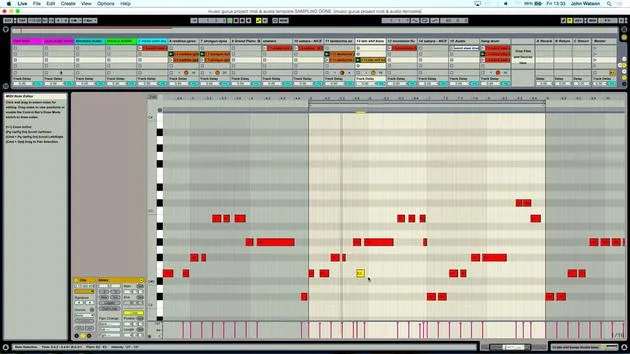
I recorded the note triggering the simpler. It's still in the same key, so I'll copy this clip down to the lower section.
Listening to the Loop
Let's listen to see if we get a good loop.
- Not too bad; I can extract an audio file from it and use warp markers for better looping.
- It was a bit abrasive the way it came in, so I'll soften the front by adjusting the attack time.
Final Adjustments
Let's freeze the track, add another audio track, and copy over the freeze. Now we have an audio version where we can adjust any lags where the sample might go too fast or slow.
Listening Again
Let's listen to the sample again. It starts coming out around this point, but I think we need to move this hit point in a bit.
- I'll adjust a few markers as necessary, taking care with the endpoints.
Changing Beats Mode
I'll also change the beats mode to Complex Pro for smoother stretching of the audio.
Conclusion
I'm close to finalizing it. I'm happy with the variations in sound between this new version and the original hang drum, which will help with structuring the overall piece.
14 lecciones
2h 26m de lecciones en vídeo estructuradas
Funciones de vídeo avanzadas
Ralentiza, repite un pasaje, sigue la partitura
Móvil, tablet y ordenador
Practica donde quieras
Garantía de satisfacción 100%
30 días de garantía de devolución
Conoce a tu gurú
Conoce a tu gurú
Tras hacer prácticas con Dave Allen, productor de Depeche Mode y The Cure, John se sintió inspirado para estudiar Tecnología Musical en Londres. Su carrera musical despegó tras un exitoso fichaje por CookShop Records, con el que publicó 9 sencillos y un álbum en 2007 que recibió críticas entusiastas de Q, Uncut y Lowdown Magazine, además de sonar en XFM y Radio One.
John empezó a formarse como ingeniero de sonido en el estudio Bonafide en 2005, donde perfeccionó su talento, y ese mismo año fundó Jackdaw Recordings. Ha colaborado con numerosos artistas de éxito y, en 2007, comenzó a tocar para el músico pop Patrick Wolf, actuando en salas de primer nivel tanto en el Reino Unido como a nivel internacional, incluidos The Astoria y el Shepherds Bush Empire.
Desde su estudio londinense, John ahora compone música, con dos lanzamientos más en CookShop, se ocupa de la ingeniería de sonido para artistas destacados y crea diseño sonoro para anuncios de televisión, cine, teatro y vídeo corporativo.
Esa infrecuente combinación de compositor, productor e ingeniero de estudio en activo es justo lo que John aporta a su enseñanza. En Creative Composition & Production in Ableton Live y Creative Sampling & Production in Ableton Live, te muestra cómo transforma ideas en bruto en temas terminados y listos para publicar: la composición, el sampleo, el diseño sonoro y el saber hacer práctico de la ingeniería que hay detrás de un disco profesional.







