



Añadir cuerdas y flautas sampleadas

Con
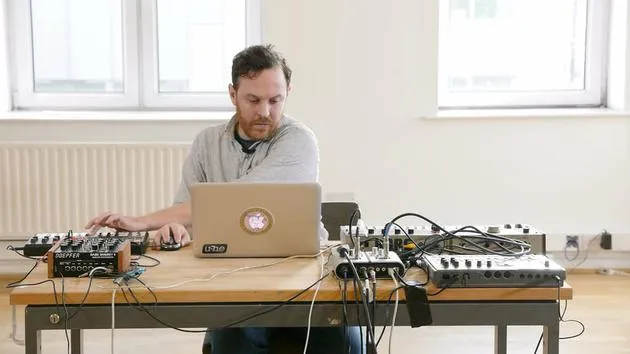
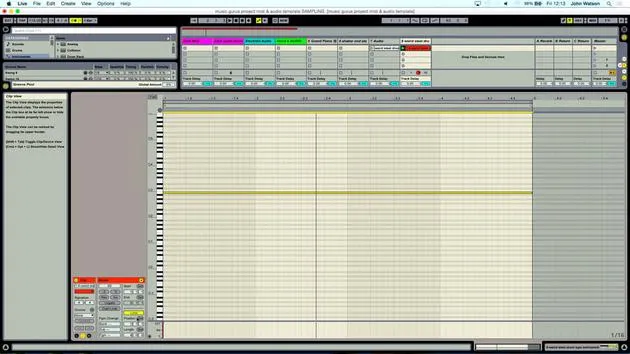
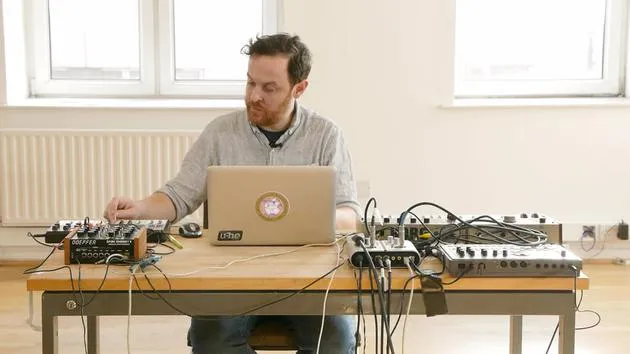
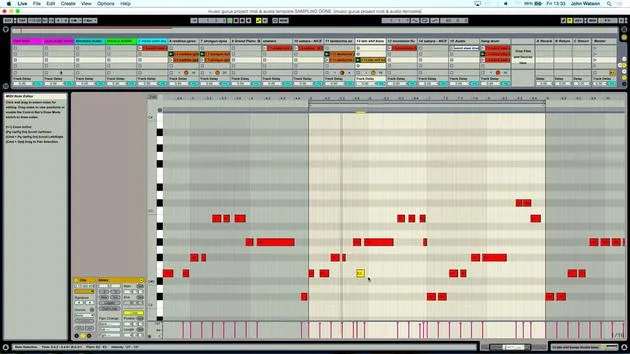
John WatsonJohn Watson superpone cuerdas y flauta sampleadas sobre su pista percusiva en Ableton, cargando sonidos en Simpler en una nueva pista MIDI para encontrar lo que complementa el groove.
Qué incluye el curso
14 lecciones (2h 26m) · 2 gratis
01. Primeros pasos y configuración
3:21
02. Gestionar una biblioteca de samples
Lección gratis4:34
03. Preferencias de Ableton
1:14
04. Usar samples: los dispositivos Simpler y Sampler
7:04
05. Usar samples en tu track (recortar, estirar, afinar, ecualizar)
12:56
06. Añadir cuerdas y flautas sampleadas
Estás aquí7:28
07. Añadir ritmo sampleado: bombos y cajas
25:07
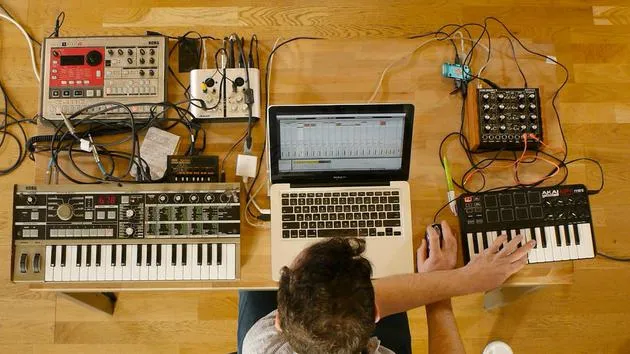
08. Samplear instrumentos externos - caja de ritmos y sintetizador
12:28
09. Crear las partes en la vista Session
13:55
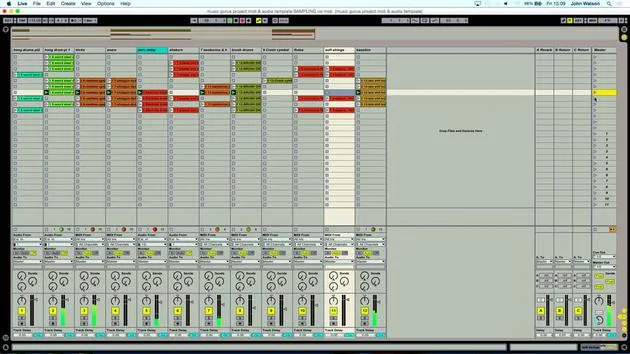
10. Grabar la canción en la vista Arrange
4:34
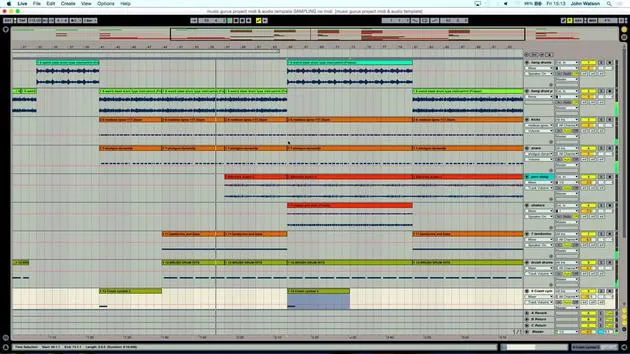
11. Ajustar la estructura del tema
5:35
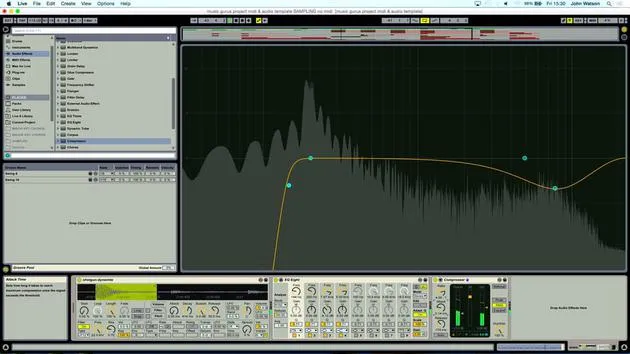
12. Mezclar el tema: efectos
21:24
13. Ajustes finales
13:14
14. EXTRA: Masterizar tu tema y subirlo a Soundcloud
Lección gratis13:31
Transcripción de la lección
Music Lesson
So next up, then, I'm thinking about another instrument that would work with this. When I collect samples, as I've shown before in an early video, you can see that everything is categorized into the type of instrument.
Choosing an Instrument
What I think might work quite well now are some strings to complement the mostly percussive thing that I've got going on.
-
Creating a New MIDI Track
I'm going to create a new MIDI track here and we're going to go into instruments again, double-click for simpler. -
Arming the Track
So it's automatically mapped to my keyboard. I just have to arm the track here like so. -
Listening to Samples
Then, I'm going to scroll down into my strings folder, have a little listen, see what's available. That's really nice there, that sustained string sound.
Key Considerations
But it might not work. I might find that it's actually in A major or minor chord. I'm not sure what my hang drum is in yet, which key it's in. So it may or may not work.
- Quick Assessment
Again, it's very quick to work out whether this is going to fit.
-
Playing the Sample
So when I play the keyboard now, a whole sample comes in. What I'm really after is this little section here: a kind of gentle sustained string. -
Adjusting the Sample
Now, the front of the sample here, as you can hear, just sounds a little bit odd the way it comes in. If it had a bit more of a fade at the start, then that might help.- I'm going to take my attack position forwards, do a little bit more than that, and you can hear it kind of gently comes in, really just following the natural shape of the sound, really there. You see it fades in and it's held.
Testing Compatibility
So, what I also want to work out is whether it's going to work with the track.
- Playing the Track Together
Let's play the track. I'm feeling that the C is working nicely there, maybe the F.
Recording Ideas
So, what I'm going to do is jam something in and give myself sort of free reign of record time.
- Click to Record
- Okay, so I've got a little something in there, a bit of variation as well.
- And, yeah, I'd like maybe to interject something in between each of those string elements that I've just added.
-
Duplicating the Track
To make my life a little bit easier, I'm just going to duplicate this track, like so, delete what I've recorded there, and I'm just going to replace the string sound. -
Jamming Again
I quite like this one here and let's just have a little jam again. At this stage, it's really generating ideas. I don't really necessarily know what's going to work, so it's just trial and error.
Filtering Sound
Now, listening to this sample, there's a little bit more low end in that, which is kind of confusing things. It's kind of getting in the way of the other sounds.
- Using a Bandpass Filter
I'm going to filter it, and what I'm going to do is switch over to a bandpass filter here. This is really going to filter out the low and high frequencies so that we have a slightly thinner, more resonant version of the sound. Let's just turn it down a little bit and have a little listen to that.
-
Evaluating the Sample
I quite like the way it ends here. It's quite rhythmical at the start; however, this little section here just sounds a little bit more fluid.- Because there's not really a defining rhythm there, it will actually fit better with the track.
- But you can hear that it ends quite abruptly.
Adjusting Fade Out
So what I'm doing here is adjusting the attack, decay, sustain, and release so that the sample will have a bit of a fade out.
-
I'm taking the sustain down, decay up full. A little bit too long there, so let's take that back down, add some release.
- So that sounds kind of cool. It has a bit more of a fade out at the end.
Final Thoughts
So let's play the track. Instantly, I'm feeling that I've got something interesting there.
-
Recording the Final Section
Let's just turn it up a little bit as well.- Yeah, I'm just gonna keep things fairly simple. I'm going to record this in now.
- So I'm going to come in between the last two string sections. That might do it there, just one simple little section.
14 lecciones
2h 26m de lecciones en vídeo estructuradas
Funciones de vídeo avanzadas
Ralentiza, repite un pasaje, sigue la partitura
Móvil, tablet y ordenador
Practica donde quieras
Garantía de satisfacción 100%
30 días de garantía de devolución
Conoce a tu gurú
Conoce a tu gurú
Tras hacer prácticas con Dave Allen, productor de Depeche Mode y The Cure, John se sintió inspirado para estudiar Tecnología Musical en Londres. Su carrera musical despegó tras un exitoso fichaje por CookShop Records, con el que publicó 9 sencillos y un álbum en 2007 que recibió críticas entusiastas de Q, Uncut y Lowdown Magazine, además de sonar en XFM y Radio One.
John empezó a formarse como ingeniero de sonido en el estudio Bonafide en 2005, donde perfeccionó su talento, y ese mismo año fundó Jackdaw Recordings. Ha colaborado con numerosos artistas de éxito y, en 2007, comenzó a tocar para el músico pop Patrick Wolf, actuando en salas de primer nivel tanto en el Reino Unido como a nivel internacional, incluidos The Astoria y el Shepherds Bush Empire.
Desde su estudio londinense, John ahora compone música, con dos lanzamientos más en CookShop, se ocupa de la ingeniería de sonido para artistas destacados y crea diseño sonoro para anuncios de televisión, cine, teatro y vídeo corporativo.
Esa infrecuente combinación de compositor, productor e ingeniero de estudio en activo es justo lo que John aporta a su enseñanza. En Creative Composition & Production in Ableton Live y Creative Sampling & Production in Ableton Live, te muestra cómo transforma ideas en bruto en temas terminados y listos para publicar: la composición, el sampleo, el diseño sonoro y el saber hacer práctico de la ingeniería que hay detrás de un disco profesional.







