



Primeros pasos y configuración

Con
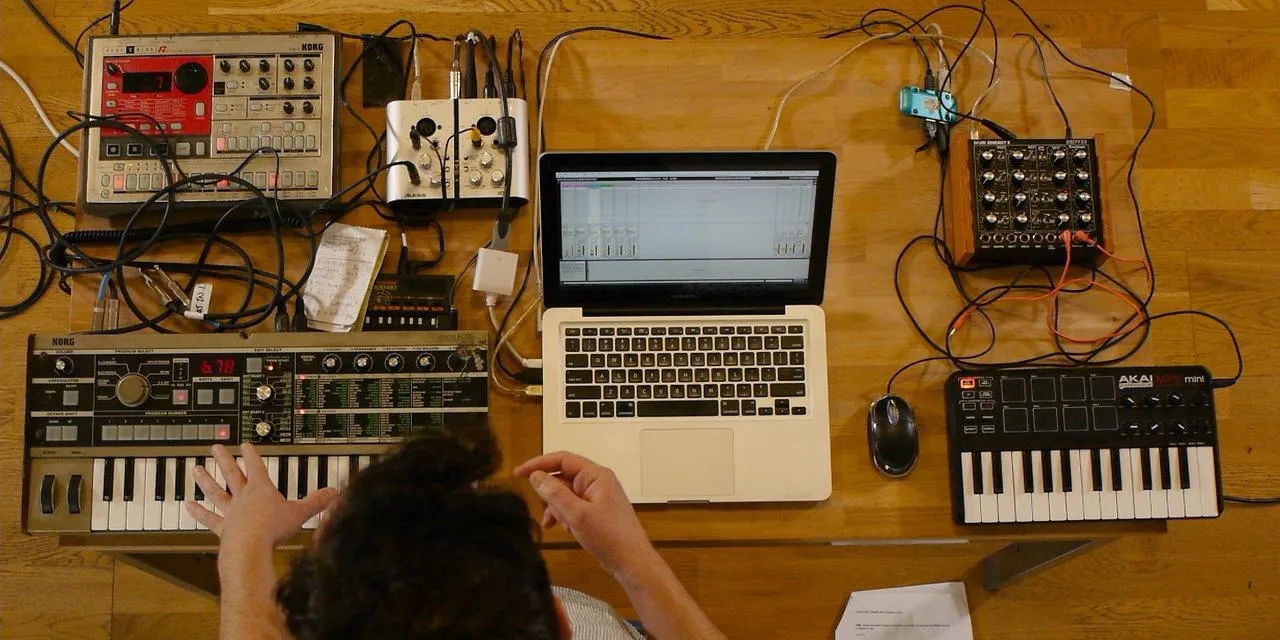
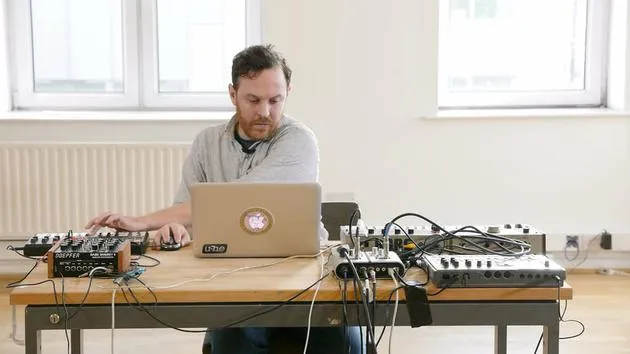
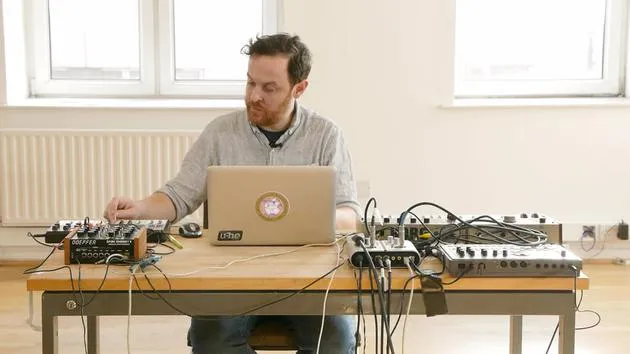
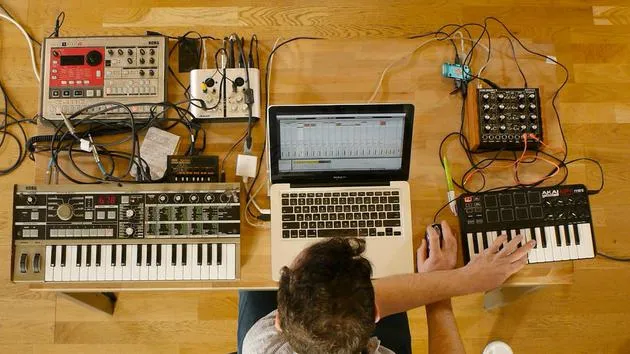
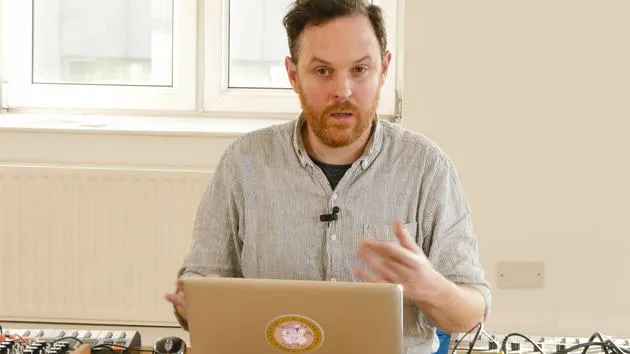
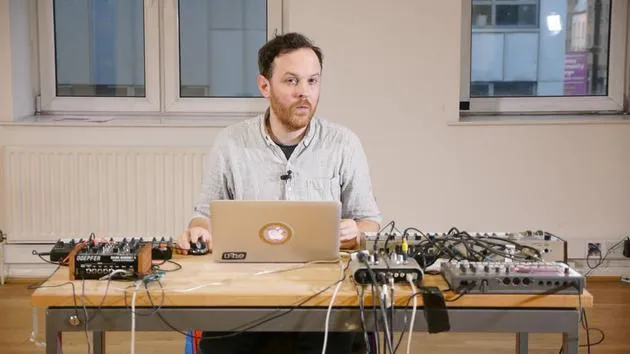
John WatsonJohn Watson presenta el curso y su equipo de sampling -Mac, controlador MIDI, sintetizadores, una caja de ritmos y una tarjeta de sonido- y cómo se conecta todo antes de empezar a construir pistas en Ableton.
Qué incluye el curso
14 lecciones (2h 26m) · 2 gratis
01. Primeros pasos y configuración
Estás aquí3:21
02. Gestionar una biblioteca de samples
Lección gratis4:34
03. Preferencias de Ableton
1:14
04. Usar samples: los dispositivos Simpler y Sampler
7:04
05. Usar samples en tu track (recortar, estirar, afinar, ecualizar)
12:56
06. Añadir cuerdas y flautas sampleadas
7:28
07. Añadir ritmo sampleado: bombos y cajas
25:07
08. Samplear instrumentos externos - caja de ritmos y sintetizador
12:28
09. Crear las partes en la vista Session
13:55
10. Grabar la canción en la vista Arrange
4:34
11. Ajustar la estructura del tema
5:35
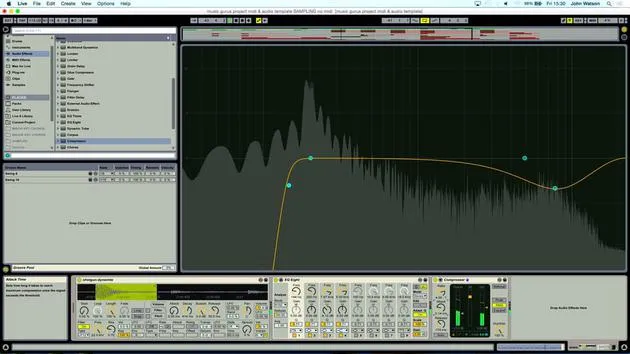
12. Mezclar el tema: efectos
21:24
13. Ajustes finales
13:14
14. EXTRA: Masterizar tu tema y subirlo a Soundcloud
Lección gratis13:31
Transcripción de la lección
Welcome to the Course
Hi, I'm John. Welcome to the course!
Setup Overview
I'd like to talk a little bit about the setup that I've got before I delve into sampling. As you can see, I've got:
- a Mac
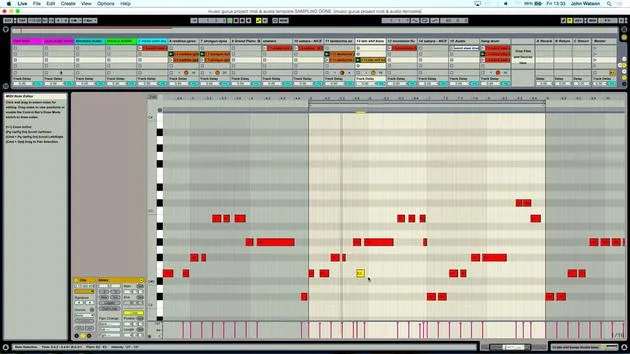
- a MIDI controller: This is where I'm going to be playing in a lot of the samples, trying to figure out what's going to work musically.
I'm working with a collection of:
- Field recordings
- Vinyl samples
- Bits and pieces from charity shops
Additionally, I'll be sampling an electrified drum machine and a Korg Microcorg for extra sounds. My aim is to pull in influences from various sources to create a broad musical palette.
Detailed Setup
Let's go through the setup:
- USB MIDI Keyboard
- Dark Energy Synth: A great modular synth that can create some crazy and deep bass sounds.
- Microcorg: A slightly underrated polyphonic synth that can produce fantastic sounds, including sets of chords that will work nicely musically.
- Korg Electride Drum Machine: I have a variety of different samples that I'll be modulating through a Korg Monotron Delay, which will provide me with percussive sounds and generate some unique effects.
Using Effects in Music
I'll utilize these effect sounds to work with the transitions in the music I'm going to create. Now, let's focus on the Microcorg.
I'll just plug this in quickly.
- Stereo Output: I'm going into a sound card with left and right inputs.
- I am sampling some chords directly, which gives me a really good sonic palette.
Sound Card Details
Now, let's discuss the sound card I'm using:
- Alesis io2: A reasonably priced sound card that you could find on eBay, but it does the job beautifully.
- Inputs/Outputs:
- Two inputs
- Left and right outputs
- USB connection to my Mac
Additionally, I've got an old-school MIDI setup that allows in and out connections to the Microcorg or any other synth that uses traditional MIDI. The sound card can also handle digital signals in and out, along with Micro one and Mic two.
This setup offers a great, portable solution for recording, even if I'm out somewhere.
Conclusion
I've tried to keep everything quite condensed for easy portability, perfect for live sets. The small synths, drum machines, and the nice little modular synth are all easily manageable through the USB keyboard.
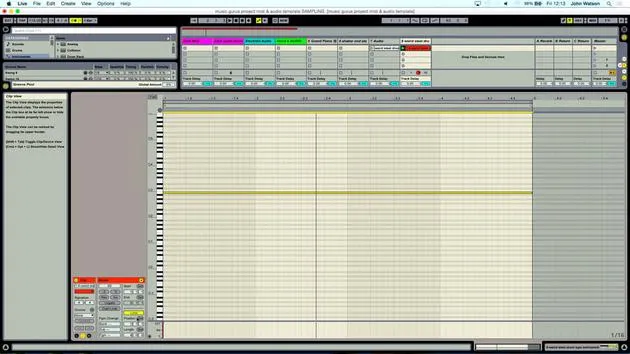
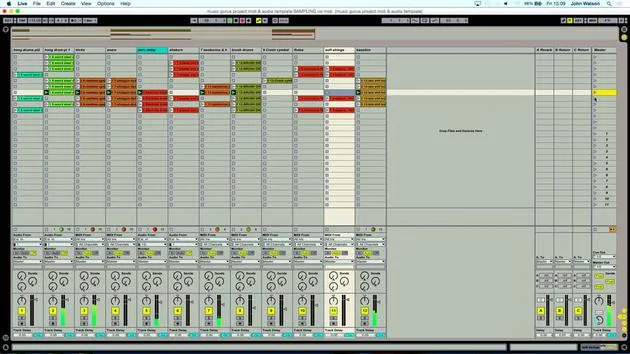
So, let's move on to the template in Ableton!
14 lecciones
2h 26m de lecciones en vídeo estructuradas
Funciones de vídeo avanzadas
Ralentiza, repite un pasaje, sigue la partitura
Móvil, tablet y ordenador
Practica donde quieras
Garantía de satisfacción 100%
30 días de garantía de devolución
Conoce a tu gurú
Conoce a tu gurú
Tras hacer prácticas con Dave Allen, productor de Depeche Mode y The Cure, John se sintió inspirado para estudiar Tecnología Musical en Londres. Su carrera musical despegó tras un exitoso fichaje por CookShop Records, con el que publicó 9 sencillos y un álbum en 2007 que recibió críticas entusiastas de Q, Uncut y Lowdown Magazine, además de sonar en XFM y Radio One.
John empezó a formarse como ingeniero de sonido en el estudio Bonafide en 2005, donde perfeccionó su talento, y ese mismo año fundó Jackdaw Recordings. Ha colaborado con numerosos artistas de éxito y, en 2007, comenzó a tocar para el músico pop Patrick Wolf, actuando en salas de primer nivel tanto en el Reino Unido como a nivel internacional, incluidos The Astoria y el Shepherds Bush Empire.
Desde su estudio londinense, John ahora compone música, con dos lanzamientos más en CookShop, se ocupa de la ingeniería de sonido para artistas destacados y crea diseño sonoro para anuncios de televisión, cine, teatro y vídeo corporativo.
Esa infrecuente combinación de compositor, productor e ingeniero de estudio en activo es justo lo que John aporta a su enseñanza. En Creative Composition & Production in Ableton Live y Creative Sampling & Production in Ableton Live, te muestra cómo transforma ideas en bruto en temas terminados y listos para publicar: la composición, el sampleo, el diseño sonoro y el saber hacer práctico de la ingeniería que hay detrás de un disco profesional.







