



Compensación de retardo y HEAT
Qué incluye el curso
23 lecciones (2h 35m) · 1 gratis
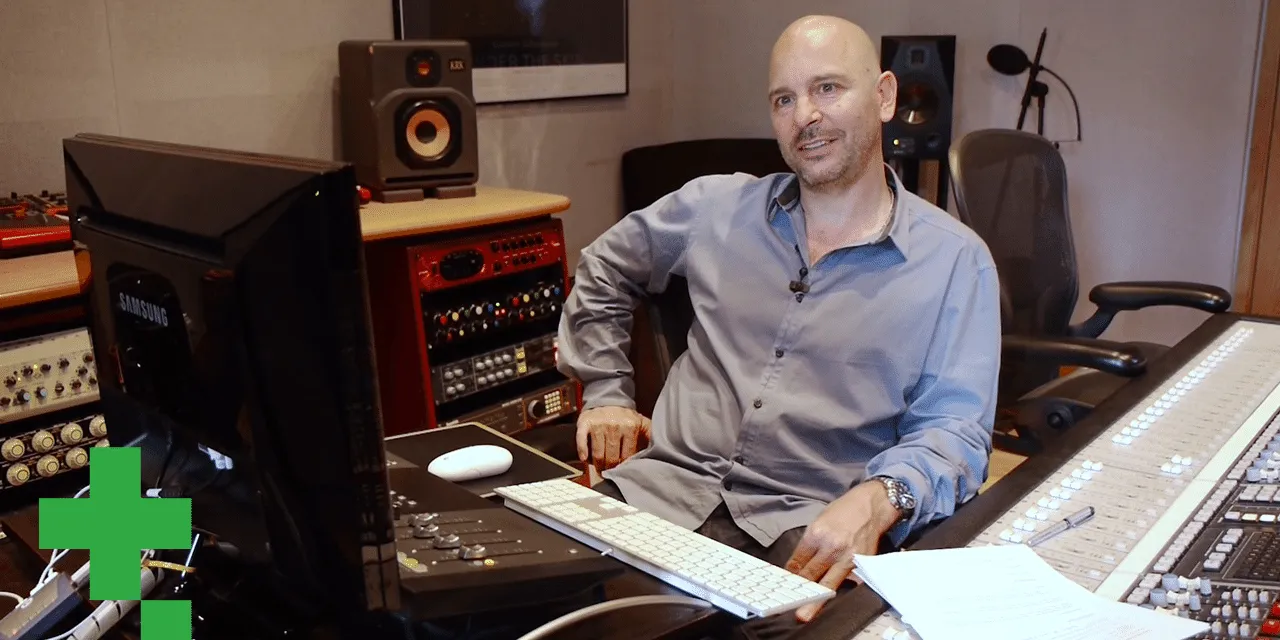
01. Entrevista con Goetz Botzenhardt
Lección gratis20:19
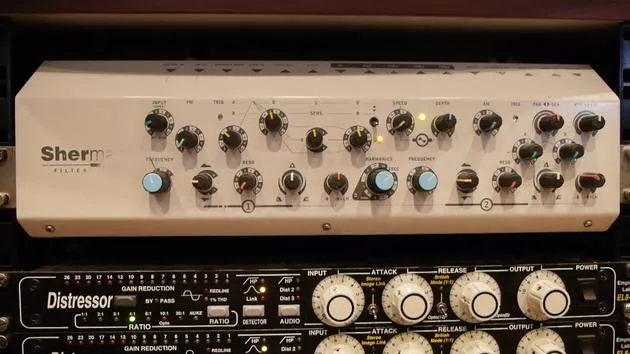
02. El montaje del estudio de Goetz
14:02
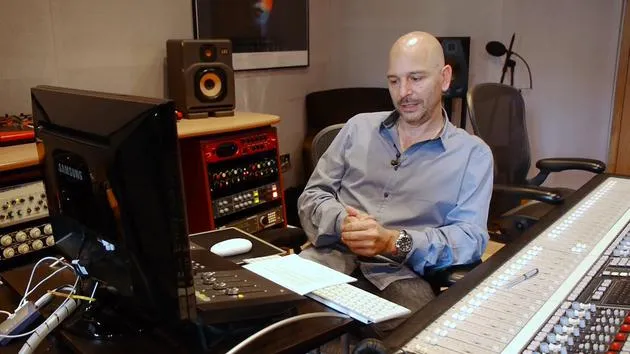
03. Preparación antes de ponerse a mezclar
7:29
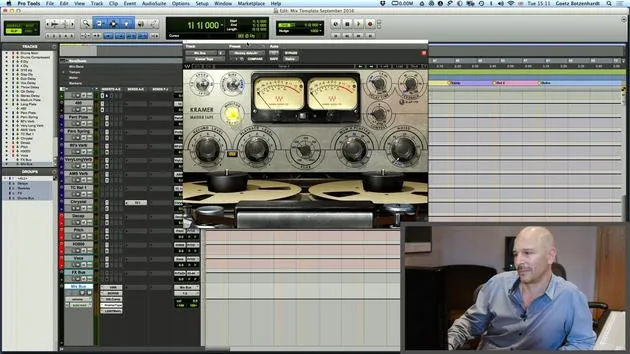
04. Crear y usar una plantilla de mezcla para empezar rápidamente
7:37
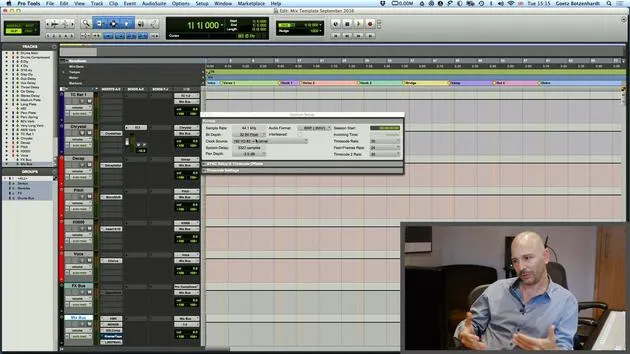
05. Entender los buses y los ajustes de proyecto
3:19
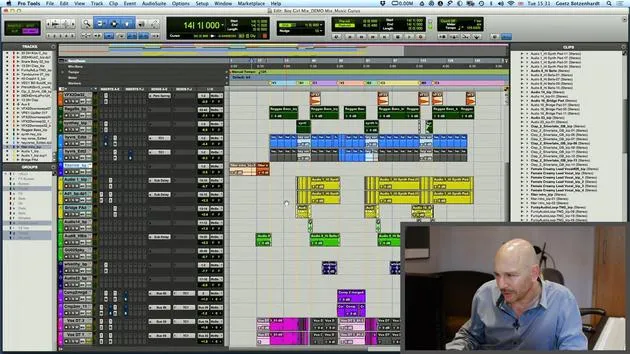
06. TAREA N.º 1: CREA UNA SESIÓN DE MEZCLA
0:41
Transcripción de la lección
Pro Tools and Logic: Delay Compensation and Heat
Introduction
Okay, before we get to the vocal, I just want to show one more thing that we have in Pro Tools and also in Logic. Actually, two things.
Delay Compensation
Pro Tools
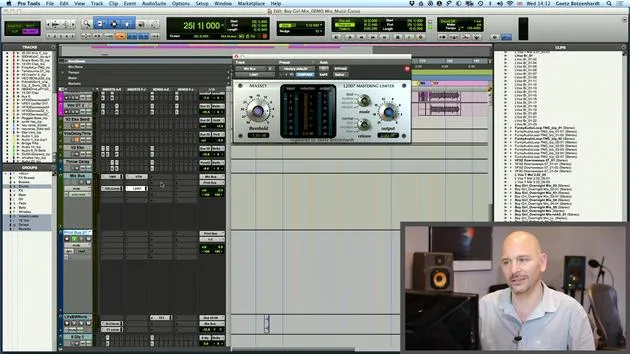
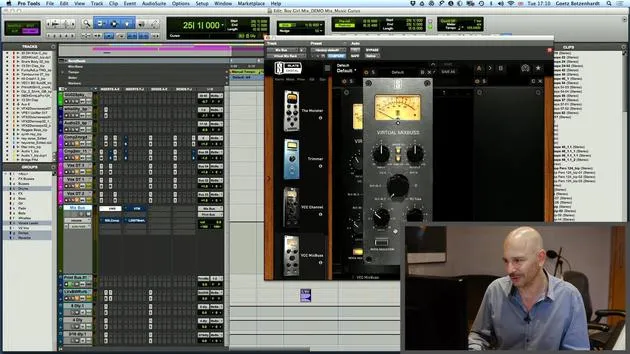
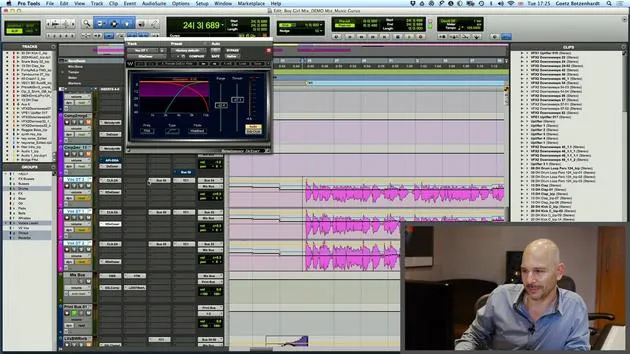
- Down here in Pro Tools, we have something called delay compensation.
- It's quite boring and geeky, but it basically shows what happens when you put plugins on each channel.
Key Points:
- Each plugin causes a little delay, a processing delay.
- This delay is the time taken to crunch the numbers, apply the processing, and put the signal back out.
Importance of Monitoring
- If you put different plugins on every channel, you end up with everything going out of time.
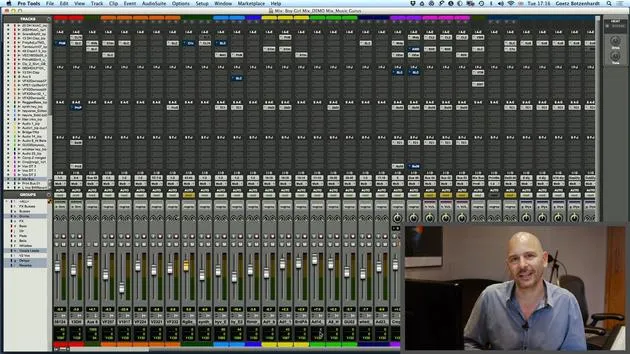
- To compensate, Pro Tools at the bottom shows you how much processing happens on each channel.
- It works out the processing delay for each channel and adds a little compensation.
Remember:
- It's really important that all the numbers here are always green.
- If they go red, it means there's too much processing going on, and Pro Tools can't keep up.
Logic
- Logic has a similar feature, but you can't actually see the numbers.
- It's worth looking at your system occasionally to ensure it doesn't run out of compensation headroom.
Note:
- If it does, you're going to get timing problems, and the audio will start to sound pretty bad.
- There is a page in Logic as well where you can investigate these issues.
Visual Check
- Every now and then, just look down here to make sure all your numbers are green.
- There's one number here that is always orange, indicating the channel with the most processing and the biggest delay.
- Don't worry about that; it just shows which channel has the longest delay and helps determine the other figures.
Heat in Pro Tools
- One more thing I want to mention quickly is Heat in Pro Tools.
- Heat emulates an analog tape machine.
Activation:
- Go down here on Options.
- Activate Heat.
Functionality
- When activated, you can adjust a knob:
- Turning it to the left adds a bit of harmonic distortion on each channel, which mimics the effect of a tape machine.
- Each sound becomes a bit more defined and may add a tiny bit of distortion, which can be quite nice sometimes.
Demonstration
- Let's just play and I'll kick it in more and more.
- You can hear when it really starts distorting, and at that point, you know it's probably too much.
Tip:
- I usually like to have it on one or maybe sometimes two if it's a rock record.
- Don't be scared to put a bit of distortion on it; it can be quite nice.
Final Note:
- Always check the difference before and after adding Heat to enhance your sound.
23 lecciones
2h 35m de lecciones en vídeo estructuradas
Funciones de vídeo avanzadas
Ralentiza, repite un pasaje, sigue la partitura
Móvil, tablet y ordenador
Practica donde quieras
Garantía de satisfacción 100%
30 días de garantía de devolución
Conoce a tu gurú
Conoce a tu gurú
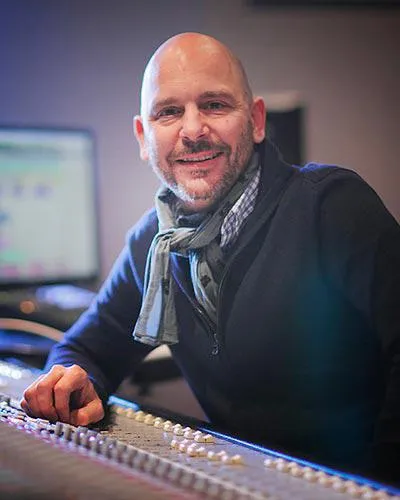
A principios de los años noventa, Goetz Botzenhardt se formó en los Swanyard Recording Studios, asistiendo a productores de primer nivel como Flood, Alan Moulder y Tom Lord-Alge, y se curtió grabando y mezclando a las bandas de dance y acid jazz de los 90: Incognito, Galliano, Soul II Soul y muchas otras.
En Swanyard conoció a Rollo Armstrong y ambos formaron rápidamente una asociación creativa que dio lugar a muchos grandes discos de dance y remezclas y, poco después, a la grabación y mezcla de los dos primeros y aclamados álbumes de Faithless y del multiplatino 'No Angel' de Dido.
Moviéndose entre géneros, grabó y mezcló el álbum debut de las Sugababes, 'One Touch', incluido su primer éxito 'Overload', y ha mezclado para The Cardigans, Bjork, The Cinematic Orchestra, Craig David, los Pet Shop Boys e Hikaru Utada, una de las artistas de más éxito de Japón.
Más recientemente ha ampliado su trabajo al cine y la televisión, colaborando ampliamente con los compositores Christian Henson, Martin Phipps y Anne Nikitin, y mezclando la banda sonora de Daniel Pemberton, nominada a los Globos de Oro, para 'Steve Jobs', dirigida por Danny Boyle. Al margen del cine, produjo 'Closer to the People' de Tanita Tikaram, mezcló temas para Sigala, Ella Eyre, Breton, Planet Funk y Tito Jackson, y en 2016 mezcló el álbum de Peabo Bryson con Jimmy Jam y Terry Lewis. Una lista completa de su trabajo está en sus páginas de discografía y filmografía en goetz-botzenhardt.com.
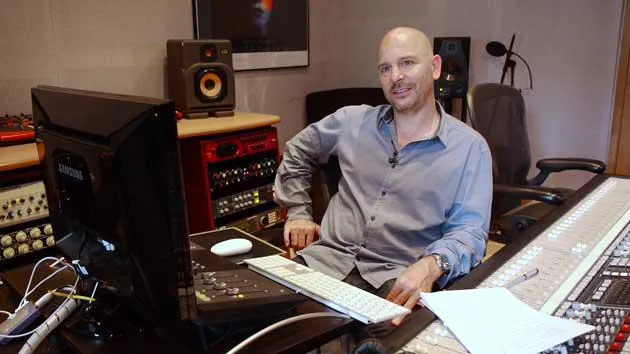
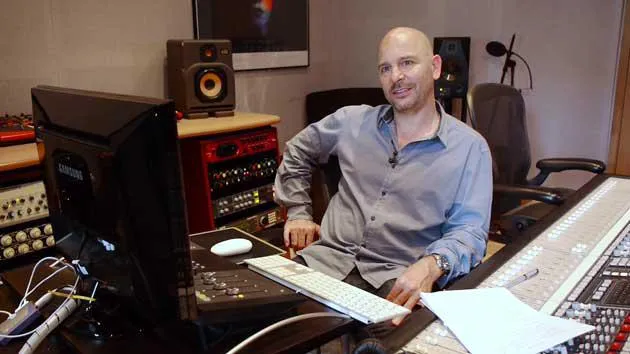
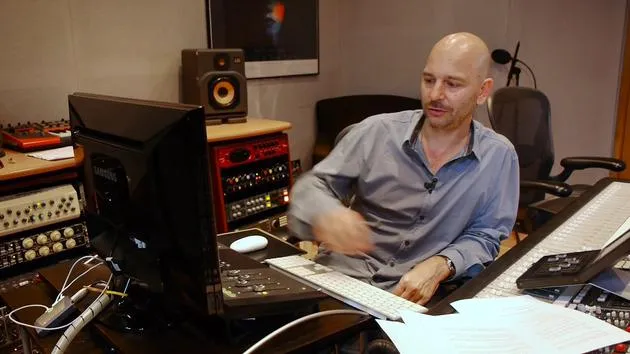
Goetz trabaja desde su propio estudio y sala de mezcla, construidos en torno a una consola SSL E4044, monitorización surround Adam 5.1, un sistema Pro Tools HDX de 48 canales y equipo outboard selecto. En sus cursos te lleva al interior de esa sala para mostrar cómo mezcla en dos mundos muy distintos: en Mixing for Film & TV Score, cómo equilibra y da forma a bandas sonoras orquestales e híbridas al servicio de la imagen; y en Mixing Commercial Pop Music, cómo construye mezclas de pop contundentes y listas para la radio desde la multipista.







