



Comprendre le câblage, le MIDI et le routage audio analogique
Mark Burnett récapitule comment les contrôleurs, synthés et boîtes à rythmes se connectent à Ableton Live, et comment les signaux MIDI et audio analogique circulent entre eux.
Le contenu du cours
16 leçons (2h 26min) · 2 gratuites
01. Installer le matériel
1:29
02. Présentation des instruments
Leçon gratuite5:44
03. BONUS - Configurer un instrument externe (Korg Volca Beats) dans Ableton en partant de zéro
Leçon gratuite12:51
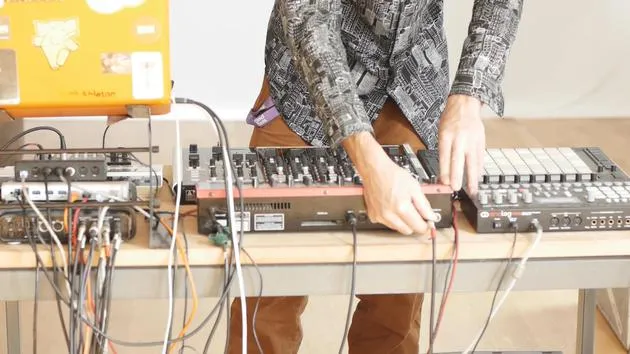
04. Comprendre le câblage, le MIDI et le routage audio analogique
Tu es ici4:01
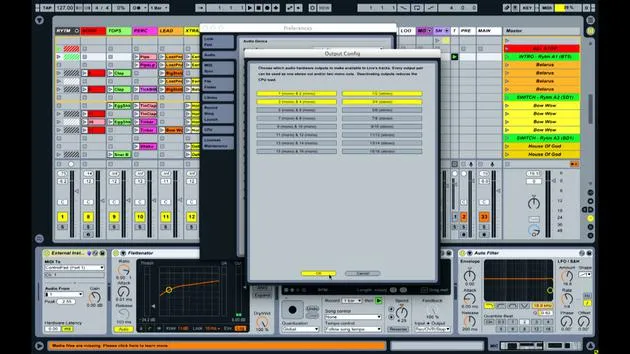
05. Configurer les préférences MIDI et audio dans Ableton
10:44
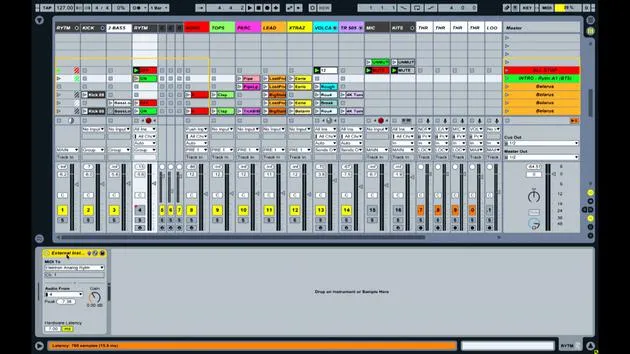
06. Configurer les pistes et le routage du signal dans Ableton Live
6:46
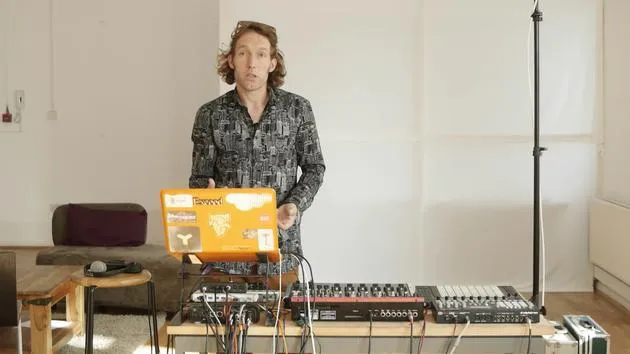
07. Configurer des pistes d'instrument externe dans Ableton Live
8:33
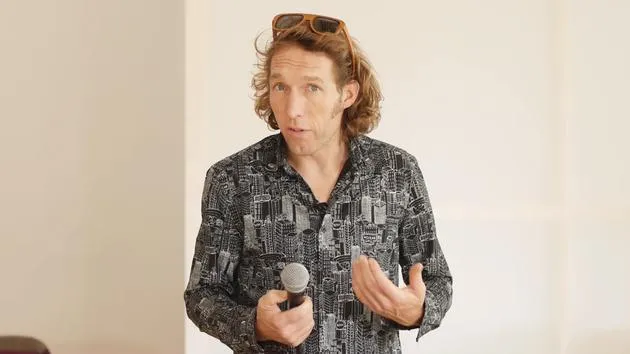
08. Configurer une piste de microphone dans Ableton Live
6:09
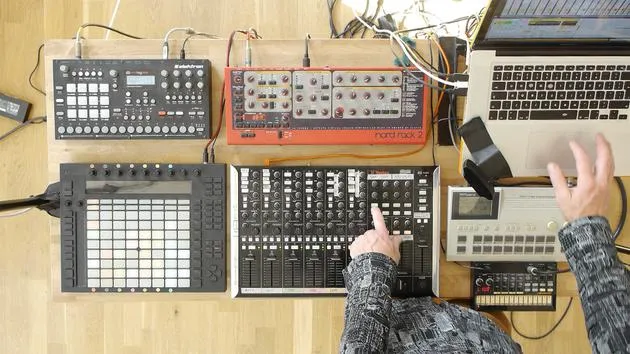
09. Configurer les thru-tracks et les loopers
9:08
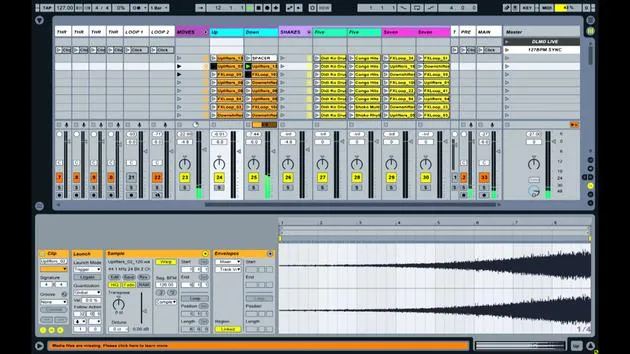
10. L'arme secrète du set : movers and shakers
8:08
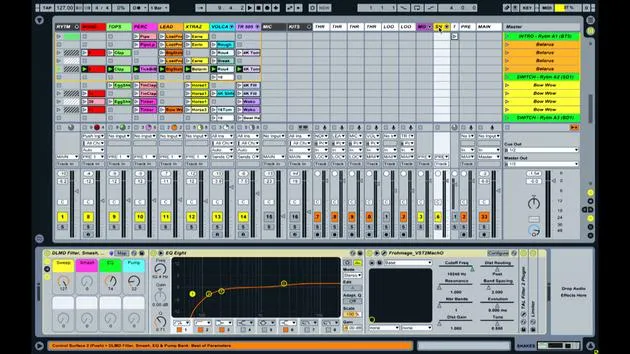
11. Routage de sortie et FX master
13:36
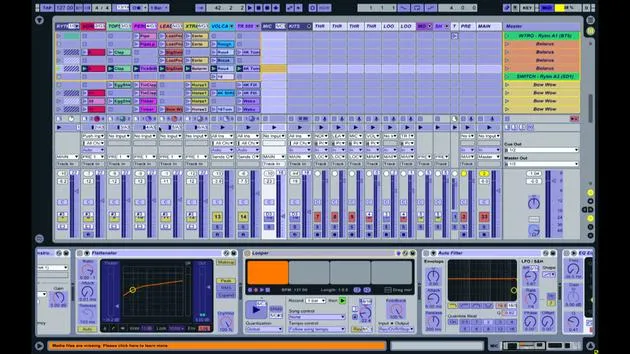
12. Mappage MIDI, racks & macros (partie 1)
14:16
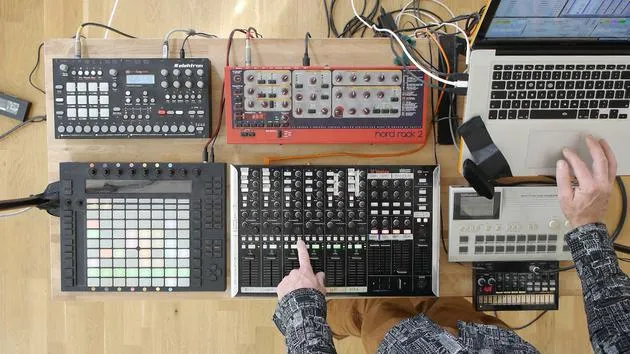
13. Mappage MIDI, Racks et Macros (partie 2)
12:35
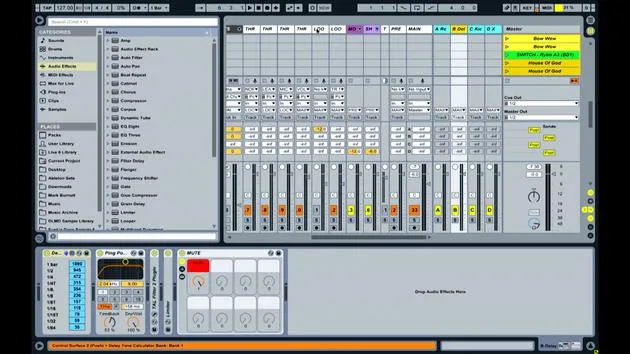
14. Piste de delay et temps de delay
3:33
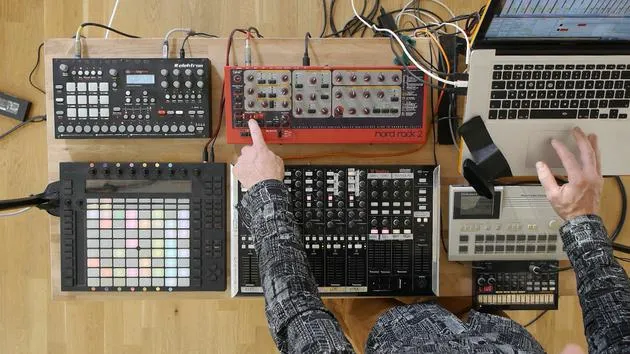
15. Changements de programme et instruments externes
7:11
16. Contenu du set et technique de performance
21:23
Transcription de la leçon
Understanding MIDI Connections and Audio Signal Flow
Introduction
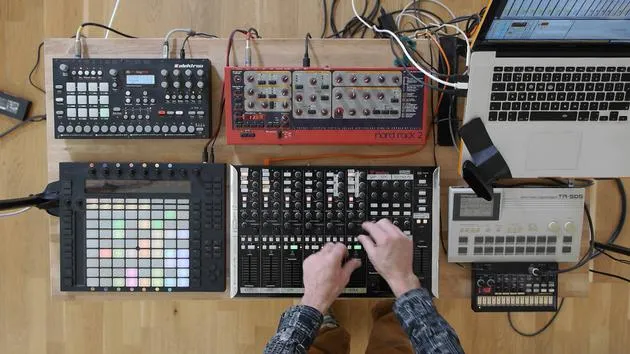
In this lesson, we'll explore how various music equipment is interconnected and how signals are transmitted between them.
Controllers
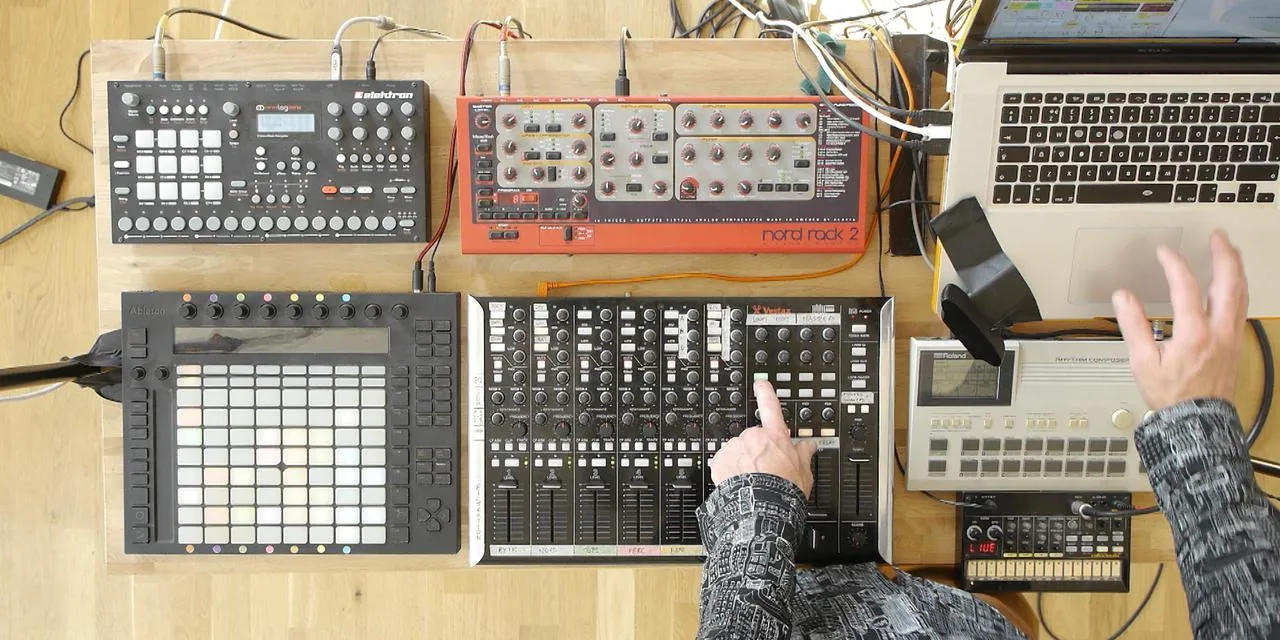
- Devices Used: Push and Vestax
- Connection Type: USB Cable
- Function: Transmitting and receiving MIDI information from Ableton Live.
Drum Machines and Synthesizers
The connections for the drum machines and synthesizers are more complex:
-
NORD Synthesizer:
- Connection Type: Five-pin MIDI Cable
- Note: This older device transmits MIDI information similarly to USB, but it predates USB adoption.
-
Electron Analog:
- Connection Status: No MIDI cable connected.
- Function: Has USB capabilities, allowing MIDI transmission and reception via a single USB lead.
Signal Flow
-
MIDI Note Information:
- In Ableton Live, a series of clips containing MIDI note information is set up.
- This information is sent via USB to the MIDI breakout box.
-
Transmission to NORD:
- A cable connects the MIDI breakout box to the NORD synthesizer.
- The MIDI notes define:
- What note to play
- Duration of the note
- Velocity of the note
-
Sound Generation:
- The NORD synthesizer generates sound as a result of the MIDI information.
- This sound is sent out through one of its audio outputs.
-
Audio Return:
- The audio travels back along a cable into one of the four audio inputs on the sound card.
Summary of Signal Flow:
-
MIDI Information:
- Coming out of Ableton Live through USB.
- Transmitted to the MIDI breakout box.
- Sent to various drum machines and synths.
-
Audio Outputs:
- Each drum machine and synthesizer has an audio output.
- These outputs connect to the sound card inputs (1, 2, 3, and 4).
Additional Connections
-
The four audio outputs from the sound card send audio to:
- Speakers in the room
- Recording devices
-
If performing live, these outputs would go to monitors or an in-house PA system.
-
FireWire Cable:
- Connects the sound card to the laptop.
-
USB Hub:
- Provides additional USB connectivity.
Conclusion
Both MIDI and audio signals are essential for a seamless workflow in music production. All signals converge in Ableton Live, where you can mix and apply effects using the controls available.
16 leçons
2h 26m de leçons vidéo structurées
Fonctions vidéo avancées
Ralentissez, bouclez un passage, suivez la partition
Mobile, tablette et ordinateur
Pratiquez où vous voulez
Satisfaction garantie à 100 %
Garantie remboursement 30 jours
Rencontrez votre guru

Rencontrez votre guru
Mark Burnett est un Ableton Certified Trainer qui travaille avec les produits Ableton depuis plus de 14 ans. En tant que producteur et DJ chez Funk'n Deep Records, ses morceaux ont été joués dans de grands festivals ainsi que dans les sets et podcasts d'artistes comme Carl Cox et Richie Hawtin, et il s'est produit devant des foules de plusieurs milliers de personnes. Il organise également des événements de grande envergure comme le Workhouse Project, et a étudié à l'Imperial College London. Son cours porte sur l'utilisation d'Ableton Live pour construire des performances en direct, et convient aux producteurs et interprètes de musique électronique qui souhaitent faire passer leur spectacle du studio à la scène.







