



Contenu du set et technique de performance
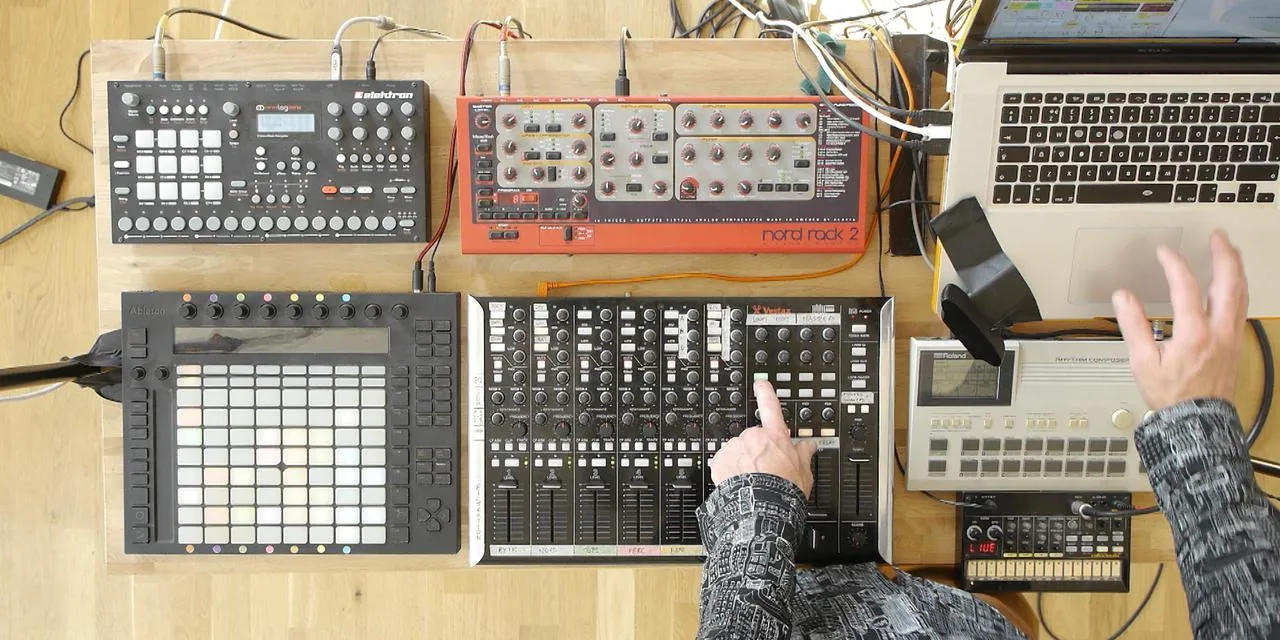
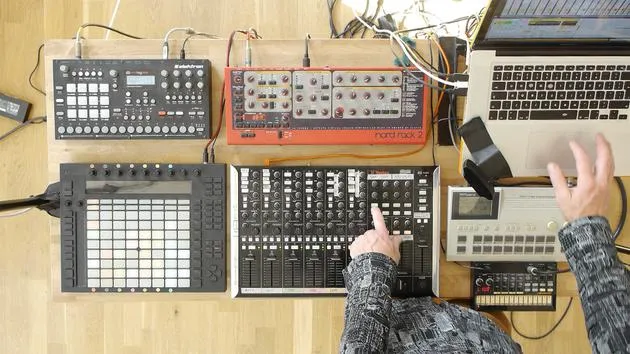
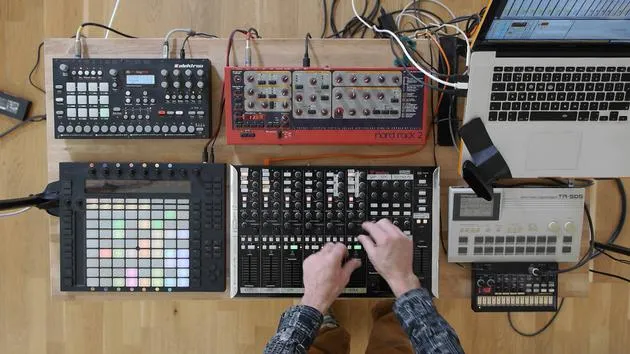
Mark Burnett parcourt les éléments de son propre set live Ableton, montrant comment ils apparaissent à l'écran et se traduisent en son, avec des extraits de sa performance live.
Le contenu du cours
16 leçons (2h 26min) · 2 gratuites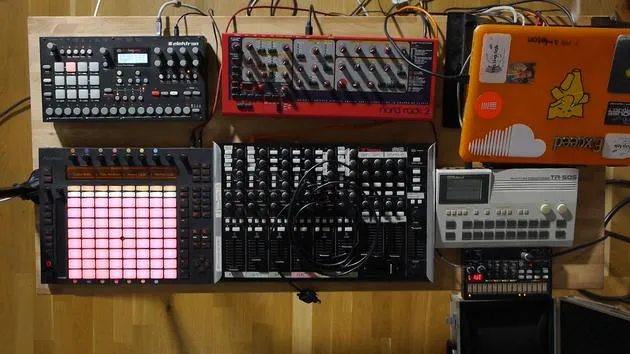
01. Installer le matériel
1:29
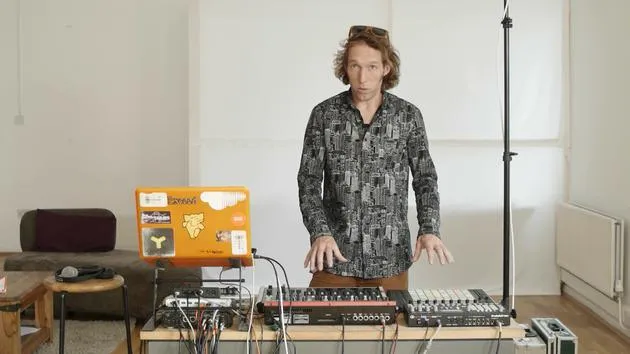
02. Présentation des instruments
Leçon gratuite5:44
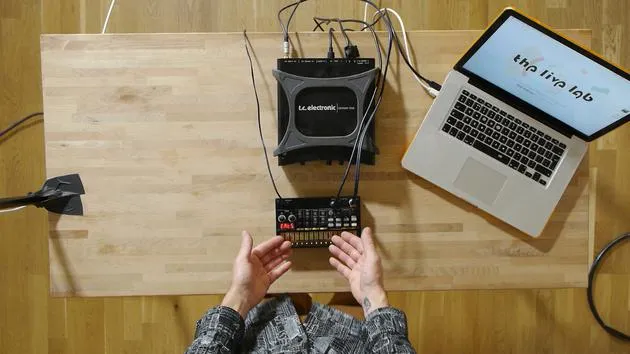
03. BONUS - Configurer un instrument externe (Korg Volca Beats) dans Ableton en partant de zéro
Leçon gratuite12:51
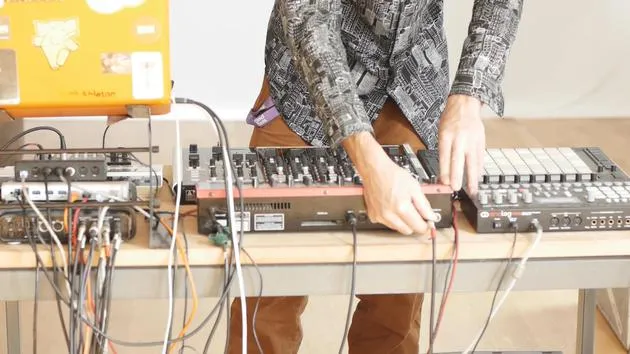
04. Comprendre le câblage, le MIDI et le routage audio analogique
4:01
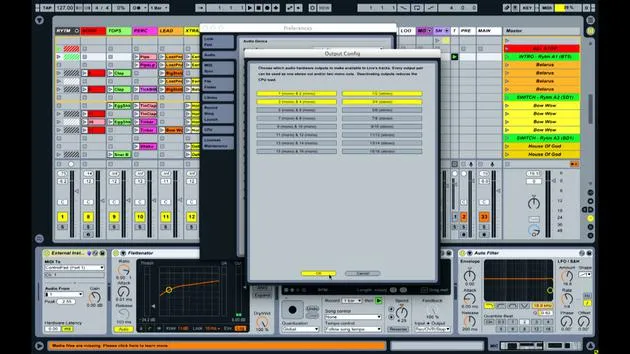
05. Configurer les préférences MIDI et audio dans Ableton
10:44
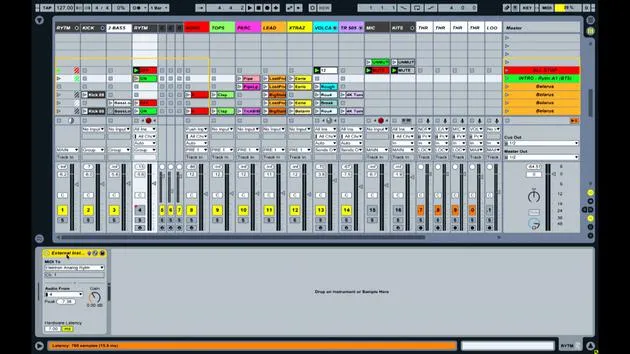
06. Configurer les pistes et le routage du signal dans Ableton Live
6:46
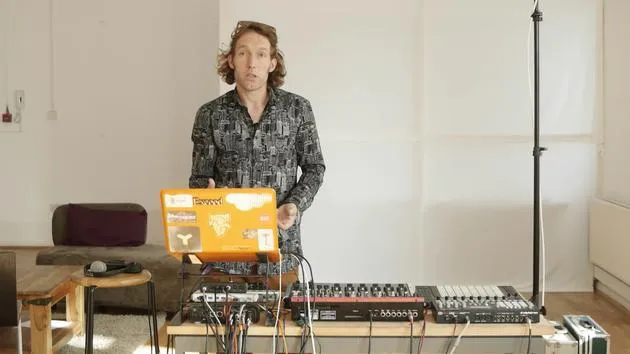
07. Configurer des pistes d'instrument externe dans Ableton Live
8:33
08. Configurer une piste de microphone dans Ableton Live
6:09
09. Configurer les thru-tracks et les loopers
9:08
10. L'arme secrète du set : movers and shakers
8:08
11. Routage de sortie et FX master
13:36
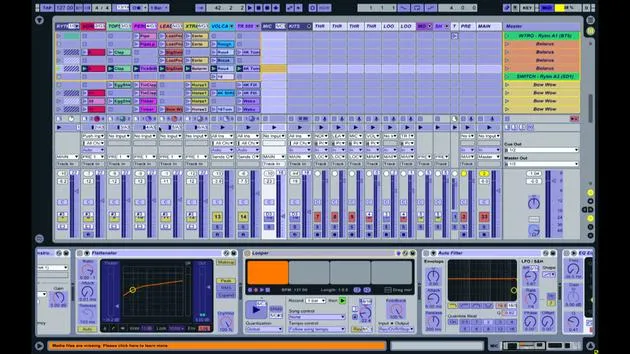
12. Mappage MIDI, racks & macros (partie 1)
14:16
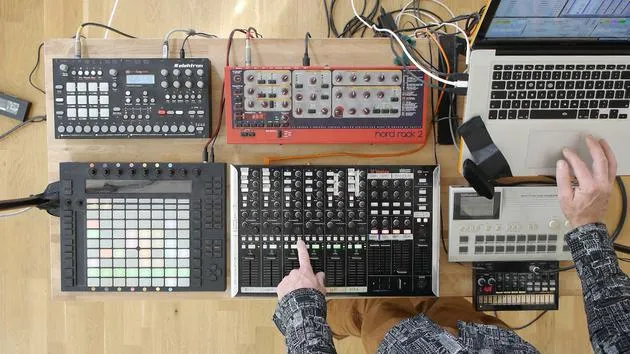
13. Mappage MIDI, Racks et Macros (partie 2)
12:35
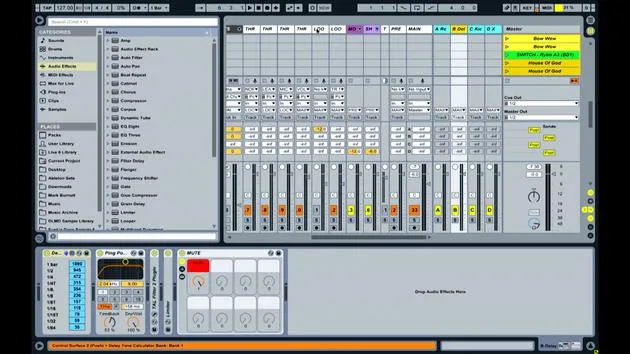
14. Piste de delay et temps de delay
3:33
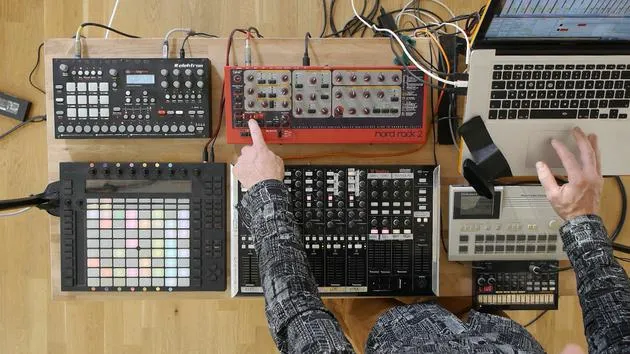
15. Changements de programme et instruments externes
7:11
16. Contenu du set et technique de performance
Tu es ici21:23
Transcription de la leçon
Music Performance Lesson
Introduction
Well, we've covered quite a lot of different details regarding what's actually going on behind the scenes:
- How things are connected
- How they're routed
- How they're controlled
- What mappings are taking place
We haven't really covered any of the content here. Part of the reason for that is that, ultimately, the content will be unique to you.
Performance Overview
I'm going to run you through what currently constitutes my live performance. I'll demonstrate:
- The kind of elements I've got
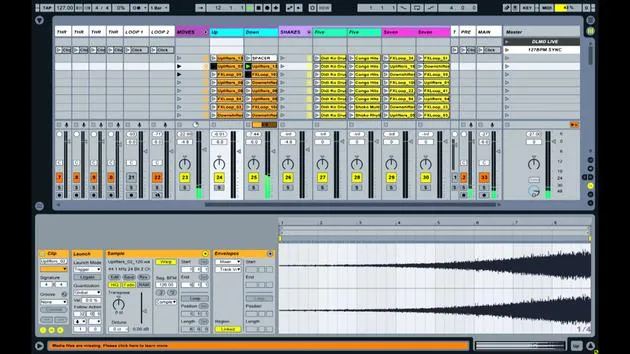
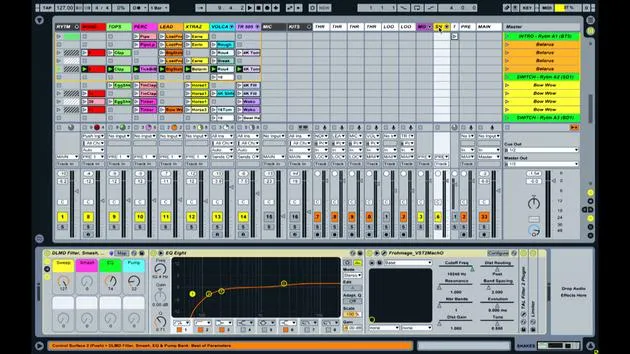
- What they look like on screen
- How they relate to actual sound
In order to do that, I will probably do two, three, or four little excerpts where I just perform a bit of some of the clips that I've got, and then I'll rewind and talk you through specifically what's going on.
Starting the Performance
Now, I've been listening to the first couple of clips quite a lot. So, what I'm going to do is move forward through the sound a little bit now and try out a part from later on.
The first thing I'm going to do is launch a scene that doesn't have anything on so we've got a stop, no sound coming through, and I'm going to start building up some parts.
I just played a short excerpt from somewhere in the middle of the performance there. I started by bringing in a couple of the audio parts and triggering some of the drum parts. I also made some errors because errors are always involved.
Audio Tracks and Effects
Launching Audio Clips
-
BD Hi Hat
- It's straightforward and self-explanatory. If I play this now, you'll hear a hi hat, it's just a piece of audio.
- I applied a little bit of reverb to it. I can turn the reverb up and use the reverb mute button to turn it entirely off and on again.
- I also applied a bit of delay and changed the delay settings for some crazy time warping effects.
-
Electro Clip (Track 6)
- A simple part: a synthesizer that I've resampled and left as audio.
- Again, adding things like a bit of reverb and delay.
-
Lead Part
- Another audio part that's a simple, textural atmospheric thing with a vocal vibe to it.
After establishing the internal audio, I began bringing in the external instruments.
External Instruments
On tracks 7 and 8, I've got the Volca and the 505. Let's play the Volca beats first.
-
Volca Beats
- I've created cues with little white clips that indicate the clock pitch of the kick drum on the Volca Beats to keep in key with that track.
- I'll adjust accordingly: turning down the kick gives a really low, long decay tone.
-
505
- It has a snappy snare drum. I used the loop features to capture a bit of that snare to build tension.
- I launched a combination of kicks and bass to complete the mix, applying some simple transition techniques.
Using Push for Navigation
You'll notice I'm not using the Push extensively, but it helps me visualize what parts are playing. It allows me to introduce parts from earlier or later in the performance as necessary. I often decide that there's a drum part or synth part I want to launch based on where I am in the performance.
Scene Launching
- A scene is a horizontal collection of clips. It's very useful to jump to a specific collection of clips to create complicated music transitions.
Analog Rhythm
Overview
Now, let's quickly delve into what's going on with the Analog Rhythm.
I've programmed three patterns, which are complete drum patterns. Here's a quick demonstration:
- Pattern 1
- Pattern 2
- Pattern 3
Mute Control
The rhythm allows me to mute individual parts. During the performance, I generally just bring in the occasional hi hat or snare drum for added movement.
Main Body of the Performance
Introduction of Audio Parts
So let's look at another section of the performance. I started introducing a few audio parts, then brought in some from the external instruments.
I used effects from the master section to create tension and build-up, and then launched a scene to trigger a collection of clips forming the main body of this part of the performance.
Listening to Clips:
- Shaker Loop
- Bleepy Loop
- Additional Effects
Final Thoughts on Composition
The sound coming out of the Nord is a single MIDI clip with a sustained note (a C).
- It's pumped and reverb is added.
- The rhythm varies depending on what's muted.
- I incorporate various hi hats, kick drums, and snares.
Creating Movement Most of the content consists of simple parts. I'm creating more extensive parts by piecing together elements and manipulating assigned parameters and effects.
Ultimately, it's about building tension and dynamic transitions while ensuring the performance remains engaging and original.
16 leçons
2h 26m de leçons vidéo structurées
Fonctions vidéo avancées
Ralentissez, bouclez un passage, suivez la partition
Mobile, tablette et ordinateur
Pratiquez où vous voulez
Satisfaction garantie à 100 %
Garantie remboursement 30 jours
Rencontrez votre guru

Rencontrez votre guru
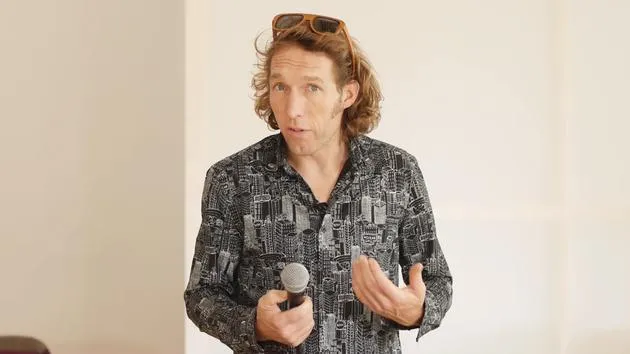
Mark Burnett est un Ableton Certified Trainer qui travaille avec les produits Ableton depuis plus de 14 ans. En tant que producteur et DJ chez Funk'n Deep Records, ses morceaux ont été joués dans de grands festivals ainsi que dans les sets et podcasts d'artistes comme Carl Cox et Richie Hawtin, et il s'est produit devant des foules de plusieurs milliers de personnes. Il organise également des événements de grande envergure comme le Workhouse Project, et a étudié à l'Imperial College London. Son cours porte sur l'utilisation d'Ableton Live pour construire des performances en direct, et convient aux producteurs et interprètes de musique électronique qui souhaitent faire passer leur spectacle du studio à la scène.







