



Playlists et enregistrement en boucle
Avec
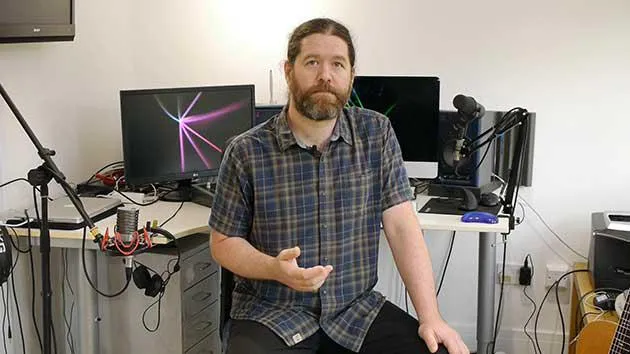
Ciaran RobinsonCiaran Robinson montre comment les playlists te permettent d'enregistrer plusieurs prises d'une partie sur une seule piste, afin de continuer à essayer sans perdre les versions précédentes ni faire d'éditions risquées.
Le contenu du cours
31 leçons (2h 41min) · 1 gratuites
01. Aperçu de la section 1
0:25
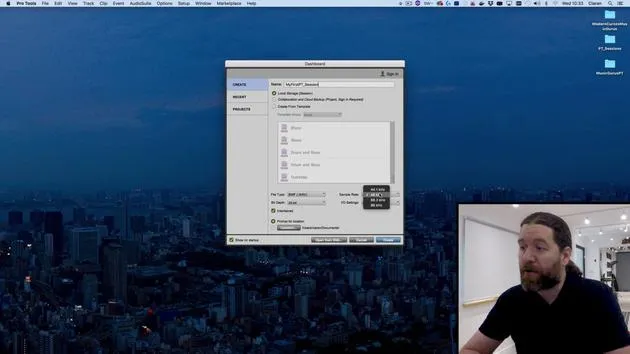
02. Ouvrir une session Pro Tools et réglages
Leçon gratuite4:37
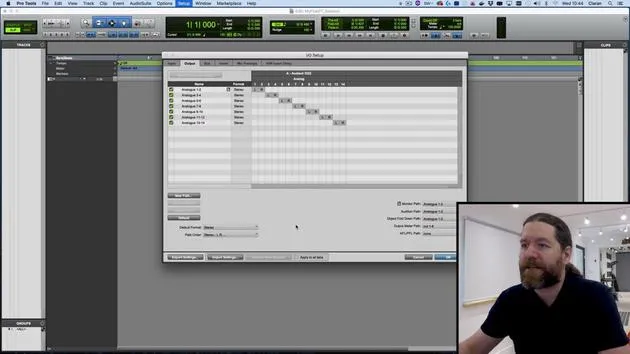
03. Configuration des E/S et interface audio
8:12
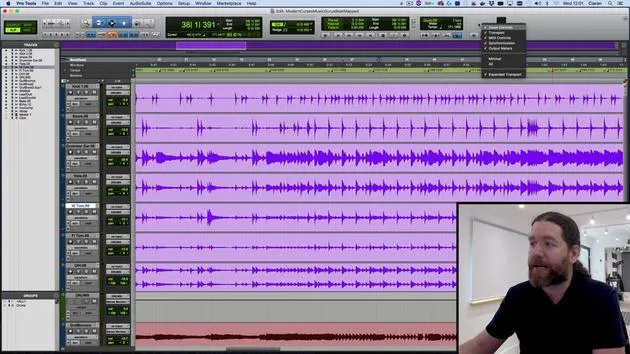
04. Aperçu de la fenêtre d'édition
9:35
05. Zoom et hauteur des pistes
11:00
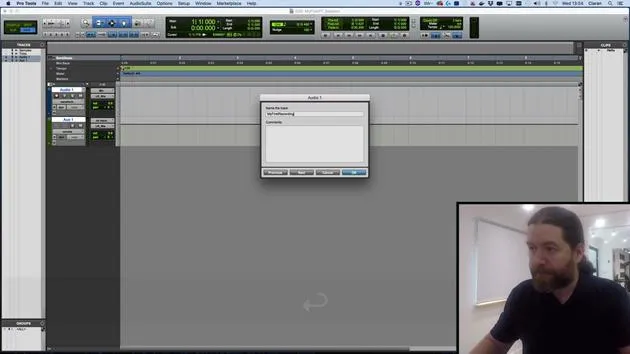
06. Types de pistes et création de pistes
9:47
07. Configurer une piste de clic
5:11
08. Réaliser ton premier enregistrement
4:01
09. Configuration d'enregistrement
6:11
10. Punch in & punch out
9:10
11. Playlists et enregistrement en boucle
Tu es ici4:28
12. Enregistrer et sauvegarder ton travail
5:04
13. CHALLENGE #1 : RÉALISE TON PREMIER ENREGISTREMENT
0:27
01. Vue d'ensemble de la section 3
0:24
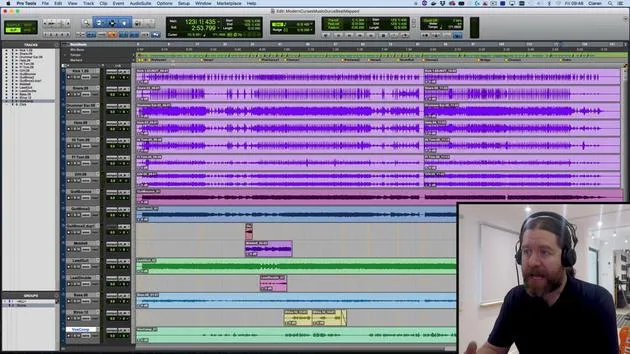
02. La fenêtre de mixage
6:17
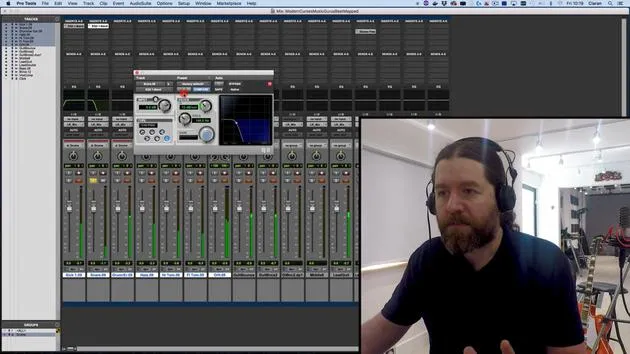
03. Commencer ton mixage : nettoyer le bas du spectre
5:17
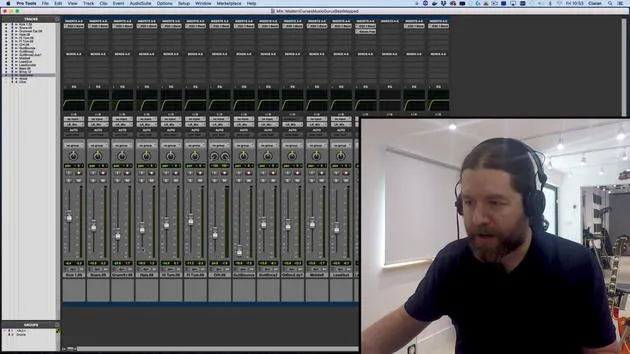
04. Démarrer ton mix : équilibrage des niveaux
8:51
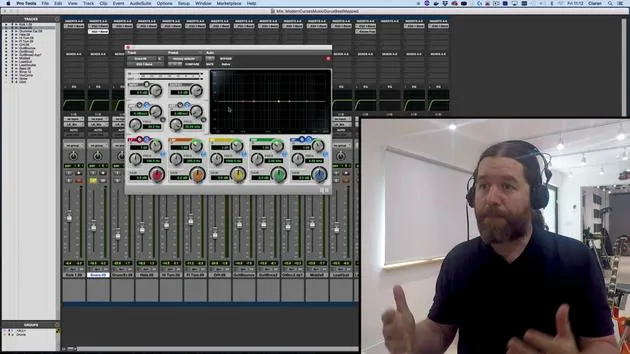
05. EQ soustractif
6:53
06. Traitement de la dynamique
9:46
07. Routage AUX
6:41
08. Le bouncing
4:58
09. Félicitations, mais ce n'est que le début !
0:23
Transcription de la leçon
Understanding Playlists in Pro Tools
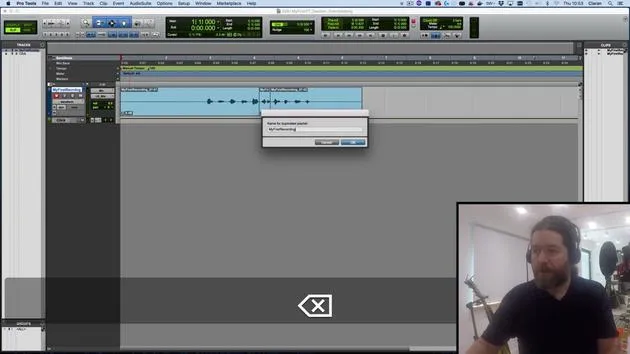
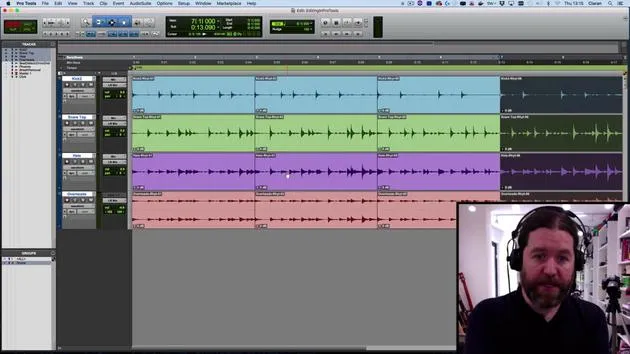
In this video, we're going to take a look at playlists. These are alternative versions of tracks, allowing you to capture multiple attempts at a performance without losing the earlier versions.
Creating a New Playlist
- Let's say I want to redo the numbers 1 to 10. I still haven't quite got the hang of it.
- Instead of overwriting the existing track, I'll click on the little triangle next to the track name and select New.
- I'm happy with the name; it just adds a number at the end of it.
Recording New Takes
- I will arm my track and hit Record:
- "1, 2, 3, 4, 5, 6, 7, 8, 9, 10."
- Great! If I prefer the previous version, not a problem. I can simply click and go back.
Benefits of Playlists
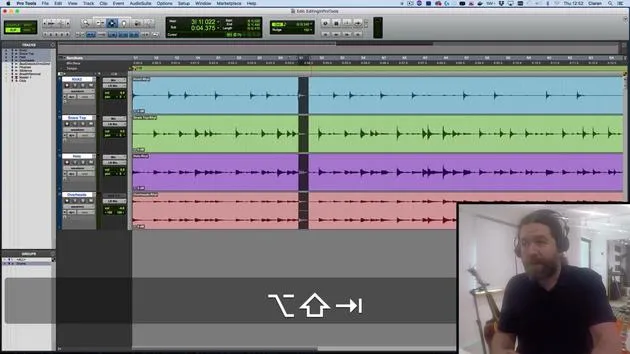
Playlists can also be useful when you're doing some editing and are not 100% sure the changes will be successful.
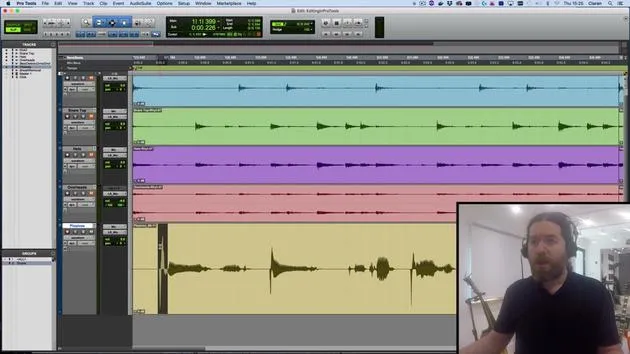
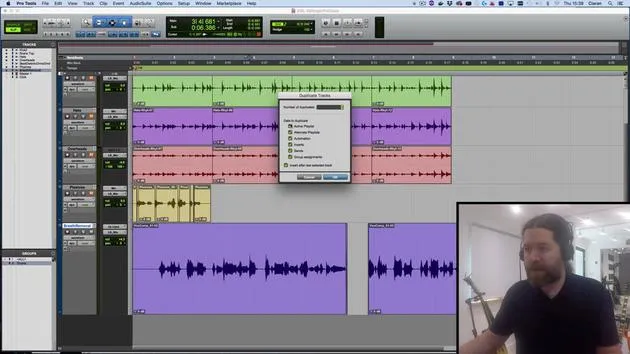
- Instead of relying on the "undo" function, which has a limited capacity in Pro Tools 64, I can back things up as a duplicate playlist.
- To do this, I click here and choose Duplicate from the top menu, adding the word "edit" to the end of that.
Making Edits
Now, I can go through and make some changes:
- Let's say I just want to trim this to here.
- There's my new version.
- If I want to go back to the unedited version, it's still available in the original playlist.
Playlists are really handy for this type of work.
Loop Recording
We can also use playlists for loop recording.
- This is where, rather than stopping and starting every single time, we create one continuous loop.
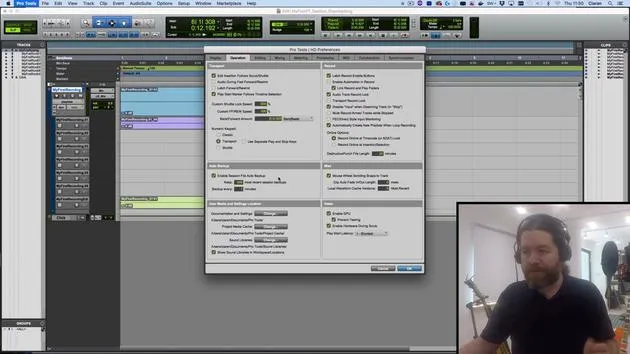
Before we continue, let's check the Pro Tools preferences:
- Navigate to the Operation tab.
- Ensure it is set to automatically create new playlists when loop recording.
Setting Up Loop Recording
- I'll make a selection and turn on Loop Record.
- You might have spotted earlier that we can right-click here; it's also accessible by hitting the 5 button on the numeric keypad.
Recording the Loop
When I hit record:
- "1, 2, 3, 4. 1, 2, 3, 4. 1, 2, 3, 4. 1, 2, 3, 4."
- I'll stop it before it gets halfway.
- This discards the very last started loop. If I went more than halfway, I would get up to that point.
What this does is create one continuous recording.
Listening to the Recording
Let's have a listen to this:
- "1, 2, 3, 4. 1, 2, 3, 4..."
- I can undo that by pressing Z since I have Edit Key Focus turned on.
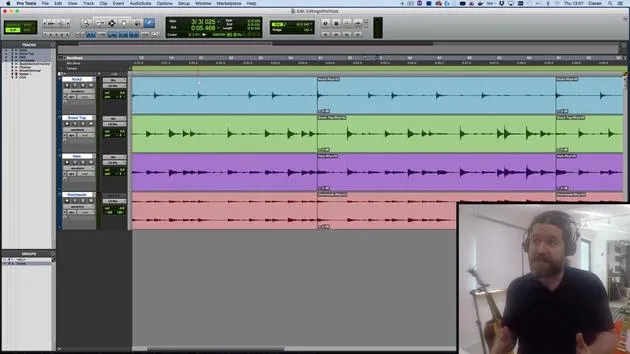
Each of those loop cycles goes into separate playlists. I can access them similarly to before.
Viewing Playlists
- But a neater option is to change from Waveform View to Playlist View.
- Now we can see all of the different playlists we've created:
- The edit version
- The second version
- The original (with this part replaced)
- All the loops
What's Next?
In the next session, we'll look at comping. This means taking all the good bits from these playlists and creating one version that contains all the best moments.
Remember: Playlists are incredibly useful! If you have a musician who needs multiple attempts to get things right, you can later pick and choose the best parts.
31 leçons
2h 41m de leçons vidéo structurées
Fonctions vidéo avancées
Ralentissez, bouclez un passage, suivez la partition
Mobile, tablette et ordinateur
Pratiquez où vous voulez
Satisfaction garantie à 100 %
Garantie remboursement 30 jours
Rencontrez votre guru
Rencontrez votre guru
Ciarán Robinson est un ingénieur du son fort de plus de 25 ans d'expérience dans l'ingénierie live, le mixage, l'enregistrement, la conception de studios et le son pour le cinéma, la télévision et les jeux vidéo. Il dirige actuellement le master Music Producer de Tileyard Education à Londres et a enseigné dans des écoles de musique contemporaine telles que BIMM, SSR et SAE.
Il enseigne la production audio depuis plus de 20 ans et a conçu des cours sur Pro Tools, le son pour jeux vidéo, l'ingénierie de studio et la postproduction ; certains de ses anciens élèves travaillent aujourd'hui avec des artistes comme Coldplay et Biffy Clyro.







