



Réaliser ton premier enregistrement
Avec
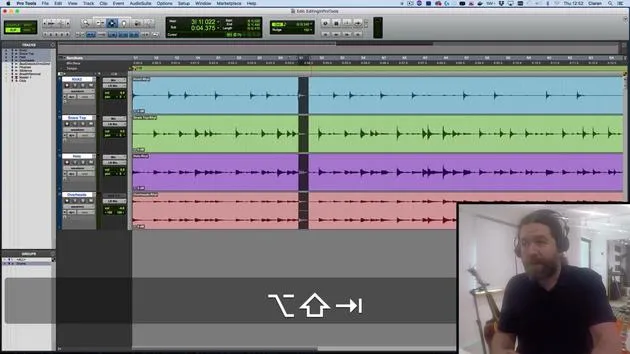
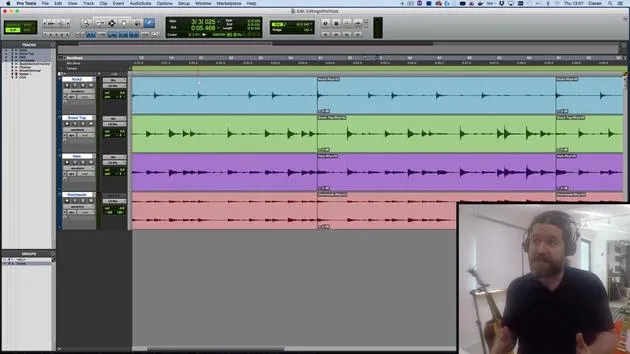
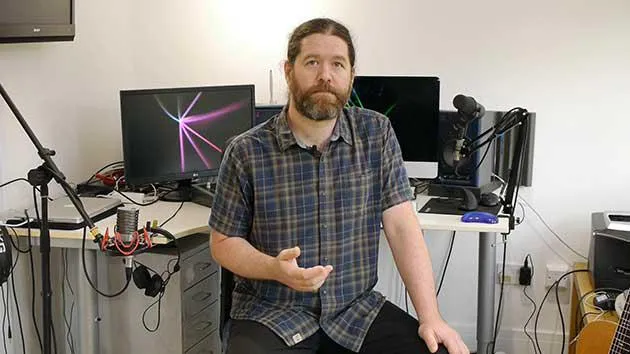
Ciaran RobinsonCiaran Robinson vérifie les réglages essentiels de Pro Tools – sélection de l'entrée, tempo et monitoring – pour que tout soit prêt pour ton premier enregistrement.
Le contenu du cours
31 leçons (2h 41min) · 1 gratuites
01. Aperçu de la section 1
0:25
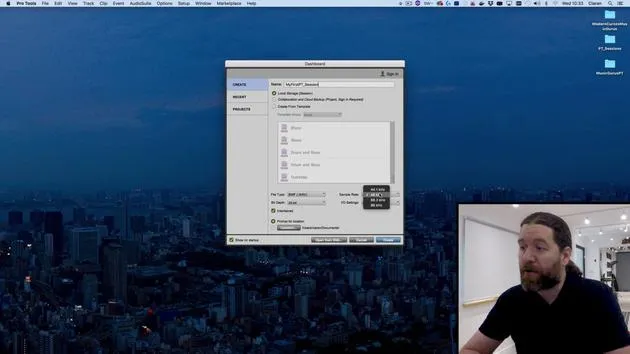
02. Ouvrir une session Pro Tools et réglages
Leçon gratuite4:37
03. Configuration des E/S et interface audio
8:12
04. Aperçu de la fenêtre d'édition
9:35
05. Zoom et hauteur des pistes
11:00
06. Types de pistes et création de pistes
9:47
07. Configurer une piste de clic
5:11
08. Réaliser ton premier enregistrement
Tu es ici4:01
09. Configuration d'enregistrement
6:11
10. Punch in & punch out
9:10
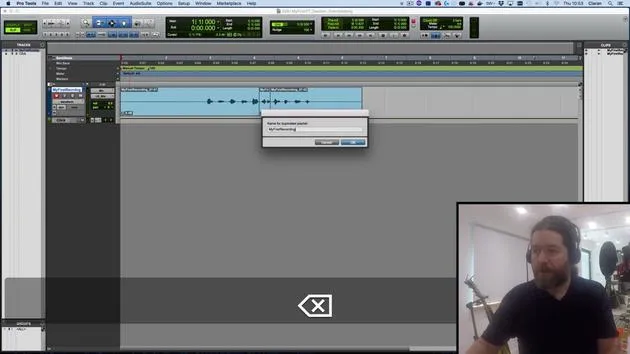
11. Playlists et enregistrement en boucle
4:28
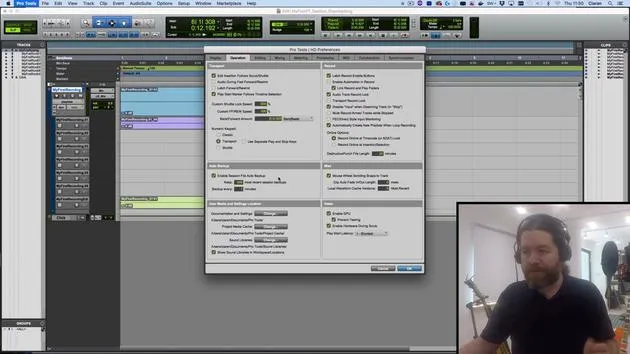
12. Enregistrer et sauvegarder ton travail
5:04
13. CHALLENGE #1 : RÉALISE TON PREMIER ENREGISTREMENT
0:27
01. Vue d'ensemble de la section 3
0:24
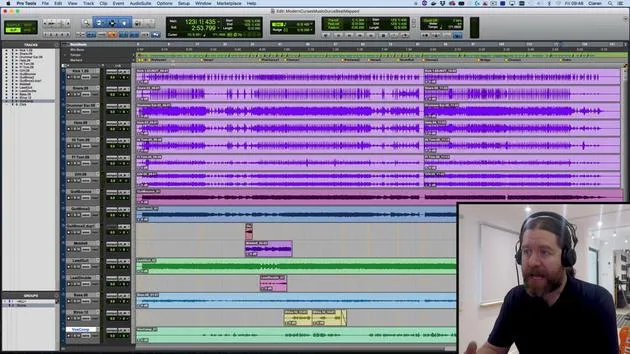
02. La fenêtre de mixage
6:17
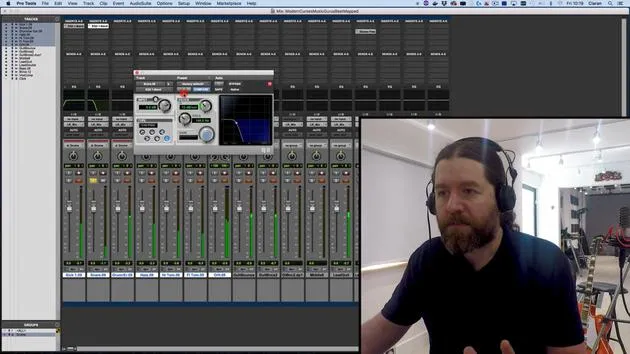
03. Commencer ton mixage : nettoyer le bas du spectre
5:17
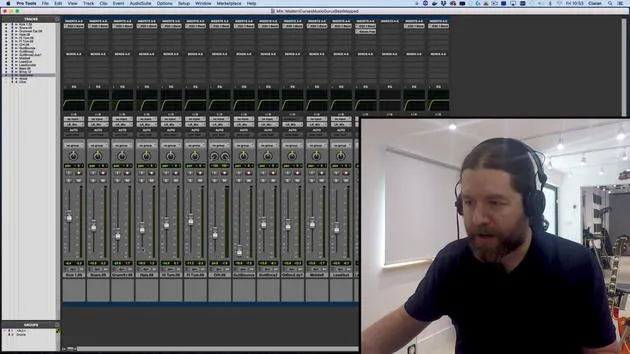
04. Démarrer ton mix : équilibrage des niveaux
8:51
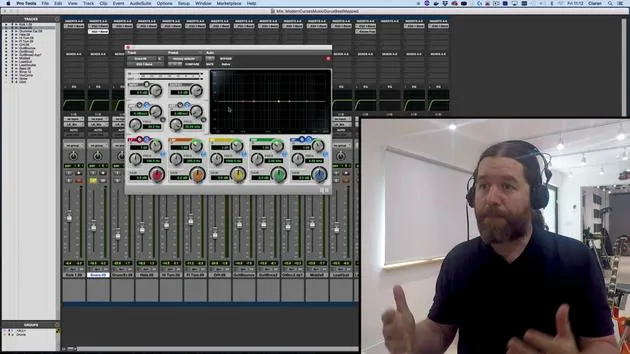
05. EQ soustractif
6:53
06. Traitement de la dynamique
9:46
07. Routage AUX
6:41
08. Le bouncing
4:58
09. Félicitations, mais ce n'est que le début !
0:23
Transcription de la leçon
Pro Tools Setup and Recording Process
Okay, so Pro Tools is mostly configured and ready to go. Let's just check a few things before we actually hit record.
Input Configuration
First of all, is our input set selected correctly?
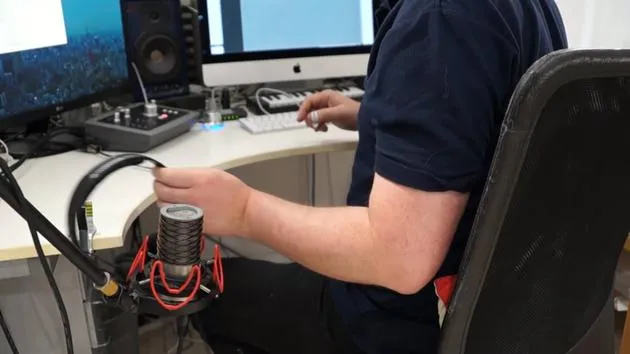
- My microphone is plugged into input one of my interface.
- We named that mic, if you remember earlier.
- That's what we've got selected for the input of the track.
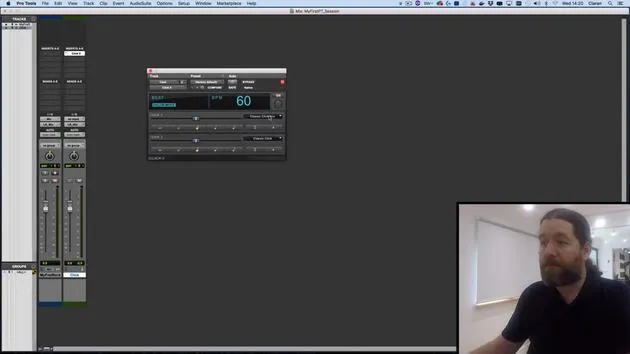
Fantastic! My tempo is 92 bpm. I'm probably going to tweak that, but we'll see when we get there.
Switching to Headphones
Before I go any further, I'm going to cut my speakers and switch over to headphones.
The reason for this is to avoid feedback. Feedback occurs when sound gets picked up by the microphone, then fed to the speakers, back into the microphone, and so on. Every time this happens, it reinforces and causes a sort of squealing, screaming noise. It's kind of unpleasant. I'm sure you've heard it before, and we want to avoid that.
So, speakers and headphones are the easiest way to manage this.
- That's all good. That's all ready.
- Now, I can hit my input monitor. This is the button that will go green just here.
Understanding Input Monitor
Input monitor is useful when setting levels.
- If I chose record arm, as soon as I hit play, I wouldn't hear my guitar anymore; I'd hear what was previously recorded on the track, which is nothing.
- This means it can be very difficult to ensure my click track is set right.
Input monitor sets it to essentially become like an auxiliary track. It's a throughput track. If I send signals into Pro Tools, they come straight back regardless of the transport mode.
It's about the only time you ever use this. Once your headphone levels are good, turn this off, and go to record.
Setting Levels
Ready?
Okay, let me grab my guitar, put on my headphones, and let's set some levels.
- A little low? I'm going to turn this up.
- The general aim is just to get as high as possible without going red.
That's cool. I'll show you what happens if I turn it all the way up.
- You get distortion, and there's a red clip indication coming in at the top of the meter.
- I can click on this to remove it, or there's a shortcut: Option + C, which will do the same thing.
Maybe a touch higher. That should do nicely.
Adjusting Tempo
Okay, let's see how well that works with the tempo.
- Maybe a little faster.
- Let's play along and see what happens.
Yeah, a touch too slow. Let's knock that up to about 130 bpm. Nice!
Recording Process
So, it's probably going to take a few takes to get this right.
- Let's turn off input monitor on the track.
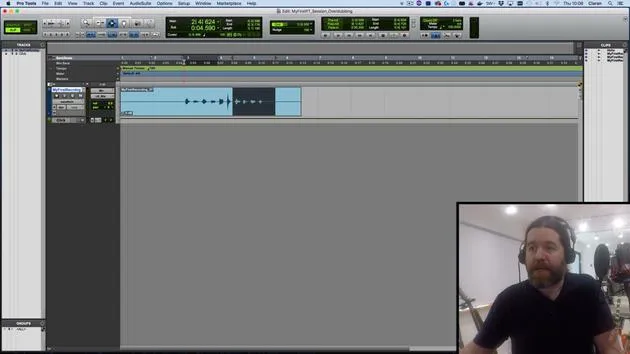
- Hit the beginning, hit record, and I'll just keep playing until I get something that works.
A few mistakes along the way, but that's what we've got undo for.
And, as we'll see in the next video, it's what we've got playlists for.
31 leçons
2h 41m de leçons vidéo structurées
Fonctions vidéo avancées
Ralentissez, bouclez un passage, suivez la partition
Mobile, tablette et ordinateur
Pratiquez où vous voulez
Satisfaction garantie à 100 %
Garantie remboursement 30 jours
Rencontrez votre guru
Rencontrez votre guru
Ciarán Robinson est un ingénieur du son fort de plus de 25 ans d'expérience dans l'ingénierie live, le mixage, l'enregistrement, la conception de studios et le son pour le cinéma, la télévision et les jeux vidéo. Il dirige actuellement le master Music Producer de Tileyard Education à Londres et a enseigné dans des écoles de musique contemporaine telles que BIMM, SSR et SAE.
Il enseigne la production audio depuis plus de 20 ans et a conçu des cours sur Pro Tools, le son pour jeux vidéo, l'ingénierie de studio et la postproduction ; certains de ses anciens élèves travaillent aujourd'hui avec des artistes comme Coldplay et Biffy Clyro.







