



Ouvrir une session Pro Tools et réglages
Avec
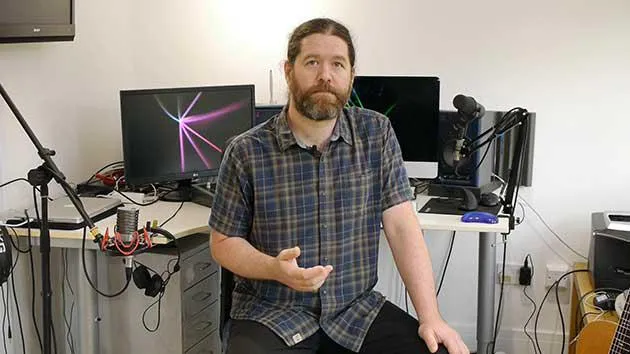
Ciaran Robinson
Le contenu du cours
31 leçons (2h 41min) · 1 gratuites
01. Aperçu de la section 1
0:25
02. Ouvrir une session Pro Tools et réglages
Tu es ici4:37
03. Configuration des E/S et interface audio
8:12
04. Aperçu de la fenêtre d'édition
9:35
05. Zoom et hauteur des pistes
11:00
06. Types de pistes et création de pistes
9:47
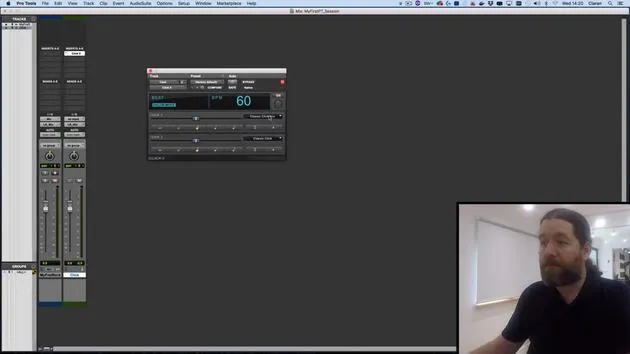
07. Configurer une piste de clic
5:11
08. Réaliser ton premier enregistrement
4:01
09. Configuration d'enregistrement
6:11
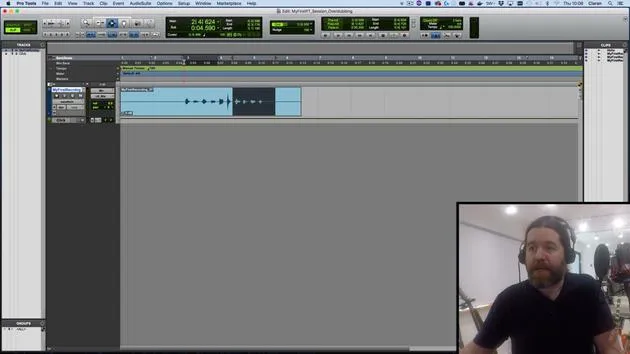
10. Punch in & punch out
9:10
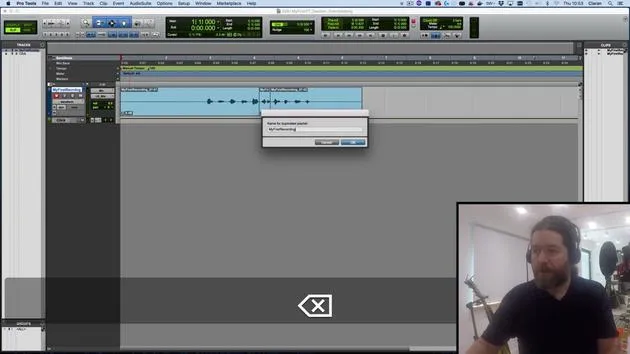
11. Playlists et enregistrement en boucle
4:28
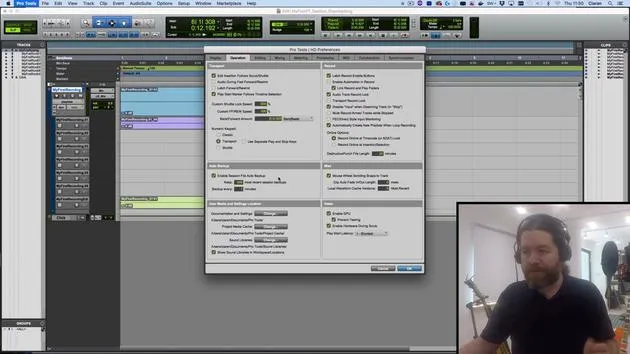
12. Enregistrer et sauvegarder ton travail
5:04
13. CHALLENGE #1 : RÉALISE TON PREMIER ENREGISTREMENT
0:27
01. Vue d'ensemble de la section 3
0:24
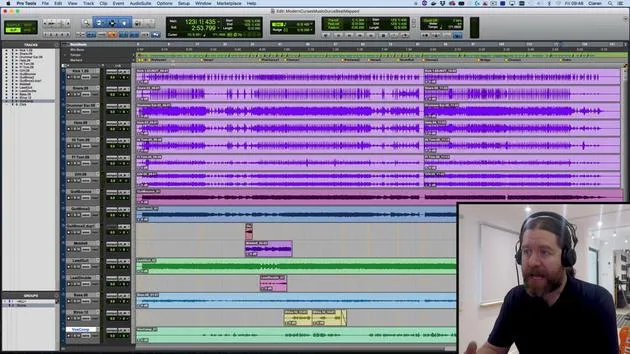
02. La fenêtre de mixage
6:17
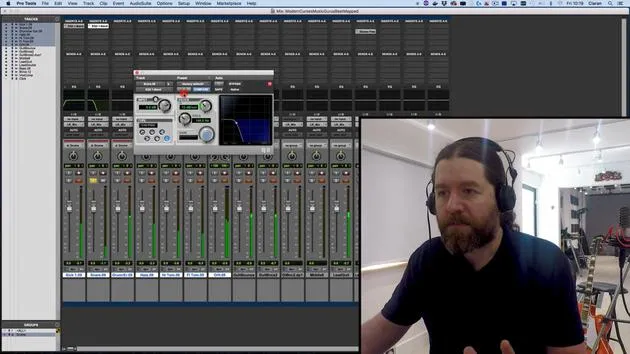
03. Commencer ton mixage : nettoyer le bas du spectre
5:17
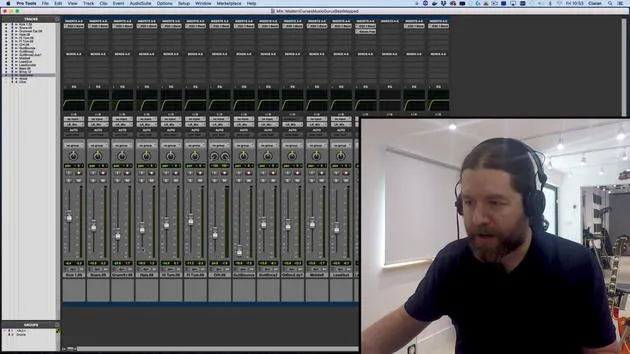
04. Démarrer ton mix : équilibrage des niveaux
8:51
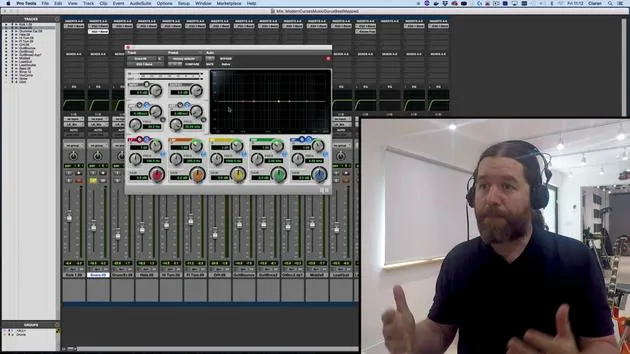
05. EQ soustractif
6:53
06. Traitement de la dynamique
9:46
07. Routage AUX
6:41
08. Le bouncing
4:58
09. Félicitations, mais ce n'est que le début !
0:23
Transcription de la leçon
Opening Pro Tools
So let's start by opening up Pro Tools.
I'll find it down here in my dock and give it a minute to boot up. This will take a while; it depends on the speed of your computer and how many plugins you've got installed. It'll scan through them all before it actually opens up.
Dashboard Overview
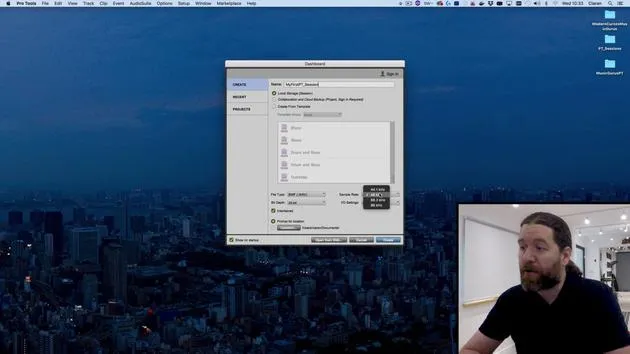
This takes us straight to the dashboard.
Here, you can:
- Create a new Pro Tools session
- Open up a recent session
- Access a project
What is a Project?
Project is what Avid refers to for its online backed-up system.
You can keep everything on the cloud, collaborate with other people at the same time, and that's actually what the sign-in option up at the top right is for as well. We're not going to be covering that in this course, maybe in a follow-up course, because you'd need to have an Avid account and pay for the storage space.
You get a certain amount for free when you actually buy Pro Tools, but it's not really enough to do that much. So, I'll keep it set to local storage.
Creating a New Session
I'll give this a name: my first ptsession.
You can see we have an option of creating from a template. This gives us a number of preset tracks and even some sequences thrown in there for good measure. They can be useful, I guess. If you're first exploring Pro Tools for yourself, then go ahead and have a closer look.
However, if you really want to understand what's going on, you're going to be better off doing everything manually.
File Type Options
We have two file types available to us:
- BWF: This is just a fancy version of WAV files, known as Broadcast WAV file.
- AIFF
Honestly, here's a simple rule: Use WAV or BWF whenever possible because everything can deal with these files. You're never going to have any compatibility issues.
Sample Rate
The sample rate is set here to 48 kHz.
This is what I tend to use. You can see my current audio interface allows me to go up to 96 kHz, but to tell you the truth, there's very rarely a reason to actually bother with this. It just takes up twice as much processing power.
44.1 kHz used to be a common standard, as it was the sample rate used by CDs. However, these days, CD is rarely the final delivery media. You're going to be dealing with videos and MP3s.
Particularly with video in mind, it's why I use 48 kHz because that is the standard video sample rate, ensuring compatibility.
So, stick to 48 kHz, 24-bit WAV file.
IO Settings
The other settings on here are unique to Pro Tools.
We'll have a look at this in just a moment, but I'm going to put this to Stereo Mix, which is the default and will do the job for us. We will be tweaking this to match the exact audio interface and everything I've got connected.
Important Settings
There's a tick box here for interleaved as well.
Make sure this is ticked; otherwise, when you bounce down files, you end up with a left file and a right file rather than one stereo file, which can be a little annoying at times. There's not really any occasion you're going to come across where you want them deinterleaved, so leave that ticked on.
I'll also leave prompt for location selected so I can tell Pro Tools where I want to save my project.
Sorry, not project, a session. As we said earlier, a project is the cloud-based name. It's a small distinction, but one that's important to get right.
Creating the Session
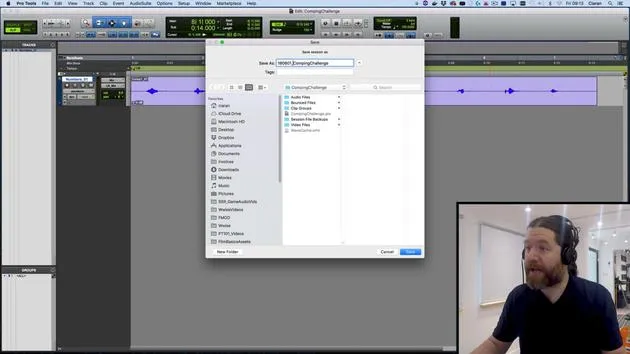
I'll hit Create, and I'll navigate to where I want to save this now. We'll talk about where you should save sessions a little later on.
I'm saving this right now on my desktop. It's not actually the ideal place to keep things, but we'll come to this in a later video. It's just kind of convenient while I'm quickly throwing these videos together.
So, hit save, and Pro Tools creates a new session.
Final Tweaks
Just a little tweak to make here.
You can see this is set up for almost laptop size. I'm going to hold the option key and click on the green dot up in the top left.
What this does is fill the screen without going into full-screen mode, so I can still access my top bar.
Conclusion
That should pretty much get you started with Pro Tools.
So yeah, follow the same steps and meet me in the next video!
31 leçons
2h 41m de leçons vidéo structurées
Fonctions vidéo avancées
Ralentissez, bouclez un passage, suivez la partition
Mobile, tablette et ordinateur
Pratiquez où vous voulez
Satisfaction garantie à 100 %
Garantie remboursement 30 jours
Rencontrez votre guru
Rencontrez votre guru
Ciarán Robinson est un ingénieur du son fort de plus de 25 ans d'expérience dans l'ingénierie live, le mixage, l'enregistrement, la conception de studios et le son pour le cinéma, la télévision et les jeux vidéo. Il dirige actuellement le master Music Producer de Tileyard Education à Londres et a enseigné dans des écoles de musique contemporaine telles que BIMM, SSR et SAE.
Il enseigne la production audio depuis plus de 20 ans et a conçu des cours sur Pro Tools, le son pour jeux vidéo, l'ingénierie de studio et la postproduction ; certains de ses anciens élèves travaillent aujourd'hui avec des artistes comme Coldplay et Biffy Clyro.







