



Routage AUX

Avec
Ciaran RobinsonCiaran Robinson explique le routage aux dans Pro Tools et configure la réverbération sur un départ (send) plutôt qu'un insert pour économiser de la puissance de traitement.
Le contenu du cours
31 leçons (2h 41min) · 1 gratuites
01. Aperçu de la section 1
0:25
02. Ouvrir une session Pro Tools et réglages
Leçon gratuite4:37
03. Configuration des E/S et interface audio
8:12
04. Aperçu de la fenêtre d'édition
9:35
05. Zoom et hauteur des pistes
11:00
06. Types de pistes et création de pistes
9:47
07. Configurer une piste de clic
5:11
08. Réaliser ton premier enregistrement
4:01
09. Configuration d'enregistrement
6:11
10. Punch in & punch out
9:10
11. Playlists et enregistrement en boucle
4:28
12. Enregistrer et sauvegarder ton travail
5:04
13. CHALLENGE #1 : RÉALISE TON PREMIER ENREGISTREMENT
0:27
01. Vue d'ensemble de la section 3
0:24
02. La fenêtre de mixage
6:17
03. Commencer ton mixage : nettoyer le bas du spectre
5:17
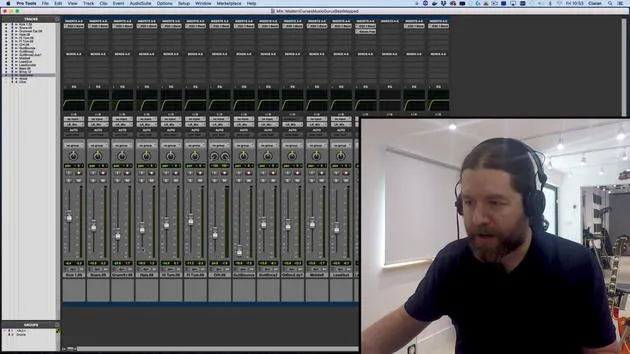
04. Démarrer ton mix : équilibrage des niveaux
8:51
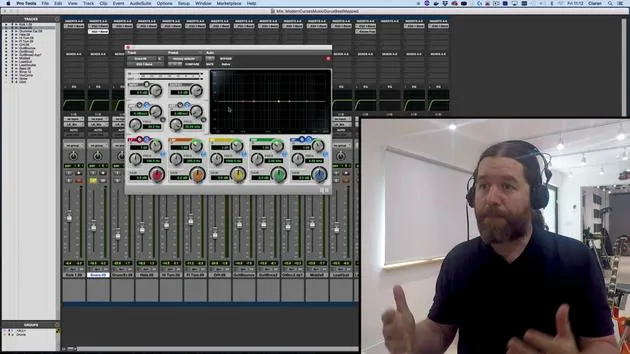
05. EQ soustractif
6:53
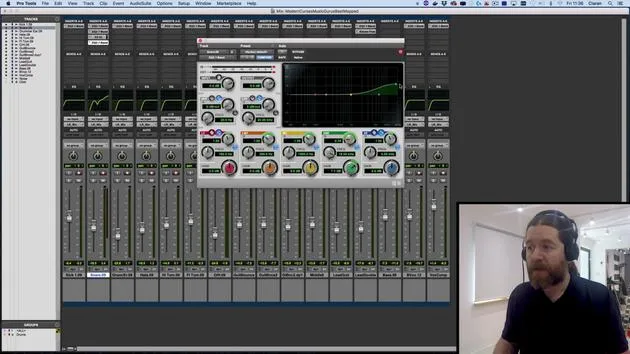
06. Traitement de la dynamique
9:46
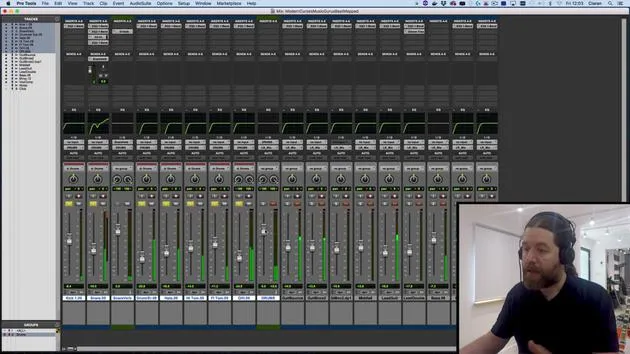
07. Routage AUX
Tu es ici6:41
08. Le bouncing
4:58
09. Félicitations, mais ce n'est que le début !
0:23
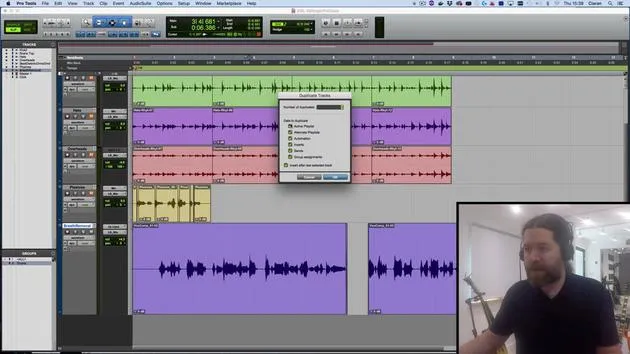
Transcription de la leçon
Music Production Lesson: Routing and Reverb
Introduction
Okay, so I'm fairly happy with the way that's sounding. Let's see what it was like before we did anything.
Useful Shortcuts
- Bypass Plugins: Hold
Shift + Ato bypass all plugins on the selected track. - EQ:
Shift + E - Dynamics Processing (Compressors and Gates):
Shift + C - Reverbs:
Shift + V - Modulation Effects:
Shift + W(or think of it as an upside down "M" sinceShift + Mis a shortcut for mute).
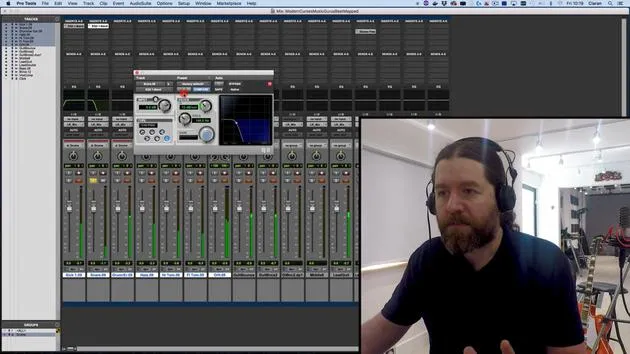
Setting Up Reverb
In this video, we're going to start looking at different types of routing.
-
Adding Reverb
- I could put my reverb simply on insert for the snare. However:
- Inefficiency: Reverb is processor-intensive, so we need to reduce the number of reverb plugins to get the most out of your computer.
- Human Perception: The brain interprets a lot of information from reverb, telling us about the size, shape, and materials in a room. Too many reverbs overloads the brain.
- I could put my reverb simply on insert for the snare. However:
-
Using an Auxiliary Track
- To keep things efficient and realistic, I'm going to set up an auxiliary track. This track will receive copies of signals, and the reverb can be applied there.
- This method allows us to EQ the reverb without affecting the original track.
Step-by-Step: Setting Up an Auxiliary Track
-
Click and select Send to New Track.
- It's already set to a stereo auxiliary track.
- Name it Snare Verb and press enter.
-
Adjusting the Send Level:
- The flowing fader sends a copy of the signal to this track.
- To control the send levels easier, hold the Command key and click on the triangle icon (not the text). This changes the view to the fade send view.
-
Adding Reverb:
- Turn up the fader and select reverb (stick to stock plugins, I'll use DVerb).
- Set it to Plate (the DVerb plate is okay).
Soloing Tracks
When I soloed the snare, we couldn't hear the reverb because soloing mutes all other tracks, including the auxiliary track.
- To make the track solo-safe:
- Hold the Command key and click.
Sending Signals to Reverb
- If I want to send other signals to the same reverb, go to one of the sends and choose Send to Track Snare Verb.
Understanding Auxiliary Routing
Auxiliary routing is primarily for:
- Reverbs
- Delays
- Not all modulation effects (since they rely a lot on the wet/dry mix).
Submixing
Related to auxiliary routing is submixing. This allows us to take multiple signals and route them all through one destination.
- Select all the tracks you want to include in the submix (hold the Shift key, click).
- Change the output:
- Hold
Option + Shiftfor the option to route all selected tracks to a new track. - Name it DRUMS (I always name submixes in uppercase for clarity).
- Hold
Controlling the Drum Group
If I turn on the drum group, I can hear all the drums going through the auxiliary track. However, we need to make auxiliaires solo-safe again.
Summary
- Submixing and Auxiliary Routing: Fairly straightforward.
- Both methods send signals to a bus, setting up an auxiliary track, feeding the auxiliary track by that bus, and naming both tracks and buses the same.
The auxiliary track is called Drums and receives from a bus called Drums. Similarly, the send is to a bus called Snare Verb, which is picked up by the auxiliary track named Snare Verb and sent to the mix.
While you could do all of this manually, this method is much neater. For now, this is the recommended approach.
Conclusion
Okay, see you at the next video!
31 leçons
2h 41m de leçons vidéo structurées
Fonctions vidéo avancées
Ralentissez, bouclez un passage, suivez la partition
Mobile, tablette et ordinateur
Pratiquez où vous voulez
Satisfaction garantie à 100 %
Garantie remboursement 30 jours
Rencontrez votre guru
Rencontrez votre guru
Ciarán Robinson est un ingénieur du son fort de plus de 25 ans d'expérience dans l'ingénierie live, le mixage, l'enregistrement, la conception de studios et le son pour le cinéma, la télévision et les jeux vidéo. Il dirige actuellement le master Music Producer de Tileyard Education à Londres et a enseigné dans des écoles de musique contemporaine telles que BIMM, SSR et SAE.
Il enseigne la production audio depuis plus de 20 ans et a conçu des cours sur Pro Tools, le son pour jeux vidéo, l'ingénierie de studio et la postproduction ; certains de ses anciens élèves travaillent aujourd'hui avec des artistes comme Coldplay et Biffy Clyro.







