



Randomiser le MIDI avec des effets

Avec
Isaac CotecIsaac Cotec utilise les effets MIDI d'Ableton pour randomiser et générer des mélodies à partir d'une seule note. N'oublie pas de télécharger le Live set d'exemple joint à cette leçon.
Le contenu du cours
19 leçons (2h 54min) · 1 gratuites
Transcription de la leçon
Generative Music Techniques in Ableton Live
In this video, I'm going to be showing off some techniques around generative music, specifically using MIDI and MIDI instruments.
In Ableton Live, I made a video that provides an overview of what generative music is, just a little introduction. You can check that out on this channel; there will be a link in the description as well. But today, I want to focus on some specific techniques.
Getting Started with MIDI Clips
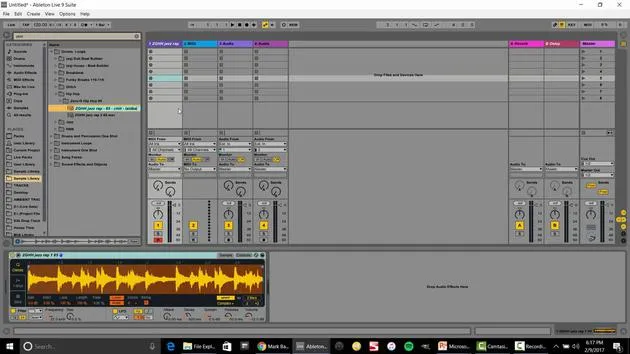
To start, I've got these two clips. If I double-click, we can see this clip in the MIDI editor.
- This is a single note, and I just put it to fold, right?
- Just a single note.
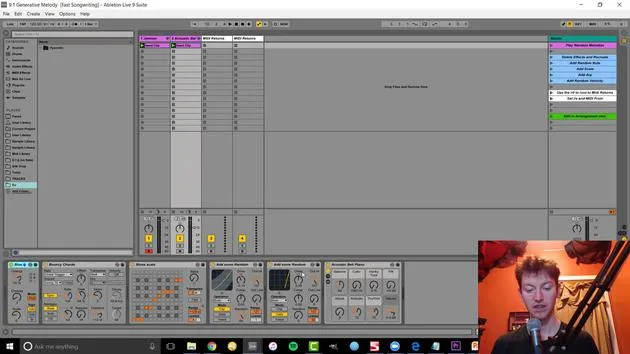
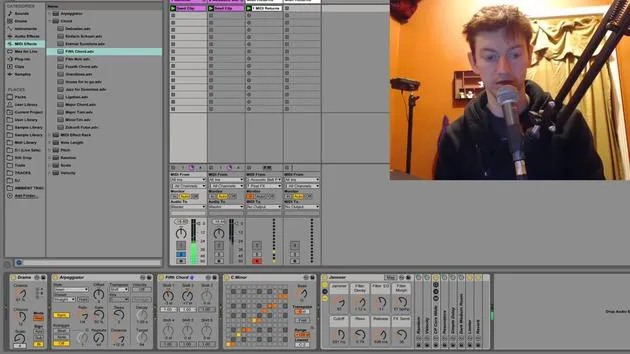
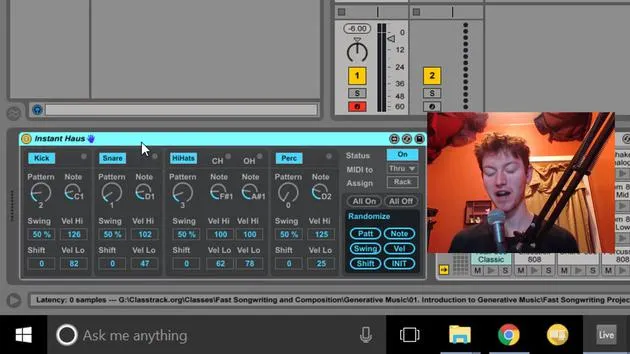
But if I press play on there, we're getting more than just a single note. That's because of my combination of effects that I have right before the instrument. These are all MIDI effects.
- If I play this one, it's more like a melody.
Setting Up MIDI Effects
Let me show how and why I set that up.
-
Delete the Existing Effects
I'm going to delete all these effects so we have just a single note, nothing too complex. -
Add Random Note
The first thing I like to do is go over to my MIDI effects. In here, I'm going to create a random note.- Go to my MIDI effects, then drag in Random.
- This creates a random note with adjustable chances and scale.
-
Configure Scale
After this, I might want to ensure it's in the same scale. So, I'll go to my scales and drag it in. This makes every note played tied to the note passed into this audio effect or instrument.- If I change this, for instance, every note is now that specific note.
- A great thing about presets, like the major scale, is that it maintains the same structure.
-
Choose a Scale
- For instance, I can put it in C minor and switch to G minor.
-
Introduce Arpeggiator
Next up is an arpeggiator. Currently, we're only randomizing that single note, but I might want something more dynamic.- I can also just make it a single note and then come in with an arpeggiator.
- The arpeggiator style defines the movement, up or down, etc.
Fine-Tuning the Sound
Now, let's change the velocity.
-
Velocity Control
The velocity controls how hard we press a note, usually mapped to volume control.- Right now, it stays the same, so it feels repetitive.
- I want to create a morphing, randomized sound.
-
Random Velocity Range
I might adjust my random settings to allow more variation in note dynamics.
- Note Playback Control
I can also adjust my settings, ensuring there are still moments where no notes are played by modifying the velocity.- Setting limits will result in a varied playback.
Recording and Generating Melodies
So, that's how I create melodies.
- One intriguing idea: record to capture the melodies or sounds I generate.
-
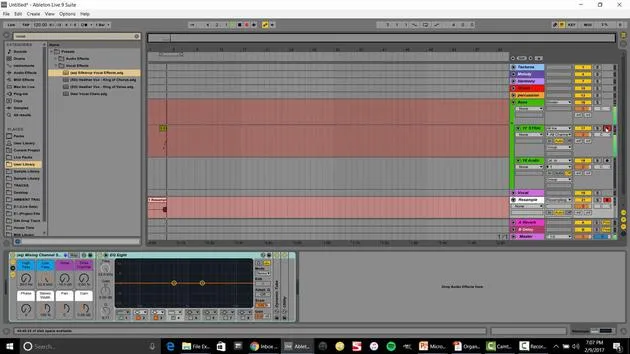
Setting Up MIDI Return
I'll set up a MIDI return. I can say acoustic bells and set it to in. When I press arm, it will record all those notes, allowing me to edit them afterward. -
Editing Notes
Once recorded, I can organize my clips, double them, or delete notes as needed.
Adding More Depth
Now, let's explore how I utilize multiple clips.
- To start, I'll grab these clips and solo them.
- Adjust the scale for a deeper sound and add a lower chord.
- Using Chords
By dragging in a Chord MIDI effect and selecting fifth chords, I can create interesting chordal movements.
Audio Recording Techniques
Currently, we're capturing MIDI, but we could record audio instead.
-
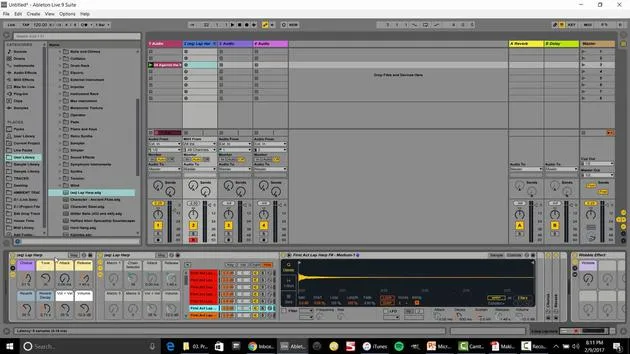
Set Audio Track
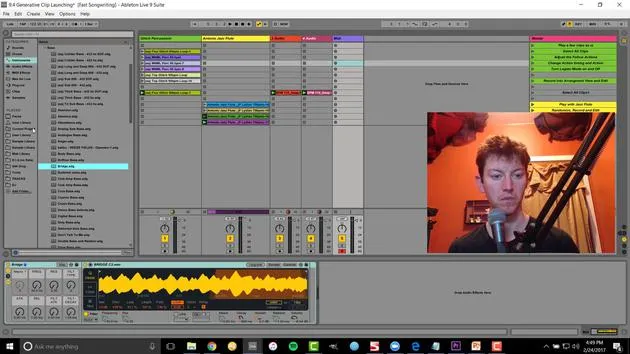
I'll insert an audio track and set this to input from class piano. This way, we're recording audio directly from the MIDI generated sounds. -
Resampling
Setting to audio from resampling means recording everything heard over the main output into this one track.
- I can let this run and pick favorite sounds, allowing creative combinations from varied inputs.
Conclusion
The key takeaway here is that adding randomization requires intentional editing afterward.
- We want an interesting type of random, which can lead to new melodies or textures.
- You can also adjust the bass for further exploration and creative ideas.
Remember: Collaborate with the machine! This method helps overcome writer's block by experimenting until something resonates with you. You might stumble upon a sound you wouldn't have created otherwise.
Additional Resources
That's a peek into using generative music techniques with various MIDI effects in Ableton Live.
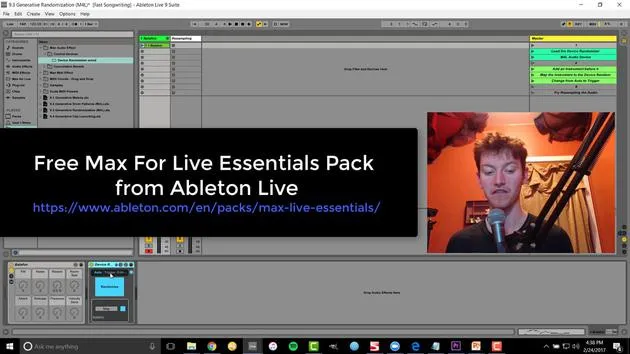
For more insights, check out my Fast Songwriting course and additional videos on Max for Live devices. The course covers:
- File management
- Creating templates
- Building out compositions
Visit subaqueousmusic.com for more information. There will be a link in this video's description. Happy music-making!
19 leçons
2h 54m de leçons vidéo structurées
Fonctions vidéo avancées
Ralentissez, bouclez un passage, suivez la partition
Mobile, tablette et ordinateur
Pratiquez où vous voulez
Satisfaction garantie à 100 %
Garantie remboursement 30 jours
Rencontrez votre guru
Rencontrez votre guru
Isaac Cotec est, sans doute, l'un des meilleurs formateurs Ableton au monde ! Tout en travaillant sur sa propre musique, il a commencé à enseigner les techniques d'enregistrement, le design sonore et Ableton Live à des élèves particuliers et, depuis qu'il a obtenu sa certification d'Ableton Certified Trainer officiel, il a aidé des milliers de producteurs à passer un cap et à réussir comme musiciens.
Isaac a commencé à produire de la musique électronique en 2005 avec Psyche Sonics, un groupe expérimental travaillant sur la science et la recherche des binaural beats et la modification de la conscience par le son. Après avoir tourné, il a continué à écrire de la musique sous l'alias Cotec puis a émergé comme l'artiste Subaqueous, mêlant son passé électronique à des techniques de production à la fois futuristes et organiques. À ce jour, il a sorti 3 albums et 4 EPs.
Isaac est aussi le fondateur et le gérant du label Invibe Music, qui représente certains des meilleurs artistes de musique électronique du Pacific Northwest et se spécialise dans la dance midtempo.
Dans ses cours Ableton Live, Isaac partage les techniques de production, de design sonore et d'écriture qu'il a passé des années à affiner — les compétences mêmes qu'il utilise pour transformer l'étincelle d'une idée en un morceau fini.







